How to Extend MicroSD Card Lifespan in Continuously Recording Indoor Cameras
Use a surveillance-grade microSD card built for constant writing, like those from SanDisk or Samsung, to handle 24/7 recording better. Enable loop recording so older footage auto-deletes and wear spreads evenly. Lower resolution, frame rate, and bit rate to reduce data load and card wear. Adjust motion settings to cut false triggers by up to 60%. Format the card every month to clear fragmentation. These steps boost reliability and lifespan. You’ll find even more ways to optimize performance just ahead.
Notable Insights
- Use surveillance-grade microSD cards built for continuous recording to maximize endurance and reliability.
- Enable loop recording to evenly distribute write cycles and prevent premature card failure.
- Format the card every 3–6 months to reduce fragmentation and reset wear patterns.
- Optimize camera settings by lowering resolution, bit rate, and frame rate to reduce write stress.
- Replace the card every 12–18 months to maintain reliable performance despite maintenance efforts.
Understand Why MicroSD Cards Fail in Security Cameras
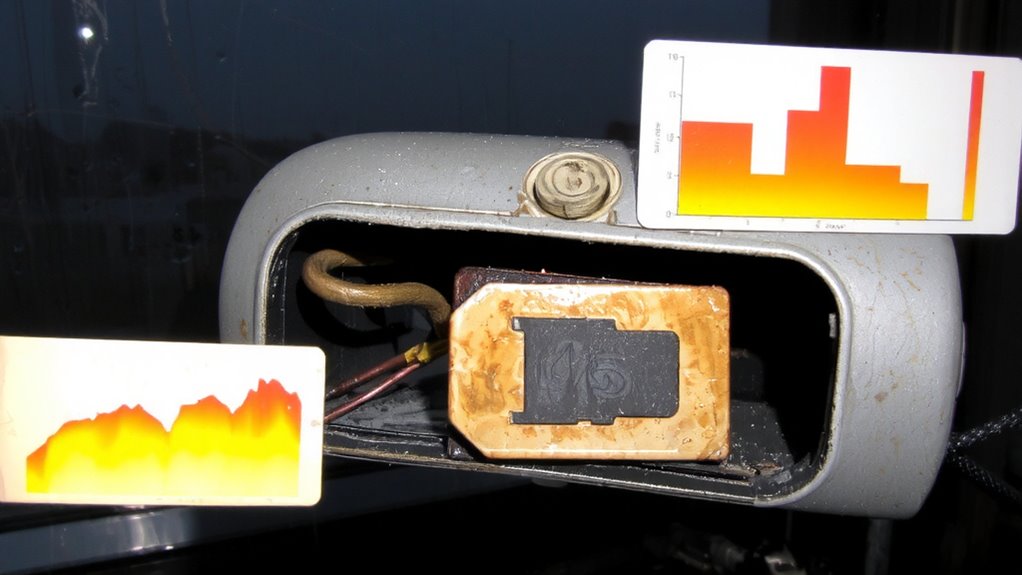
While most indoor security游戏副本 rely on microSD cards for local video storage, these tiny flash drives often fail sooner than expected-not because they’re inherently unreliable, but because constant recording cycles create wear over time. You write and overwrite data every few minutes, which degrades the card’s memory cells. Standard cards aren’t built for this kind of continuous use. To help, always initialize the progress using your camera’s recommended settings. This guarantees proper communication between the device and storage. Format the card regularly-roughly every 3–6 months-to clear fragmented data and reset wear patterns. Monitor your card’s health through your camera’s app, if available, to catch errors early. Cards labeled “endurance” or “surveillance-grade” are designed to handle constant writes and last longer. Though they cost more upfront, they save money over time by reducing failure risk and data loss. For optimal performance, choose a card from the list of best micro SD cards specifically rated for surveillance use.
How Long Do MicroSD Cards Last in 24/7 Recording?
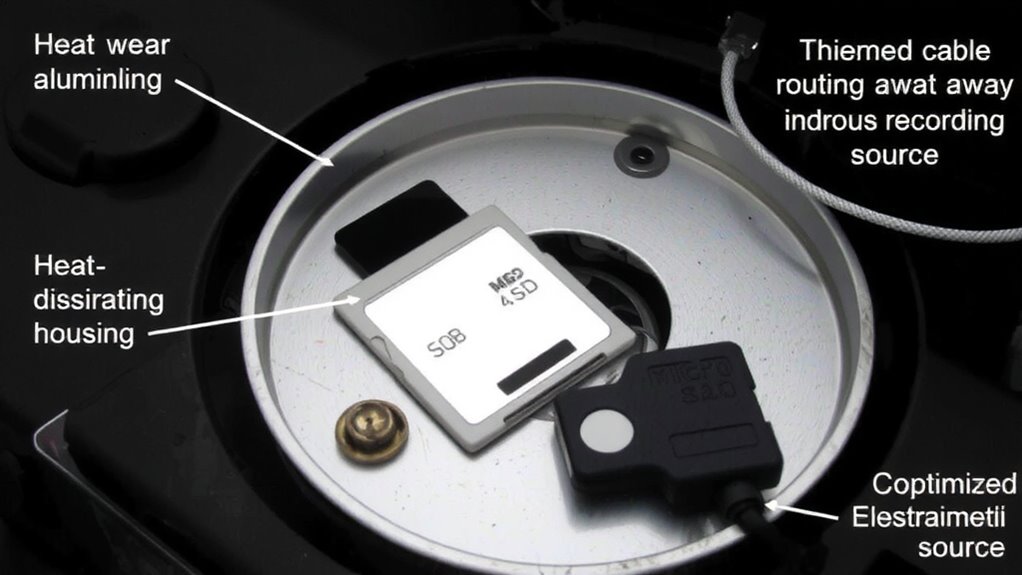
Because indoor security cameras write data continuously, your microSD card’s lifespan depends heavily on how often it records and how well it handles constant write cycles. Most standard cards last anywhere from six months to two years under 24/7 use, but that varies based on quality and design. Cards with wear leveling spread write tasks evenly across memory cells, preventing early failure in high-use areas. Without it, your card could wear out much faster. Read cycles don’t degrade the card as much as writes, but they still contribute to overall use. Lower-quality cards handle fewer total cycles before failing. You’ll want to monitor performance-slow recording or frequent errors signal it’s time to replace the card. Plan to replace it every 12 to 18 months for reliable operation. Choose wisely, but expect ongoing maintenance even with good hardware.
Pick a MicroSD Card Built for Security Camera Use
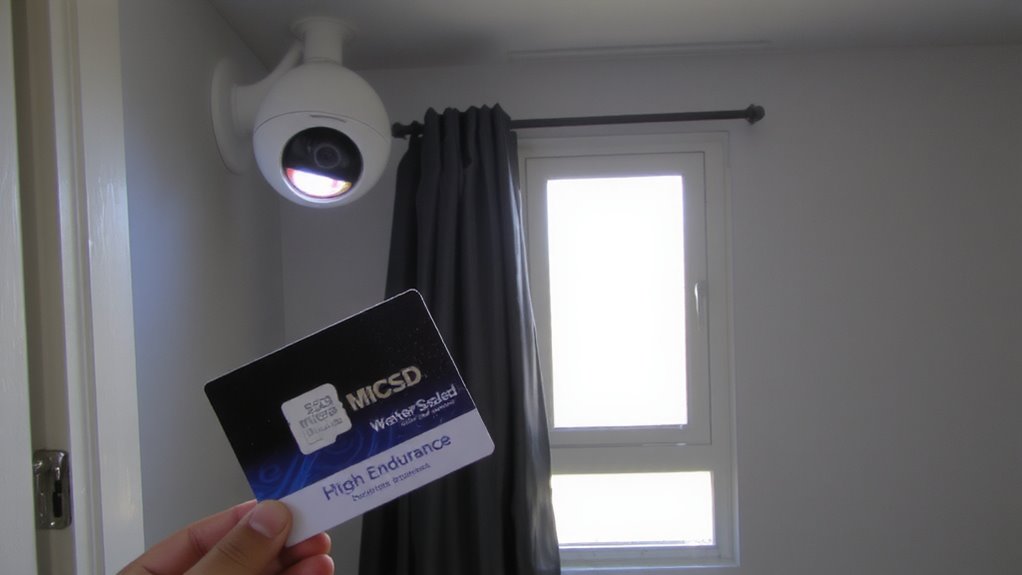
When choosing a microSD card for your indoor security camera, going for one specifically designed for surveillance can make a real difference in performance and longevity. These cards are built to handle constant video recording, unlike standard cards meant for phones or cameras. They offer higher write endurance, meaning they can survive more data writes over time-critical for 24/7 use. Look for cards rated for up to 10,000 hours of continuous recording, as they’re stress-tested for reliability. A solid card warranty, often lasting 3 to 5 years, gives you peace of mind and reflects the manufacturer’s confidence. Brands like SanDisk, Samsung, and Lexar offer surveillance-grade options with better error correction and temperature resistance. While they cost a bit more upfront, their durability reduces long-term replacement costs. Always check compatibility with your camera model before buying.
Enable Loop Recording on Your Security Camera
If your indoor camera supports loop recording, turning it on guarantees older footage automatically deletes to make room for new video, keeping your microSD card from filling up unexpectedly. This feature enables continuous overwrite, meaning the camera reuses the same storage space in cycles, reducing the need for constant card management. Loop recording works best when set to overwrite files after a fixed period-like 24 or 48 hours-making certain you always have recent footage without manual deletion. Without it, the card will eventually stop recording until you intervene. Continuous overwrite also helps extend your card’s lifespan, since it avoids sudden full-card errors and spreads write cycles more evenly across memory blocks. Most cameras allow loop recording through the app, so check your settings and enable it. This simple step makes certain consistent operation and more reliable storage use over time-especially critical for 24/7 indoor monitoring setups. A compatible Arlo Doorbell 2 ensures seamless integration with loop recording features for uninterrupted indoor and outdoor coverage.
Reduce Recording Triggers With Smart Motion Settings
How often does your indoor camera record when it doesn’t need to? Too many unnecessary recordings wear out your MicroSD card faster. You can reduce these triggers by adjusting your camera’s smart detection and trigger sensitivity settings. Smart detection helps distinguish people from pets or shadows, so your camera records only when needed. Lowering the trigger sensitivity prevents false alarms from minor movements like curtains swaying. Most cameras let you customize these settings through their app. Start with medium sensitivity and test results over 24 hours. If you miss important events, slightly increase it. If you get too many alerts, decrease it. Proper setup can cut recording frequency by up to 60%, saving card lifespan. It takes 10–15 minutes to optimize and pays off in extended storage life and reliability.
Lower Resolution to Extend MicroSD Card Life
Although high-resolution video offers clearer images, lowering your camera’s resolution can greatly extend your MicroSD card’s lifespan by reducing the amount of data written per recording. You’ll also decrease the bit rate, which controls how much data is processed per second. A lower bit rate means less wear on the card over time. Similarly, reducing the frame rate-from 30 frames per second to 15, for example-cuts down the total data stored. While high frame rates capture smoother motion, most indoor scenes don’t require that level of detail. You’ll still catch key events clearly. Balancing resolution, bit rate, and frame rate gives you effective monitoring without overwhelming the card. For general use, 1080p at a moderate bit rate and 15 fps is reliable. This approach preserves video quality while greatly improving card longevity.
Maintain Your MicroSD Card Monthly
You should regularly maintain your MicroSD card every month to keep your indoor camera system running smoothly and extend the card’s usable life. Over time, continuous recording can lead to file fragmentation, where video files are split into scattered pieces across the card, slowing performance and increasing wear. To prevent this, remove the card and back up important footage. Then use your camera’s built-in tool or a computer to perform card formatting once a month-this refreshes the file system and reduces fragmentation. Formatting doesn’t increase storage but helps the card write data more efficiently. While some users worry formatting wears the card faster, the benefit of reduced write stress outweighs the minor formatting cost. Use high-quality cards rated for surveillance, and avoid skipping maintenance to prevent errors or premature failure. Consistent care keeps your recordings reliable and your card lasting longer.
On a final note
You can extend your microSD card’s life by choosing a high-endurance card built for 24/7 recording, which typically lasts 2–3 years under constant use. Enable loop recording to avoid wear from frequent overwrites. Lowering resolution reduces write cycles, and smart motion settings cut unnecessary recordings. Performing monthly maintenance, like reformatting the card, improves performance. These steps save money and guarantee reliable footage storage without constant replacements.