How to Integrate Smart Doorbells With Motion Sensors for Enhanced Burglar Deterrence
Pair your smart doorbell with motion sensors at entry points like doors and windows, using models compatible with Google Home, Alexa, or Apple HomeKit. Position sensors to avoid pets and obstructions, then link everything through a central security app. Enable real-time alerts, automate lights on motion, and adjust detection zones to reduce false alarms. Test zones day and night for reliability-systems typically cost $150–$300. Fine-tuning guarantees consistent, responsive protection that adapts to your home’s layout and security needs.
Notable Insights
- Choose smart doorbells compatible with motion sensors to enhance detection and integrate seamlessly with platforms like Alexa or Google Home.
- Install motion sensors at all entry points, ensuring proper height and clear line of sight to detect intruders while avoiding false triggers.
- Link smart doorbells and motion sensors through a central security app for unified alerts, automation, and real-time monitoring.
- Automate lighting to activate on motion, simulating occupancy and deterring burglars when combined with doorbell and sensor triggers.
- Customize detection zones and sensitivity in the security app to reduce false alarms and ensure alerts focus on high-risk areas.
Choose Smart Doorbells That Sync With Motion Sensors
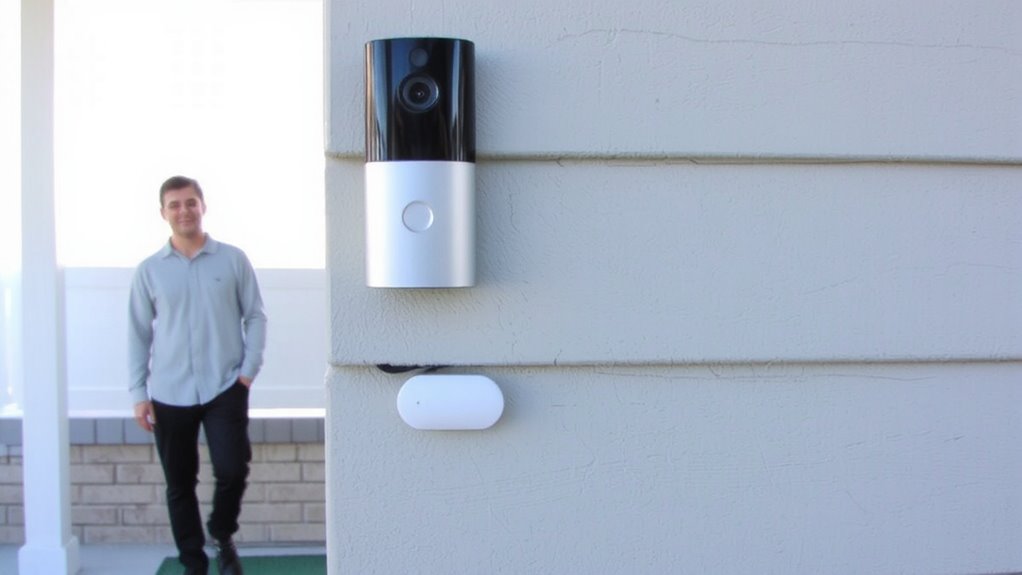
Why settle for a basic doorbell when you can boost your home security with one that works alongside motion sensors? Choosing a smart doorbell that syncs with motion sensors improves detection and alerts. Look for strong device compatibility-your doorbell should work with existing smart home systems like Google Home, Alexa, or Apple HomeKit to guarantee seamless control. Poor sensor placement reduces effectiveness, so position sensors where they cover approaches to your door without obstructions like bushes or lighting fixtures. Test detection zones during daylight and at night. Models with adjustable sensitivity help reduce false alarms. Most integrated systems cost $150–$300, with installation often DIY. Prioritize systems offering clear video, two-way audio, and local or cloud storage. Proper setup increases reliability and helps you respond faster to real threats. For top-performing options, consider checking out the best doorbell cameras for Alexa.
Install Sensors at All Key Entry Points
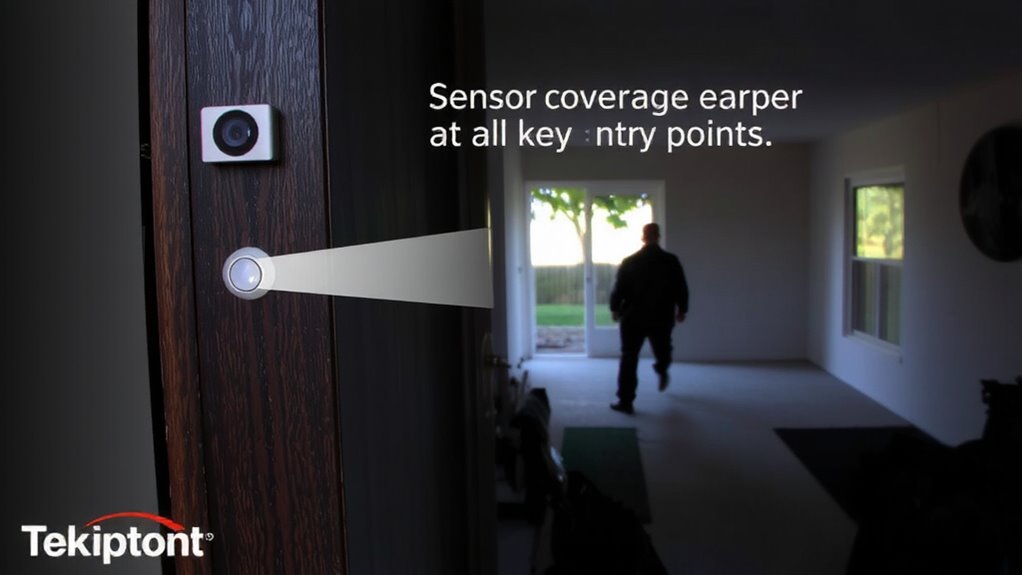
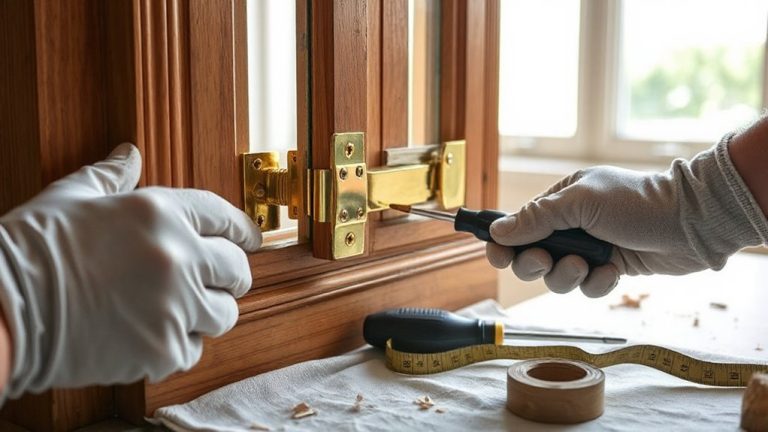
You’ve selected a smart doorbell that works with motion sensors, but that’s just the first step-true security comes from covering all possible entry points. For effective entry coverage, install motion sensors at doors, windows, and garages where intruders might gain access. Proper sensor placement guarantees no blind spots; position sensors high enough to avoid pets but low enough to detect human movement. Use weather-resistant models for exterior doors and motion-activated lighting to boost visibility. Each sensor should have a clear line of sight and avoid pointing toward heat sources like vents. Overlapping detection zones increase reliability and reduce false alarms. A well-placed network improves response time and enhances deterrence. Plan your layout first-sketch entry points and mark where each sensor will go. This step guarantees balanced coverage and helps you estimate costs and device needs before buying. Top models offer advanced features like best motion sensor alarms for seamless integration with smart doorbells.
Link Devices in Your Home Security App
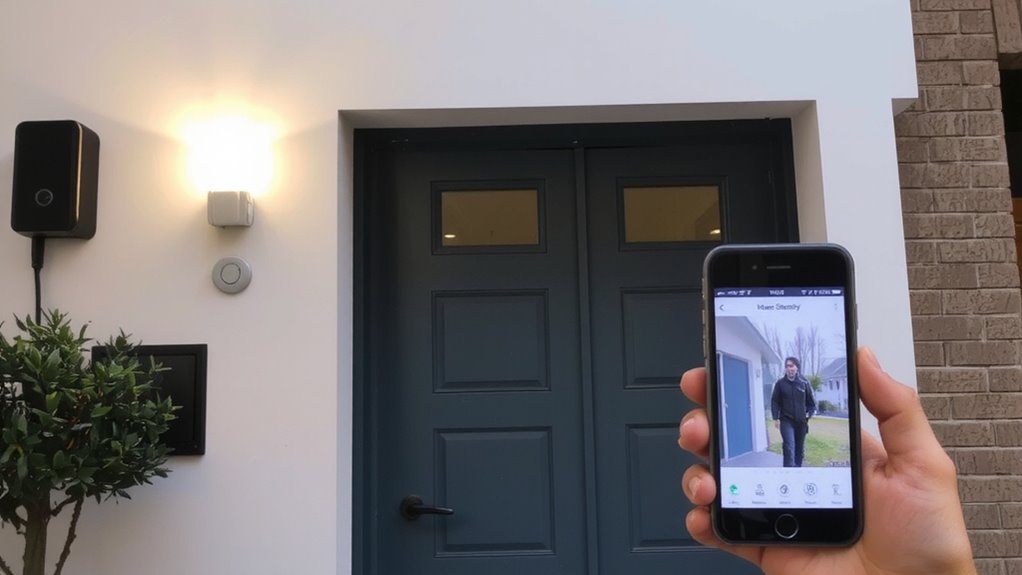
While setting up individual sensors is important, connecting them through your home security app is what transforms isolated devices into a unified system. You’ll need to confirm device compatibility before linking-most apps support major brands, but double-checking prevents frustration. Once synced, app customization lets you create rules, like getting alerts when your doorbell and front sensor trigger together. This reduces false alarms and increases response accuracy. You can also assign user access and update settings remotely. Below is a comparison of key integration features.
| Feature | Benefit |
|---|---|
| Unified notifications | Get all alerts in one place |
| Device compatibility | Guarantees smooth integration |
| App customization | Tailor responses to your routine |
| Remote access | Control systems from anywhere |
| Automation setup | Prepare for events before they happen |
This centralized control strengthens your deterrence strategy. Top-rated systems often include best home security cameras that seamlessly integrate with smart doorbells and motion sensors.
Turn On Lights Automatically to Scare Off Intruders
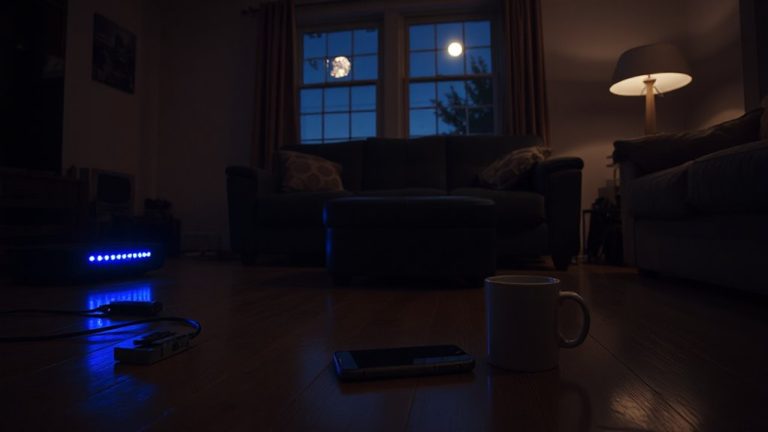
When motion is detected near your entry points, having lights turn on automatically can effectively deter potential intruders by signaling that the property is monitored and occupied. You can set up timed illumination so lights stay on for a specified duration, giving the impression someone is home. For better results, use random activation across different rooms to mimic natural behavior and avoid predictable patterns. Most smart lighting systems integrate seamlessly with your smart doorbell through a home security app. This联动 means when the doorbell’s motion sensor triggers, indoor or outdoor lights switch on instantly. Timed illumination helps conserve energy, while random activation increases believability. Use bulbs with adjustable brightness and scheduling options. Initial setup cost ranges from $50–$150, depending on the number of fixtures. Overall, automated lighting strengthens deterrence with minimal effort and no ongoing maintenance.
Set Instant Intruder Alerts on Your Phone
If an intruder approaches your property, getting notified right away can make a critical difference in how quickly you respond. Real time notifications from your smart doorbell guarantee you’re alerted the moment motion is detected. With remote monitoring, you can view live footage from anywhere using your phone. This immediate awareness helps you take action fast-whether contacting authorities or scaring off intruders with voice warnings.
| Feature | Benefit | Consideration |
|---|---|---|
| Real time notifications | Instant alerts when motion is detected | May increase data usage |
| Remote monitoring | View live video from any location | Requires stable internet |
| Mobile app integration | Control settings and receive alerts easily | App updates may be frequent |
| Custom alert zones | Reduce unwanted notifications | Setup requires calibration |
Enable push alerts and test your connection to guarantee reliability.
Test Detection Zones and Reduce False Alarms
Since detection zones determine how accurately your smart doorbell spots movement, testing them guarantees you get alerts only when it matters. Start by adjusting sensor placement to avoid aiming at busy sidewalks or swaying trees, which often trigger false alarms. Most doorbells let you draw custom detection zones in the app, so focus coverage on entry points like walkways and doors. Test the sensitivity during different times of day, noting how weather or lighting affects performance. Fine-tune the calibration settings to balance responsiveness and accuracy-lower sensitivity reduces false alerts but may miss subtle motions. Check logs to see what triggered alerts and adjust zones accordingly. Proper calibration settings and strategic sensor placement improve reliability, reduce unnecessary notifications, and keep your security system efficient. Some models offer infrared filtering and motion tracking, which help too. Consistent testing assures long-term effectiveness.
On a final note
You’ve strengthened your home security by syncing smart doorbells with motion sensors. Placing sensors at entry points and linking them in your app allows real-time alerts and automatic lighting, deterring intruders. Testing detection zones reduces false alarms and improves accuracy. This setup offers verified monitoring and quick response, backed by data showing reduced break-ins. Consider costs of $150–$300 for full integration, balanced by long-term safety gains.