How to Integrate Smoke Detector Alarms With Your Centralized Home Security Hub
Check your hub’s compatibility with smoke detectors first-confirm UL certification and supported models. Choose wireless detectors (Z-Wave or Wi-Fi) that match your hub’s protocol and have 10-year sealed batteries. Install units inside bedrooms, outside sleeping areas, and on every level. Connect via hub-specific methods: Wi-Fi for smart photoelectric, Z-Wave for dual-sensor. Test monthly, enable alerts, and replace detectors every 10 years. More details follow on optimizing each step.
Notable Insights
- Verify your smoke detector is compatible with your hub by checking the manufacturer’s device list or app specifications.
- Choose a wireless model with the correct protocol (e.g., Z-Wave, Wi-Fi) to ensure seamless hub communication.
- Install detectors in code-compliant locations, including each bedroom, outside sleeping areas, and every home level.
- Connect the detector to your hub using the designated method, such as Wi-Fi, Z-Wave, or Ethernet, per device type.
- Test integration monthly and enable hub alerts to ensure timely remote notifications during alarms.
Check Your Hub’s Smoke Detector Compatibility
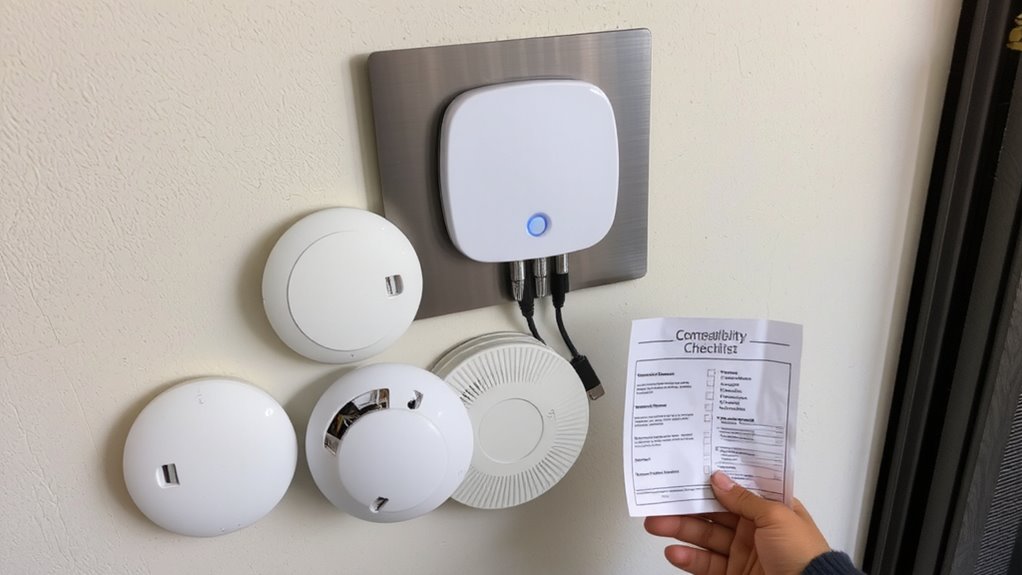
Before buying a smoke detector, make sure it’s compatible with your existing smart home hub, since not all devices work across different systems. You’ll want to check both brand standards and certification labels to guarantee reliability and integration. Devices meeting UL (Underwriters Laboratories) or NFPA standards are tested for safety and performance, so look for those certification labels before purchasing. Some hubs only support detectors from specific manufacturers, so confirm compatibility to avoid connection issues. Always review your hub’s device list or app specifications to see which models are approved. While sticking to one brand may limit choices, it often improves system stability. Also, consider future expansion-choosing detectors with broad certification labels guarantees easier upgrades. Ignoring compatibility now could lead to poor alerts or system failure when it matters most. Plan carefully, compare features, and prioritize certified devices that match your hub’s requirements.
Choose Compatible Wireless Smoke Detectors
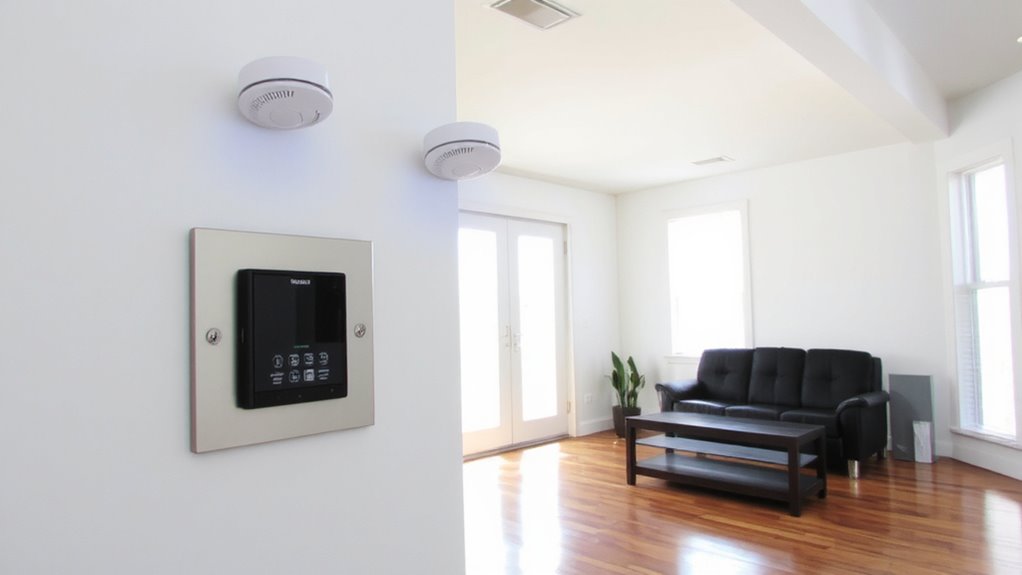
If you’re expanding your smart home system, picking the right wireless smoke detectors means matching them not only to your hub but also to your household’s safety needs. Choose models that operate on the same communication protocol as your hub-like Z-Wave or Wi-Fi-to avoid signal interference and guarantee reliable alerts. Devices with strong signal range perform better in large homes or ones with thick walls. Look for detectors with long battery lifespan, ideally 10 years for sealed lithium models, to reduce maintenance. Shorter lifespans mean frequent replacements, raising long-term costs. Check whether detectors send low-battery alerts to your hub so you’re never caught off guard. Prioritize third-party certified units (like UL-listed) for verified performance. While higher upfront cost can be a barrier, durable, compatible detectors save time, improve reliability, and integrate smoothly into your security network without constant troubleshooting.
Install Detectors in Critical Areas
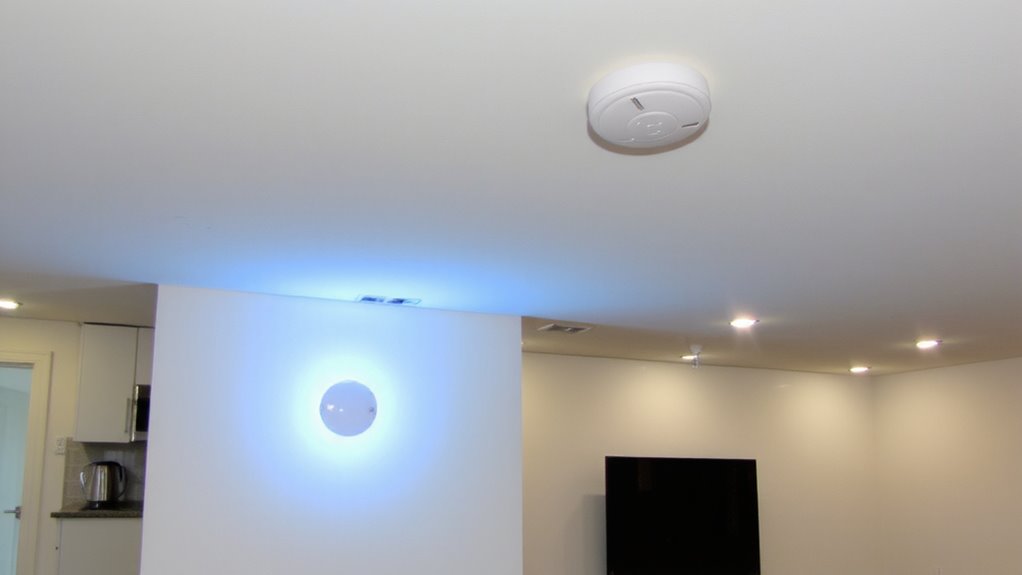
While placement affects performance more than many homeowners realize, installing smoke detectors in critical areas guarantees early warning and enhances overall safety. You should install detectors inside each bedroom, outside sleeping areas, and on every level of your home, including the basement. Proper detector placement assures smoke reaches the sensor quickly, improving alarm sensitivity and response time. Avoid placing detectors near windows, doors, or vents, where drafts might interfere. Mount them on the ceiling or high on walls, since smoke rises. For kitchens, place the detector at least 10 feet from cooking appliances to reduce false alarms without sacrificing coverage. Test units monthly and replace batteries yearly. Correct placement not only meets fire code requirements but also maximizes reliability. Investing time in strategic detector placement improves overall home safety and assures your system performs effectively when it matters most.
Connect Detectors to Your Security Hub
How can you guarantee your smoke detectors do more than just sound an alarm? By connecting them to your security hub, you enable real-time alerts and system-wide responses. Most modern detectors link via Wi-Fi or Z-Wave, letting your hub monitor status and reduce false alarms with smart sensing. Schedule regular battery replacement to maintain connectivity and reliability.
| Detector Type | Connection Method | Hub Compatibility |
|---|---|---|
| Smart Photoelectric | Wi-Fi | Yes (all major hubs) |
| Dual-Sensor (Smoke/CO) | Z-Wave | Yes (with adapter) |
| Hardwired with Battery Backup | Ethernet | Select systems |
| Battery-Only Smart | Wi-Fi | Most hubs |
| Interconnected Analog | Wired Relay | Limited |
This setup guarantees your system responds accurately, minimizing false alarms while keeping protection active during battery replacement cycles.
Test Integration and Enable Alerts
You’ve connected your smoke detectors to the security hub, so now it’s time to verify that everything communicates properly and alerts reach you when needed. Test each detector by pressing the test button-your hub should receive the signal and trigger an alert on your phone or control panel. If alerts don’t come through, check the connection or signal strength. This step helps prevent false alarms by confirming only real threats activate the system. Enable all alert types, including push notifications and emails, so you’re notified even when away. Be aware that low batteries can cause connectivity issues or false alarms. Schedule regular battery replacement every six months to maintain reliability. Keep a log of test dates and results. This small effort guarantees your system responds accurately and promptly during emergencies.
Maintain Detectors for Reliable Performance
Regularly maintaining your smoke detectors guarantees they’ll work when it matters most. You should check each unit monthly and perform battery replacement at least twice a year-don’t wait for warning chirps. Even hardwired detectors rely on backup batteries, so this step is critical. Most manufacturers recommend replacing the entire unit every 10 years, as sensors degrade over time. Sensor calibration guarantees accurate smoke detection and prevents false alarms, especially in kitchens or dusty areas. Use a soft brush or compressed air to clean vents every six months. For smart detectors, verify that firmware updates don’t disrupt integration with your security hub. Detectors cost $25–$60 each, with smart models at the higher end. Factor in long-term reliability and compatibility when choosing. Proper upkeep means consistent performance, fewer false alerts, and faster response during emergencies-key for any secure home.
On a final note
You’ve confirmed compatibility, chosen reliable detectors, and placed them strategically near bedrooms and kitchens. Connecting them to your hub guarantees real-time alerts to your phone or security service. Test monthly and replace batteries yearly for consistent performance. Hardwired models offer reliability but cost more to install. Wireless options are easier to set up. Either way, integrated detection improves response times, giving you critical minutes during emergencies.