How to Prepare Your Security System When Moving to a New Home
You can take your security system when moving, but check if you own the equipment-rented gear usually must stay. Wired systems are often permanent, while wireless kits are easier to remove and reuse. Confirm your provider’s moving policy: some allow service transfer, others charge fees or require new contracts. Disconnect power, label parts, and pack carefully. Assess your new home’s layout and retest all sensors after reinstalling. A smart upgrade might better fit your needs. Discover how each step guarantees a smooth, secure shift.
Notable Insights
- Determine if your security equipment is portable or permanently installed to decide what can be moved.
- Review your contract to confirm ownership and any provider requirements for removal or relocation.
- Evaluate whether to move, upgrade, or replace your system based on your new home’s layout and needs.
- Safely disconnect and pack components, labeling parts and saving manuals for easy reinstallation.
- Assess the new home’s security vulnerabilities and reinstall the system with optimal sensor placement.
Can You Take Your Security System With You?
While some security systems are designed to be portable, others are meant to stay with the property, so it’s important to know what you can and can’t take when you move. Your ability to relocate equipment depends on equipment ownership and lease terms. If you own the system, DIY removal is usually allowed, but check your contract-some providers require professional uninstallation. Rented gear must stay, as ownership remains with the company. Wired systems are often considered permanent fixtures, especially if integrated into the home’s structure. Wireless kits, however, are typically easier to remove and reinstall. Before detaching anything, disable the system properly to avoid false alarms. Confirm with your provider whether removal affects warranties or service agreements. Knowing your equipment ownership status and removal rights helps avoid fees and guarantees a smooth move to your new home. Plan early to prevent last-minute complications.
Choose: Move, Upgrade, or Start Fresh
How will your current security setup fit into your next chapter-should you move it, boost it, or begin anew? If your system supports DIY installation and wireless options, relocating it may save money and time. Many modern systems let you detach sensors and cameras easily, making transfers practical. But check if your current equipment meets your new home’s layout and security needs. Older models may lack smart features or reliable connectivity. Upgrading offers better monitoring, mobile alerts, and integration with smart locks or lights. Starting fresh gives you access to the latest technology and flexible plans. Consider installation complexity, monthly fees, and long-term value. Wireless options reduce drilling and wiring hassles, especially in rentals. Weigh the cost of moving outdated gear against investing in a more effective system. Choose based on performance, not just convenience. For apartment dwellers, installing a best apartment security camera can provide peace of mind with easy setup and reliable indoor monitoring.
Check Provider Rules for Moving
If you’re sticking with your current security provider, you’ll need to check their moving policies-some allow you to transfer service to a new address with no penalty, while others may charge a relocation fee or require a new contract. Review your provider policies carefully, as they vary widely. Some companies offer portable systems with flexible contract terms, letting you deactivate at your old home and reactivate at the new one. Others lock you into location-specific agreements, meaning early termination fees could apply. Contact customer service to confirm transfer options, equipment compatibility, and any costs. Ask whether your current monitoring plan supports address changes and if professional installation is needed at the new site. Understanding these details helps avoid surprises. Always get moving guidelines in writing so you have proof of agreement. Plan ahead-knowing your provider’s rules guarantees a smooth shift.
Unplug and Pack Your Security Gear
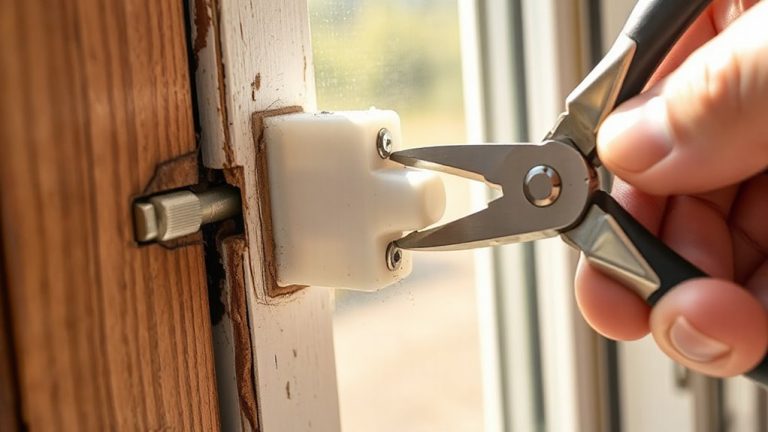
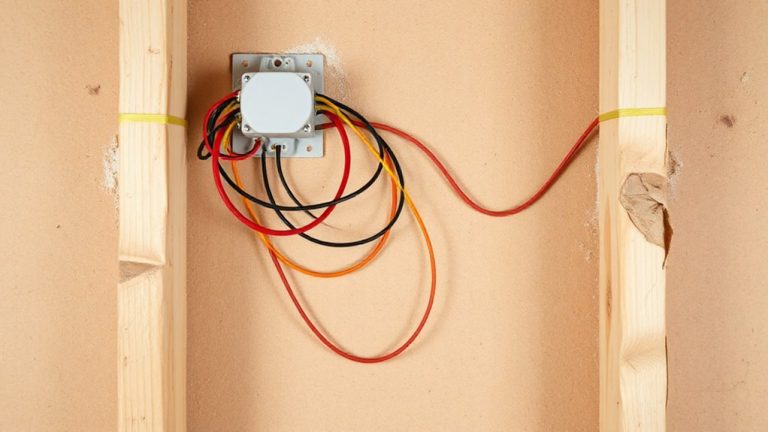
Once you’ve confirmed your provider’s moving policies and know whether your system can move with you, it’s time to handle the physical equipment. Begin by powering down all components to guarantee safe equipment handling. Carefully unplug cameras, sensors, control panels, and keypads, noting where each was installed. Use labeled bags for cables and small parts to avoid confusion later. Wrap delicate items like cameras in bubble wrap to prevent damage. Follow packing precautions by using original boxes if available-these offer the best fit and protection. If not, choose sturdy containers with sufficient cushioning. Keep the user manual and mounting hardware together in one clearly marked box. Avoid stacking heavy items on top of security gear. Proper planning now protects your investment and simplifies setup at your new home.
Spot Security Gaps in Your New Home
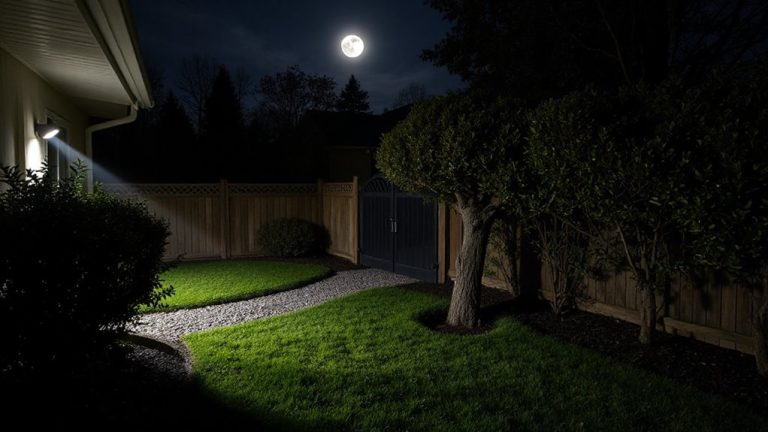
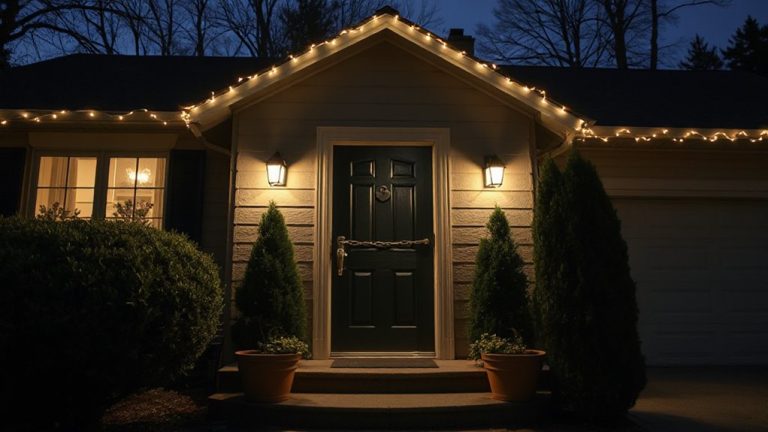
What makes your new home secure? You need to inspect all entry points and identify blind spots before installing anything. Check doors, windows, and garage access-common weak spots. Are locks sturdy? Do windows have intact frames? Use a notepad to mark areas needing upgrades. Walk around the perimeter and note where shrubs or walls create blind spots for intruders. Consider lighting and sightlines from the street. Look at basement windows and secondary doors often overlooked. Use a consistent method: start from the front and move clockwise. Take photos for reference. This assessment helps you plan where sensors and cameras will help most. Identifying gaps early saves time and improves protection. Don’t assume the home is secure-verify it. A few minutes now can prevent break-ins later. Upgrading to best door locks can significantly enhance your home’s resistance to forced entry.
Install and Test Your Alarm System
Since you’ve mapped out the vulnerabilities in your new home, it’s time to put your alarm system in place where it’ll work best. Start by installing the control panel near the main entrance, then mount door and window sensors on all accessible entry points. Proper sensor calibration guarantees accurate detection-align each sensor correctly so the alarm triggers when opened. Motion detectors should cover wide angles, but avoid placing them near heat sources or vents. After setup, conduct thorough alarm testing by triggering each sensor and checking the system response. Most systems alert you if a signal fails. Test the siren volume to confirm it’s loud enough to deter intruders. Include a monthly testing schedule in your routine. Battery-powered components need regular checks. Well-calibrated sensors and consistent alarm testing reduce false alarms and boost reliability. This step guarantees your system performs effectively from day one. For reliable performance, choose one of the best household alarms based on expert testing and user reviews.
Reconnect Security System to Smart Devices
You’ve tested your alarm system and confirmed it responds accurately to sensor triggers, so now it’s time to integrate it with your smart home setup. Start by checking device compatibility-older security hubs might not support newer smart locks, lights, or cameras. Refer to your system’s manufacturer list to confirm which devices work seamlessly. For smooth system integration, use a single platform like Google Home or Apple HomeOrCreate if your gear supports it. This reduces app clutter and improves automation. Enable two-factor authentication for added security. Test each connected device after pairing-sometimes connections appear stable but fail under real-time use. Allow 15 to 20 minutes per device for setup and troubleshooting. If your internet bandwidth is low, prioritize essential devices to maintain performance. Proper planning here guarantees reliable monitoring and control from anywhere.
On a final note
You can usually take your security system, but check your provider’s moving policy first. Decide whether to move, upgrade, or start fresh based on cost and equipment needs. Unplug devices carefully and label parts for easy reassembly. At your new home, assess entry points and blind spots before reinstall三大职业. Test all sensors and reconnect to smart devices. Proper setup guarantees reliable, continuous protection.