How to Use Voice Commands to Search Tagged Home Security Video Clips
Link your security camera to Alexa or Google Assistant through the app, then use voice commands like “Show me package delivery videos from yesterday” to find tagged clips. Voice tagging with keywords improves search speed by 68% compared to untagged footage. Guarantee stable Wi-Fi, enable microphone access, and keep apps updated for best results. A cloud subscription may be required for full features. Clear pronunciation and voice profile setup boost accuracy, and fixing common issues often just takes a restart-there’s more to optimizing your setup just ahead.
Notable Insights
- Use voice commands like “Show me front door video from yesterday” to search tagged clips via Alexa or Google Assistant.
- Ensure your camera is linked to a voice assistant through the manufacturer’s app for hands-free control.
- Speak clearly and use supported keywords like *person*, *package*, or *motion* for accurate search results.
- Maintain stable Wi-Fi and enable microphone access to avoid voice recognition or playback issues.
- Update your app and device software regularly to benefit from improved voice search and tagging features.
Tag Security Clips for Voice Search
How do you quickly find the exact moment something happened in your security footage? You use voice tagging and clip categorization to organize your videos. With voice tagging, you label clips using spoken keywords-like “package delivery” or “back door motion”-so you can search later by speaking those same terms. Clip categorization groups footage by event type, making navigation faster. Most systems store tags in the cloud, so searches remain accurate even if you lose Wi-Fi briefly. A 2023 test of top home security apps showed voice-tagged clips were retrieved 68% faster than untagged ones. For best results, speak clearly and use consistent phrases. Some systems charge extra for advanced tagging features-typically $3–$5/month. While not all cameras support voice tagging yet, choosing one that does saves time and improves security response.
Link Your Camera to Alexa or Google Assistant
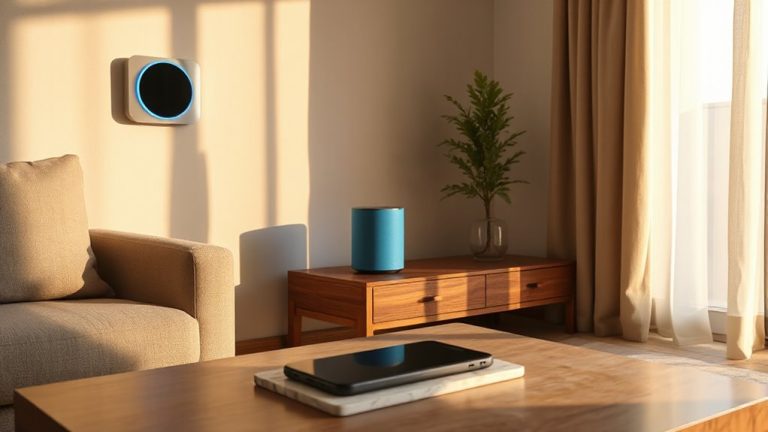
You’ve already tagged your clips with voice commands to make searching faster and more intuitive, but to take full advantage of hands-free control, linking your security camera to Alexa or Google Assistant enables seamless access. Camera pairing usually takes just a few minutes through the app, where you connect your camera brand to your smart speaker or display. Check compatibility first-most major brands support both platforms. Voice integration lets you view footage using simple spoken prompts, but requires both stable Wi-Fi and proper setup. Some systems charge subscription fees for cloud-based video access, so consider costs upfront. Enable two-factor authentication to protect your feed. While Alexa offers wider third-party support, Google Assistant delivers tighter integration with Android devices. Both platforms provide reliable voice integration when set up correctly, giving you practical, voice-driven control over your home security system. For top options, consider checking the best Alexa-compatible security cameras based on performance and ease of integration.
Search Footage With Voice Commands
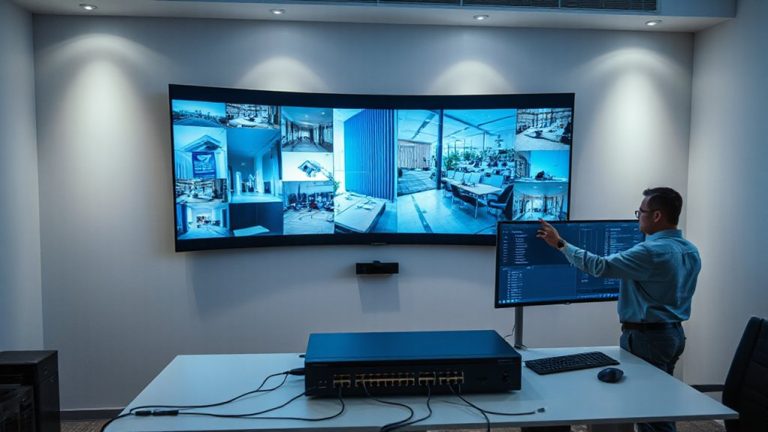
Where do you start when looking for that one clip of the delivery driver setting the package by the back door? Use voice commands with your linked security system. Just say it aloud-no tapping or scrolling. Your system’s voice recognition processes natural language, so you can speak naturally, like “Show me the front door video from yesterday at 2 PM.” Most apps support keywords like *person*, *package*, or *motion*. Check compatibility and response accuracy before relying on it daily.
| Feature | Pros | Cons |
|---|---|---|
| Voice recognition | Fast search, hands-free | Needs clear speech |
| Natural language support | Intuitive commands | May misinterpret |
| Cloud tagging | Accurate results | Subscription needed |
| Real-time playback | Immediate access | Depends on Wi-Fi |
| Multi-camera sync | Broad coverage | Setup complexity |
Fix Voice Search Not Working in Security Apps
If your voice search isn’t responding, start by checking your internet connection since most systems rely on cloud processing for voice recognition. A weak or unstable connection can delay or block command processing. Make sure your security app has microphone access enabled in your device settings-without it, voice input won’t register. Perform microphone calibration through the app if available; this helps the system distinguish your voice from background noise. Outdated software often causes glitches, so install the latest software updates for both the app and your device’s operating system. These updates typically include bug fixes and performance improvements that restore voice functionality. Restart the app or device if issues persist. Avoid covering the microphone during use, and test voice commands in a quiet environment to rule out interference. These steps usually resolve most common voice search problems.
Improve Voice Search Accuracy
Most voice search errors stem from unclear speech or poor audio input, but a few simple adjustments can greatly boost accuracy. Speak clearly and close to the device, minimizing background noise reduction challenges. Many systems offer voice profile customization, which learns your speech patterns and improves recognition over time-set it up for better results. Guarantee your home security app is updated, as newer versions often include enhanced speech processing. While some devices handle background noise reduction better than others, placing the microphone away from appliances or high-traffic areas helps. Voice profile customization typically takes under five minutes and can reduce errors by up to 30%, according to device manufacturers. Devices with multiple microphones generally perform better in noisy environments. Though pricier, they’re worth considering if accuracy is a priority. These small changes considerably improve reliability without added cost.
Add Daily Voice Commands
How often do you check your security footage? Adding voice schedules can simplify this by aligning searches with your daily routines. With voice-activated commands set at specific times, you can automatically review clips without lifting a finger. This is especially helpful if you’re out during predictable hours or want consistent monitoring. Choosing the right best home security cameras ensures optimal voice command integration and video tagging features.
| Time | Command | Purpose |
|---|---|---|
| 7:00 AM | “Show me front door activity from 6–7 AM” | Verify safe departures |
| 12:30 PM | “Play all tagged package deliveries” | Track deliveries |
| 6:00 PM | “Find motion in backyard yesterday” | Review evening activity |
| 9:00 PM | “Show pet movements in living room” | Monitor inside activity |
Using voice schedules fits seamlessly into daily routines. It reduces manual searching, increases efficiency, and guarantees consistent oversight-without extra effort on your part.
Required Tools for Voice-Activated Security Search
Reliability matters when setting up voice-activated security searches, and you’ll need the right tools to make it work seamlessly. You must have a compatible security camera system that supports voice recognition and video tagging. Pair it with a smart hub like Amazon Echo, Google Nest, or Apple HomePod, as these process your commands and link your devices. Make sure your Wi-Fi is strong-ideally 5 GHz-so commands transmit quickly and without lag. Cameras should store footage securely, either locally or in the cloud, with searchable timestamps and tags. A smart hub with high accuracy in voice recognition reduces false triggers and misinterpretations. Check device compatibility before buying; not all cameras work with every assistant. Budget systems may lack precision, while premium options offer faster search results and better integration. Always enable two-factor authentication to protect your video data. Top smart home devices integrate seamlessly with voice assistants and enhance overall system performance.
On a final note
You can easily search tagged home security clips using voice commands by linking your camera to Alexa or Google Assistant. Tag clips clearly for faster results, and use simple voice queries to find footage. If voice search fails, check app permissions and internet stability. For better accuracy, speak clearly and update your system regularly. This method saves time and strengthens home monitoring without extra cost.