Tamper Alerts for Outdoor Cameras: Arlo, Ring, Reolink Setup
You can enable tamper alerts on outdoor smart cameras like Arlo, Ring, or Reolink to detect physical interference, such as lens covering or power disconnection. Check your device’s app and manual to confirm tamper support, as older models may lack this feature. Turn on alerts, adjust sensitivity to reduce false alarms from wind or rain, and automate responses like notifications or recordings. Test monthly by simulating tampering to guarantee reliability-your next steps reveal how to fine-tune each setting.
Notable Insights
- Confirm device compatibility and enable tamper alerts via the camera’s app or firmware settings.
- Adjust sensitivity to minimize false alarms from weather, animals, or environmental interference.
- Position cameras securely to prevent shaking from wind or accidental physical disturbances.
- Automate responses like instant notifications, alarms, or recordings when tampering is detected.
- Regularly test alerts by simulating tampering and verify system performance through logs.
What Triggers a Tamper Alert on Outdoor Devices?
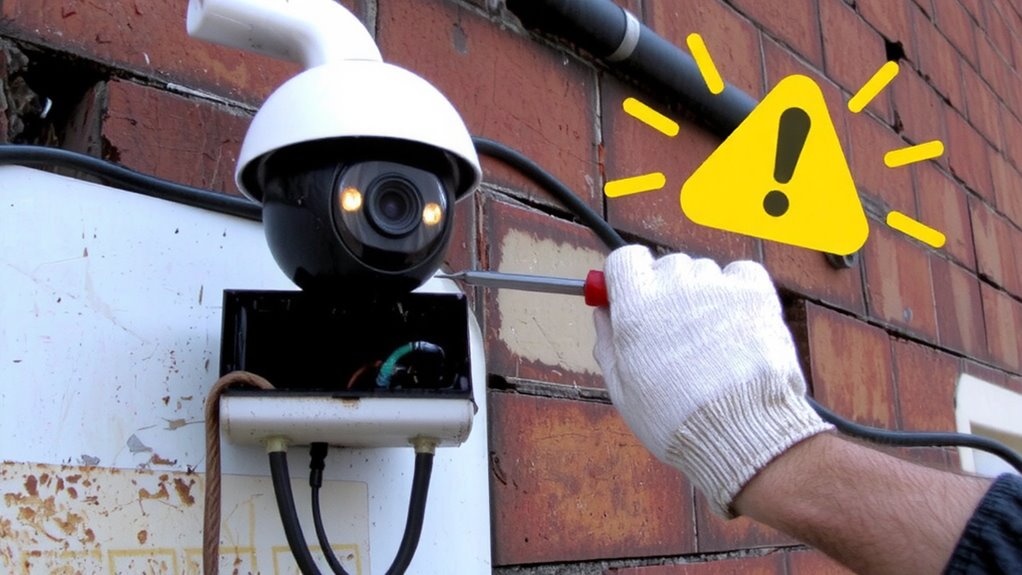
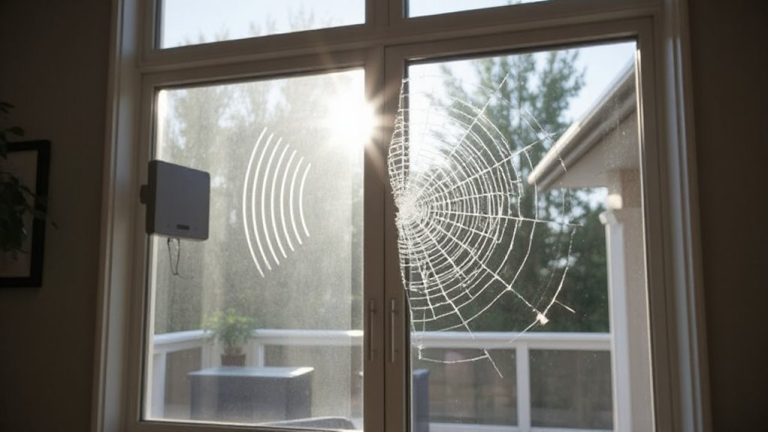
While designed to enhance your property’s security, outdoor smart cameras and sensors can sometimes trigger tamper alerts when they detect unexpected physical interference or environmental disruptions. You’ll see alerts if someone tampers with the device-like covering the lens or disconnecting power-but you might also get false alarms from strong winds shaking mounts or heavy rain hitting sensors. Environmental interference, such as sudden temperature shifts or intense sunlight reflecting off moving objects, can confuse motion detection and register as tampering. Dust, snow buildup, or nearby tree branches swaying too close can also trigger responses. To reduce false alarms, install devices securely and away from high-vibration areas. Regular maintenance helps guarantee sensors stay aligned and clean. Choose models with adjustable sensitivity settings so you can fine-tune responses based on your yard’s conditions.
Check If Your Devices Support Tamper Alerts
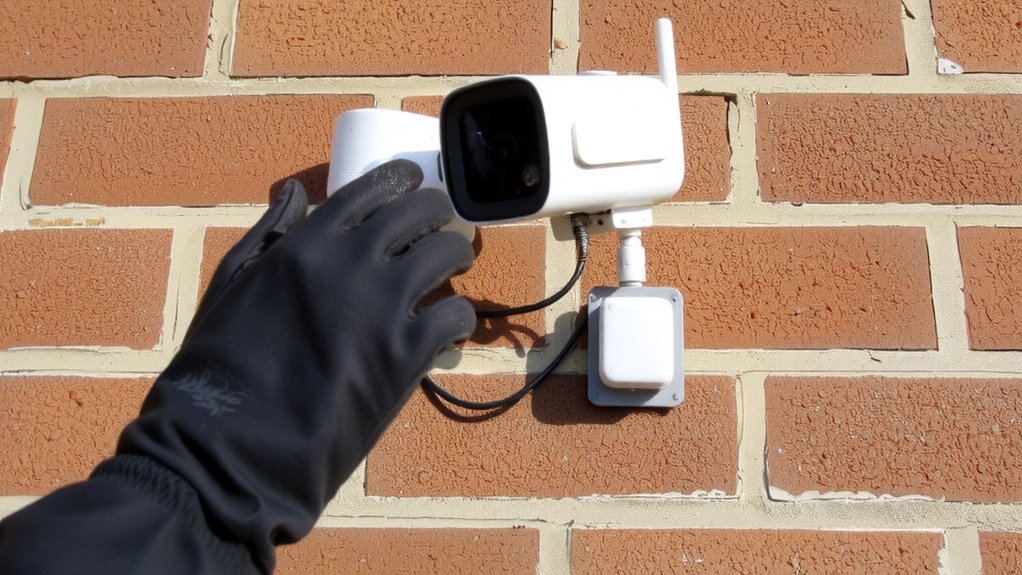
How can you tell if your outdoor smart cameras or sensors will alert you when tampered with? Start by checking your device’s specifications in the user manual or manufacturer’s website-look explicitly for tamper alert support. Not all models include this feature, so device compatibility is key. Older devices may lack tamper detection, while newer models often include motion or displacement sensors that trigger alerts. Confirm whether your system requires firmware updates to enable tamper functions-sometimes a simple update activates this capability. Check your companion app for tamper settings, as they may be hidden under security or device diagnostics. If you’re using a hub-based system, verify both the hub and individual sensors support the feature. When in doubt, contact customer support with your model number for a definitive answer about compatibility and required updates.
Enable Custom Tamper Alerts in Seconds
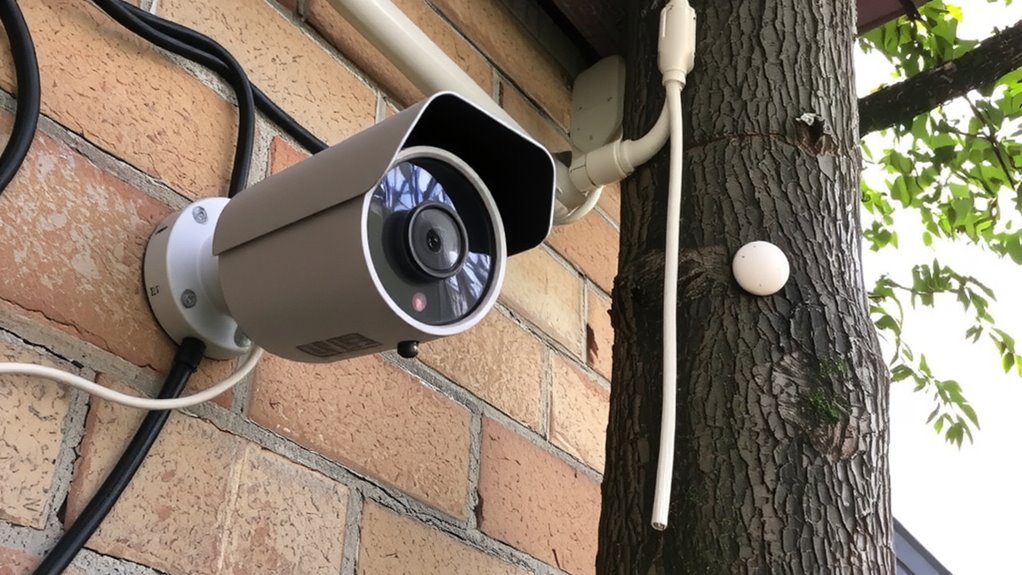
Since tamper alerts can make a real difference in outdoor security, setting up custom notifications only takes a few taps once you’ve confirmed your device supports the feature. Open your smart camera’s app, navigate to alert settings, and enable tamper detection. You can then set custom triggers-like motion during tampering or unexpected device angle changes-so alerts match your needs. These instant notifications deliver fast updates to your phone or email, helping you respond quickly. Most systems let you fine-tune sensitivity to reduce false alarms from wind or animals. Setup works across brands like Arlo, Ring, and Reolink, usually without extra fees. While some older models lack this feature, newer ones include it by default. Just guarantee your device firmware is updated. With custom triggers and instant notifications, you gain better control, stronger monitoring, and peace of mind-all in under a minute.
Automate Your Response to Tamper Alerts
You’ve set up tamper alerts to catch unauthorized adjustments to your outdoor cameras and sensors, but waiting to react manually can slow your response. Automating your system guarantees immediate action-like triggering alarms, recording video, or notifying security-so threats are addressed quickly. Automation also reduces false alarms by cross-referencing alerts with motion detection or camera coverage gaps, helping filter out wind-blown debris or accidental bumps. Without automation, frequent false alarms can lead to alert fatigue, where repeated warnings make you less likely to respond. By setting smart rules-such as delaying notifications during high-wind hours or requiring multiple triggers-you improve accuracy. Systems with automation often cost slightly more upfront, but the long-term protection and reduced downtime make them worthwhile. Built-in automation in modern cameras typically includes app-based rules you can customize, giving you control without complexity.
Test Your Tamper Alerts for Reliable Protection
Why assume your tamper alerts work if you haven’t tested them? You need to verify they respond correctly under real conditions. Regularly simulate tampering-cover the camera lens or shift the sensor position-and confirm alerts reach your phone or security hub. This helps avoid false alarms caused by wind or animals if your system isn’t properly calibrated. Check sensor calibration monthly, especially after harsh weather, to maintain accuracy. Well-calibrated sensors reduce false alarms and increase reliability. Use test logs to track performance over time, noting response delays or missed alerts. If false alarms persist, adjust sensitivity settings or reposition devices. Testing isn’t a one-time step-it’s key to long-term protection. Confirm all connections, power sources, and apps function during trials. A solid test routine maintains your tamper alerts deliver dependable, data-backed security when it matters most.
On a final note
You now know how tamper alerts work, which devices support them, and how to set up custom alerts quickly. Automating responses boosts security, while testing guarantees reliability. Most smart outdoor cameras offer tamper detection for little to no extra cost, though false alerts can happen. Check your device specs, enable the feature, and test regularly. It’s a simple, effective way to protect your home with real-time awareness and minimal effort.