Optimizing Energy Efficiency While Maintaining Secure Surveillance Capabilities at Home With Smart Devices
You can cut energy use by up to 30% while keeping your home secure by choosing surveillance cameras with low-power modes and smart motion sensors that reduce false triggers. Schedule recordings for active hours and use AI to detect real threats, avoiding unnecessary footage. Upgrade to Wi-Fi 6 for better efficiency, and fine-tune settings using real-time data-balancing performance, cost, and power savings. Smart planning now leads to long-term security and lower bills.
Notable Insights
- Use energy-efficient surveillance cameras with advanced processors and automatic shutoff to reduce power without compromising security.
- Enable low-power modes and optimize battery settings to extend camera runtime and minimize energy consumption.
- Position motion sensors at 6–8 feet high and use dual-technology detection to reduce false triggers and unnecessary recording.
- Schedule recordings during peak activity times to save energy while ensuring critical periods remain monitored.
- Upgrade to Wi-Fi 6 and use AI-powered cameras that distinguish real threats, reducing data processing and power use.
Why Energy Efficiency Matters in Home Surveillance
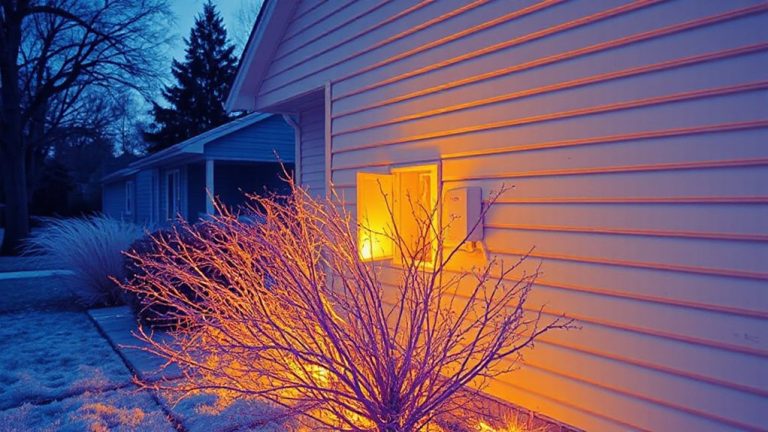
While you’re focused on keeping your home safe, it’s easy to overlook how much energy your surveillance system uses, but efficiency matters more than you might think. Every camera and recorder running 24/7 adds to your household’s energy consumption, increasing both your environmental impact and monthly bills. Studies show that inefficient systems can use up to 30% more power than optimized setups. That directly affects long-term cost savings, especially as electricity rates rise. Energy-efficient models typically use advanced processors and automatic shutoff features, reducing waste without weakening performance. Over time, lower power draw means fewer carbon emissions and measurable savings-sometimes over $50 per year per household. Choosing efficient equipment isn’t just about technology, it’s a practical decision that supports sustainability and budget control. Prioritize systems with clear energy ratings, and plan your layout to minimize unnecessary devices.
Choose Cameras That Save Power Without Sacrificing Security
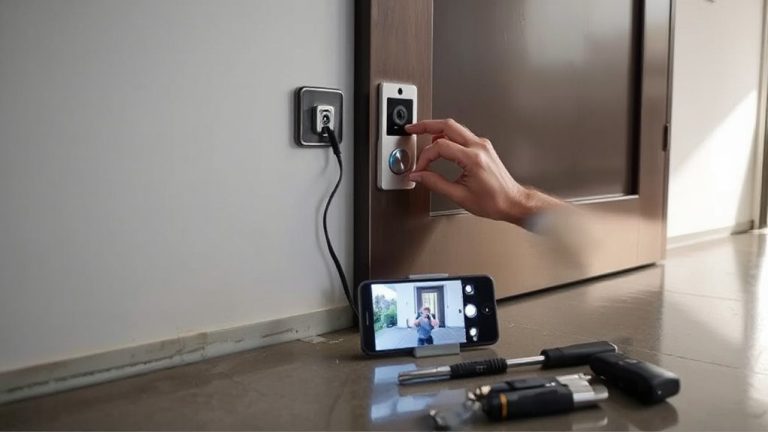
You can keep your home secure without wasting energy by choosing cameras designed to operate efficiently. Look for models with low power modes that reduce energy use when activity is minimal. These cameras activate fully only when needed, balancing performance and efficiency. Battery optimization is key-many modern cameras extend battery life from weeks to months through smart power management. Wired options with energy-saving features also help cut overall consumption. Prioritize devices with proven battery optimization and adjustable settings for recording length and frequency. Check user reviews and manufacturer data on average power draw and uptime. While efficient models may cost slightly more upfront, they lower electricity bills and reduce charging or battery replacement needs over time. Always weigh initial cost against long-term energy savings and reliability. Choosing wisely guarantees strong security without unnecessary energy waste. For extended periods between charges, consider models recognized for longest battery life.
Use Motion Sensors to Cut Waste and Avoid False Alerts
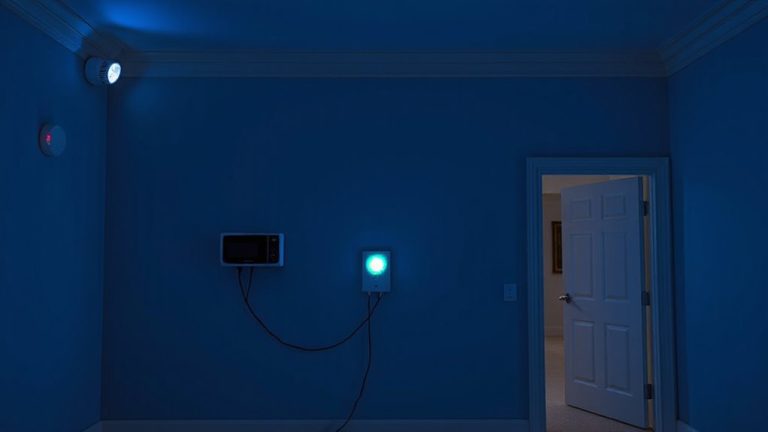
Since motion sensors play a key role in both energy efficiency and reliable security, picking the right ones can make your smart home system work smarter. You’ll save power by triggering lights and cameras only when needed, reducing unnecessary energy use. Proper sensor placement matters-mount sensors at entry points and high-traffic areas, but avoid windows or heat sources to prevent false triggers. Aim for 6–8 feet high and angled toward human movement. Many modern sensors offer alert filtering, so your system ignores pets under 50 pounds or brief outdoor shadows. Models with adjustable sensitivity and time delays give you more control. Dual-technology sensors, using both infrared and microwave, cut false alarms by requiring both signals to trigger. They cost more but improve accuracy. With smart hubs, you can customize responses-like recording only when motion and door sensors activate together. Plan placement and filtering carefully to balance responsiveness and efficiency. For the best integration with Home Assistant, consider models from the top-rated motion sensors list to ensure compatibility and optimal performance.
Schedule Recording to Match Your Home’s Active Hours
If your home is quiet during the day or you follow a predictable routine, scheduling recordings around active hours can cut storage use and make footage easier to manage. You’ll only record when activity is likely, reducing unnecessary data during low-traffic periods. Set your cameras to record during peak usage times-like early mornings or evenings-when people come and go. This lowers energy use and extends device life. Most systems let you adjust the schedule through an app with remote access, so you can turn on recording if plans change. Some plans charge extra for longer cloud storage, so shorter, targeted recording windows can also save money. While scheduled recording reduces footage volume, it may miss unexpected events outside set times. Balance security needs with efficiency by aligning camera activity with your household’s actual schedule for best results.
Use AI to Stop Recording When Nothing’s Happening
Smart cameras now use motion-activated AI to start recording only when people, animals, or vehicles are detected, cutting down on hours of empty footage. You can rely on deep learning to help your system distinguish between relevant motion and false triggers like swaying trees or shadows. With behavior prediction, the camera learns your home’s patterns, such as regular pet movements, so it won’t record every time your cat walks by. This reduces unnecessary data storage and lowers energy use. Systems using these technologies typically cost more upfront, but they save power and storage over time. Look for models with adjustable sensitivity and customizable zones. While AI won’t catch every edge case, it markedly improves efficiency. Always review local privacy laws before enabling automated recording features. Leading models in the best indoor security cameras category now offer AI-powered motion detection to enhance both security precision and energy efficiency.
Upgrade Your Wi-Fi to Reduce Camera Energy Use
When your home Wi-Fi network runs on outdated hardware, your security cameras may struggle to maintain stable connections, leading to repeated data transmissions and higher energy consumption. Upgrading to modern Wi Fi standards like Wi-Fi 5 or Wi-Fi 6 improves speed and reliability, helping cameras send data more efficiently. Better signal optimization reduces dead zones, so your devices don’t waste power searching for a connection. A dual-band router lets you dedicate one band to cameras, reducing network congestion. Mesh systems can extend coverage with minimal lag, though they cost more upfront. Place the router centrally and away from thick walls to boost signal strength. Newer access points also support beamforming, which directs signals to specific devices. These upgrades lower camera power use over time, cutting energy costs. While equipment expenses range from $100–300, the long-term savings in bandwidth and electricity are measurable.
Fine-Tune Settings Using Real-Time Energy Data
Although you might not think about it daily, your security system’s energy use adds up over time, and reviewing real-time data can help you spot inefficiencies fast. Energy monitoring gives you insight into which devices consume the most power, letting you make informed choices. With power optimization, you can adjust camera sensitivity, dim status lights, or schedule recordings only during high-risk hours. These tweaks reduce waste without compromising safety.
| Setting Adjusted | Monthly Savings | Security Impact |
|---|---|---|
| Always-on mode | $0.00 | High protection |
| Scheduled recording | $2.50 | Minimal risk |
| Motion-only mode | $4.10 | Balanced safety |
Use your smart hub’s energy monitoring tools daily. Small changes add up-both for your bill and the planet. Power optimization isn’t about cutting corners; it’s about working smarter.
On a final note
You can reduce energy use without weakening home security by choosing efficient cameras, using motion sensors, and scheduling recordings. AI features help avoid unnecessary recording, while a strong Wi-Fi signal cuts camera power demands. Check real-time energy data to fine-tune settings. These steps save power, lower costs, and maintain reliable surveillance-giving you smarter, more sustainable security with clear benefits and minimal trade-offs.