Integrating Motion Sensors With Smart Cameras for Targeted Recording
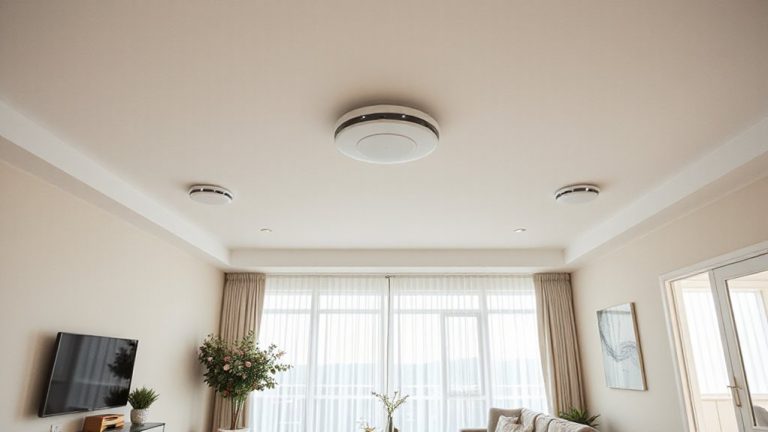
You boost your smart camera’s efficiency by using motion sensors to record only when movement occurs, cutting down on waste and extending battery life. Set motion zones to ignore busy streets or trees, reducing false alerts. Adjust sensitivity based on location-like higher at entry points, lower in backyards. Pick the right sensor type: PIR for outdoor heat detection, or dual-tech to reduce false alarms. Mount them 6 to 7 feet high, away from heat or pets. Use cloud storage for secure backup, or local storage to avoid monthly fees-hybrid setups offer both. You’ll find smarter setup tips ahead.
Notable Insights
- Enable motion sensors to activate recording only when movement is detected, improving efficiency and reducing unnecessary footage.
- Configure motion zones to focus detection on key areas and minimize false alerts from irrelevant movement.
- Customize motion sensitivity and settings based on camera location, such as entry points or backyards, for targeted recording.
- Choose the right sensor type-PIR, microwave, or dual-technology-and place it correctly to optimize detection accuracy.
- Combine cloud and local storage to securely retain recorded footage with redundancy and accessibility.
How Motion Sensors Boost Smart Camera Efficiency
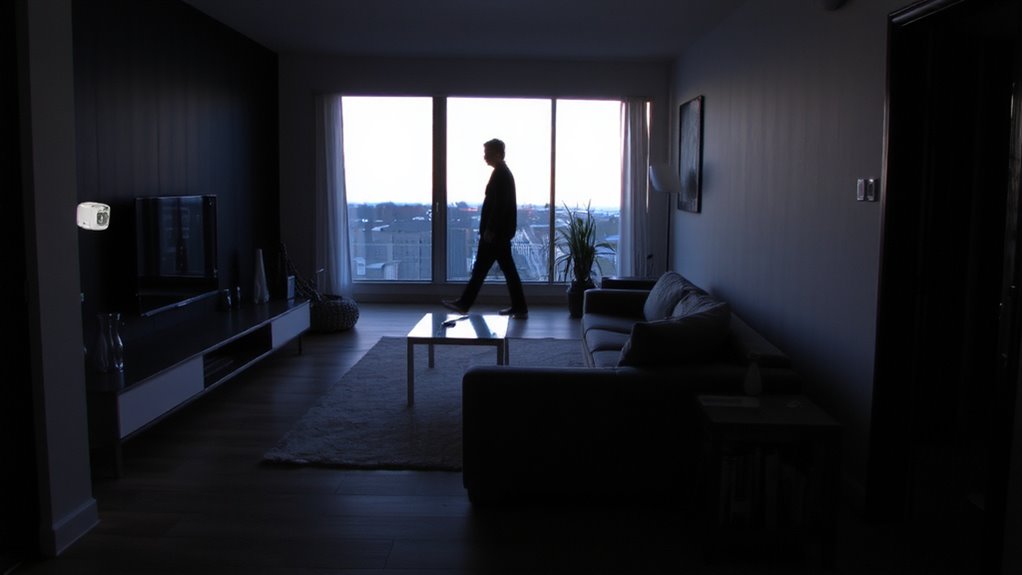
While smart cameras can capture video around the clock, adding motion sensors helps them work more efficiently by triggering recording only when movement is detected. You reduce unnecessary footage and streamline storage use. This also lowers energy consumption, extending battery life in wireless models. Without constant recording, your system uses power only when needed. You’ll want to check device compatibility before buying-some sensors only work with specific cameras or hubs. Always confirm whether your setup supports third-party sensors. Look for systems using standard protocols like Zigbee or Z-Wave, which improve integration. Incompatible devices can cause delays or failures in motion detection. A well-matched sensor and camera pair guarantees reliable, timely alerts. Though initial costs may rise with added sensors, the efficiency gains justify the investment. Plan your layout to cover entry points without gaps. For optimal results, consider the best motion detectors for every home to ensure reliable performance and seamless smart camera integration.
Set Up Motion Zones to Stop False Alerts
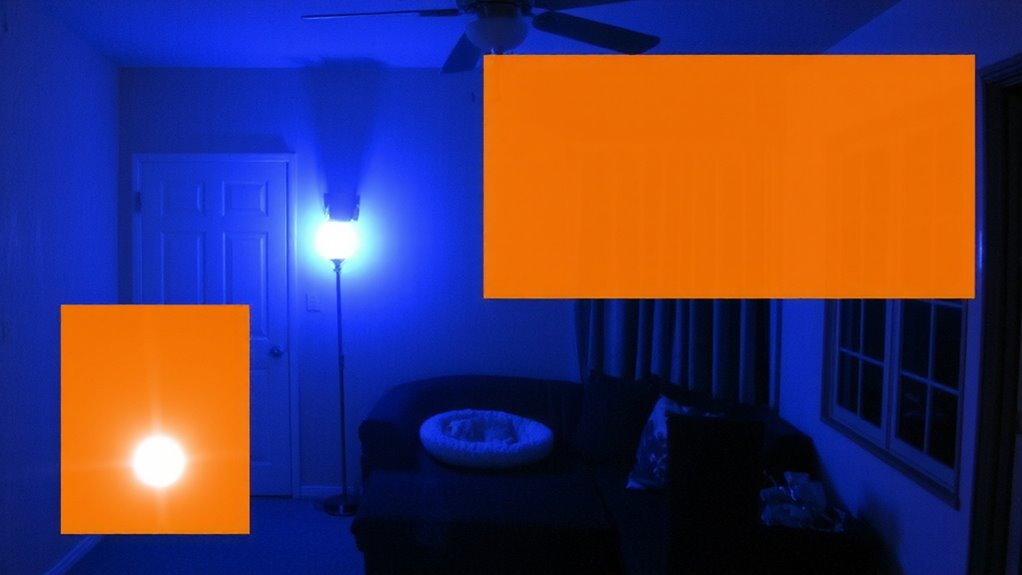
If you’ve ever been woken by a phone alert only to see your pet wandering through frame or leaves blowing across the yard, you know false alarms can quickly become a nuisance. You can fix this by setting up motion zones in your smart camera’s app. These zones let you specify where motion should trigger recording-like your front path-while ignoring areas like busy streets or trees. This reduces false alerts and guarantees you’re only notified when it matters. Adjust sensitivity levels to fine-tune detection: too high, and small movements set it off; too low, and real threats might be missed. Be sure to review coverage to avoid blind spots where intruders could hide. Properly configured, motion zones improve accuracy, save storage, and make your system more reliable over time. For even greater control, consider pairing your camera with best motion sensors for Home Assistant.
Adjust Camera Motion Triggers by Use Case
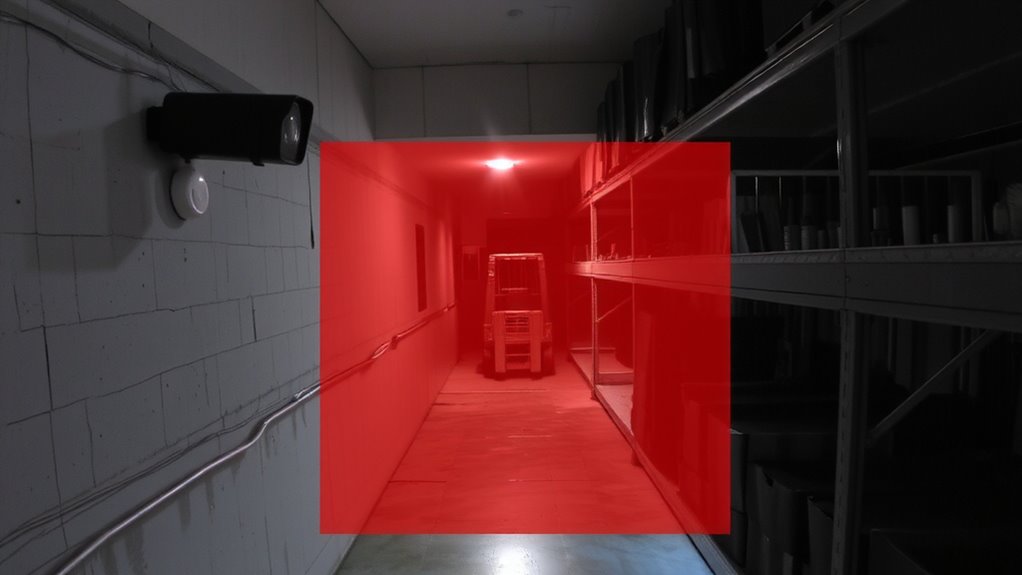
Why does your backyard camera keep alerting when there’s no one there, but miss a visitor at the side gate? Because default motion triggers don’t account for how you actually use each camera. For a front door, set high sensitivity with night vision and audio detection to capture deliveries or conversations, even in low light. For a backyard, lower the sensitivity to ignore small animals and reduce false alerts from swaying trees. Use audio detection only in areas where sound adds value, like near entry points, since wind or traffic can trigger unnecessary recordings. In driveways, combine broader motion zones with reliable night vision to spot vehicles at night. Adjusting triggers by use case guarantees you record what matters. It’s not about maximum detection-it’s about smart, targeted recording that fits each camera’s role. Pairing your camera with the right motion sensors for lights can further refine detection accuracy by syncing illumination with movement patterns.
Pick the Right Motion Sensor for Your System
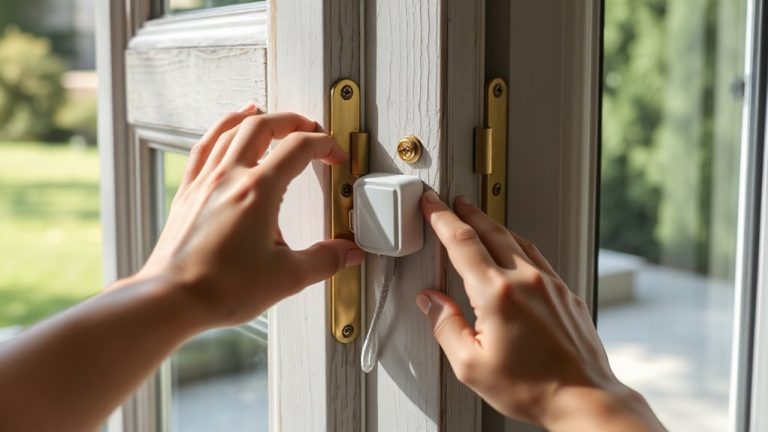
When choosing a motion sensor for your smart camera system, it’s important to match the sensor type to your environment and security goals. Passive infrared (PIR) sensors work well outdoors and detect body heat, making them reliable for spotting intruders. Microwave sensors cover larger areas but may trigger false alarms near moving objects like trees. For best results, check sensor compatibility with your camera brand-some systems only integrate with specific models. Installation positioning matters, too: mount sensors at 6 to 7 feet high, angled toward entry points, and away from heat sources or windows. Avoid pointing them at busy streets or pet zones. Dual-technology sensors combine PIR and microwave, reducing false alerts. Battery-powered models offer flexible placement, but wired sensors provide consistent power. Plan your layout in advance to guarantee full coverage without gaps.
Save Footage: Link Sensors to Cloud or Local Storage
Once your motion sensors are properly installed and aligned with your smart camera system, the next step is making sure recorded footage gets stored securely and reliably. You’ve got two main options: cloud backup and local caching. Cloud backup stores video offsite, so you can access it anytime, even if your device is stolen or damaged. Most services offer encryption and automatic syncing, but expect monthly fees ranging from $3 to $10 per camera. Local caching saves footage to an SD card or hard drive, cutting ongoing costs and ensuring privacy-though physical damage or theft could mean data loss. For best results, use both: rely on local caching for immediate access and daily use, and enable cloud backup for long-term storage and extra protection. This hybrid approach balances cost, security, and reliability without overcomplicating your setup.
Fix Common Smart Camera–Sensor Sync Problems
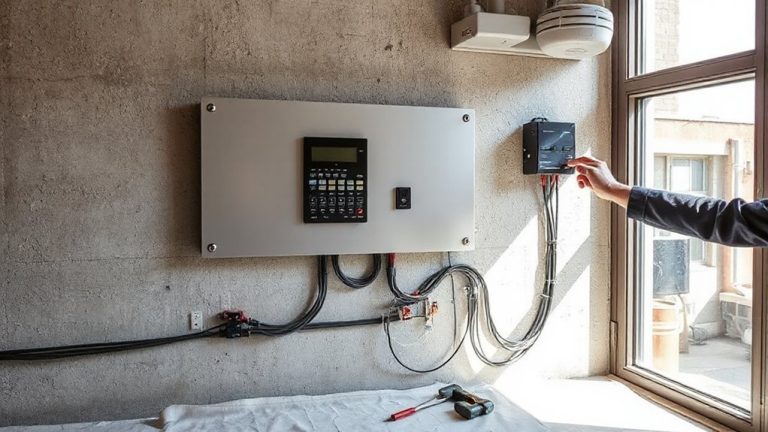
How well is your smart camera syncing with motion sensors? If you’re seeing delays or missed triggers, signal interference might be the culprit. Wireless cameras and sensors can struggle in congested areas, especially near microwaves or thick walls. Reposition devices closer together or reduce obstacles to improve connectivity. Outdated firmware can also cause sync issues-check for firmware updates monthly. Manufacturers often release patches that boost compatibility and performance. Guarantee both your camera and sensor are on the latest firmware version to avoid bugs. Use your system’s app to verify connection status and update promptly when prompted. Restart devices after updating. If problems persist, consider switching to a less crowded Wi-Fi band or using a mesh network. Consistent sync means reliable recordings, so proactive maintenance is key.
On a final note
You boost security and efficiency by pairing motion sensors with smart cameras. Sensors cut false alerts by confirming movement before recording. Set custom motion zones and adjust sensitivity based on your needs, like pets or busy sidewalks. Use passive infrared or dual-tech sensors for better accuracy. Link to cloud or local storage to save clips reliably. Sync issues? Check Wi-Fi and power sources. Plan placement and budget for best results.