How to Link Your Alarm System With Smart Lighting for Automated Intruder Deterrence
Choose a compatible platform like SmartThings or Home Assistant to link your alarm system with smart lights, ensuring both support联动 triggers and strong encryption. Sync devices through a central app, set motion or alarm-based triggers, and customize lighting patterns-like flashing or room-by-room activation-to deter intruders. Use energy-efficient, hub-compatible bulbs and test responses regularly. Confirm Wi-Fi stability and account for potential $20–$50 in bridge or sensor costs. Realistic deterrence relies on reliable integration and proper setup of automated scenes. You’ll find optimizing these details improves overall response effectiveness.
Notable Insights
- Choose a compatible smart home platform like SmartThings or Nest to ensure seamless integration between your alarm system and smart lights.
- Link both your alarm system and smart lights to a unified app under one account for centralized control and automation.
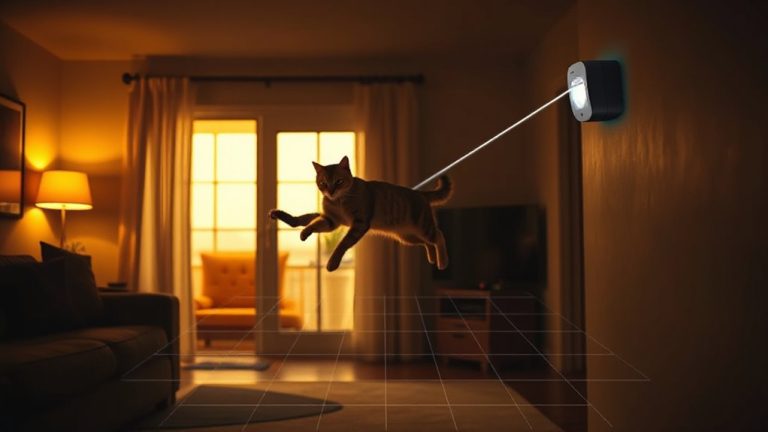
- Program lights to flash or turn on in response to alarm triggers or motion detection to simulate occupancy and deter intruders.
- Customize lighting zones and schedules so specific lights activate realistically when the alarm detects a security breach.
- Test the system regularly in alarm test mode to confirm lights respond immediately and adjust settings if responses fail.
Choose a Platform That Links Alarms and Lights
How do you make sure your alarm system and smart lights work together seamlessly? Start with platform selection-choose a hub or ecosystem known for strong integration, like SmartThings, Home Assistant, or a branded system like Ring or Nest. These platforms support multiple devices and automate responses reliably. Always run compatibility checks before buying; not all alarms work with every smart light. Look at manufacturer specs, check user forums, and confirm firmware supports联动 triggers. Some platforms need bridges or extra hubs, which increases cost. Others offer direct Wi-Fi pairing, reducing setup complexity. Prioritize systems with strong encryption and regular updates to maintain security. A well-chosen platform guarantees stable performance over time. Poor choices lead to delays, failed triggers, or high long-term costs. Plan your budget around total setup, not just upfront prices. Make platform selection a core part of your security planning. For optimal performance and long-term support, consider choosing from the Top Smart Home Systems for 2025.
Sync Lights to Your Alarm System
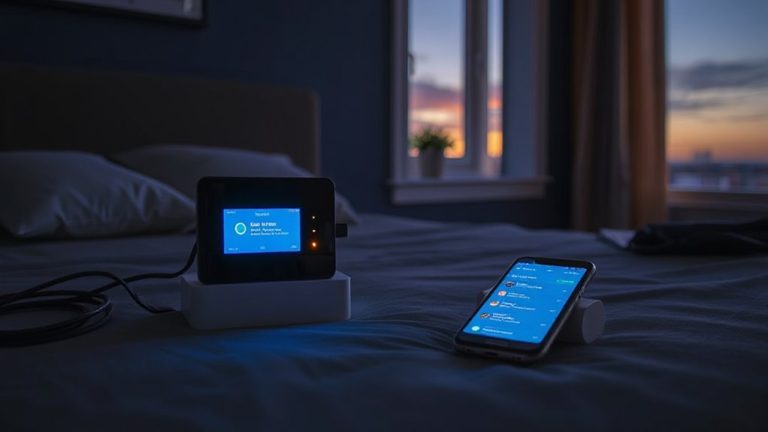
You’ve picked a platform that supports both your alarm system and smart lighting, so now it’s time to get them working together. Use the app to link your lights and security devices under one account, guaranteeing they communicate reliably. Set up motion triggers so lights activate when movement is detected, making intruders believe someone’s home. You can adjust light color to simulate natural activity-warmer tones in the evening feel more realistic. Most systems let you customize zones, so only specific lights respond to certain triggers, reducing false alerts. Syncing requires stable Wi-Fi and compatible devices, so double-check model numbers before setup. Some platforms may charge a fee for advanced automation, but basic syncing is usually free. Test the connection often to confirm responsiveness, especially after updates. Proper syncing guarantees your lighting supports your security goals efficiently and reliably.
Make Lights React When the Alarm Goes Off
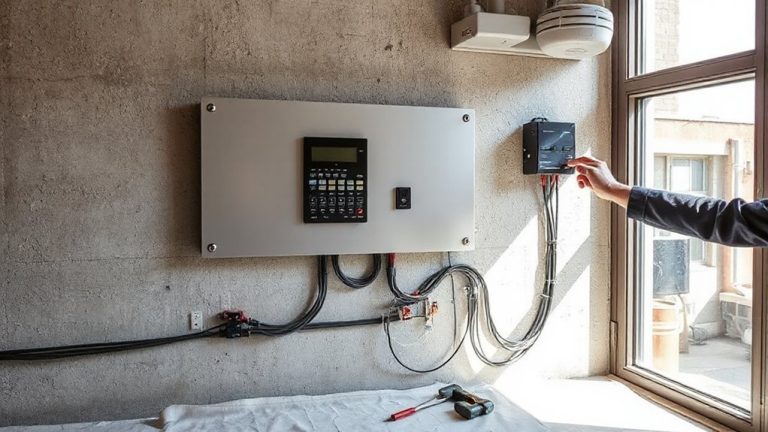
When the alarm is triggered, having your lights respond automatically can enhance visibility and deter intruders, giving you extra seconds to react or escape. You can program your smart lights to flash in specific light patterns, such as rapid strobes or room-by-room activation, simulating someone moving through the home. This effect works alongside motion triggers, which detect movement and prompt immediate illumination, increasing the chance of scaring off unwanted visitors. Most systems let you customize these responses through a central app, so you decide when and how lights react. For best results, use bright, energy-efficient bulbs compatible with your hub. Some setups may require a bridge device or additional sensors, adding $20–$50 to costs. Response delays are rare but possible with weaker Wi-Fi, so test reliability during setup. Top-rated systems like the best smart home alarm systems integrate seamlessly with major smart lighting platforms for reliable automation.
Test That Lights Activate With the Alarm
Why leave it to chance whether your lights respond the moment your alarm triggers? You need to test the connection to guarantee your smart lights activate automatically. Start with a physical inspection: check each light is powered and connected to your network. Then, trigger your alarm system in test mode and watch for immediate illumination. If any lights fail to turn on, review your automation rules or device settings. Most systems allow a manual override, which is useful for troubleshooting but shouldn’t be needed during actual alarms. Confirm that override settings don’t interfere with automatic responses. Repeat tests at different times to account for network fluctuations. Reliable activation depends on consistent performance. Document results to track issues. Testing isn’t a one-time task-recheck after updates or power outages to maintain peak security integration.
Simulate Presence During Alarms With Smart Scenes
How can your home appear occupied the instant an alarm is triggered? By using smart scenes, your lights can automatically turn on in multiple rooms, mimicking normal activity. You can sync these scenes with your alarm system so they activate immediately upon detection of a breach. Customize which lights turn on, their brightness, and duration to create a convincing illusion. Pair this with light schedules to maintain consistency when you’re away, reinforcing the sense of occupancy. Not only does this deter intruders, but it also supports energy savings by avoiding unnecessary all-night usage. Smart scenes use timed, targeted lighting instead of leaving lights on randomly. Most systems let you adjust scenes remotely through an app. Setup is simple, works with common brands, and costs little extra if you already have smart lighting. It’s a practical, data-backed strategy for improving home security.
On a final note
You can strengthen home security by linking your alarm system to smart lights. Choose a compatible platform, sync devices, and set lights to activate when the alarm triggers. Test the connection regularly to guarantee reliability. Use smart scenes to simulate occupancy, deterring intruders. This setup offers convenience and proven deterrence, though initial costs range $100–$300. Plan for Wi-Fi stability and consider energy use. Overall, automated lighting enhances alarm effectiveness with minimal effort.