Maximizing Security by Syncing Keypad Entry Systems With Home Automation Hubs Like Smartthings
You can maximize home security by syncing your keypad with SmartThings in under ten minutes, using Z-Wave or Wi-Fi for reliable, code-free pairing. Set up auto-lock routines, receive real-time alerts, and assign custom user codes with remote access control. Pair it with door and motion sensors to detect unauthorized entries early. Keep firmware updated and maintain hub proximity for best performance-all for under $100. You’ll discover smarter ways to protect your home with just a few taps.
Notable Insights
- Sync keypad systems with SmartThings for instant, secure access control using encrypted Z-Wave or Wi-Fi communication.
- Automate locking routines by integrating keypads with door sensors and smart locks based on time or occupancy.
- Assign custom user codes with timed access and remotely deactivate them to enhance entry security.
- Receive real-time alerts and access logs when doors are used, enabling immediate response to suspicious activity.
- Resolve sync issues quickly by ensuring firmware updates, proper hub proximity, and re-pairing through SmartThings inclusion mode.
Connect Your Keypad to SmartThings in Minutes
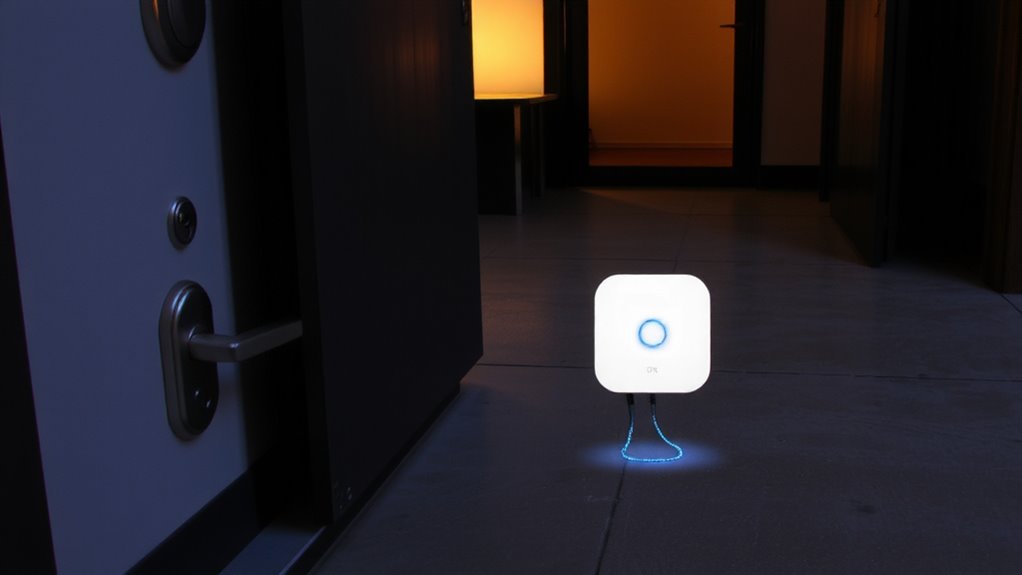
While setting up smart home security might seem complex, connecting your keypad to SmartThings is actually quick and straightforward. You’ll benefit from quick installation-most users complete setup in under ten minutes using the SmartThings app. Just power the keypad, open the app, and follow the prompts. Instant pairing guarantees your device connects securely to the hub without manual codes. The system uses Z-Wave or Wi-Fi, depending on model, for reliable communication. Make sure your SmartThings hub is within range and online. No wiring is needed for battery-powered models, reducing DIY risk. Confirm compatibility before purchase; newer Schlage and Aeotec keypads work best. At $50–$100, the cost is reasonable for added control. This integration lays the foundation for automation, though advanced features require further configuration. Top models like the Z-Wave smart locks offer enhanced reliability and seamless integration with SmartThings.
Create SmartThings Routines for Auto-Locks and Alerts
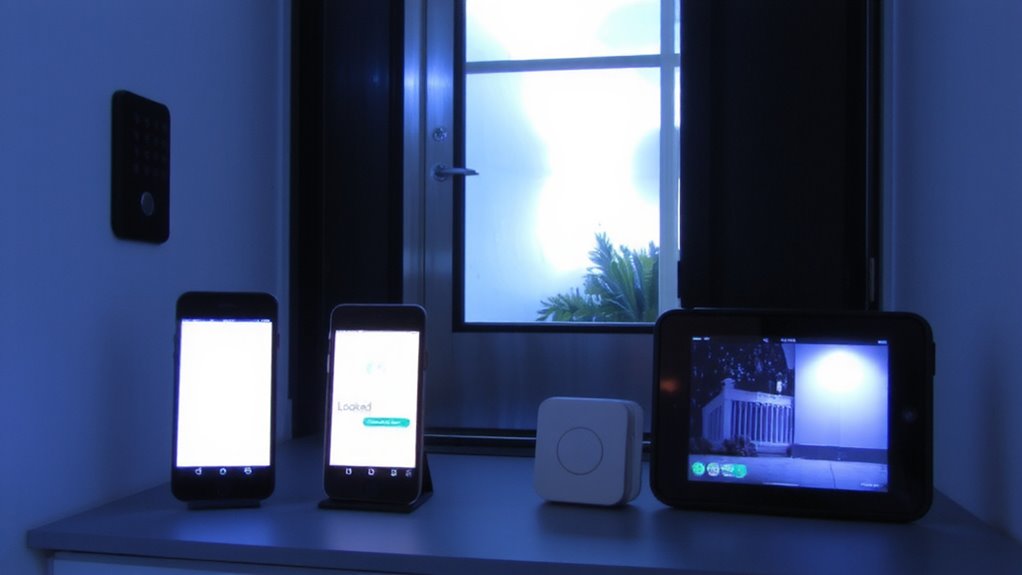
You’ve connected your keypad to SmartThings, and now you can start using that link to build useful routines. Set up auto-lock rules to secure doors automatically at bedtime or when everyone leaves-just sync the keypad with door sensors and your smart lock. This guarantees the door locks even if someone forgets, reducing vulnerability. Pair motion alerts with door sensors to get notified when movement is detected after hours, helping catch unauthorized entries early. For instance, if a door opens and motion follows during a set time, SmartThings can trigger an alert to your phone. These routines rely on verified device responses, so test them weekly. While automation boosts safety, note that false alerts may occur if motion sensors cover high-traffic areas. Plan routines carefully to balance security and convenience. No extra fees apply, and setup takes under 15 minutes using the app. Top-rated models like the best smart locks integrate seamlessly with SmartThings for reliable performance.
Set Up Custom User Codes in SmartThings for Family and Guests
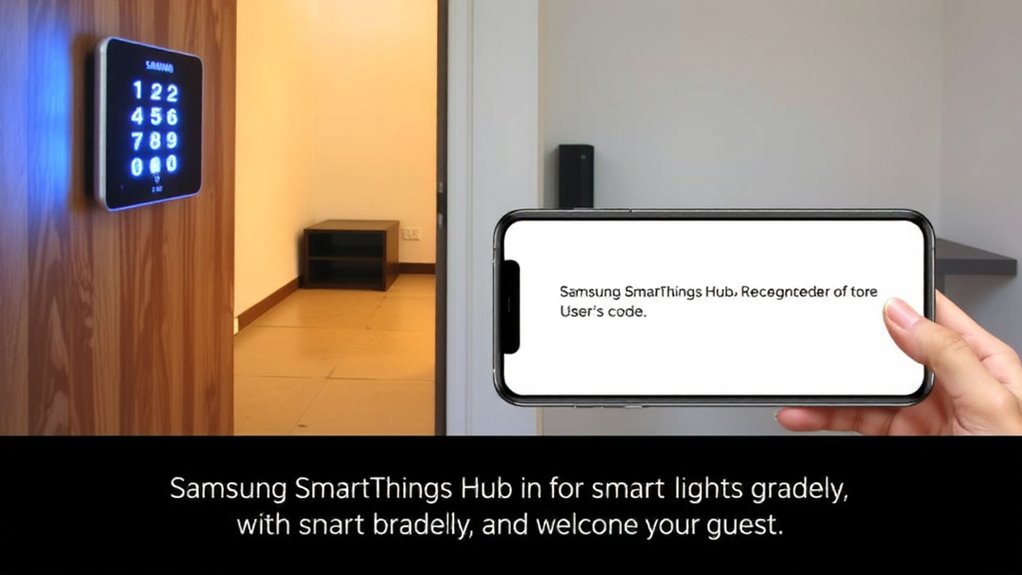
How do you guarantee family members and guests can enter your home securely without sharing a single master code? You set up custom user codes in SmartThings. This lets you assign unique codes to each person, improving control and accountability. With user permissions, you decide who has access and when-perfect for kids, relatives, or dog walkers. You can disable codes anytime, which is ideal for temporary guests. SmartThings also keeps access logs, so you see exactly who entered and when. These logs help monitor activity and boost security. Creating codes takes minutes in the app, and you can label each one for clarity. Plus, codes work alongside your automation routines. No need to change locks or hand out keys. It’s a practical, data-backed way to manage home access securely and privately. Top models like the AUGMENTED BEST SMART LOCKS integrate seamlessly with SmartThings for enhanced performance and reliability.
Fix Common SmartThings Keypad Sync Problems
If your SmartThings keypad isn’t responding when codes are entered, the issue might stem from a sync failure between the device and the hub. Start by checking your keypad pairing status in the SmartThings app-ensure the device appears online and is fully recognized. If it’s not, re-initiate pairing by placing the hub in inclusion mode and following the prompts. Signal interference or distance could disrupt communication, so keep the keypad within 30 feet during setup. Outdated firmware can also cause sync problems, so verify that both your hub and keypad have the latest firmware updates installed through the app. These updates often fix bugs and improve device communication. Restarting the hub and re-pairing the keypad usually resolves lingering sync errors. Always test functionality after each step to confirm stability.
Why Connecting Your Keypad to SmartThings Upgrades Security
What makes a keypad more than just a lock? When you connect it to SmartThings, you gain real time monitoring and remote access. You’ll see instantly when someone enters or attempts access, and get alerts sent straight to your phone. That means if your child comes home late, you’ll know they’re safe. Real time monitoring helps detect suspicious activity early. With remote access, you can lock or open doors from anywhere, whether you’re at work or on vacation. You can also revoke codes remotely, which is helpful for contractors or guests. This integration strengthens your security without complexity. Most systems work with minimal setup, and the cost is often under $100. It’s proactive protection that’s easy to use and built for real-life needs.
On a final note
Connecting your keypad to SmartThings boosts security with real-time alerts, auto-lock routines, and custom user codes. You gain remote access control and activity logs, helping monitor entries. Setup is quick, but confirm your keypad model is compatible. While most users see improved convenience and safety, occasional sync delays may occur. A stable Wi-Fi network and regular app updates reduce issues. Overall, integration offers measurable benefits for home security planning.