Seasonal Maintenance Guide for Security Systems in Extreme Weather Regions
You should clean camera lenses and recalibrate them each spring to maintain coverage, since misalignment can reduce effectiveness by 30%. In summer, shield devices from heat above 140°F with sun blockers or shaded placement. Seal cables and use surge protectors before storms, and keep a UPS with at least 30 minutes of backup. Update firmware and encryption in fall, then winterize with insulation and cold-rated gear. You’ll find tailored solutions for long-term reliability just ahead.
Notable Insights
- Align and clean cameras each spring to maintain optimal coverage and prevent obstructions from foliage or debris.
- Shield devices from summer heat by installing sun shields and avoiding placement on south- or west-facing walls.
- Protect systems during storms with weatherproof seals, surge protectors, and a UPS for uninterrupted operation.
- Perform fall maintenance by updating firmware, testing sensors, and ensuring secure, encrypted network connections.
- Prepare for winter by insulating outdoor units, sealing drafts, and using cold-rated batteries and ruggedized housings.
Spring Security Check: Clean Cameras & Test Sensors
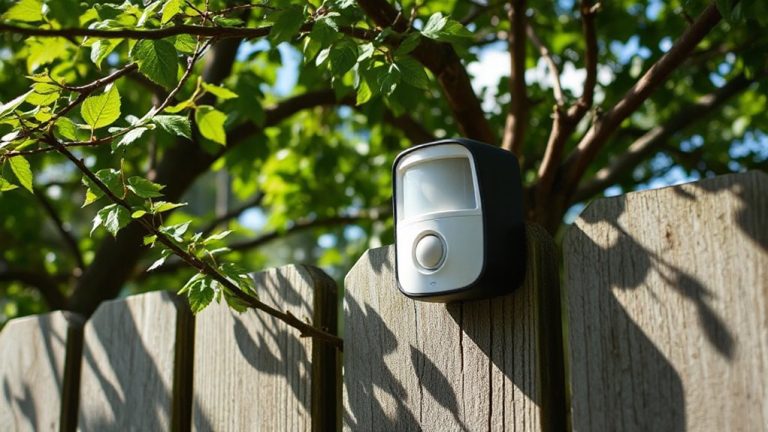
While spring brings milder temperatures, it’s also the ideal time to inspect your security system after winter’s harsh conditions. Dirt, ice, and shifting structures can affect performance, so clean camera lenses with a microfiber cloth to guarantee clear footage. Check for obstructions like new foliage or debris that might block views. Camera calibration is essential-review each angle to confirm full coverage, especially entry points. Misaligned cameras reduce effectiveness by up to 30%, data shows. Test motion sensors and verify sensor alignment; even slight misalignment causes false alarms or missed detections. Use a level app to adjust positioning accurately. Pros of seasonal checks include extended device life and reliable detection. Cons include time investment, though most tasks take under an hour. Plan annual spring maintenance to maintain system integrity and peak operation year-round. A top best outdoor security camera performs better when maintained seasonally.
Beat the Heat: Protect Security Systems From Summer Sun
Summer heat can push security systems beyond their limits, especially after the routine checks you’ve already completed in spring. Prolonged sun exposure degrades housings and reduces camera efficiency, so check for heat resistance ratings on each device. Units rated for 140°F or higher handle extreme temperatures better. If your cameras face direct sunlight, consider installing sun shields or relocating them to shaded areas. Dark surfaces absorb heat, so lighter enclosures stay cooler. Check manufacturer specs-if heat resistance isn’t clearly stated, assume limited tolerance. Overheated components may shut down or deliver poor video quality. Avoid placing equipment on south or west-facing walls where afternoon sun increases exposure. Perform visual checks weekly during heatwaves. Let firmware updates run in cooler hours to prevent thermal throttling. Simple changes now prevent summer failures later. Preventive steps today guarantee reliable performance when you need it most.
Storm-Proof Your Setup: Seal, Surge, and Backup
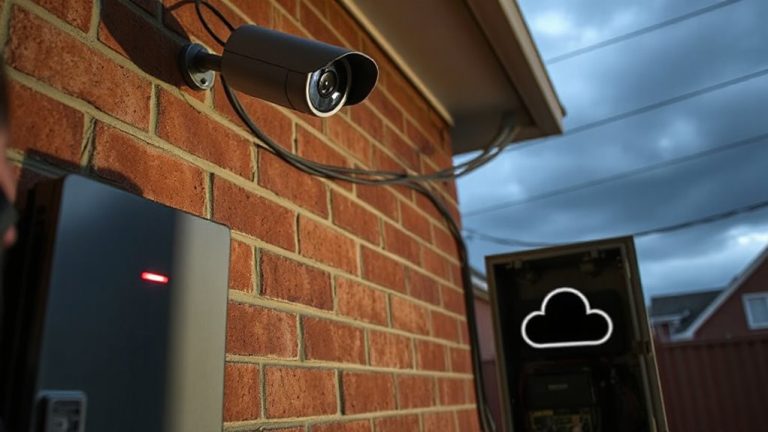
Three key steps-sealing connections, installing surge protection, and maintaining power backups-can keep your security system operational during storms. You should seal all outdoor cables and housing units with weatherproof gaskets or silicone caulk to prevent water damage from heavy rain. Without proper sealing, moisture can sneak in and disrupt signals or corrode wiring over time. Surge protectors are essential-you’ll need them to defend against lightning strikes that can fry sensitive electronics, even if the bolt doesn’t hit your home directly. Invest in UL-listed surge suppressors for both power and data lines. Power outages often follow severe storms, so rely on an uninterruptible power supply (UPS) with at least 30 minutes of runtime. This backup gives you time to respond and keeps cameras and sensors online. Check UPS batteries twice a year and replace them every three to five years.
Fall System Tune-Up: Test, Update, and Secure
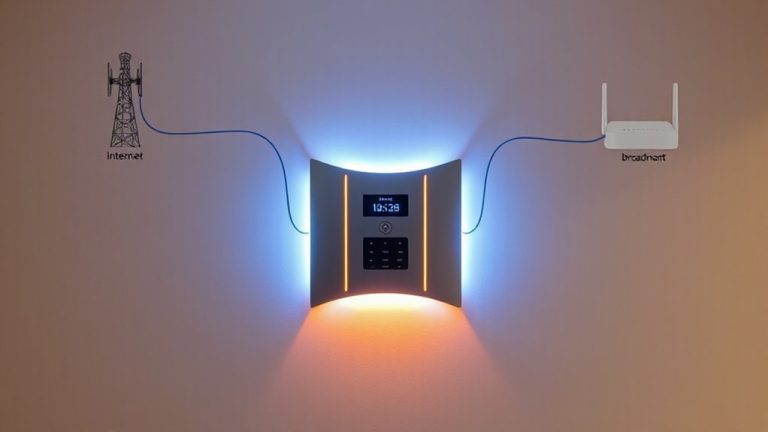
Why wait for winter’s first storm to find out your security system has a weak spot? Now’s the time to test every sensor, camera, and alarm function so you catch issues early. Run through motion detectors and door contacts to confirm signals reach the hub reliably. A firmware upgrade often fixes bugs and boosts performance, so check the manufacturer’s site or app for updates. These take minutes but improve response and compatibility. Don’t skip network encryption-ensure your system uses WPA2 or WPA3 to block intrusions. Weak encryption leaves your feed vulnerable. Test Wi-Fi strength at each device; poor signals cause delays. Verify remote access works from your phone. Update login passwords and enable two-factor authentication. This tune-up prevents surprises later. It’s a small effort now for consistent, year-round protection. Consider integrating solar-powered outdoor security cameras to maintain power reliability during seasonal outages.
Winterize Your Security System Before Cold Hits
You’ve already tested sensors, updated firmware, and tightened network security-now it’s time to prepare your system for freezing temperatures and heavy snowfall. Start with insulation checks around outdoor cameras, control panels, and entry-point sensors to prevent cold drafts from affecting performance. Gaps can cause internal condensation, leading to malfunctions. Use weather-resistant enclosures where needed. Pay close attention to cable protection-exposed wiring is vulnerable to ice, rodents, and cracking in low temps. Shield cables with conduit or insulated sleeves, especially where they enter your home. Avoid using tape as a long-term fix; it degrades quickly in cold. Battery-powered devices lose charge faster in winter, so stock spares and check levels monthly. Wired systems are more reliable in extreme cold but require proper grounding. Consider upgrading to models designed for harsh climates, such as best outdoor cameras for cold weather, which offer enhanced thermal resilience and rugged housing. Plan early, inspect thoroughly, and budget for minor upgrades-they’re cheaper than emergency repairs.
On a final note
You’ve now reviewed seasonal steps to keep your security system reliable in extreme weather. Cleaning cameras, sealing connections, and checking sensors boost performance year-round. Surge protectors and battery backups prevent failures during storms. Updating firmware and testing components in spring and fall guarantees detection stays accurate. Winter prep avoids false alarms from freezing. These actions extend system life, improve safety, and save repair costs. Stay proactive-it pays off.