A Comprehensive Guide to Choosing and Installing Personal Protection Devices That Will Enhance Your Home’s Overall Safety Profile
You cut intrusion risks nearly in half and reduce fire hazards by over 30% with targeted upgrades. Install deadbolts, check wiring, and use smart lights or cameras with motion detection. Renters should choose wireless systems under $200; homeowners can invest in integrated setups over $500. Place cameras at entry points and sensors near stairwells. Connect devices securely and set user permissions-smart moves now lead to even stronger protection ahead.
Notable Insights
- Identify common home security risks like frayed wiring, unlocked doors, and dark entryways to prioritize protective measures.
- Choose smart devices such as security cameras, smoke detectors, and smart lighting that address specific safety threats.
- Match devices to your lifestyle-use wireless, app-controlled systems if you travel or rent frequently.
- Place cameras at entry points like front and garage doors, angling them to avoid glare and maximize coverage.
- Securely install and network devices using strong passwords, ensuring compatibility and granting limited user access as needed.
Identify Your Top Home Security Risks
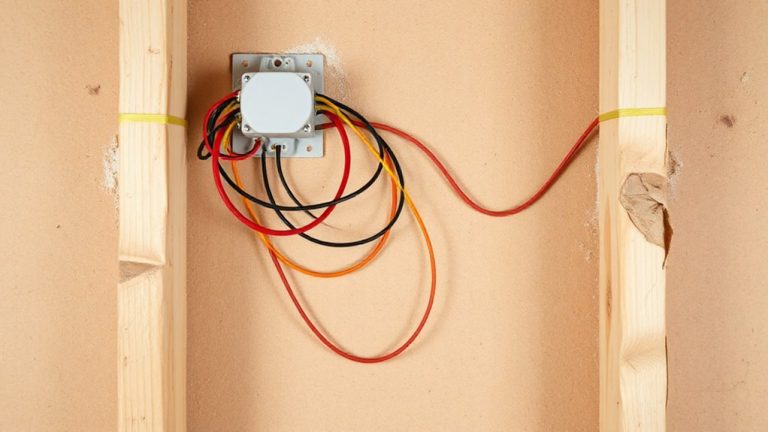
What keeps your home vulnerable? Unnoticed fire hazards and unsecured intruder entry points are among the top risks. You might overlook frayed wiring or space heaters near curtains, which contribute to over 30% of home fire incidents annually. Similarly, weak locks, open windows, or dark entryways make your home an easier target. Intruder entry points like unlocked doors or basement windows are exploited in nearly 60% of break-ins. Conduct a walkthrough: check smoke detector placements, test lock strength, and identify dark zones around doors. Prioritize areas with both fire hazards and limited escape routes. Addressing these issues now reduces risk substantially. Focus on high-impact, low-cost fixes first, like installing deadbolts and checking electrical outlets. Prevention starts with awareness, not expense. For garage-specific safety, consider installing a best smoke alarm for garages to protect against temperature-related malfunctions and vehicle-related fire hazards.
Install These 5 Essential Personal Protection Devices
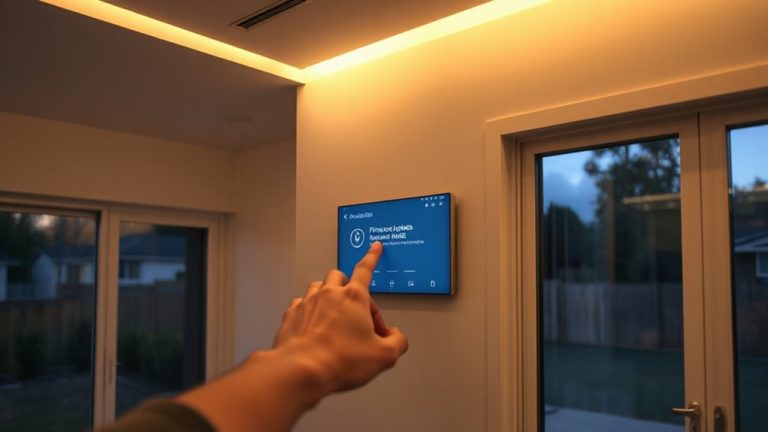
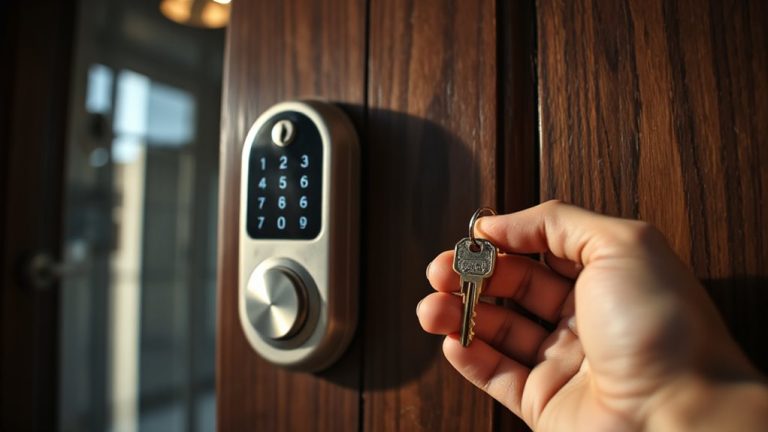
Safety begins with smart, strategic choices-and the right personal protection devices can make all the difference. Start with a smart lighting system that turns on automatically at dusk or when motion is detected, deterring intruders and improving nighttime visibility. Next, install a reliable security camera system that records 24/7 and sends emergency alerts to your phone when unusual activity is detected. A monitored smoke and carbon monoxide detector provides early warnings and connects to emergency services if needed. Add a smart doorbell with two-way audio to see and speak to visitors remotely. Finally, invest in an all-encompassing home alarm system that integrates with your other devices. These five devices work together to create layers of protection. They’re easy to install, widely available, and proven to reduce risk. Most offer mobile app control and support smart lighting and emergency alerts, giving you real-time awareness and peace of mind. For maximum security, choose a best home alarm system that offers professional monitoring and seamless smart home integration.
Choose Devices That Fit Your Lifestyle and Budget
While not every home needs the same level of protection, matching personal protection devices to your daily routine and budget helps guarantee long-term use and effectiveness. If you’re often away, devices with smart features like remote alerts and app control offer user convenience and real-time monitoring. Renters may prefer wireless, non-permanent systems under $200, while homeowners might invest in integrated setups costing $500 or more. Consider devices with motion sensors, two-way audio, and night vision, but verify compatibility with your Wi-Fi and power sources. Battery-powered models offer flexibility, though they require regular charging. Prioritize user convenience-systems that are too complex often get disabled. Entry-level cameras start around $50, but higher-priced models deliver better resolution and reliable performance. Balance cost with features that align with your lifestyle for ideal security. For those seeking reliable video surveillance, consider investing in the best cameras for great value, which offer a strong combination of performance and affordability.
Place Devices for Maximum Coverage
Start by mapping out the key entry points and high-traffic areas in your home, since effective placement guarantees you’re monitoring what matters most. Avoid blind spots by positioning devices where they cover doors, windows, and hallways. Use overlapping zones to guarantee no area is left unprotected-cameras or sensors should complement each other. Focus on both interior and exterior coverage for full situational awareness.
| Area | Device Type | Placement Tip |
|---|---|---|
| Front Door | Camera/Sensor | Mount at eye level, angled outward |
| Back Yard | Motion Sensor | Elevate slightly to reduce false alarms |
| Garage Entry | Camera | Cover full width, avoid backlighting |
| Hallway | Indoor Camera | Ceiling corner for wide field of view |
| Basement Steps | Motion Detector | Point toward stairwell, not heating vents |
Overlapping zones reduce blind spots and improve detection reliability.
Install Your Security Devices in 5 Simple Steps
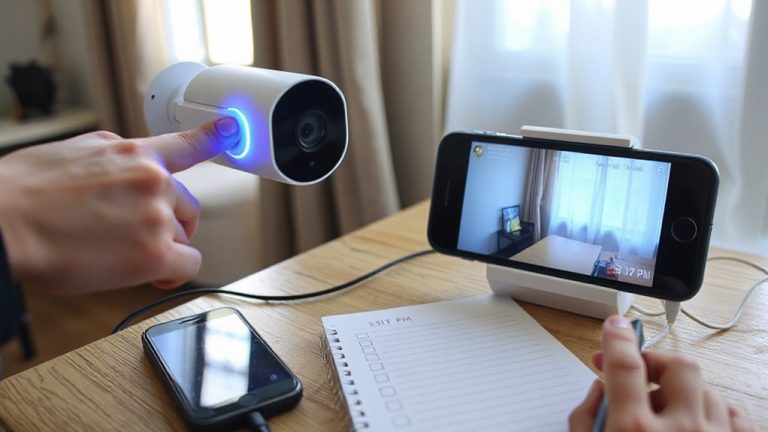
You’ve planned your layout and chosen the right devices, so now it’s time to get them up and running. Start by checking device compatibility-make sure all components work with your existing system or hub. Next, power each unit, following manufacturer instructions for wiring or battery setup. Then, mount cameras and sensors in your pre-determined spots, securing them firmly. After installation, connect devices to your network, using strong passwords to protect access. Finally, set user permissions, granting family members appropriate levels of control-like viewing video or disarming alarms-while restricting admin functions. This step protects privacy and prevents misuse. Test each device to confirm operation, and update firmware if needed. Proper setup ensures reliability, so take time to verify every connection. With these five steps, your system will deliver consistent, long-term protection.
On a final note
You now know your top risks and the five essential devices to address them. Choose systems that match your lifestyle and budget, focusing on features like motion sensors and connectivity. Place them strategically for full coverage, especially at entry points. Installation is straightforward: follow the steps, test each device, and maintain them regularly. A well-planned setup improves safety markedly, according to security data.