Designing an Effective Security Strategy for Your Family’s Protection Needs
You should start by checking your home for weak spots like dark corners, side gates, or unsecured windows, then add motion lights and cameras 8–10 feet high to cover entry points. Reinforce doors with deadbolts and install window locks-sensors cost $10–$30 and connect to smartphone alerts. Use strong passwords, enable two-factor authentication, and update your family’s emergency plan regularly. Reviewing your security twice a year guarantees it stays effective as risks change-smart, consistent choices keep your family safer over time.
Notable Insights
- Identify and address home security weak spots like side gates, windows, and dark areas with cameras or lighting.
- Reinforce all entry points using strong locks, sturdy frames, and affordable door and window sensors.
- Install smart cameras at entry points and blind spots, positioned 8–10 feet high for optimal coverage.
- Secure digital devices and online accounts with encryption, strong passwords, and two-factor authentication.
- Conduct biannual security audits and update protection strategies based on evolving family and neighborhood risks.
Find Weak Spots in Your Home Security
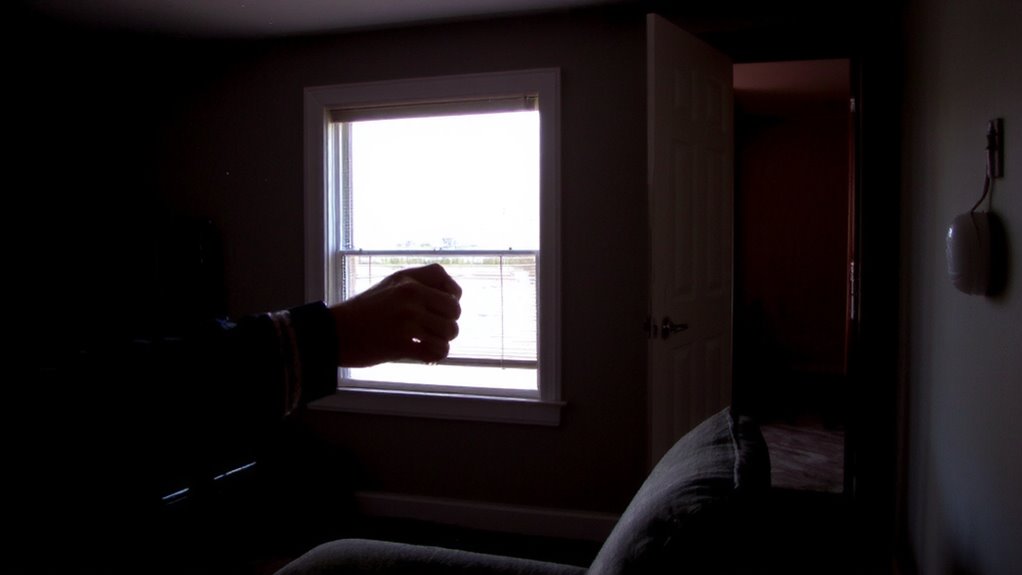
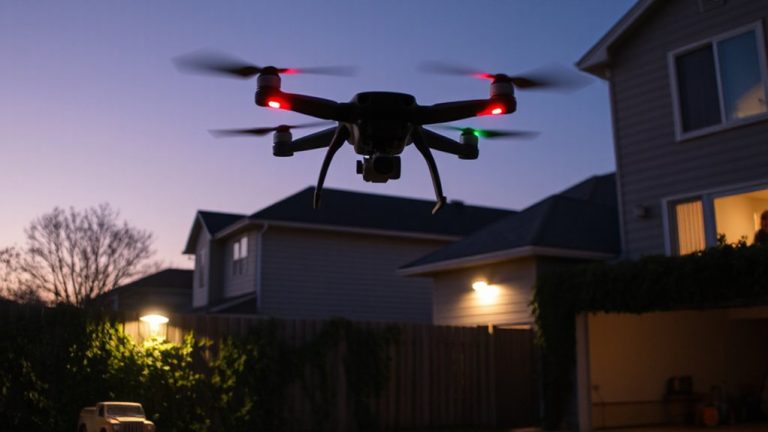
Where do intruders most often gain entry, and are you overlooking the obvious? You might not realize it, but many break-ins happen through overlooked areas like side gates, basement windows, or unsecured garages. Blind spot identification is essential-walk your property and note where visibility is low or surveillance doesn’t reach. Common signs of perimeter vulnerability include overgrown shrubs, poor lighting, or fences with weak latches. Use a checklist to assess each exterior access point, noting structural gaps or zones hidden from street view. Consider security cameras or motion-sensor lights to reduce risk, but remember: placement matters. Even basic systems help if positioned to cover weak zones. A thorough scan takes under 30 minutes and could prevent a breach. Prioritize consistency in monitoring and updating your assessment every few months, especially after seasonal changes or landscaping work. Upgrading vulnerable windows with high-quality security screens can significantly enhance your home’s defense against forced entry.
Lock and Reinforce All Entry Points
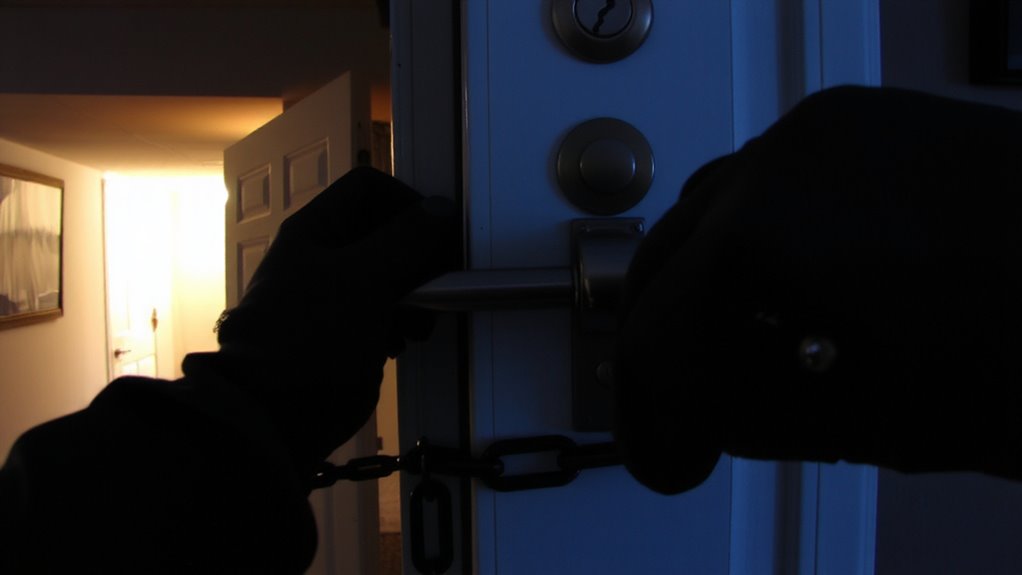
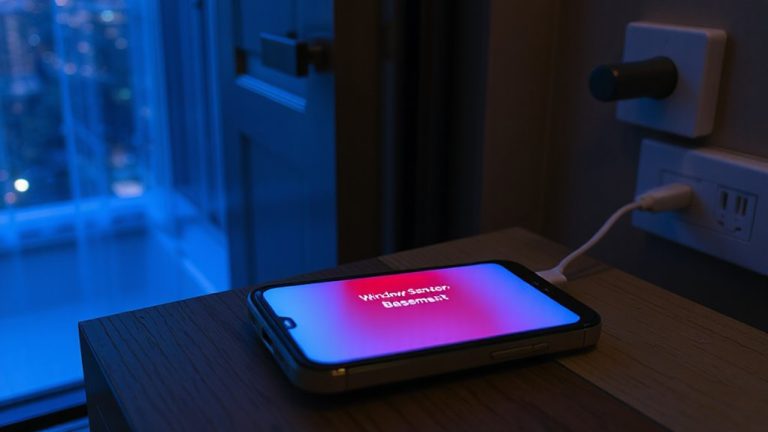
A solid security strategy starts with securing every potential entry point, because most break-ins occur through doors and windows that are weak or poorly protected. You should reinforce exterior doors with strong frames and deadbolts, and install window locks on all accessible windows. These simple upgrades make unauthorized entry much harder. Add door sensors to both main and side entrances-they’re affordable, easy to install, and alert you if a door opens unexpectedly. Pair these with window locks for complete coverage. Most systems let you monitor both sensor types from your phone. Quality door sensors cost $15–$30 each, and window locks range from $10–$20 per window. While some renters may face installation limits, many options are removable. These steps are proven to deter intruders and improve response time. Reinforcing all entry points isn’t expensive, but it greatly strengthens your home’s overall security. For maximum protection, consider installing best window locks that are durable, easy to operate, and compatible with your window type.
Add Smart Cameras and Alarms
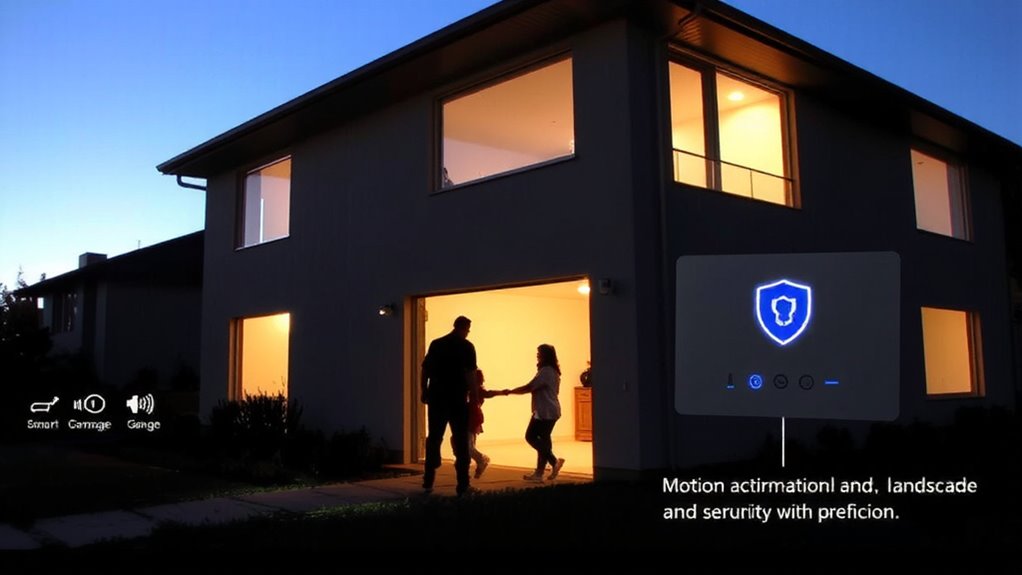
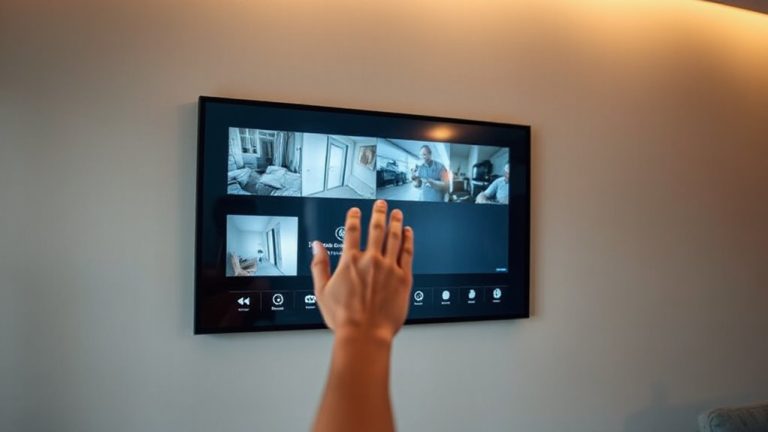
You’ve secured your doors and windows with strong locks and sensors, which reduces the chance of a break-in, but adding smart cameras and alarms takes your protection further by actively monitoring and responding to threats. Good camera placement is key-focus on entry points, dark corners, and blind spots to guarantee full coverage. Position outdoor cameras at eight to ten feet high to prevent tampering. Alarm integration allows your system to trigger lights, cameras, and phone alerts when motion or forced entry is detected. Most systems sync with mobile apps, so you can view footage or silence false alarms remotely. Wired cameras offer reliability, while wireless models are easier to install. Consider subscription costs for cloud storage, typically $3 to $10 monthly. Look for systems with motion detection, night vision, and two-way audio. Proper setup boosts deterrence and provides evidence if an incident occurs. Top-rated systems often include features like best home security cameras for optimal performance and ease of use.
Secure Family Devices and Online Accounts
While physical security protects your home’s perimeter, digital threats can still put your family at risk if devices and online accounts aren’t properly secured. You should enable device encryption on all smartphones, tablets, and computers to protect stored data from unauthorized access, especially if a device is lost or stolen. This feature is built into most modern operating systems and takes little effort to activate. For online accounts, use strong, unique passwords and turn on two-factor authentication where available. Make account monitoring a regular habit-review login alerts and statements weekly to catch suspicious activity early. Many services offer free or low-cost security alerts that notify you of unusual logins. Though setting these tools up takes time, they greatly reduce the risk of identity theft and data loss. Stay proactive; digital safety is an ongoing part of family protection.
Make a Family Emergency Plan
What would your family do if a fire, storm, or power outage struck at night? You need a clear plan to keep everyone safe. Start by mapping escape routes from each room and designate a meeting spot outside. Practice emergency drills every three months so everyone, including kids, knows what to do. These drills reduce confusion and speed up response time during real crises. Establish communication protocols, like a family group chat or emergency contact tree, so you can check in even if cell service is spotty. Make sure each adult carries emergency numbers and a written plan in their wallet. Include pets in your plan and assign responsibilities. Review your plan after any drill or household change. A solid plan isn’t just helpful-it’s proven to improve survival and coordination during disasters.
Keep Your Security Strategy Current
A strong security strategy doesn’t end with the initial plan-it evolves as your household, neighborhood, and threats change over time. You should perform regular security audits at least twice a year to assess weak points in your home and routine. These audits help you spot outdated locks, poor lighting, or unmonitored entry points. Pair this with threat modeling, where you identify likely risks based on your location, lifestyle, and recent local incidents. For example, if burglary rates rise in your area, you might upgrade outdoor cameras or add motion sensors. Consider smart systems that offer remote monitoring and alerts. While more expensive upfront, they provide real-time data to strengthen your response. Adjust your family emergency plan as needed, ensuring all members stay informed. Keeping your strategy current means staying a step ahead-consistently, practically, and effectively.
On a final note
You’ve taken the right steps to protect your family by checking weak spots, securing doors and windows, and installing alarms and cameras. Don’t forget to safeguard devices and plan for emergencies. Review your strategy every six months, update passwords, and test equipment regularly. A strong security plan is ongoing, affordable, and effective when maintained consistently.