How Remote Surveillance Apps Can Alert You to Break-In Attempts While Traveling
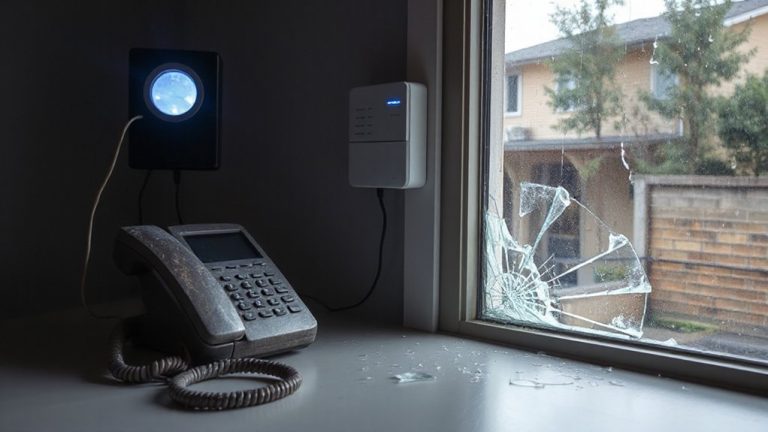
You’ll get instant alerts on your phone if motion or sounds like breaking glass are detected at home while you’re traveling. Remote surveillance apps use cameras with motion sensors and audio analysis to spot potential break-ins. Devices like Arlo Pro 4 or Nest Cam offer 1080p video, night vision, and Wi-Fi connectivity, sending notifications directly to your smartphone. You can check live feeds, adjust sensitivity to avoid false alarms, and even lock doors remotely. Most systems work with free push alerts, though cloud storage costs $3–$10 monthly. Reliable detection depends on proper placement and a strong internet connection. Some systems support geofencing, so alerts only trigger when you’re away. For added security, professional monitoring can notify authorities automatically. Features like smart filtering reduce false alarms from pets or passing cars. Knowing how these systems work helps you choose the best setup for peace of mind when you’re on the go.
Notable Insights
- Remote surveillance apps send instant motion detection alerts to your smartphone when unusual activity is detected at your home.
- Audio analysis features identify sounds like breaking glass and trigger real-time notifications while you’re traveling.
- Adjustable sensitivity settings reduce false alarms from pets or outdoor traffic, ensuring relevant break-in alerts.
- Geofencing automatically enables alerts when you leave home and disables them upon return.
- Live camera feeds allow immediate verification of suspicious activity, helping you respond quickly from anywhere.
How Remote Surveillance Apps Protect Your Home While Traveling
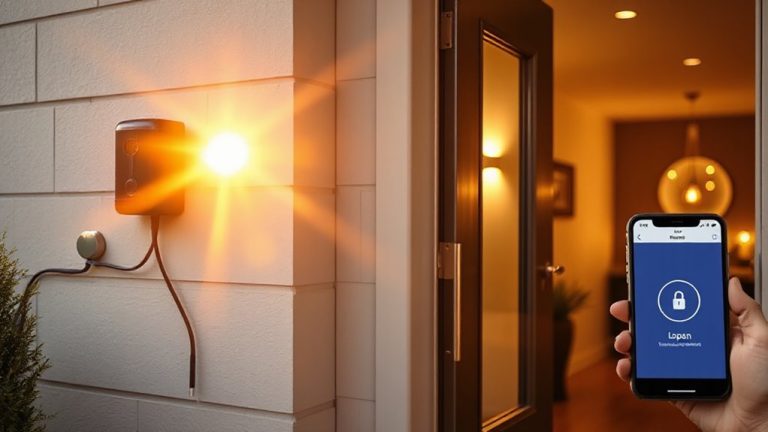
While you’re away on vacation, remote surveillance apps give you real-time control over your home’s security with just a smartphone or tablet. You can check live camera feeds, lock doors remotely, and adjust lighting or thermostats to make your home appear occupied. These actions deter burglars, reduce risks, and may qualify you for lower home insurance premiums, since insurers often reward proactive security measures. Some providers even bundle app access with monitoring services, enhancing protection without high costs. When planning trips, using surveillance systems can contribute to travel savings by preventing theft and costly damages. While subscription fees apply, typically $10–$30 monthly, the investment often pays off through avoided losses and insurance benefits. Features like motion alerts, cloud storage, and two-way audio add convenience and functionality. Overall, remote surveillance apps offer practical, data-backed ways to secure your property while you’re away. Top wireless models offer seamless integration with these apps for reliable monitoring and quick alerts.
How These Apps Detect Intruders in Real Time
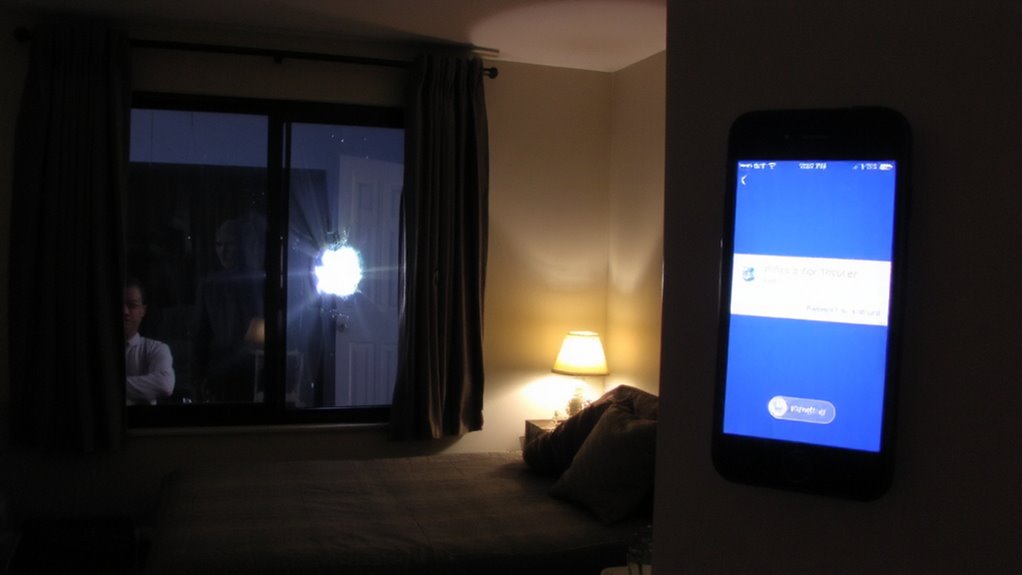
Remote surveillance apps don’t just let you peek at your home while you’re away-they actively help catch intruders the moment something’s off. These apps use motion detection to spot movement in key areas, instantly sending you alerts. They also perform audio analysis to identify unusual sounds like breaking glass or forced entry. When combined, these features reduce false alarms and increase accuracy.
| Feature | How It Helps | Consideration |
|---|---|---|
| Motion Detection | Triggers alerts when movement is sensed | Can activate due to pets or shadows |
| Audio Analysis | Detects suspicious sounds | Background noise may affect accuracy |
| Real-Time Alerts | Notifies you instantly | Requires stable internet connection |
| Smart Filtering | Reduces false alarms | May miss subtle threats |
You’ll get timely updates so you can respond fast. Top wireless models offer advanced sensors that enhance detection reliability through best wireless security cameras technology.
Best Devices for Remote Surveillance Apps
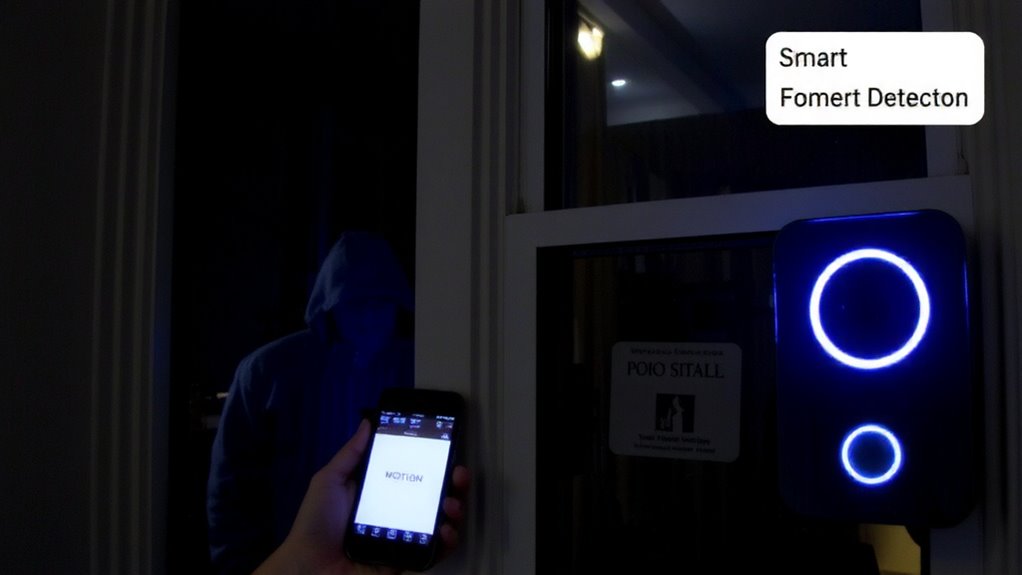
A reliable setup starts with choosing the right hardware, and the best devices for remote surveillance apps combine strong video quality, consistent connectivity, and smart alert systems. You’ll want cameras like the Arlo Pro 4 or Google Nest Cam, which offer 1080p video, night vision, and built-in motion sensors. Device compatibility matters-make sure your camera works with your smartphone’s OS and any smart home systems. App integration is key, too; devices should connect smoothly to apps that support real-time streaming and push notifications. Look for Wi-Fi reliability, weather resistance if used outdoors, and local or cloud storage options. Battery-powered models offer easy placement, while wired ones guarantee constant power. Prices range from $80 to $200 per camera, with subscription plans for video history. Plan your layout based on entry points and coverage needs. For a full overview of top picks and key features, check out the best home security cameras buying guide.
How to Get Alerts for Suspicious Activity
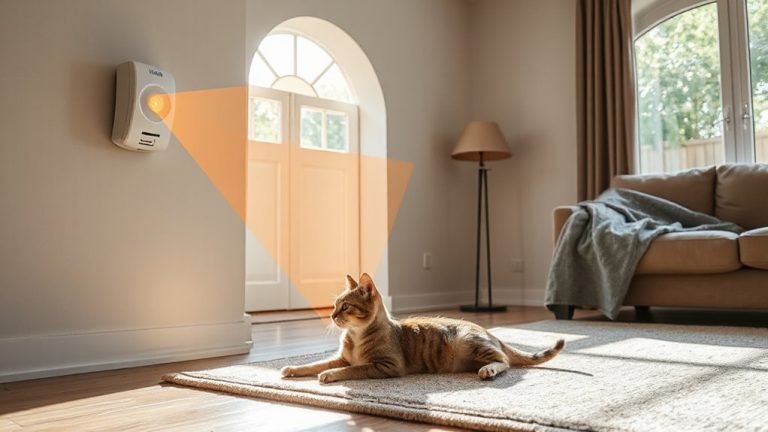
You’ve chosen the right camera and set up your system, but staying informed about what’s happening at home while you’re away depends on effective alerts. Enable motion detection to receive instant notifications when movement is detected in monitored areas. Most apps let you adjust sensitivity, reducing false alarms from pets or passing cars. For stronger security, turn on sound alerts to catch unusual noises like breaking glass or voices. These alerts arrive instantly on your phone, so you can check live footage immediately. Use geofencing to disable alerts when you’re home and activate them when you leave. Push notifications are free, but cloud storage for recorded alerts often requires a subscription, typically $3–$10 per month. Make sure your Wi-Fi is stable, and your app is updated. Properly configured, motion detection and sound alerts work together to give you reliable, real-time awareness of potential threats.
What to Do If Your App Alerts You to a Break-In?
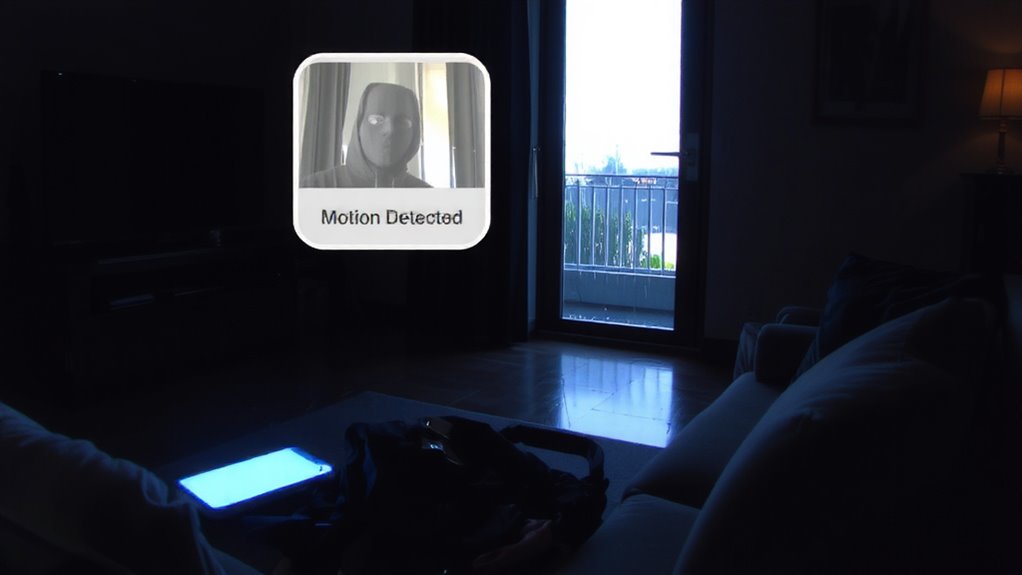
What would you do if your phone buzzes in the middle of the night with an alert showing someone moving through your living room while you’re hundreds of miles away? First, stay calm and verify the alert using live camera feed-don’t assume it’s a false alarm. Immediately contact local authorities to trigger emergency response; many systems let you share real-time video with law enforcement. Then, call a trusted neighbor for quick on-site checks if possible-this neighbor coordination can confirm threats and reduce response delays. Avoid confronting intruders yourself. Guarantee your app integrates with professional monitoring services for faster intervention, though this may cost extra monthly. Update contact lists and emergency plans before traveling so alerts lead to swift action. Smart responses rely on preparation, reliable tech, and clear communication-your quick decisions, backed by planning, make all the difference.
How to Reduce False Alarms and Keep Your System Reliable
While false alarms can undermine trust in your security system, you can substantially reduce them with proper setup and maintenance. Start with accurate system calibration so sensors detect real threats, not routine movement like pets or curtains blowing. Adjust the alarm sensitivity to match your home’s environment-lower settings help ignore small disturbances while still catching potential intrusions. Test your system monthly, especially after software updates or power outages, to guarantee all components communicate correctly. Place motion detectors strategically, avoiding heat sources or sunlight that cause fluctuations. Many apps let you customize alert types, so enable push notifications with video verification to confirm events. Reliable systems often cost $200–$500 upfront, with subscription plans from $10/month. Consistent checks and smart settings keep your setup efficient, accurate, and trustworthy while you’re away.
On a final note
You can keep your home secure while traveling with remote surveillance apps that send real-time alerts if suspicious activity is detected. These systems use motion sensors, cameras, and AI to distinguish intruders from pets or shadows, reducing false alarms. Pairing smart doorbells or indoor/outdoor cameras with a reliable app boosts effectiveness. Choose systems with cloud storage and two-way audio, and consider subscription costs. Test alerts before leaving to verify they work.