Creating a Centralized Dashboard for Managing All Home Security Devices
You can create a centralized dashboard by first auditing your cameras, sensors, and locks to identify coverage gaps and compatibility. Choose a smart home platform like Samsung SmartThings or Hubitat Elevation that supports multiple protocols and over 100 devices. Pick a dashboard with real-time video, motion tracking, and customizable alerts. Connect everything through a secure hub with strong encryption. Set up automated routines and fine-tune alerts to reduce false alarms. Prioritize platforms with regular firmware updates and local control options to avoid monthly fees. You’ll soon see how seamless, reliable protection can be when your entire system works together.
Notable Insights
- Choose a smart home platform like Samsung SmartThings or Hubitat Elevation for broad device compatibility and centralized management.
- Integrate all security devices into a central hub that supports multiple protocols such as Z-Wave, Zigbee, and Wi-Fi.
- Implement a real-time dashboard with live camera feeds, sensor statuses, and customizable alert zones for comprehensive oversight.
- Enable video analytics and motion tracking to improve detection accuracy and reduce false alarms from pets or external activity.
- Regularly update firmware, test alert triggers, and optimize automation routines to maintain system reliability and responsiveness.
Audit Your Security Devices and Identify Blind Spots
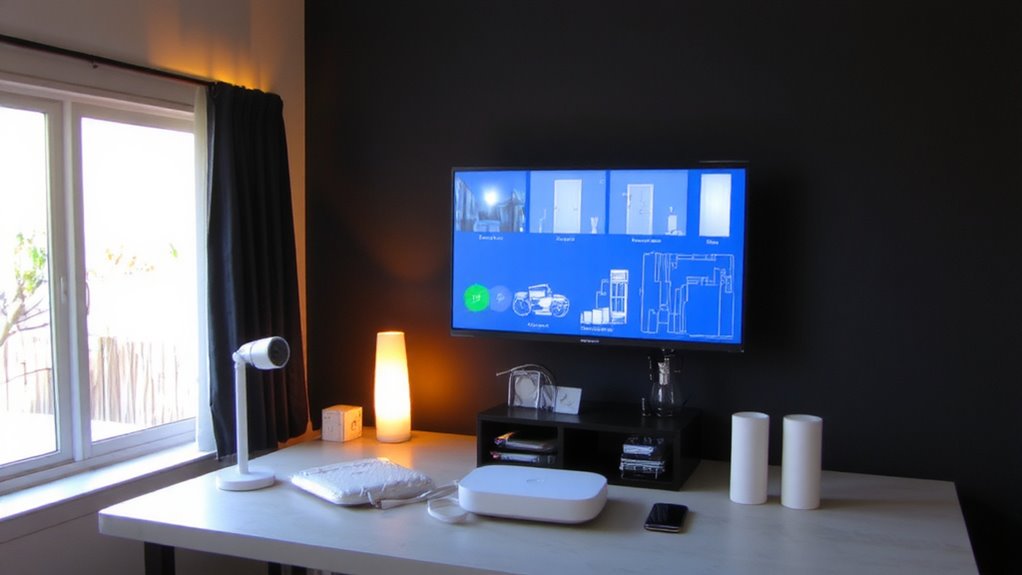
While you might already have some security devices in place, taking a close look at what you own-and where it’s located-can reveal gaps that put your home at risk. Start by listing each device, its function, and placement. Check for blind spots, like dark corners or unmonitored entry points. Poor signal interference can weaken connections between devices, especially if walls or appliances block transmission. Test performance at different times to identify drop-offs. Also, assess device compatibility-older models may not sync with newer systems, limiting automation and alerts. Group devices by brand and protocol (like Zigbee or Wi-Fi) to spot integration issues. Replace or reposition units that underperform. This audit guarantees every part of your home receives proper coverage and prepares you for centralized control. Prioritize models with strong encryption and low latency.
Pick a Smart Home Platform That Supports All Your Devices
You’ve mapped out your current devices and found where coverage falls short, so now it’s time to choose a smart home platform that brings everything together. Prioritize device compatibility and seamless platform integration to avoid siloed systems. Not all platforms support every brand, so check manufacturer lists before deciding. A reliable smart home automation hub ensures centralized control and long-term system stability.
| Platform | Compatible Devices |
|---|---|
| Samsung SmartThings | 250+ |
| Hubitat Elevation | 100+ (local control) |
| Amazon Alexa | 150+ |
| Google Home | 100+ |
| Apple HomeKit | 75+ (privacy-focused) |
SmartThings offers the widest device compatibility, while Hubitat excels in local processing. Alexa and Google provide broad platform integration with voice assistants. Apple HomeKit suits privacy-first users but has fewer compatible devices. Choose based on your current gear and future plans. Guarantee your selected platform supports updates, security patches, and reliable connectivity for long-term performance.
Choose a Dashboard With Real-Time Camera and Sensor Monitoring
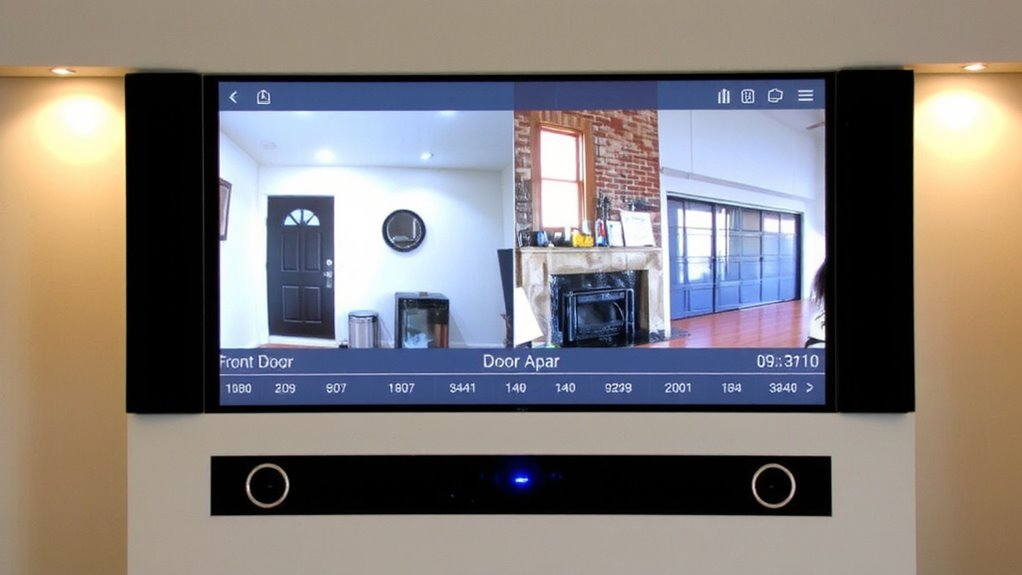
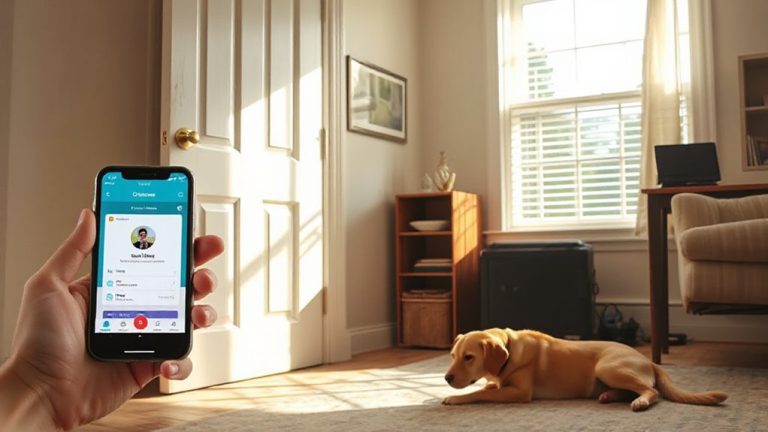
A strong home security dashboard gives you real-time access to camera feeds and sensor alerts, so you can monitor activity the moment it happens. You’ll want built-in video analytics to detect people, packages, or pets-this reduces false alarms. Motion tracking helps cameras follow movement, giving you clearer footage of potential threats. Look for dashboards that update feeds every second, ensuring minimal delay. Systems with cloud processing offer faster analytics but may cost more monthly. Local processing saves money and keeps data private but can lag. Choose one with customizable alert zones so you’re only notified when necessary. Check that the interface displays camera thumbnails and sensor statuses side by side for quick scanning. Not all platforms handle high-resolution streams smoothly, so test performance on mobile and desktop. Reliable real-time monitoring means faster responses-and that’s what keeps your home safer. When integrating DVRs, select a best security DVR model that supports seamless connectivity with your centralized dashboard for unified control.
Connect Cameras, Alarms, and Locks to a Single Security Hub
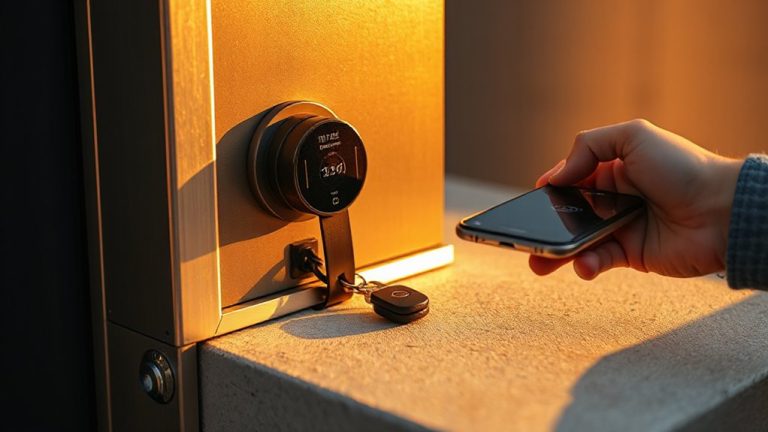
Think of your home security system as a connected ecosystem where cameras, alarms, and smart locks work together through a central hub. You’ll need to check device compatibility before connecting, since not all brands work together. Look for a hub that supports common protocols like Z-Wave, Zigbee, or Wi-Fi to maximize options. With centralized control, you can monitor and operate all devices from one dashboard, whether you’re at home or away. This setup reduces complexity and improves response time during incidents. Choose a hub with strong encryption and regular firmware updates for security. Some hubs require a monthly subscription for full features, so factor that into your budget. Always read manufacturer specs to confirm compatibility with your existing devices. Centralized control gives you convenience and better oversight, making it easier to manage your security system efficiently and effectively. A reliable smart home foundation starts with selecting the right Top Smart Home Systems for seamless integration.
Create Smart Alerts and Automated Security Routines
How do you guarantee your home responds the right way when a door opens at 3 a.m. or motion is detected in your backyard? You set up smart alerts and automated security routines through your centralized dashboard. These routines let you customize actions, like turning on lights or locking doors, when sensors trigger. By using motion patterns and device logic, you reduce false alarms-like ignoring motion from pets or passing cars. You can also program emergency protocols, such as notifying authorities or sending real-time alerts to your phone if a fire or break-in is likely. Automated routines guarantee consistency, while smart filters analyze data to distinguish real threats. Most systems offer easy setup with apps, though higher-end models cost more. Planning your alerts carefully saves time and improves safety. Use scheduled rules, like arming the system at night, to keep your home secure without constant input.
Test System Triggers and Optimize Alert Settings
Why do some alerts feel like noise while others demand immediate action? You’re not alone-many users struggle with false alarms that erode trust in their system. Test each sensor and trigger under real-life conditions, like opening doors or walking through motion zones, to guarantee they respond accurately. Frequent false alarms contribute to alert fatigue, making you more likely to ignore urgent notifications. Adjust sensitivity settings on motion detectors and use geofencing to silence alerts when you’re home. Prioritize alerts by severity: a broken window sensor should trigger a louder, immediate alert than a garage door left open. Review logs to identify patterns and refine rules. Optimized settings reduce mental clutter and increase response speed. A well-tuned system saves time, improves security, and supports consistent, reliable performance without overwhelming you.
Update Firmware and Monitor Performance Weekly
Keeping your system up to date is just as important as setting it up correctly in the first place. You should check for updates weekly to guarantee all devices run the latest firmware, closing security gaps and improving stability. Use firmware scheduling to automate updates during off-peak hours, so your system isn’t disrupted. This saves time and guarantees consistency across cameras, sensors, and smart locks. At the same time, conduct performance benchmarking to track response times, battery levels, and network strength. Compare this data week over week to spot slow degradation or sudden issues. For example, if a camera takes longer to stream, it may need a reboot or signal boost. Most dashboards let you view logs and generate simple reports. Plan these checks weekly-set calendar reminders if automation tools aren’t available. It’s a small effort that boosts reliability and long-term security.
On a final note
You’ve streamlined your home security by centralizing devices into one system. Pick a platform that supports all your gear, then connect cameras, locks, and alarms to a single hub. Use real-time monitoring and smart alerts to stay informed. Test triggers often, update firmware weekly, and refine routines to reduce false alarms. A well-planned setup improves response, enhances visibility, and strengthens protection without overspending.