How to Secure Smart Home Devices Against Manufacturer Vulnerabilities
Choose trusted brands with strong reputations, UL or FCC certification, and regular firmware updates to reduce risks from manufacturer flaws. Change default passwords right away to unique, complex ones and use a password manager. Enable automatic updates with secure booting to patch vulnerabilities quickly. Isolate devices on a separate network or VLAN. Disable unused features and remote access unless needed, and limit data sharing. Watch for unusual behavior as a sign of compromise-there’s more to contemplate for long-term security.
Notable Insights
- Choose smart home brands with strong reputations, certifications (like UL or FCC), and transparent firmware update policies.
- Immediately replace default passwords with unique, complex ones and use a password manager for secure storage.
- Enable automatic firmware updates with secure booting to ensure timely patching and trusted software execution.
- Isolate smart devices on a separate network using VLANs or guest network features to limit breach impact.
- Disable unused features and remote access; if required, secure them with strong authentication and least-privilege principles.
Choose Trusted Smart Home Brands
A smart home starts with reliable devices, and picking trusted brands is your first line of defense. You should prioritize companies with strong brand reputation, as consistent performance and customer support often reflect long-term reliability. Look for device certification from recognized standards like UL or the FCC, which confirm safety and security testing. Certified devices are less likely to have hidden flaws that hackers can exploit. Brands with transparent update policies and regular firmware patches tend to offer better protection over time. While certified, reputable products may cost more upfront, they often save you money by reducing risks and replacements. Avoid obscure brands with no reviews or certifications, as they may lack accountability. Checking independent lab results and expert reviews helps you compare options. Your choice today shapes your home’s security tomorrow-choose wisely, based on evidence, not marketing.
Change Default Passwords Right Away
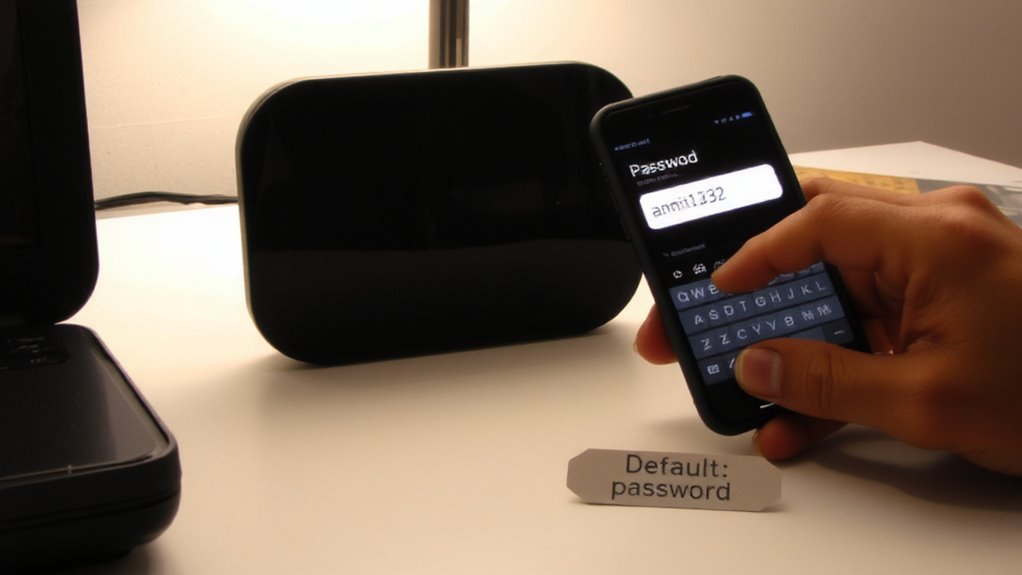
You’ve picked trusted brands with solid reputations and proper certifications, but that’s only the beginning-your next step is locking things down with strong login protection. Default passwords are easy targets, so changing them immediately boosts both password strength and login security. Use unique, complex passwords with a mix of letters, numbers, and symbols. Avoid common words or personal info. A password manager can help you store them securely.
| Factor | Recommendation |
|---|---|
| Password Length | At least 12 characters |
| Character Types | Mix upper/lowercase, numbers, symbols |
| Reuse | Never reuse passwords across devices |
| Management | Use a trusted password manager |
Taking these steps now dramatically reduces risk. It’s a simple move, but critical for maintaining control over your smart home.
Update Firmware Automatically
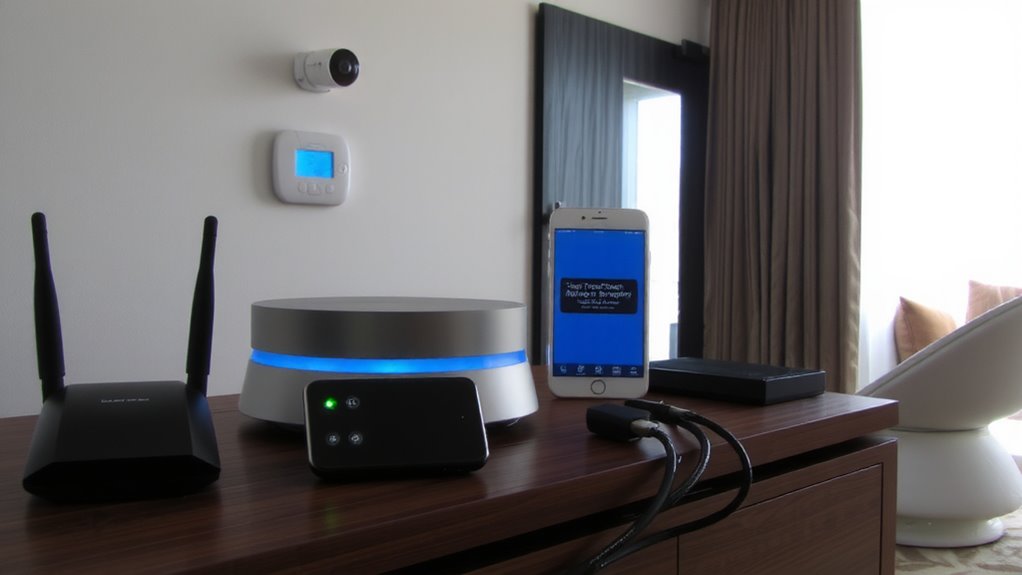
While keeping your smart home running smoothly, failing to update firmware automatically can leave devices exposed to known security flaws. You should enable automatic updates so patches are installed without delay, reducing the window for attacks. Many modern devices support secure booting, which guarantees only trusted firmware runs on startup by verifying digital signatures. This feature, combined with strong device authentication, helps prevent tampered or fake firmware from taking control. Look for models that include both automatic updates and these built-in security checks. While some devices may require subscriptions or higher upfront costs for such capabilities, the long-term protection is worth it. Not all brands implement these features equally, so check independent reviews and security ratings before buying. Turning on automatic firmware updates takes minutes but substantially strengthens your defenses over time.
Put Devices on a Separate Network
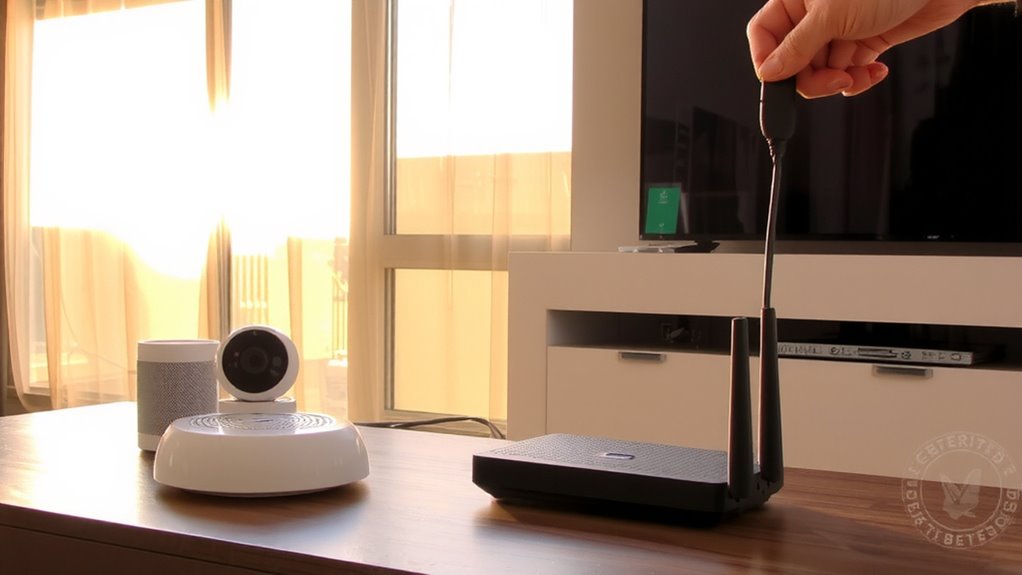
Keeping firmware up to date helps block known vulnerabilities, but even patched devices can still pose risks if they’re all on the same network as your computers and phones. That’s where network isolation comes in. By placing smart home devices on a separate network, you limit their access to your primary devices, reducing the chance of a compromised smart bulb or camera spreading malware. Most modern routers support guest networks or VLANs, making it easy to create this separation. It’s a simple setup that boosts security markedly. You’ll also find traffic monitoring much easier-any unusual data transfers from a smart device stand out clearly when it’s isolated. While maintaining a second network may require slight effort, the payoff in security is worth it. Network isolation doesn’t cost extra and works alongside regular updates to keep your digital home safer.
Turn Off Unused Features and Remote Access
If your smart home devices come packed with features you don’t use, those extras could be increasing your risk without adding any real benefit. Turning off unused features reduces potential entry points for attackers. Remote access is convenient, but if you don’t need it, disable it-especially for devices like cameras or smart locks. If enabled, make certain it’s protected with strong, unique passwords and two-factor authentication. You should also disable guest access unless someone actually needs it; temporary access can become a long-term vulnerability if not managed. Limit admin privileges to only those who require full control, reducing the chance of accidental or malicious changes. Many devices allow multiple user profiles, so use them to enforce least-privilege access. These steps might seem minor, but together they substantially tighten your smart home’s security with little effort. Regularly review settings as updates may re-enable features.
Control What Data Devices Can Share
Why should you care what your smart devices do with your data? Because uncontrolled data sharing can expose your habits, location, and personal routines. You need clear user permissions to decide what information devices collect and transmit. Check each device’s privacy settings and disable unnecessary data sharing. Choose models that support data encryption both in transit and at rest, so intercepted data stays unreadable. Manufacturers vary-you’re safer with brands that offer transparent data policies and regular security updates. Some devices allow granular controls; use them to limit access to microphones, cameras, and location services. Free apps or cloud services might cut costs but often trade privacy for convenience. Always weigh pricing against the risk of data exposure. Review permissions periodically, especially after software updates. Smart choices now reduce long-term risks.
Watch for Signs Your Devices Have Been Hacked
How can you tell if something’s off with your smart home devices? Look for unusual device behavior, like cameras moving on their own or lights turning on without a schedule. That could mean someone else is in control. Check your network for unexpected data usage-smart devices shouldn’t use large amounts of data unless actively streaming. A sudden spike might signal a breach. Also, review device logs if available, and watch for login notifications from unfamiliar locations. Change passwords immediately if you suspect compromise. Use a network monitoring app to track traffic and set alerts. While some tools cost money, free options exist and offer basic protection. Early detection helps limit damage. Always update firmware to patch known issues. Being proactive makes a big difference in keeping your home secure. Consider using best PC monitoring software to gain deeper insights into connected device activity and detect anomalies more effectively.
On a final note
You can protect your smart home by choosing reputable brands, changing default passwords, and enabling automatic updates. Use a separate network for devices to limit access, disable unused features, and restrict data sharing. Watch for signs of hacking, like unusual device behavior. These steps reduce risks from manufacturer flaws. While no system is perfect, consistent updates and smart setup improve security without high costs.