How to Effectively Use Video Analytics in Your Smart Security Camera Setup
You can cut false alarms by 90% by using video analytics to distinguish people and vehicles from trees, pets, or shadows. Customize detection zones and set rules to alert only when specific objects appear in key areas. Enable facial recognition to identify frequent visitors, and use anomaly detection to flag loitering or unusual movement. Upgrade older cameras with edge processors or cloud analytics-no full replacement needed. Fine-tune settings over time for best results, and discover smarter ways to boost security without added cost.
Notable Insights
- Use video analytics to filter out false alarms caused by animals, trees, or vehicles by detecting only relevant motion.
- Customize motion detection with object classification to ignore shadows, weather effects, and non-threatening movement.
- Set up specific alert zones and rules to trigger notifications only when people or vehicles approach critical areas.
- Enable facial recognition to identify known individuals and monitor access with local processing for privacy.
- Upgrade existing cameras with software analytics to add object tracking and anomaly detection without replacing hardware.
Stop Wasting Time on False Alarms
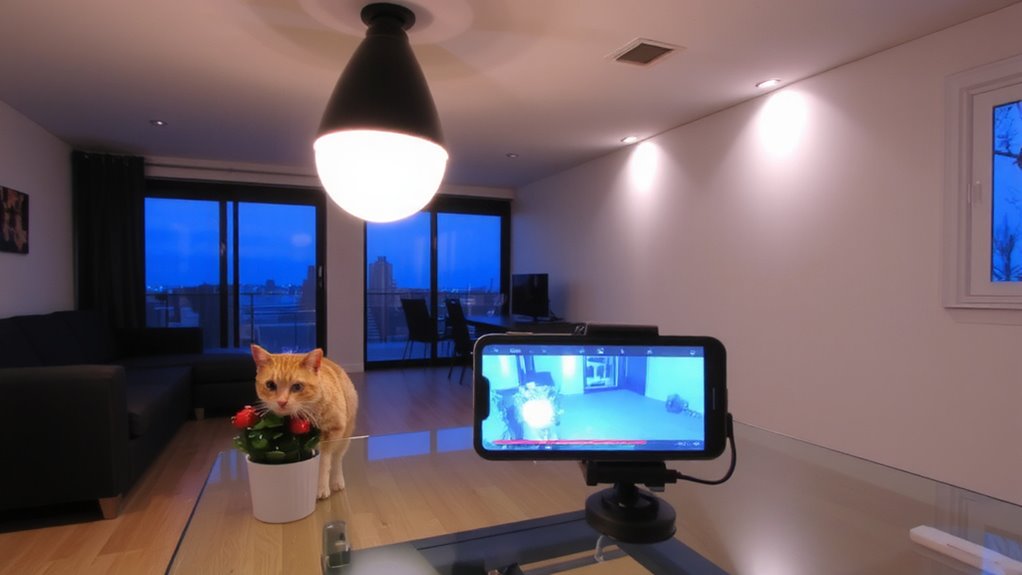
Nearly 90% of security camera alerts turn out to be false alarms caused by things like passing cars, swaying trees, or animals. You’re likely dealing with false positives regularly, which can lead to alarm fatigue-where you start ignoring alerts because so many are irrelevant. This is risky, as real threats might go unnoticed. Without smart filtering, you waste time reviewing clips that don’t matter. Over time, constant alerts wear you down, making the system less effective. Video analytics help reduce these issues by distinguishing between actual people or vehicles and ordinary motion. Though basic systems are cheaper, they lack precision. Investing in analytics may cost more upfront but saves time and improves security long-term. Make sure to review alert accuracy, ease of setup, and compatibility before buying. For optimal results, consider pairing your system with the best motion detectors on the market, such as top-rated models that integrate seamlessly with smart analytics.
Use Video Analytics to Customize Motion Detection
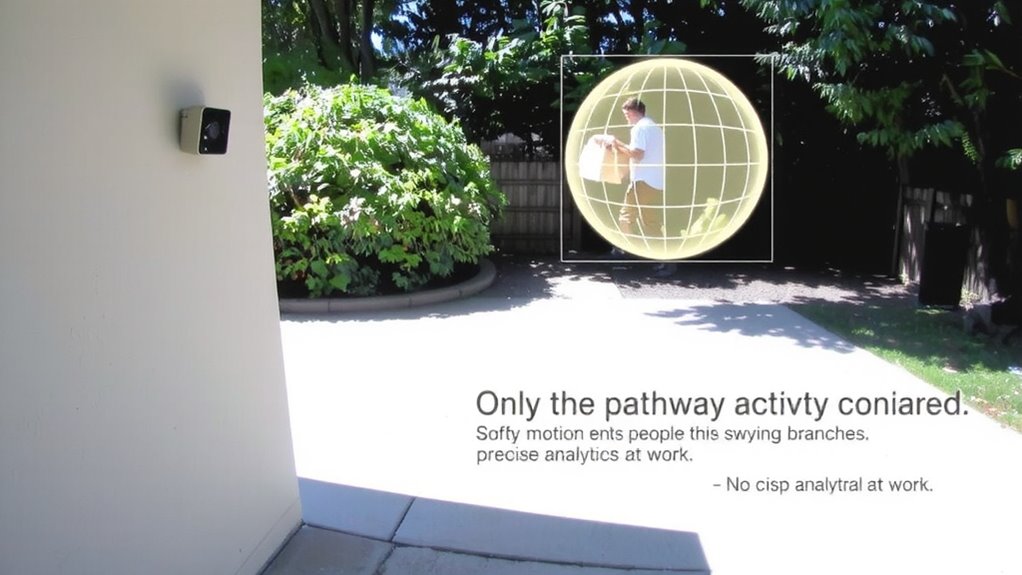
How often do you get alerts when a branch sways in the wind or a cat crosses your yard? With basic motion detection, you’re likely overwhelmed by false alarms. Video analytics changes that by using object classification and scene understanding to filter out irrelevant movement. Instead of just sensing motion, your camera identifies what’s moving-like a person, vehicle, or animal-and only alerts you when it matters. Scene understanding helps the system learn your environment, reducing triggers from shadows or weather. Most smart cameras with this feature let you set rules, like getting notified only for human detection near your front door. It’s more reliable than traditional sensors and cuts alert fatigue. While cameras with analytics cost slightly more, the time saved and improved accuracy make them worth it. Enable these settings in your app and customize zones to focus on key areas.
Let Your Camera Recognize Who Comes and Goes
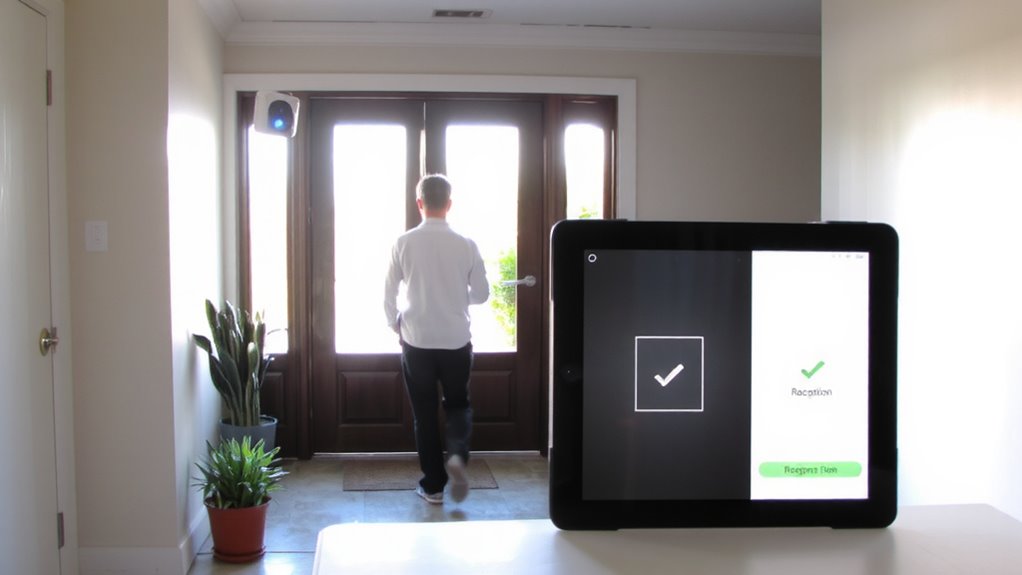
You already use video analytics to filter out false alarms by distinguishing between people, animals, and environmental movement-now you can take it a step further by having your camera recognize specific individuals. Facial recognition enables your system to log who enters your property, offering precise visitor identification for family, friends, or frequent guests. This feature relies on stored facial data, comparing incoming video feeds to registered profiles. When set up correctly, it improves access monitoring and reduces uncertainty about who’s coming and going. While highly effective, facial recognition requires clear lighting and frontal camera angles for accuracy. Privacy matters too-store data securely and inform household members. Some systems offer local processing, minimizing cloud dependency. Though advanced, it may increase camera costs by $50–$150. Choose models with customizable alerts so you’re notified only when unfamiliar faces appear, balancing awareness with practicality. Top-rated systems often include best security cameras for seamless integration and optimal performance.
Detect Suspicious Behavior Before It Escalates
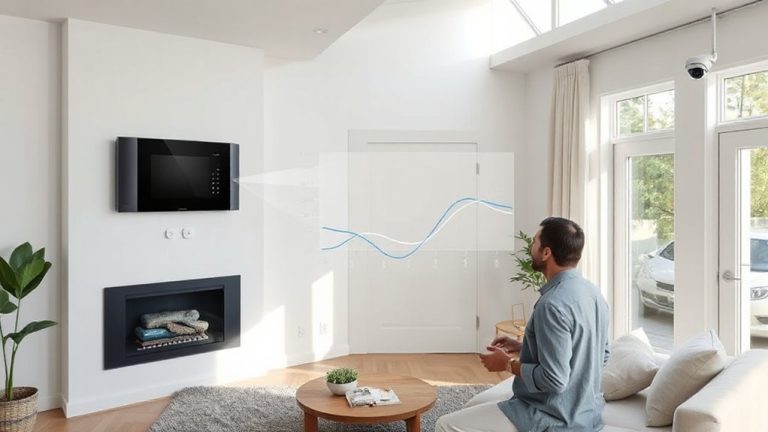
While traditional security cameras simply record footage, modern video analytics can identify unusual behaviors before they turn into real threats. You can rely on anomaly recognition to flag actions that stand out, like someone loitering near a door or moving in restricted areas. Over time, pattern analysis learns normal activity-such as pets moving or trees swaying-so it won’t trigger false alerts. When behavior breaks the expected pattern, like a person pacing at odd hours, the system alerts you instantly. This proactive approach helps you respond early, potentially stopping theft or vandalism before damage occurs. Most systems integrate smoothly with your existing setup and provide customizable sensitivity settings. Though advanced analytics may increase monthly service costs, the early warning capability adds significant value. You gain peace of mind knowing your system doesn’t just watch-it understands.
Make Your Existing Cameras Smarter (No New Gear Needed)
What if your current security cameras could do more without replacing a single device? You can upgrade their intelligence using software-driven video analytics. By adding object tracking and scene understanding, your existing system gains the ability to distinguish people from pets and monitor activity patterns. Many modern analytics platforms integrate with older cameras through cloud services or edge-based processors, letting you enhance performance affordably.
| Feature | Benefit |
|---|---|
| Object tracking | Follows movement across camera feeds automatically |
| Scene understanding | Interprets context like loitering or dropped items |
| Software integration | Works with existing hardware, reducing costs |
These tools rely on machine learning to deliver accurate insights. Setup may require modest investment in computing modules or subscriptions, but avoids full system replacement. With smarter analytics, your current cameras become far more capable.
Improve Alerts by Reviewing and Adjusting Settings
Smart video analytics can already make your existing cameras more effective by identifying people, tracking movement, and understanding scenes. But to improve alerts, you need to review and adjust settings regularly. False alarms often happen because of poor camera placement or changing lighting conditions, like sunlight reflecting off windows or shadows at dusk. Reposition cameras to avoid glare and guarantee clear sightlines, then fine-tune motion zones to exclude areas with frequent non-threatening activity. Adjust sensitivity levels so minor movements, like swaying trees, don’t trigger alerts. Most systems let you set schedules for different alert rules-use them during high-risk times. Check logs weekly to see what triggered alerts and refine settings accordingly. Proper configuration reduces noise, increases accuracy, and guarantees you get only the alerts that matter most. A reliable Best Security Camera Software Picks can enhance analytics performance and integration across multiple devices.
On a final note
You can reduce false alarms by up to 80% using video analytics to fine-tune motion zones and ignore pets or passing cars. Smart detection lets cameras distinguish people from animals, improve alert accuracy, and flag unusual behavior. Most systems let you adjust sensitivity and review clips in the app. No new hardware is needed-update firmware and enable features. Plan for cloud costs, but know privacy trade-offs exist.