Outdoor Cameras With Adjustable Motion Zones to Minimize False Triggers
You can cut false alerts by up to 70% by using outdoor cameras with adjustable motion zones. Models like the Arlo Pro 4, Ring Stick Up Cam Elite, and Nest Outdoor Camera let you draw custom zones to monitor driveways or doors while ignoring sidewalks or trees. Set sensitivity to medium, test for 24 hours, and fine-tune for best results. Most support weather filtering and pet immunity. There’s more to take into account when matching features to your home layout and monitoring goals.
Notable Insights
- Customize motion zones to monitor specific areas like driveways while ignoring sidewalks to reduce false alerts.
- Set medium motion sensitivity initially, then adjust based on alert patterns to minimize false triggers.
- Use cameras like Arlo Pro 4 with precise zoning and 2K video for accurate motion detection.
- Exclude non-critical, high-traffic areas from zones to prevent false alarms from passing vehicles or pedestrians.
- Enable weather filtering and test zones over 24 hours to optimize performance in varying conditions.
What Are Adjustable Motion Zones?
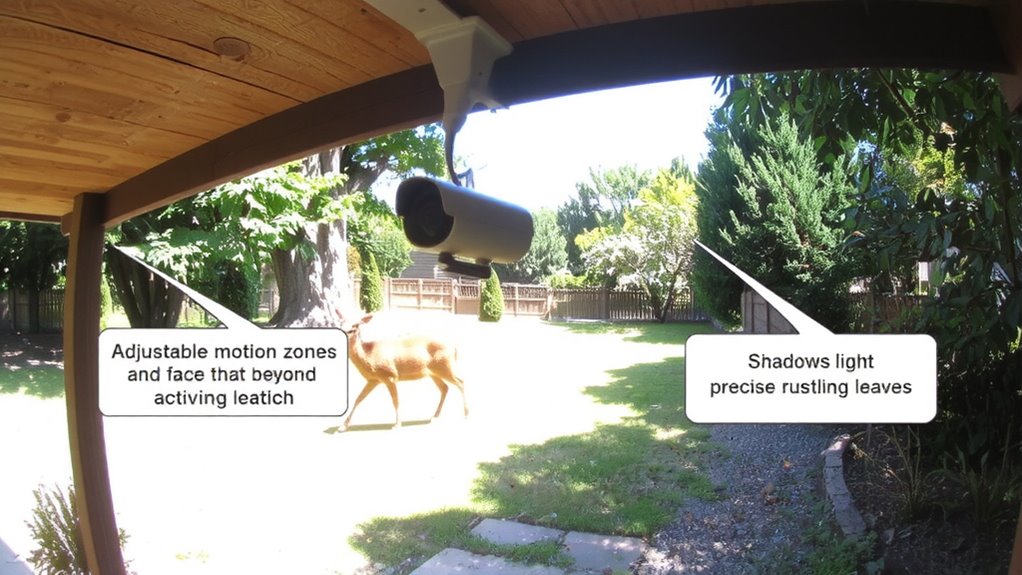
Motion detection is a key feature in outdoor cameras, but not all movement matters. You’ll want adjustable motion zones to focus alerts on areas that do. These zones let you define specific regions where motion should be monitored, reducing false alarms from passing cars or swaying trees. By adjusting motion sensitivity, you control how much movement triggers a notification-lower settings ignore small changes, while higher ones catch subtle activity. Be mindful of zone overlap, as adjacent zones can create redundant alerts or blind spots if not spaced properly. Cameras with customizable zones typically offer better accuracy and user control. Most models include this feature in their companion apps, often at no extra cost. While premium systems provide finer tuning, even mid-range options give solid flexibility. Plan placement carefully to maximize coverage and minimize unnecessary triggers. Top models in the best motion detectors roundup offer advanced zone customization for optimal performance.
How to Set Up Custom Motion Zones
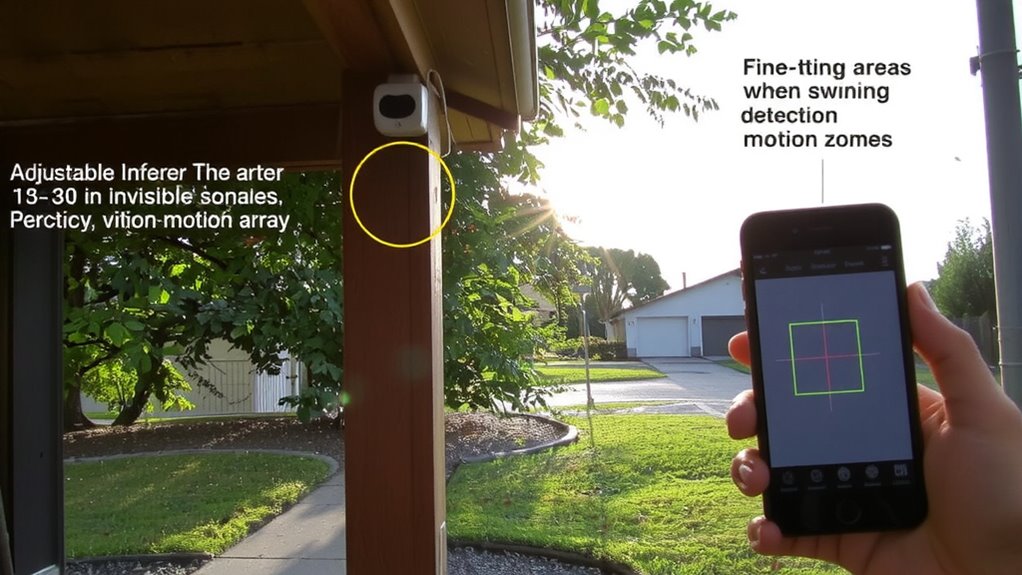
You’ve got control over where your camera watches, and now it’s time to put that control to work. Start by opening your camera’s app and selecting the motion settings to begin zone customization. Draw zones around key areas like driveways or entrances while excluding spots like busy sidewalks to reduce false alerts. Most systems allow up to four custom zones, giving you precise coverage. Pair this with sensitivity tuning to adjust how strongly motion must register before triggering a warning. Too high, and leaves might set it off; too low, and you could miss important activity. Choosing models with adjustable motion zones can significantly improve alert accuracy and user satisfaction.
| Feature | Recommendation |
|---|---|
| Number of Zones | Use 2–4 for best balance |
| Zone Placement | Focus on access points |
| Sensitivity Level | Set medium, then adjust |
| Testing | Observe alerts for 24 hours |
Fine-tune over a day to optimize performance.
Best Cameras With Adjustable Motion Zones
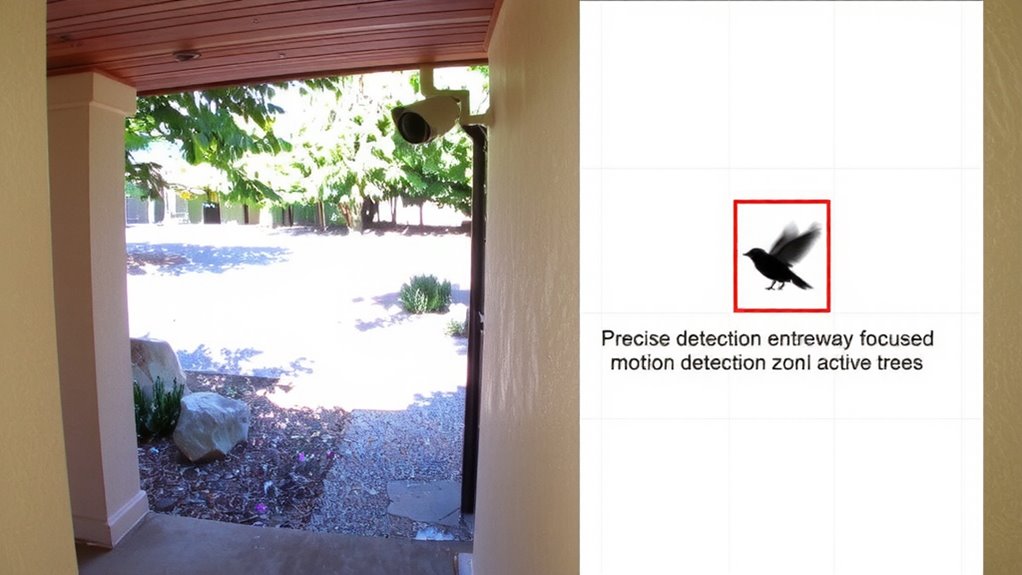
Several top outdoor cameras offer customizable motion zones that let you focus on what matters most. The Arlo Pro 4 provides sharp 2K video, strong night vision up to 25 feet, and two-way audio recording, letting you hear and respond to activity. It’s wire-free but requires a separate hub for full features, which adds to the cost. The Ring Stick Up Cam Elite supports HD video, precise motion zoning, and clear audio recording, with infrared night vision that works well in total darkness. It works with Alexa and needs a 2.4 GHz Wi-Fi connection. Google’s Nest Outdoor Camera delivers rich video, detailed night vision, and intelligent audio recording with noise cancellation, though subscription fees enable motion zone customization. All three are weather-resistant and support smartphone alerts, but Nest’s upfront price is higher. Choose based on your Wi-Fi setup, power preferences, and budget for long-term use. Outdoor security cameras come in various designs and price points to suit different surveillance needs.
How to Calibrate Motion Zones and Reduce False Alerts
What if your camera could ignore swaying trees but still catch a prowler at the back gate? You can achieve this by adjusting motion zones and sensor sensitivity. Start by opening your camera’s app and selecting the area where motion matters-like a driveway or doorway-while excluding spots like bushes or streets. Most cameras let you draw custom zones, so focus on high-risk spots. Lower the sensor sensitivity if you’re getting alerts from distant movement or small animals. Higher sensitivity increases false alarms but reduces the chance of missing a real threat. Enable weather filtering to prevent wind, rain, or snow from triggering alerts. This feature uses data to ignore environmental noise. Calibrate during different times of day to account for light changes. With careful setup, you’ll reduce false alerts and keep your system reliable.
Real-World Uses for Custom Motion Detection
Smart motion detection turns raw camera footage into actionable intelligence. You can customize zones to focus on specific areas, making your system more efficient. This helps in wildlife monitoring by ignoring irrelevant movements like rustling leaves while capturing animal activity near your property. For package delivery tracking, set a zone around your front porch to receive alerts only when someone approaches, reducing false alarms from passing cars.
| Use Case | Benefit |
|---|---|
| Wildlife monitoring | Capture animals without false triggers |
| Package delivery tracking | Get alerts only when deliveries arrive |
| Driveway access | Monitor vehicles entering your property |
| Backyard security | Detect people, not pets or wind |
| Front gate entry | Know when visitors arrive |
You’ll save time and improve response accuracy. Custom zones work best when aligned with your daily routines and property layout.
On a final note
You’ll reduce false alerts by setting motion zones to ignore busy streets or swaying trees. Look for cameras with app-based zone customization, like Ring or Eufy, which let you draw exact detection areas. Calibrate sensitivity to balance responsiveness and accuracy. Higher-end models offer person, pet, and vehicle differentiation, improving reliability. Though prices range from $30 to $120, investing in adjustable zones saves time and boosts security effectiveness over time.