The Complete Guide to Setting Up Facial Recognition Access on Premium Biometric Door Locks
You’ve unboxed your facial recognition lock-check all parts, register it, and keep the receipt. Install it on a stable surface near power, at eye level, avoiding glare. Use the app to scan your face in good lighting, turning slowly for full capture. Calibrate for different times of day and angles, and add trusted users securely with encrypted profiles. Test regularly and adjust as needed-discover how small tweaks improve reliability over time.
Notable Insights
- Unbox the lock and verify all components, including mounting hardware, manual, and backup access methods.
- Choose a stable, well-lit mounting location at eye level, avoiding vibration and direct weather exposure.
- Use the companion app to enroll faces, ensuring even lighting and slow head movement for accurate scanning.
- Calibrate the facial scanner for different lighting conditions and viewing angles to optimize recognition accuracy.
- Securely add multiple users via the app, assign permissions, and enable encryption for remote management and data protection.
Unbox & Check Your Facial Recognition Lock
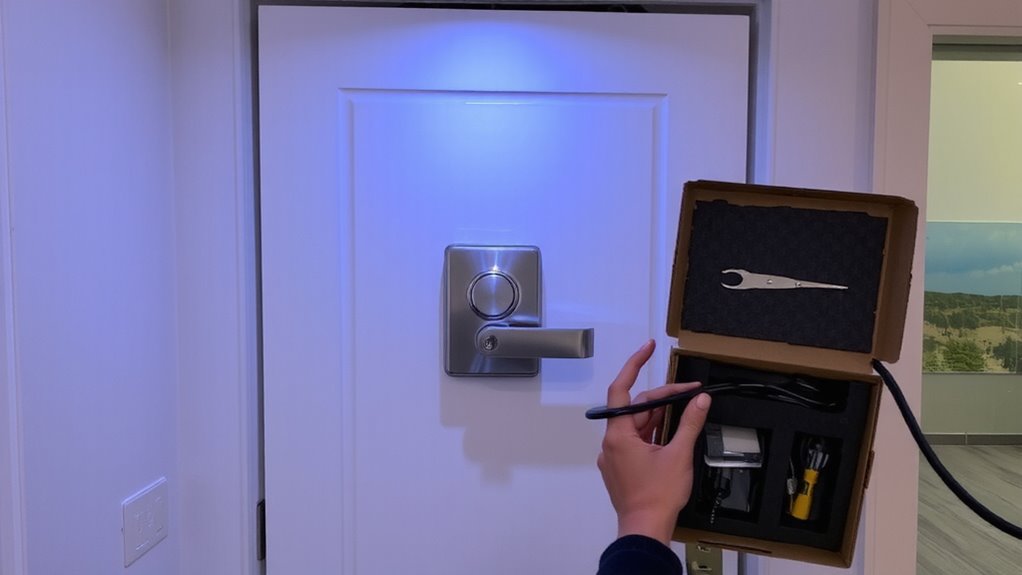
Wondering what you’ll find when you first open the box? Inside the package contents, you’ll typically get the lock itself, mounting hardware, a user manual, and sometimes a backup key or access card. Always check for completeness before proceeding. Most models include clear instructions for setup and initial configuration. Review the warranty coverage included-it often lasts 1 to 3 years and protects against manufacturing defects. Register the product online to activate this protection. Some brands offer longer coverage if you complete registration within 30 days. Make sure all parts match the inventory list in the manual. If anything’s missing or damaged, contact support right away. Keep the receipt and packaging during setup. This makes returns or claims easier if needed. Verify that your model matches the one advertised, especially regarding facial recognition compatibility. Doing this now prevents issues later.
Mount the Lock in the Best Location
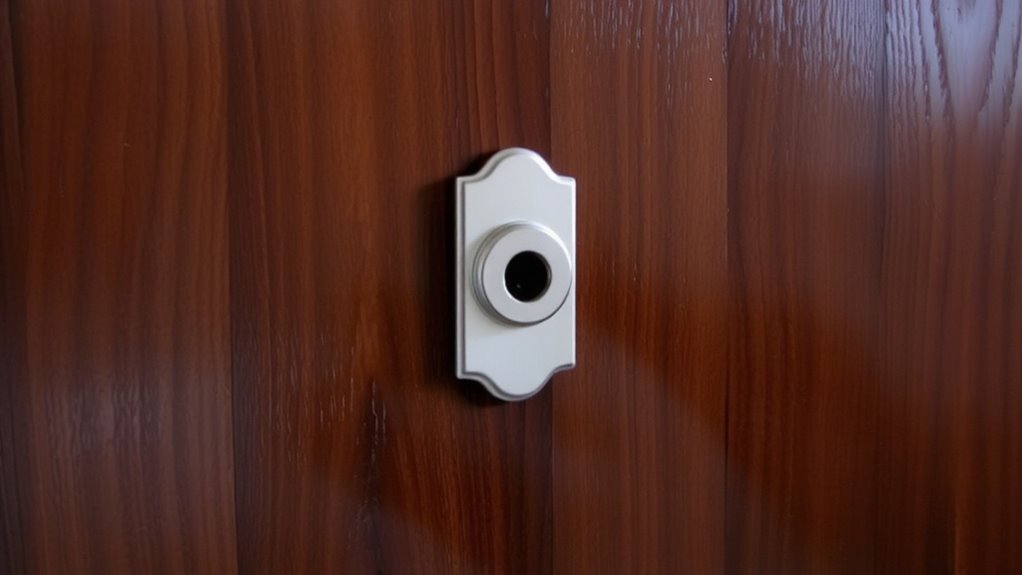
Where should you install your facial recognition door lock for best performance and security? Choose a location with stable wall placement to guarantee the lock’s components remain properly aligned over time. Avoid areas with excessive vibration or direct exposure to weather, as these can affect both detection accuracy and hardware longevity. Position the lock near power access to simplify wiring and reduce reliance on frequent battery changes, especially important for models with continuous scanning or built-in cameras. Guarantee the door frame can support the lock’s weight and that the wall surface allows secure mounting. Keep the unit at average eye level for most users to improve facial recognition speed and accuracy. Avoid mounting near reflective surfaces or bright light sources, which can interfere with sensors. Proper placement improves both security and convenience. For optimal results, consider models featured in the Top Picks list to ensure reliability and advanced features.
Set Up the Facial Scanner in the App
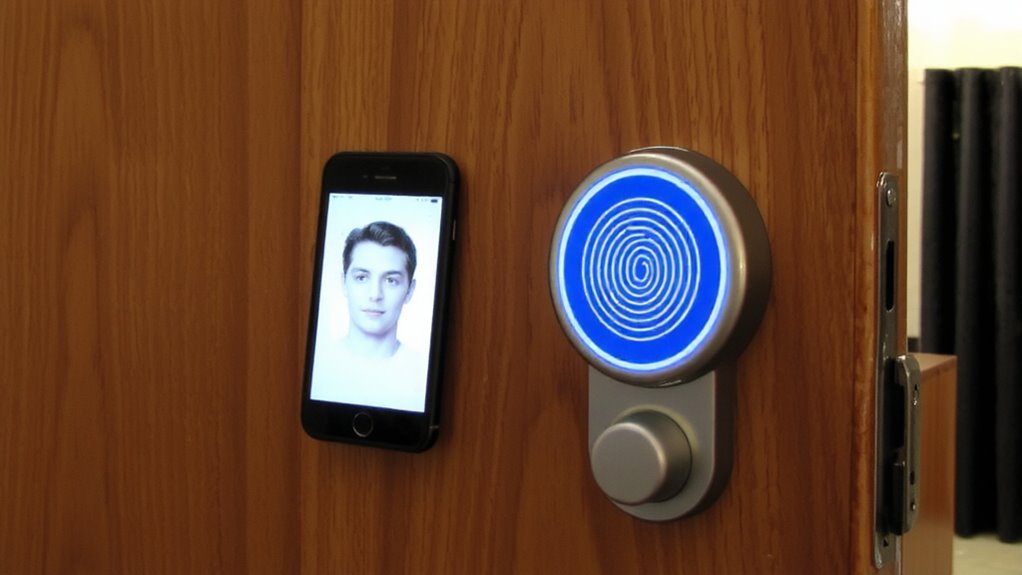
How do you guarantee your facial recognition lock learns your face accurately? Start by opening the companion app and selecting “Add Face” under security settings. Hold your phone or tablet at eye level, follow the on-screen prompts to slowly turn your head, and let the system capture facial contours from multiple angles. Strong app connectivity guarantees data syncs securely between the lock and your device, minimizing setup errors. The app encrypts your facial data to uphold facial privacy, storing it locally or in secure cloud servers depending on your model. Avoid bright backlighting or shadows during enrollment to improve initial accuracy. Confirm successful registration before exiting the app. Most systems allow multiple user profiles, so repeat the process for each authorized person. Check settings to disable remote access if privacy is a top concern.
Calibrate Facial Recognition for Lighting & Angles
While lighting and viewing angles can affect facial recognition accuracy, you can optimize performance by calibrating the system under real-world conditions. Start by enrolling your face at different times of day to account for changing lighting conditions, like bright sunlight or dim evenings. This helps the system recognize your face whether indoors or outdoors. Adjust camera angles slightly during setup so the sensor captures your face head-on, even if you approach the door from the side. Avoid extreme angles or backlighting that can shadow facial features. Most premium locks use infrared or 3D mapping to reduce errors, but proper calibration improves reliability. Position the lock at eye level for best results. Testing recognition from your usual walking path guarantees consistency. Proper setup now prevents access issues later, especially in low light or off-center approaches. Calibration takes minutes but enhances security and convenience long-term.
Add Multiple Users Securely
You’ve fine-tuned your lock’s facial recognition for different lighting and angles, so now it’s time to set up access for others in a way that maintains security without sacrificing convenience. When adding multiple users, assign user permissions carefully-limit admin access to trusted individuals to prevent unauthorized changes. Most premium locks support multiple profiles, but check capacity limits before enrolling everyone. Use the lock’s app to manage users remotely, and guarantee data encryption is enabled to protect stored facial data. Reputable models use end-to-end encryption, meaning your biometric information stays secure even if intercepted. Avoid sharing admin credentials; instead, grant time-limited access when needed. Regularly review the user list and remove inactive profiles. Built-in audit logs help track access events, enhancing accountability. Proper setup now improves long-term control, balancing ease of use with strong home security practices.
Fix Facial Recognition Failures Now
Why does your biometric door lock sometimes fail to recognize a face it should know? Poor lighting, facial obstructions, or changes in appearance can interfere with accuracy. To guarantee reliability, practice facial recognition hygiene-register faces in consistent, well-lit conditions and avoid hats, sunglasses, or heavy makeup during setup. Clean the camera lens regularly with a soft, dry cloth to prevent dust or smudges from disrupting scans. Don’t overlook the software update urgency-manufacturers frequently release patches that improve recognition algorithms and fix security flaws. Delaying updates may leave your system vulnerable or less responsive. If failures persist, re-enroll user profiles and confirm firmware is current. Most modern locks support OTA (over-the-air) updates, so keeping the device connected to Wi-Fi is essential. Resetting the system should be a last resort. A proactive approach guarantees seamless, secure access.
On a final note
You’ve installed and calibrated your facial recognition lock correctly, ensuring reliable access. These systems work best with consistent lighting and proper placement, offering strong security when set up right. While convenient, they can struggle in low light or with significant appearance changes. Always enable backup access, like a code or key. Overall, this tech adds a smart, modern layer to home security, but plan for updates and power needs to stay protected.