A Complete Breakdown of Control Panels in Modern Home Alarm Systems
Your alarm control panel is the central hub that connects sensors, cameras, and smart devices into one secure network, making it essential for full home protection. It manages motion, door, and glass break alarms while syncing with lights, locks, and thermostats via Wi-Fi, Z-Wave, or Zigbee. Modern hubs offer touchscreens, app control, and voice commands, with encryption and authentication for safety. Wireless models install easily but rely on strong signals; hardwired systems are more reliable but cost more upfront. Prices range from $100 to $300, not including professional setup fees. You’ll find options suited to homes, rentals, and different tech needs. More details on top models and setup tips follow.
Notable Insights
- Control panels serve as the central hub that integrates sensors, cameras, and alarms into a cohesive security network.
- Modern panels connect to Wi-Fi for remote access via smartphone apps and real-time alert monitoring.
- They support smart home integration with platforms like Alexa and Google Home using protocols such as Z-Wave and Zigbee.
- Key features include secure user authentication, automation rules, encryption, and over-the-air firmware updates.
- Available in wireless or hardwired forms, they differ in installation ease, reliability, and connectivity dependence.
What’s a Home Alarm Control Panel: and Do You Need One?
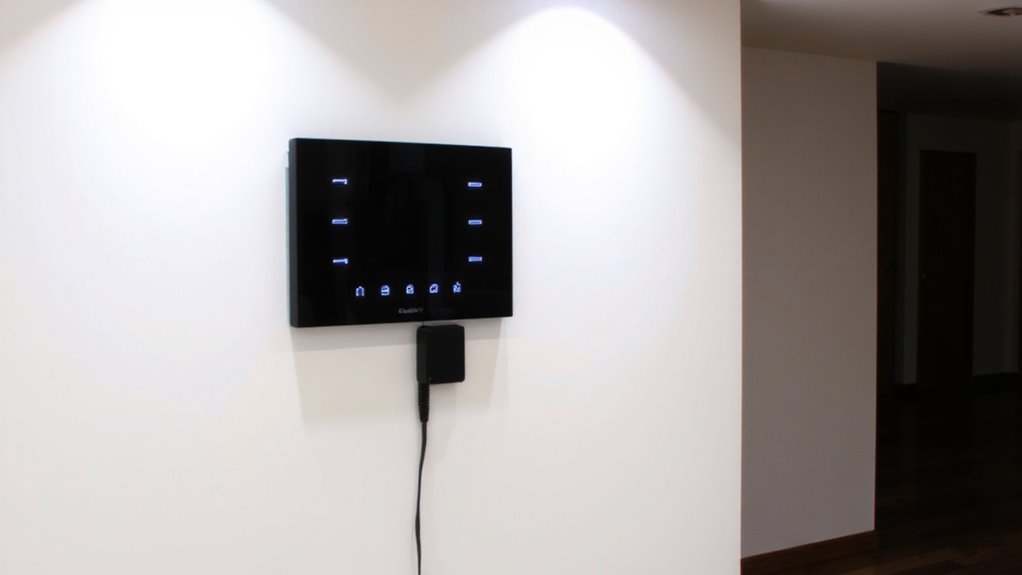
A home alarm control panel acts as the central hub of your security system, connecting sensors, cameras, and alarms into one coordinated network. You’ll need one if you want reliable, unified protection. It manages multiple alarm types-like motion, door, and glass break-so you can customize coverage. Some systems require professional installation, while DIY options meet simpler installation requirements. Wired panels offer stability, but wireless setups provide flexibility with fewer tools needed. Control panels vary in features: basic models handle alarms only, while advanced ones include monitoring and alerts. You should consider your home size, security needs, and technical comfort. Most panels cost $100–$300, but professional setups may raise total costs. Always check compatibility with your chosen alarm types and verify installation requirements before buying. A control panel isn’t just useful-it’s essential for full system integration and effective home protection. Top-rated systems often include best home alarm systems with smart monitoring and easy integration.
How Control Panels Work With Smart Home Devices
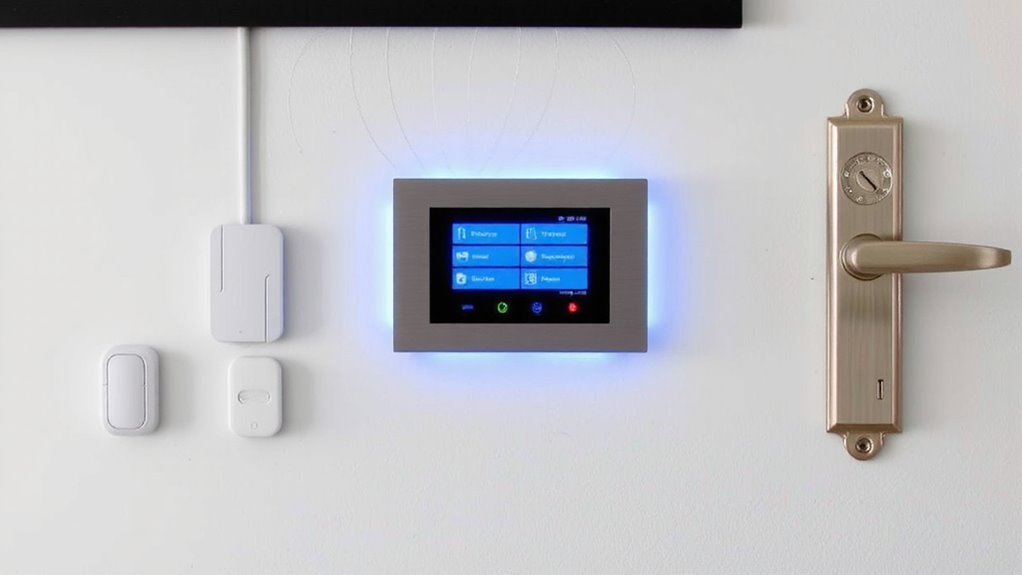
You’ve seen how control panels serve as the brain of your home security system, linking sensors and alarms for coordinated protection. Now, they also boost your home’s automation through strong integration capabilities with smart devices like lights, locks, and thermostats. Most modern panels connect to Wi-Fi, letting you use an app for remote synchronization. That means you can arm your alarm, turn off lights, and lock doors from anywhere, all at once. These systems rely on secure, encrypted signals to keep data safe during syncing. Integration capabilities vary by brand, so check compatibility before buying. Panels that support platforms like Alexa or Google Home give you broader control. Remote synchronization guarantees real-time updates, whether you’re across town or on vacation. Look for low latency and reliable uptime-key for smooth performance. With the right setup, your control panel becomes a unified hub, streamlining both security and convenience in daily use. Top systems often include support for smart home devices to enhance interoperability across platforms.
Must-Have Features in Modern Alarm System Hubs
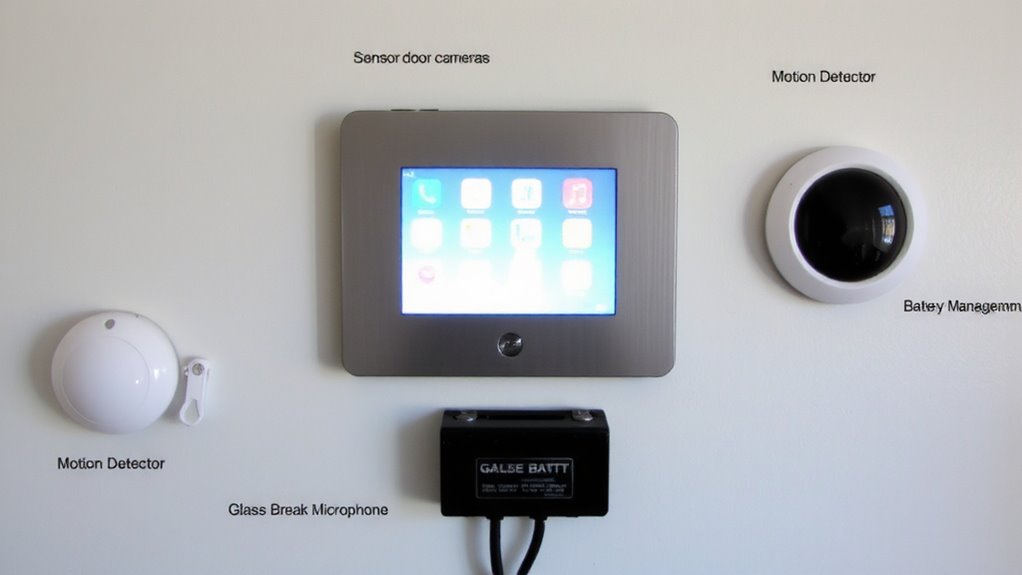
While choosing a modern alarm system hub, focusing on core features can make the difference between basic monitoring and truly reliable, integrated protection. You need strong user authentication to guarantee only authorized access, like PINs, biometrics, or two-factor methods-this keeps your system secure from intruders or misuse. System integration is just as critical; your hub should connect seamlessly with smart locks, cameras, lights, and thermostats, using common protocols like Z-Wave or Zigbee. Look for hubs that support automation rules across devices, so events trigger coordinated responses. Most top models offer remote access via secure cloud platforms. Consider upfront cost versus subscription needs-some require fees for monitoring or storage. Reliable performance matters more than flashy extras. Choose a hub with proven compatibility, regular firmware updates, and strong encryption to support long-term safety and control. A well-designed smart home automation hub can centralize control and enhance both convenience and security.
Touch, App, or Voice: How Do You Want to Control It?
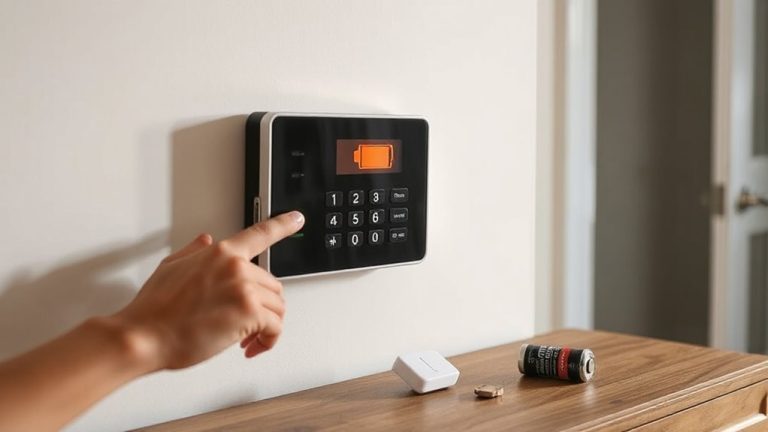
How do you want to interact with your alarm system-through a touchscreen panel, a smartphone app, or voice commands? Your choice shapes the user experience and daily functionality. Touchscreen control panels offer intuitive interface design, with responsive icons and clear status indicators-ideal for quick access. Smartphone apps give you remote control, letting you arm or check your system from anywhere, with real-time alerts and automation settings. Voice commands, via assistants like Alexa or Google, add hands-free convenience but may lack precision in emergencies. Consider reliability: touchscreens require physical access, apps depend on internet connectivity, and voice systems need consistent audio recognition. Prioritize interface design that’s simple and consistent across all methods. For best results, combine options-use touch for daily control, apps for monitoring, and voice for convenience-ensuring security without compromise.
Wireless vs. Hardwired: What’s Best for Your Setup?
Why do so many homeowners struggle to choose between wireless and hardwired alarm systems? It often comes down to signal strength and installation complexity. Wireless systems use Wi-Fi or cellular signals, offering easy setup with no drilling or wiring. They’re ideal for renters or those avoiding installation complexity, but signal strength can weaken through walls or during outages. Hardwired systems rely on physical connections, ensuring consistent signal strength and reliability, even during power failures if backed up. However, installation complexity is higher, requiring professional help and more time. Wireless units usually cost less upfront but may have subscription fees. Hardwired systems cost more initially, yet often have lower long-term fees. Consider your home’s layout, internet reliability, and whether you value DIY setup or proven performance. Each option has clear trade-offs-choose based on your priorities.
Best Home Alarm Control Panels for Homes, Rentals, and More
You’ve weighed the pros and cons of wireless versus hardwired systems, and now it’s time to focus on the central hub that ties everything together: the control panel. For homes and rentals, top models like the Ring Alarm Pro and SimpliSafe 8 offer strong installation flexibility, working with both new setups and existing wiring. These panels support DIY installation, reducing costs and adapting to different living spaces. User accessibility is a key strength, with intuitive touchscreens and voice assistant compatibility. The Ring Alarm Pro includes a built-in Z-Wave hub and 4G backup, enhancing reliability. SimpliSafe 8 provides clear menus and 24/7 professional monitoring. Frontpoint’s panel excels in easy customization but costs more upfront. Consider long-term monitoring fees and smart home compatibility when choosing. These control panels balance performance, ease of use, and dependable security for diverse needs.
On a final note
You’ll want a control panel that fits your home’s layout and your lifestyle. Most modern systems work with smart devices, so pick one offering app access, reliable connectivity, and easy automation. Wireless panels offer flexibility, especially for rentals, while hardwired ones provide stability. Choose a model with backup power, security encryption, and clear alerts. Use data on reliability and features to compare costs and pick a system that balances performance, ease of use, and long-term value.