How to Create Automated Responses When a Door Sensor Is Tripped at Night
Connect your door sensor to a compatible smart hub like SmartThings or HomeKit, ensuring it uses Z-Wave or Zigbee for reliable performance. Set up night-only automation from 10 p.m. to 6 a.m., pairing the sensor with motion detection to reduce false alerts. Enable real-time phone notifications and auto-trigger lights-like Philips Hue-with a 5–10 second delay. Use platforms like IFTTT or Home Assistant for customization, factoring in costs of $10–$20 if adding motion sensors. A stable Wi-Fi connection is essential. You’ll find more ways to strengthen your system’s response just ahead.
Notable Insights
- Confirm door sensor compatibility with your smart home hub and use Z-Wave or Zigbee for reliable nighttime automation.
- Schedule automations to activate only between 10 p.m. and 6 a.m. to limit responses to nighttime door events.
- Pair the door sensor with motion detection to reduce false alerts using dual verification before triggering actions.
- Enable real-time phone notifications and optional audio alerts for instant awareness of nighttime door openings.
- Automate smart lights to turn on with a 5–10 second delay when the door opens, improving security and visibility.
Match Your Door Sensor to Your Smart Home System
While choosing a door sensor, you’ll want to make sure it’s compatible with your existing smart home system, since not all sensors work across platforms. Door compatibility matters because some sensors fit only certain frame types or materials, like wood or metal, and may not function properly if not installed correctly. Check manufacturer specs to confirm your door type is supported. System integration is equally important-pick a sensor that connects seamlessly with your hub, whether it’s Samsung SmartThings, Apple HomeKit, or Amazon Alexa. Sensors using Z-Wave or Zigbee typically offer better reliability and range than Wi-Fi-only models. Look for low-power consumption and battery life of at least three years. Test the signal strength between the sensor and hub before finalizing placement. Ensuring both door compatibility and strong system integration reduces false alarms and improves response accuracy when the door opens at night. Consider pairing your sensor with a Top Z-Wave Smart Lock for enhanced automation and security.
Pick an Automation Platform for Night Alerts
You’ve matched your door游戏副本 sensor to your smart home system, so now it’s time to set up how alerts are handled when the door opens at night. Your platform selection plays a big role in how smoothly everything works. System compatibility guarantees your devices communicate without issues. Below is a quick comparison to help you decide:
| Platform | Best For | Monthly Fee |
|---|---|---|
| IFTTT | Simple automations | Free–$9.99 |
| Home Assistant | Full control, privacy | Free |
| SmartThings | Broad device support | Free–$4.99 |
Pick based on your existing devices and comfort with setup. IFTTT is user-friendly but limited. Home Assistant offers powerful customization but needs more technical skill. SmartThings balances compatibility and ease. Always verify system compatibility before committing. Choose wisely to guarantee reliable night alerts. Consider selecting from the Top Smart Home Devices to ensure optimal performance and integration with your chosen platform.
Enable Night-Only Door Alerts
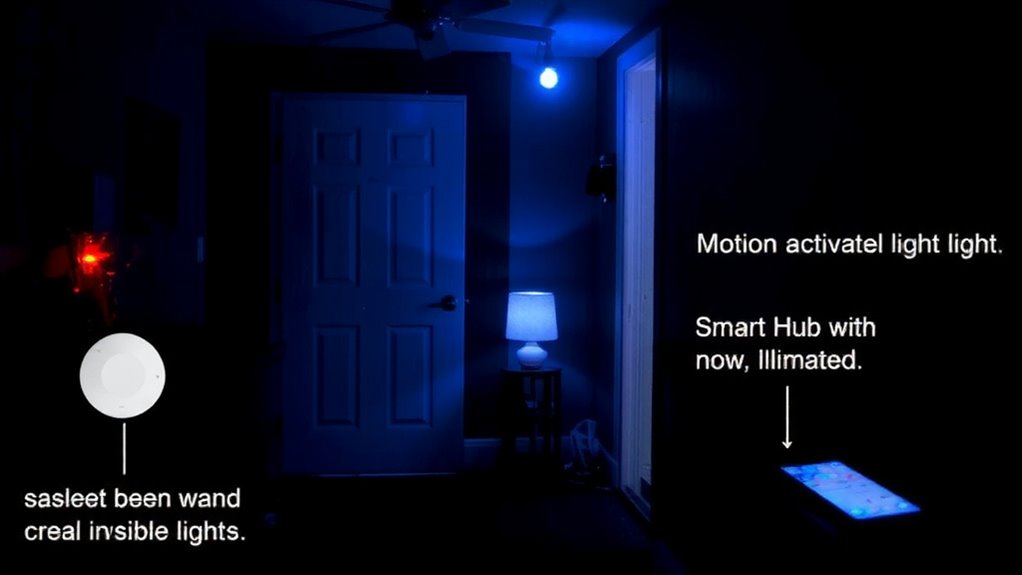
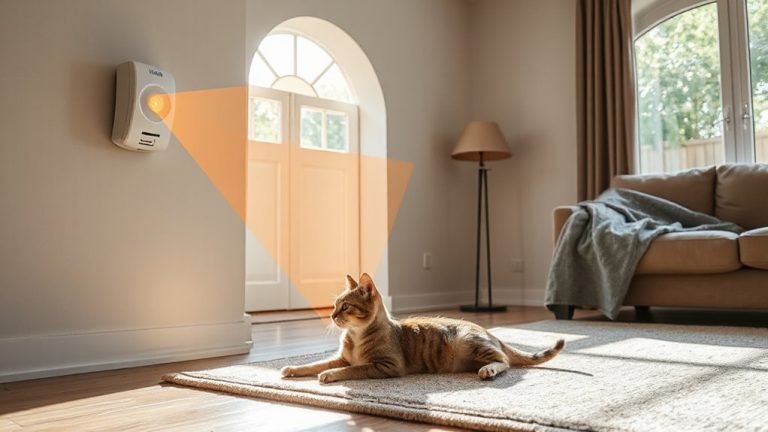
How can you guarantee alerts from your door sensor are timely without causing unnecessary disturbances? Set your system to activate only at night by scheduling automation between, say, 10 p.m. and 6 a.m. This reduces false alarms during daytime activity. Pair the door sensor with motion detection to confirm real threats-this dual verification lowers false positives. Without motion, an open door might just be a pet or draft, but with it, alarm triggers are more reliable. Most platforms let you customize these conditions easily. Use built-in filters so alerts only fire when both sensors activate after dark. Night-only alerts save battery and reduce noise, especially in busy households. They also improve response accuracy. Just make certain motion sensors are positioned to cover entry paths without blind spots. This logical setup strengthens security, using timing and sensor data efficiently. For reliable hardware, consider installing one of the best garage door alarm sensors to ensure consistent performance and integration with your automated system.
Get Instant Phone Alerts When the Door Opens
What good is a door sensor if you don’t know the door has opened? You need instant phone alerts to stay informed, especially at night. When the sensor triggers, your smart system sends a real-time notification to your phone, so you’re aware immediately. Pairing this with motion detection reduces false alarms-only alerts when movement follows door activity. Enable audio notifications to hear alerts even if you’re not looking at your screen. It’s a reliable way to monitor entries without constant checking.
| Feature | Pro | Con |
|---|---|---|
| Instant alerts | Fast response | Requires stable Wi-Fi |
| Motion detection | Fewer false alarms | Adds $10–$20 to cost |
| Audio notifications | Audible warnings | May disturb sleep |
Turn On Lights Automatically When the Door Opens
When the door opens at night, having lights turn on automatically can improve both security and convenience. You can set this up using smart lights paired with your door sensor or motion detection system. Once triggered, the lights activate, deterring intruders and helping you see clearly. Most systems let you adjust the light intensity, so it’s bright enough to be effective but not blinding. For best results, use motion detection with a short delay-around 5 to 10 seconds-to avoid flickering. Smart bulbs like Philips Hue or Lutron work well, costing $20–$50 each. Pros include increased safety and hands-free operation; cons are power dependency and possible false triggers. Plan to test sensitivity settings and placement to reduce unnecessary activations. This automation integrates easily with most home systems and requires minimal maintenance once configured.
Start Camera Recording When the Door Opens at Night
If you’re using a smart door sensor, triggering camera recording at night when the door opens can give you valuable visual confirmation of activity without relying on motion detection alone. This setup uses the door sensor as a recording trigger, starting your security camera only when needed. Camera activation this way reduces false alarms and saves storage space. Most systems let you set this rule through an app, syncing the sensor with compatible cameras. You’ll want cameras with night vision and local or cloud storage. A 10–30 second pre-event buffer guarantees you capture the full incident. Delayed uploads or Wi-Fi outages may affect reliability, so check connectivity. Some cameras offer end-to-end encryption, adding privacy. While the feature enhances monitoring, it requires planning-guarantee your camera covers the entry area. Budget for possible subscription fees if using cloud services. This targeted recording trigger improves efficiency and evidence quality.
Test and Fine-Tune Your Night Security Routine
After setting up automated responses like camera recording when the door opens at night, it’s essential to test the system under real conditions to guarantee reliability. Walk through your routine at different times, checking sensor sensitivity and response accuracy. Adjust settings if false triggers occur or actions don’t activate. Fine-tuning secures routine reliability and effective nighttime protection.
| Test Condition | Adjustment Tip |
|---|---|
| Door opens slowly | Lower sensor sensitivity to avoid misses |
| Wind causes false trips | Increase delay or reposition sensor |
| Camera doesn’t start | Verify automation trigger settings |
| Lights turn on too early | Set precise time-range restrictions |
| Notifications fail | Confirm app permissions and Wi-Fi signal |
Check logs weekly, update software, and involve household members in drills. A well-tested system increases confidence and home safety.
On a final note
You’ve set up a reliable night alert system by matching your door sensor to a compatible smart platform. With automation enabled only at night, you’ll get phone alerts, lights turn on, and cameras start recording. Test each step to guarantee timing and sensitivity are right. This setup deters intruders and improves safety, though it may require minor adjustments. Consistent testing leads to peak performance and peace of mind.