Installing Smart Lighting Systems That Respond to Movement Near Entry Points
Install smart motion lighting at entry points for secure, energy-efficient illumination that activates when movement is detected. Use LED fixtures with at least 800 lumens and PIR sensors to reduce false alarms. Choose wireless or solar models for easy setup; expect to spend $25–$60 per unit. Adjust brightness, timing, and sensitivity via app controls. Most work with Alexa, Google, or HomeKit-ensuring seamless integration and voice control. You’ll find how each feature enhances safety and convenience just ahead.
Notable Insights
- Choose LED motion lights with at least 800 lumens for clear visibility near entry points.
- Install PIR motion sensors at 6 to 8 feet high for optimal detection range and accuracy.
- Opt for wireless or solar-powered models to enable easy DIY installation without wiring.
- Customize sensitivity and timing settings to reduce false alerts and conserve energy.
- Integrate with smart home systems like Alexa or Google Home for remote control and automation.
Boost Home Security With Smart Motion Lighting
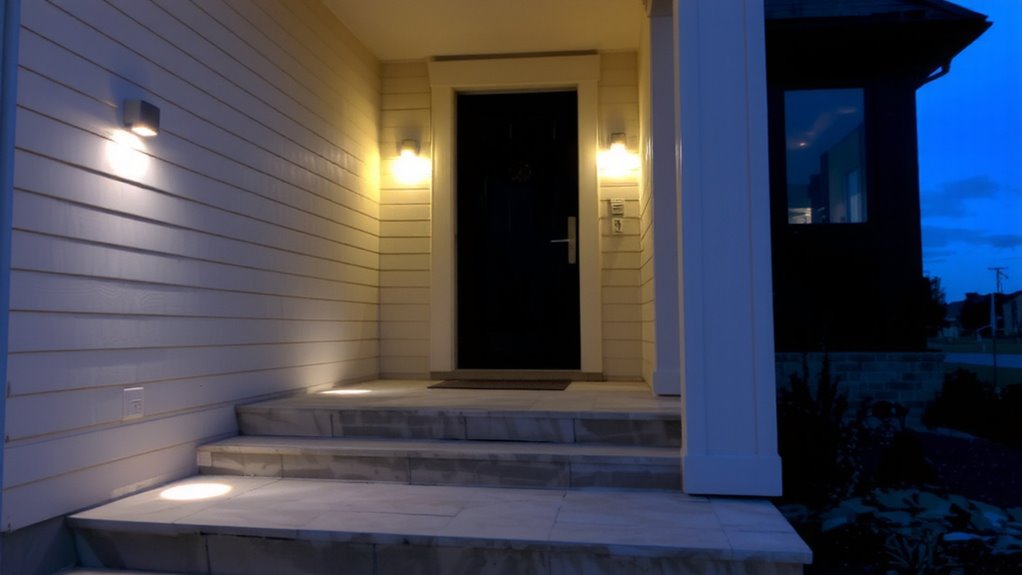
While traditional outdoor lights provide some security, smart motion lighting gives you more control and stronger protection. You can set schedules, adjust sensitivity, and receive alerts when motion is detected, helping reduce false triggers. Unlike basic floodlights, smart systems respond only when needed, boosting energy efficiency by turning off automatically. Most models use LED bulbs, which last longer and consume up to 75% less energy than incandescent lights. You also address privacy concerns by customizing detection zones, so lights don’t activate from activity on public sidewalks or neighboring properties. Some systems integrate with security cameras, allowing you to verify motion remotely. Look for lights with adjustable brightness and weather resistance. While upfront costs range from $50 to $150 per fixture, long-term savings on energy and maintenance justify the investment. Always check local lighting ordinances before installation. For optimal performance, consider models highlighted in expert reviews of the best motion sensor flood lights.
Pick the Best Smart Lights for Your Entry Points

What makes a smart light truly effective at your front door or garage entry? It balances brightness, reliability, and smart features. Look for LED models with high energy efficiency to cut costs over time. Most use 75–90% less power than traditional bulbs, which adds up monthly. You’ll also want varied color options-like warm white for evenings or cool white for security-to match the mood and function. Pick bulbs or fixtures with at least 800 lumens for clear visibility. Consider dimmable options so you can adjust brightness remotely. Guarantee compatibility with your existing smart system, like Alexa or Google Home. Avoid cheaper brands with poor app support or short lifespans. Reliable models range from $25–$60 per fixture, offering long warranties and solid reviews. Prioritize build quality for outdoor durability.
How Smart Motion Sensors Detect Activity
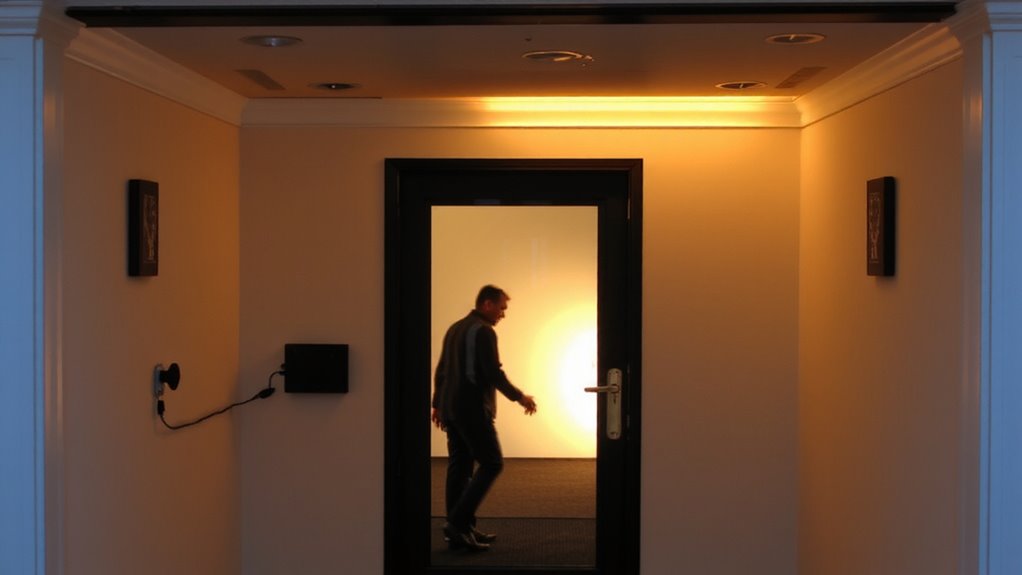
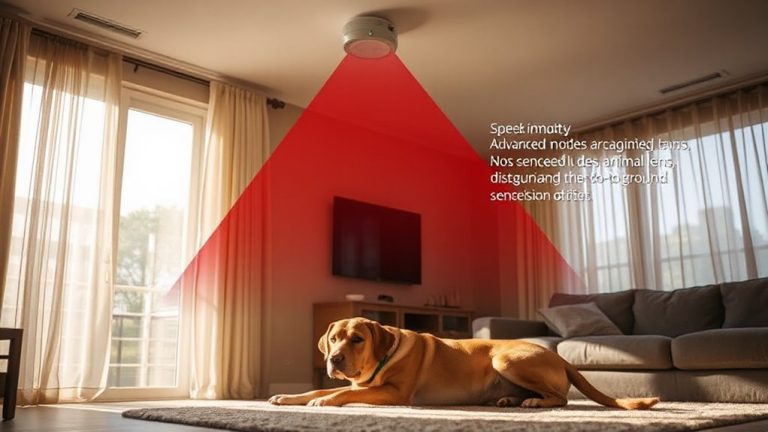
Since smart motion sensors are essential for reliable home security, they use passive infrared (PIR) technology to detect body heat and movement, triggering lights or alerts when someone approaches. You’ll rely on infrared detection to sense changes in heat patterns within the sensor’s range-when a person nears your entry point, their body heat contrasts with the background, setting off the system. This signal undergoes signal processing to filter out false triggers like pets or moving shadows, ensuring accuracy. Most sensors have adjustable sensitivity and time delays, letting you customize responsiveness. They typically cover a 120-degree field of view up to 30 feet. While PIR sensors consume little power and work well in various environments, they can miss slow movements. For best results, mount them between 6 and 8 feet high with clear sightlines. Proper placement improves reliability without extra cost. Top models offer advanced features like dual-sensor detection and smart connectivity for seamless integration with home automation systems.
Install Your Lights Without Any Wiring
If you’re looking to upgrade your outdoor lighting without the hassle of trenching or hiring an electrician, wireless smart lights offer a practical, do-it-yourself solution that runs on batteries or solar power. With wireless installation, you can mount lights almost anywhere-fences, walls, or posts-using simple hardware. Most systems rely on battery operation, so you’ll need to plan for regular replacements or opt for solar models to reduce maintenance. Here’s a quick comparison:
| Feature | Battery-Powered | Solar-Powered |
|---|---|---|
| Power Source | Replaceable batteries | Rechargeable via sun |
| Installation Ease | Very easy | Easy |
| Ongoing Maintenance | Frequent battery checks | Panel cleaning needed |
Battery operation gives flexibility, while wireless installation cuts setup time. Choose based on sunlight exposure and how often you want to maintain the system. Both options support effective entry point coverage without wiring.
Adjust Brightness, Timing & Sensitivity
How well your smart lights perform often comes down to how you set them up. You can adjust brightness to match your needs, ensuring ambient lighting isn’t too dim or glaring. Lower brightness settings work well for nighttime pathways, while higher levels help illuminate entry points for safety. Timing controls how long lights stay on after detecting motion-set it too short, and you’ll be left in the dark; too long, and you waste energy. Most systems let you fine-tune sensitivity, reducing false triggers from pets or passing cars. These features support user customization, letting you balance convenience and efficiency. Test different settings over a few nights to find what works. Look for models offering precise control via apps, with preset modes and scheduling. Higher sensitivity may increase responsiveness but can raise power use. Proper adjustment improves both security and comfort.
Connect to Alexa, Google & HomeKit
Ever wonder what it’s like to control your lights with just your voice? With voice control, you can use Alexa, Google Assistant, or Siri via HomeKit to turn lights on or off using simple commands. Device pairing is straightforward-just follow the app instructions to link your smart lights to your preferred platform. Alexa works well with most brands, offering reliable performance and routines. Google provides tight integration if you use Android or Nest devices. HomeKit stands out for privacy and automation within the Apple ecosystem. Each system supports remote access and scheduling. Voice control reduces reliance on apps, but only if your internet and hub are working. For best results, guarantee your smart hub is central and updated. Setup usually takes under 10 minutes, and once done, voice commands work quickly. Device pairing is secure, with authentication steps to protect access.
On a final note
You now have the tools to choose, install, and customize smart motion lighting for better home security. Pick lights with reliable sensors and compatibility with Alexa, Google, or HomeK, set sensitivity to reduce false triggers, and adjust timing for efficiency. Wireless options make setup easy. These systems deter intruders, improve safety, and adapt to your routine, providing measurable benefits at a reasonable cost when planned well.