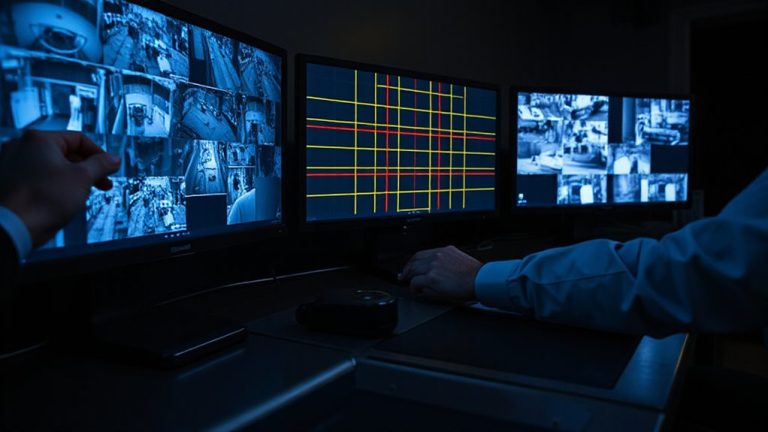
Enhancing Personal Safety With Real-Time Notification Alerts From Security Cameras
You get real-time alerts from security cameras within seconds of motion detection, letting you respond quickly to potential threats. Choose models with instant notifications, adjustable sensitivity, and custom detection zones to reduce false alarms from pets or passing cars. Smart detection uses AI to distinguish people, packages, and intruders, improving accuracy. Pair alerts with live 1080p video, wide viewing angles, and integration with smart locks or lights for stronger protection. Systems with edge processing and free cloud storage offer faster, more reliable performance-explore your ideal setup with key features and savings strategies next.
Notable Insights
- Real-time alerts within 10 seconds enable immediate response to potential threats while at home or away.
- Custom detection zones focus monitoring on entry points, reducing false alarms from pets or passing traffic.
- Smart detection uses AI to distinguish people from motion, improving alert accuracy by up to 90%.
- Instant mobile notifications with live viewing allow quick verification and appropriate action during incidents.
- Integration with smart locks and lights automatically deters intruders upon detection for enhanced personal safety.
Get Real-Time Alerts When Motion Is Detected
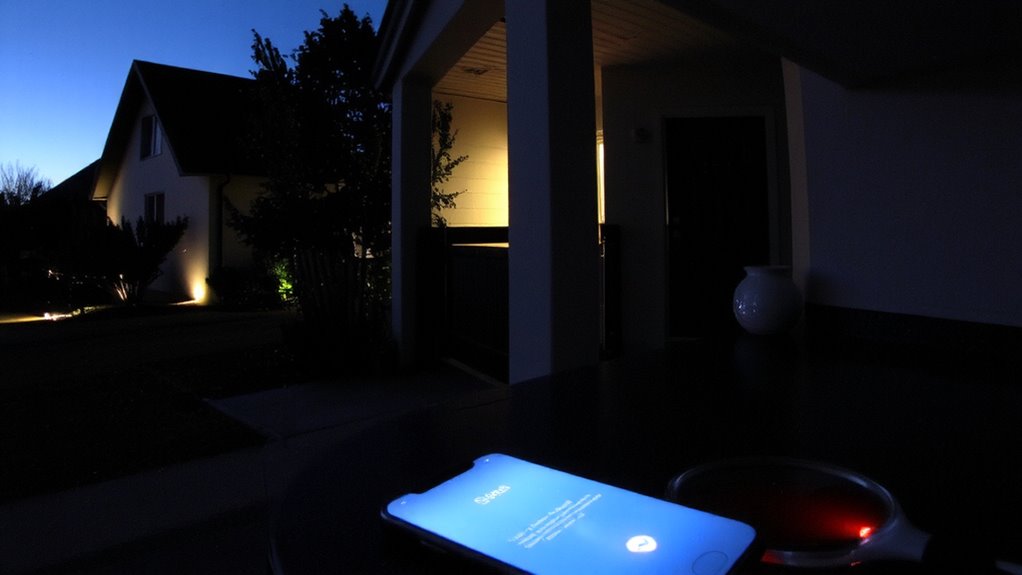
One in three home invasions occurs while the homeowner is present, making timely awareness critical. You rely on real-time alerts when motion is detected to stay informed. Motion sensitivity settings let you customize how your system responds-you can reduce false alarms from pets or passing cars by adjusting detection ranges. Too high, and you’ll get nuisance alerts; too low, and you might miss a threat. Alert timing is just as important. Systems with faster processing deliver notifications within seconds, giving you time to react. Look for cameras that offer adjustable sensitivity levels and short alert delays-ideally under 10 seconds. While higher-end models cost more, they often include better motion filtering and consistent alert delivery. Budget options exist, but test them thoroughly to guarantee reliable performance. Plan installation around key entry points for maximum effectiveness. Top-rated models often feature advanced indoor security camera technology for improved detection accuracy.
Choose a Security Camera That Sends Instant Notifications
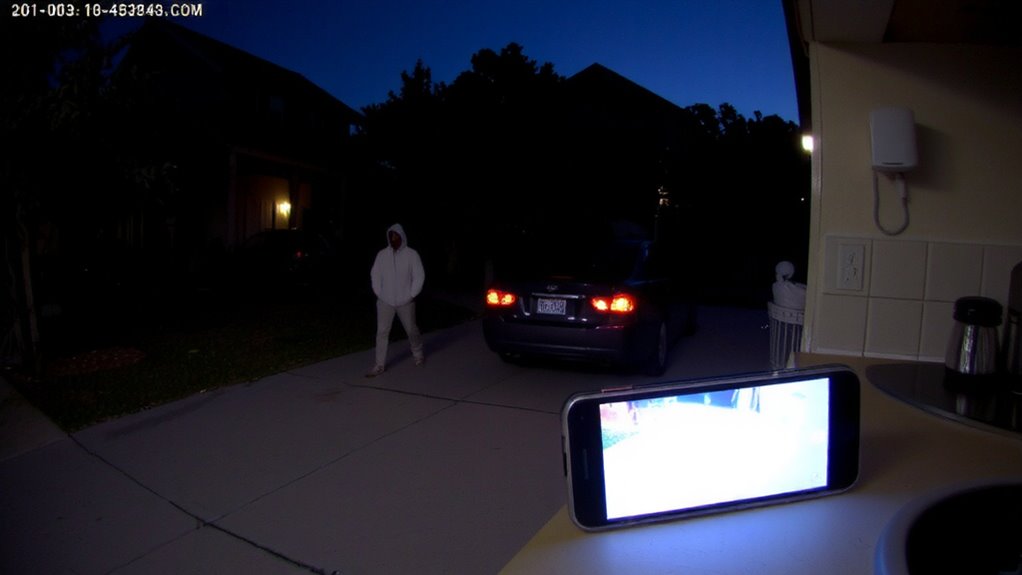
While faster alerts can make a difference in responding to potential break-ins, you’ll want to choose a security camera that sends instant notifications within seconds of detecting motion. Look for models that reliably deliver alerts in under 10 seconds, as delays reduce your ability to act quickly. Cameras with cloud processing often provide faster notifications than those relying solely on local storage. Consider installation ease-wire-free cameras with magnetic mounts or simple brackets save time and tools. You’ll also benefit from flexible camera placement, such as near doors or driveways, to maximize detection coverage. Make certain the camera supports indoor and outdoor use if needed, and check Wi-Fi signal strength where you plan to install it. Models with mobile app integration let you customize alert settings remotely. Prioritize systems with proven performance, clear app feedback, and low latency to maintain awareness without constant monitoring. For reliable performance, consider models featured in expert-recommended lists like the best home security cameras.
Reduce False Alerts With Custom Detection Zones
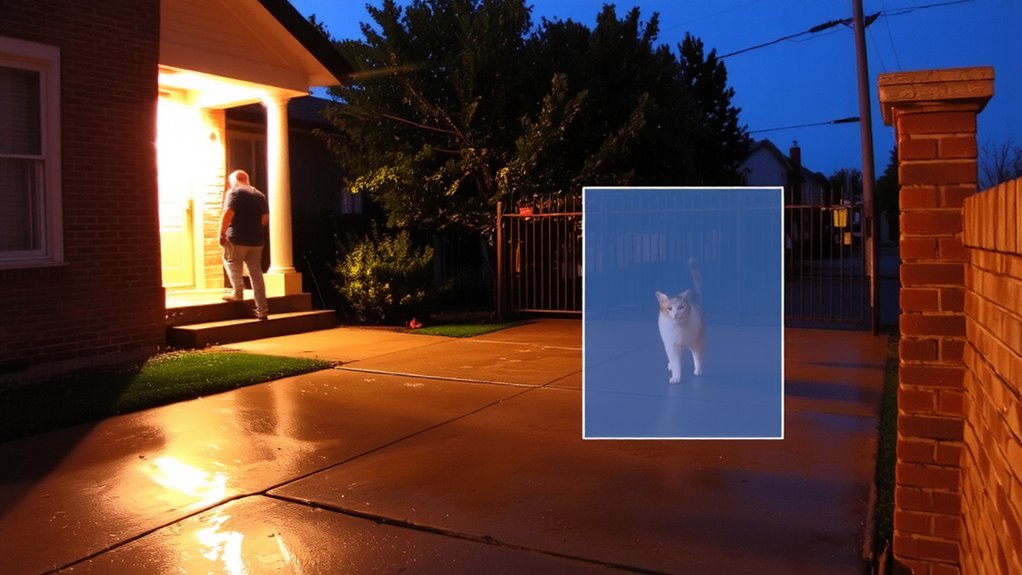
Smart security cameras with custom detection zones help you cut down on unnecessary alerts by letting you define exactly where motion should trigger a notification. You can set custom boundaries to focus on key areas, like your front path, while ignoring spots like busy sidewalks or swaying trees. This zone optimization reduces false alarms caused by pets, shadows, or passing cars. Most systems let you draw these zones directly in the app, making setup simple. Some cameras even learn over time, improving detection accuracy. Cameras with this feature often cost a bit more, but the drop in false alerts makes them worth it. Look for models with edge-based processing-they analyze motion in real time without sending every event to the cloud. That means faster alerts and less bandwidth use. With proper zone optimization, you stay informed only about what matters. Top models offering this capability include those labeled as best Wi-Fi cameras in expert reviews.
Know Exactly Who’s at Your Door: Person, Package, or Intruder
How often are you unsure whether a notification means a visitor, a delivery, or a potential threat? Modern security cameras use smart detection to improve door identification, distinguishing between people, packages, and unknown movements. This reduces confusion and helps you respond appropriately. With visitor verification, you can see a clear image of who’s at your door, ensuring you don’t miss a guest or ignore a risk. Advanced models use AI to analyze shape, size, and motion patterns, improving accuracy by up to 90% compared to basic motion alerts. While false positives still occur, especially in busy areas, combining detection zones with person-specific alerts increases reliability. Look for systems offering free cloud storage for short clips or local storage to save costs. A reliable setup typically costs $150–$300, depending on features. Plan for one outdoor camera focused on entry points to maximize effectiveness.
View Live Footage the Moment an Alert Arrives
What if you could see exactly what’s happening at your home the second something occurs? With real-time alerts from your security camera, you can view live footage instantly on your phone or tablet. High camera resolution guarantees you’ll see faces and details clearly, even in low light. A wide viewing angle lets you monitor larger areas, reducing blind spots around doors or driveways. When an alert triggers, open the app to stream live video immediately, so you can assess whether it’s a visitor, an animal, or something suspicious. This immediate access helps you make informed decisions fast. Look for systems with at least 1080p resolution and a viewing angle of 120 degrees or more for reliable coverage. Most reliable models offer this feature within standard subscription plans, typically $3–$10 monthly. Response time matters-choose cameras with quick push notifications and stable apps for best results.
Connect Alerts to Smart Locks, Lights, and Alarms
When an alert from your security camera detects motion or an unexpected visitor, couldn’t it be more useful if other devices responded automatically? With smart integration, your system can trigger automated responses across connected devices. If your camera detects activity, it can lock smart door locks instantly, turn on indoor or outdoor lights to deter intruders, or sound a connected alarm. These actions happen in seconds, reducing risk while you assess the situation. Automated responses enhance safety without requiring you to act manually. Most systems work with common platforms like Google Home or Apple HomeKit, but check compatibility before buying. While setup may require some technical effort, the benefits outweigh the time. A full smart home security package usually costs $200–$500, depending on devices. Smart integration isn’t just convenient-it’s a proactive way to protect your home.
On a final note
You’ll stay informed and in control with real-time alerts from your security camera, as instant notifications let you respond quickly to motion or doorbell activity. Custom detection zones reduce false alarms, while integration with smart locks and lights adds convenience and deterrence. Look for reliable cameras that offer person detection and live viewing. Budget models work well, but higher-priced ones often provide better accuracy, cloud storage, and broader smart home compatibility.