Troubleshooting Common Connection Issues Between Ring Doorbells and August Smart Locks
Check your Wi-Fi signal strength-ensure both Ring and August devices have at least three bars, as weak connections cause delays or failed commands. Reboot each device by unplugging the Ring for 30 seconds and removing the August lock’s batteries for a minute. Update both apps and firmware, then relink them in the Ring app’s “Connected Home” section. Enable Location (“Always”) and Notifications in your phone settings. Sync issues often resolve after these steps, especially with a stable network. Further optimization may improve automation reliability.
Notable Insights
- Ensure Wi-Fi signal strength is at least three bars near devices to prevent delays or disconnections.
- Reboot Ring and August devices by power cycling to clear glitches and restore network connection.
- Update both Ring and August apps to the latest versions to maintain compatibility and security.
- Enable Location and Notification permissions set to “Always” for automation and background functionality.
- Re-pair devices in the Ring app’s “Connected Home” section if sync delays exceed five seconds.
Check Wi-Fi Stability for Ring and August
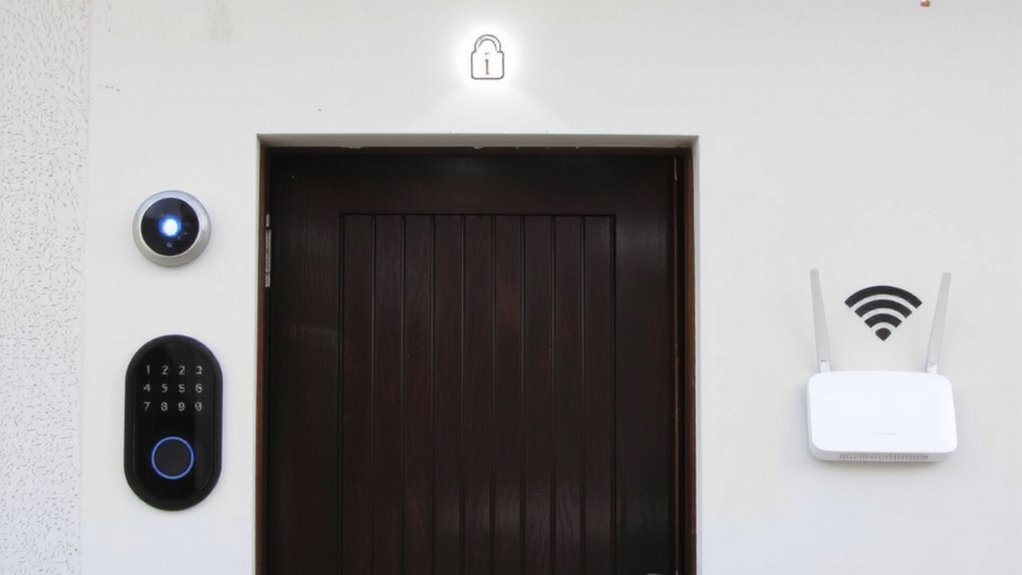
If your Ring doorbell or August smart lock isn’t responding as expected, the issue might stem from an unstable Wi-Fi connection, which both devices rely on for remote access and real-time alerts. Wi Fi interference from nearby electronics or thick walls can weaken signal strength, leading to delayed notifications or failed commands. You should position your router centrally and minimize obstructions between it and your devices. Check signal strength using your phone or a Wi-Fi analyzer app-both Ring and August recommend at least three bars for reliable operation. Avoid running large downloads on other devices, as they may cause temporary interference. If signal strength remains low in key areas, consider a Wi-Fi extender or mesh network. These systems improve coverage and reduce interference, ensuring consistent performance across your home security setup. For Ring cameras specifically, using one of the best WiFi extenders for Ring cameras can significantly enhance connectivity and video streaming reliability.
Reboot Your Ring and August Devices
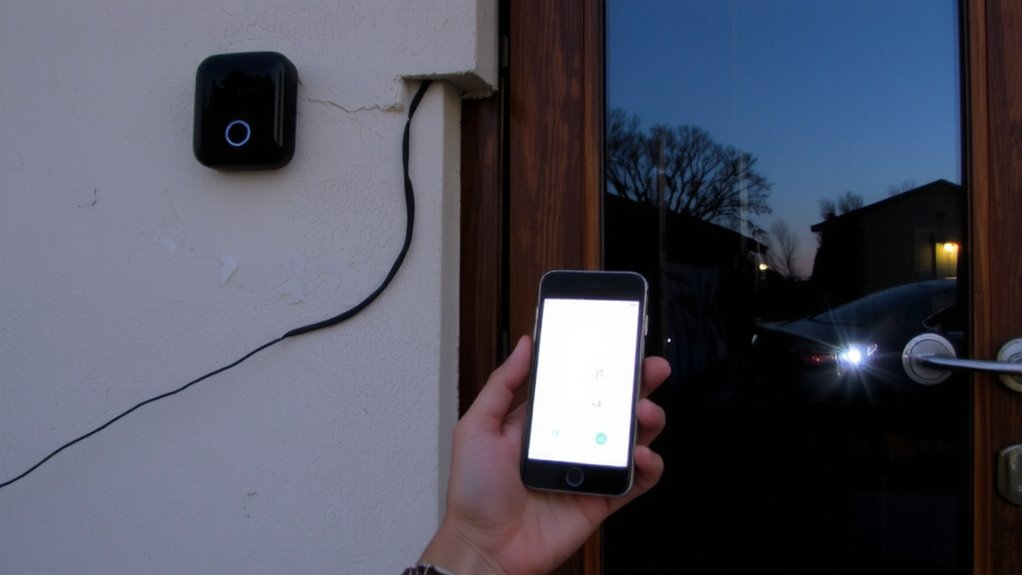
A quick reset can resolve many common connection problems with your Ring doorbell or August smart lock, especially when devices show delayed responses or fail to sync with the app. Simply unplug your Ring device for 30 seconds, then reconnect it, and remove the batteries from your August lock for a minute before reinserting them. This reboot helps restore device compatibility and triggers firmware synchronization between systems. You’ll likely notice improved communication with your network and each other. Rebooting clears temporary glitches and refreshes your devices’ connections without erasing your settings. For best results, perform this step after confirming stable Wi-Fi, as a poor signal can interfere with the process. Though not a fix for all issues, a reboot is a reliable first step that often resolves intermittent connectivity problems efficiently and safely.
Update and Link the Ring and August Apps
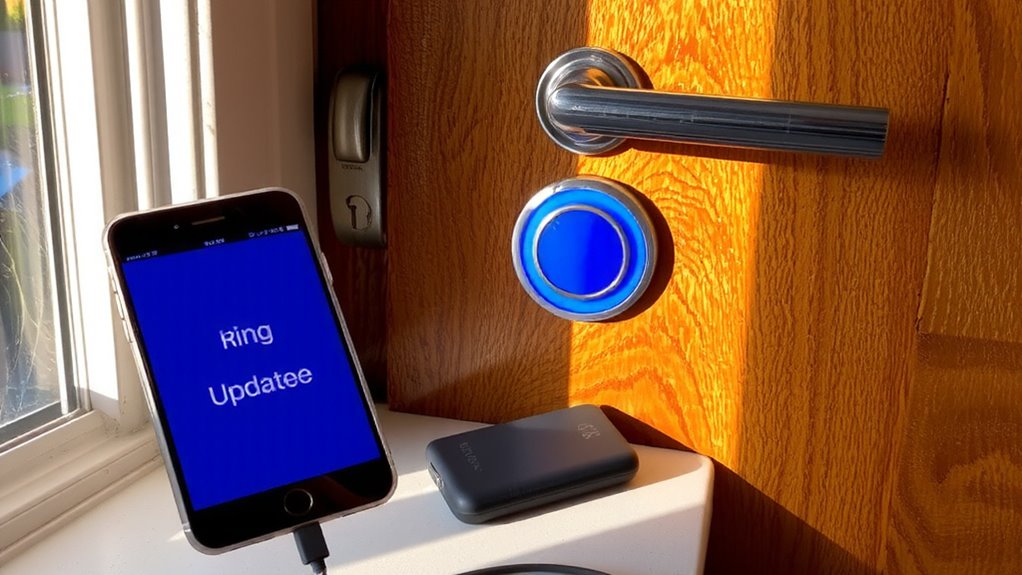
Most connection issues between Ring doorbells and August smart locks stem from outdated apps or improper linking, so it’s essential to keep both the Ring and August apps updated to their latest versions. Outdated software can cause app compatibility problems and prevent proper synchronization. Check your device’s app store regularly for firmware updates, which often include critical security patches and performance improvements. After updating, log into both apps and relink them through the Ring app’s “Connected Home” section. Make sure you’re using the correct account credentials for each service. A stable Wi-Fi connection helps guarantee seamless communication. These steps resolve many issues related to device pairing, control delays, and automation triggers. Keeping both apps current supports reliable integration and improves overall smart home functionality.
Allow Ring and August to Access Location and Notifications
Why might your Ring doorbell fail to trigger your August lock automatically, even after proper setup? The issue often lies in missing Location permissions or incorrect notification settings. Both apps need access to your device’s location to function correctly in the background, especially when automating actions like opening the door when someone rings the bell. Without granting Location permissions, the system may not detect proximity, breaking the automation chain. You should also check notification settings for both apps-ensuring they’re enabled so you’re alerted and the devices can communicate. Disabling notifications might prevent critical signals from processing. Go to your phone’s settings, confirm both apps have “Always” location access, and verify notifications are allowed. These steps support reliable automation and improve overall performance without delays.
Fix Ring and August Sync Delays
Even if your Ring and August devices are connected, you might still experience delays in automation-like the lock not opening right after the doorbell rings-because of syncing issues between the apps. These delays often stem from incomplete device pairing or outdated firmware syncing. To resolve this, first make sure both apps show your devices as fully paired and online. Restart each device and check for firmware updates in both the Ring and August apps, since outdated software can slow communication. Strong Wi-Fi is essential: place your hub and devices within range to reduce lag. Delays over five seconds usually indicate a network or firmware problem. Regularly scheduled firmware syncing helps maintain fast responses. While most setups work within two to three seconds post-sync, weak signals or background app issues can extend wait times. Re-pairing the devices and confirming firmware syncing is current typically restores smooth automation.
Contact Ring or August Support for Integration Issues
If you’ve gone over all the usual fixes and your Ring and August devices still won’t work together smoothly, it’s time to reach out to support. Contacting the right team guarantees faster resolution, especially when device compatibility or sync failures are unclear. Below is a quick guide to help you decide:
| Support Team | What They Handle Best |
|---|---|
| Ring Support | Video issues, motion alerts, app crashes |
| August Support | Lock pairing, firmware updates |
| Both Teams | Integration errors, automation failures |
| Ring Support | Device compatibility questions |
| August Support | Support response time for lock-specific bugs |
Check each company’s online help center first. If unresolved, submit a ticket-August typically replies within 24 hours, while Ring’s support response time averages 12–48 hours. Keep your device models and app versions handy for faster help.
On a final note
You’ve now checked Wi-Fi stability, rebooted devices, updated apps, enabled permissions, and addressed sync delays. These steps resolve most connection issues between Ring doorbells and August locks. If problems persist, contact Ring or August support for integration help. Using the systems together improves home security, but compatibility depends on model versions and proper setup. Plan for occasional maintenance, and review pricing if extended support or upgrades are needed.