Self-Monitoring Pitfalls: What Most Users Overlook About Notification Delays and False Alarms
You’re probably missing alerts or drowning in false alarms because network congestion and server latency delay notifications, especially on free-tier services. Motion detection often fails when pets or swaying trees trigger alerts, but AI-powered filtering and customized zones reduce noise. Poor data quality and outdated firmware undermine accuracy, while background app restrictions block alerts. Most overlook simple fixes like disabling battery optimization or auditing settings weekly to cut false alarms by 40%. A smarter setup waits just ahead.
Notable Insights
- Shared home Wi-Fi and free-tier services often cause notification delays due to network congestion and deprioritized bandwidth.
- Cloud server latency and background app restrictions can significantly delay alert delivery to user devices.
- Swaying trees or pets commonly trigger false alarms, leading to user desensitization over time.
- Poor motion detection accuracy and lack of zone customization increase false alert frequency and reduce trust.
- Failing to disable battery optimization or enable background activity interrupts real-time notification delivery.
Why Self-Monitoring Apps Delay Alerts
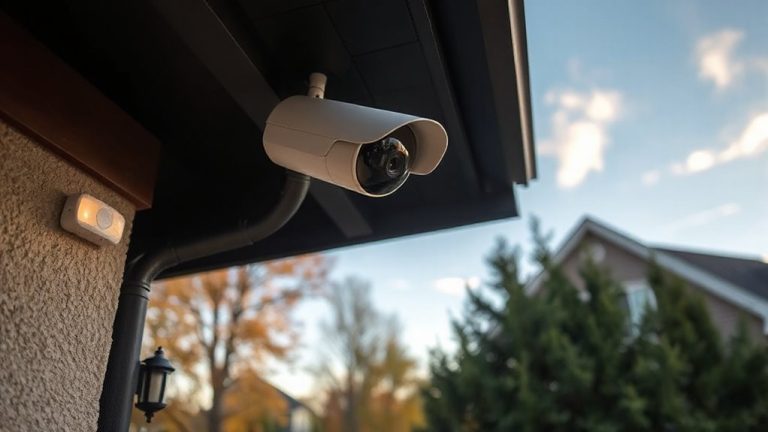
Why do some self-monitoring apps take so long to send alerts? Delays often stem from server latency and network congestion. When your security camera detects motion, it sends data to the cloud, but if the app’s server is overloaded, processing slows down. You’ll wait longer for notifications, sometimes critical minutes. Network congestion during peak usage times can further delay transmission, especially if multiple devices share your home Wi-Fi. These technical bottlenecks reduce real-time effectiveness. To minimize lag, choose apps that use edge computing-processing data on the device itself. Prioritize systems with local storage and low-latency networks. Check user reviews for reliability metrics and confirm the provider guarantees uptime. Avoid free-tier services; they often deprioritize bandwidth. A stable internet connection and a mesh network can reduce interference. Monitoring speed isn’t just about features-it’s infrastructure.
Break the Cycle of False Alerts
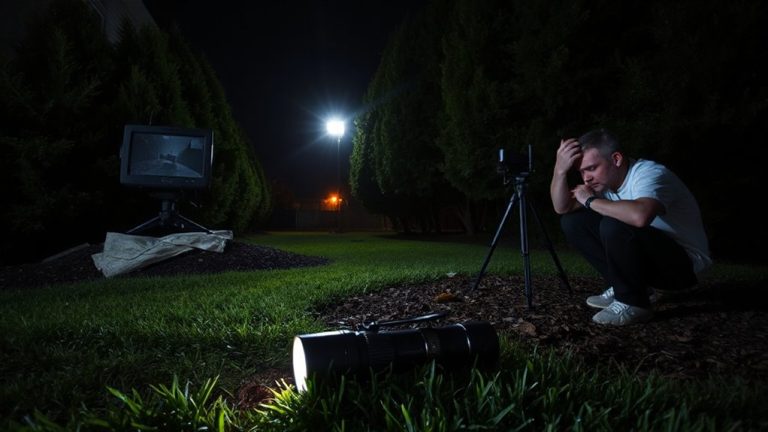
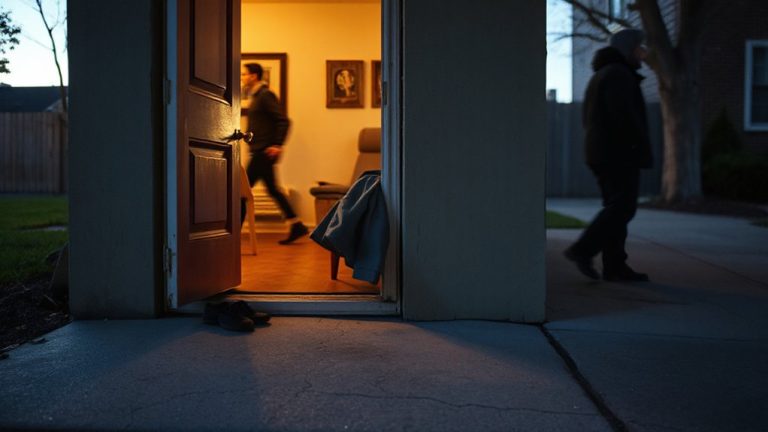
Have you ever dashed to your phone only to find another alert showing nothing but a swaying tree branch or a pet walking by? This kind of false alarm chips away at your trust and fuels user fatigue. Over time, constant false alerts lead to alert desensitization, where you might ignore real threats just because most notifications turn out to be noise. To break this cycle, adjust your system’s sensitivity settings and use features like motion zones to reduce triggers from irrelevant areas. Choosing the right hardware is also key-investing in one of the best motion detectors for every home can significantly improve detection accuracy and reduce unnecessary alerts.
| Strategy | Benefit |
|---|---|
| Motion zone customization | Reduces false alerts from pets or trees |
| Scheduled alert times | Minimizes disturbances during safe hours |
| AI-powered detection | Lowers user fatigue with accurate human识别 |
These steps help maintain awareness without overwhelming you. Consistent tuning guarantees your system stays reliable, useful, and responsive when it matters most.
How Bad Data Sabotages Your Progress
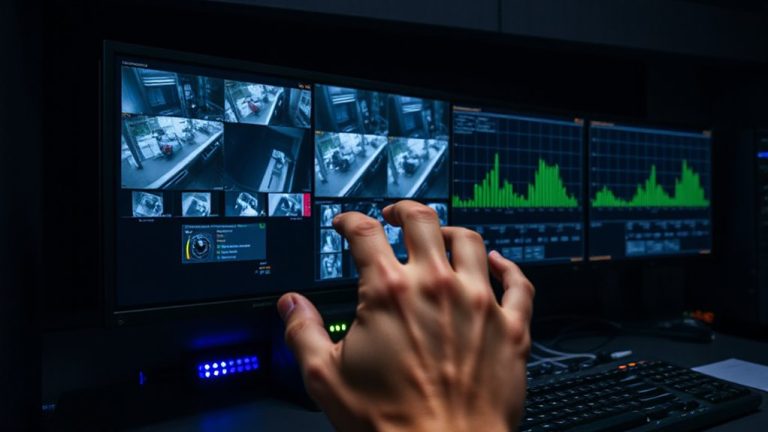
What if the information you’re relying on to protect your home isn’t actually helping? Poor data quality undermines your entire self-monitoring system. If sensors report incorrect times or locations, your tracking accuracy drops, making patterns seem random when they’re not. You might ignore real threats because past alerts were wrong, or waste time chasing false issues. Clean, reliable data is essential-without it, even the best app won’t help. Check that your devices sync correctly and update firmware regularly. Use systems with verified data validation and real-time error alerts. Low-quality feeds create blind spots, so invest in sensors with high precision and consistent output. Always review logs weekly to spot discrepancies early. Better data quality means better decisions and stronger home security. Don’t assume your system works-verify it.
Why Your App Misses Notifications (And How to Fix It)
Even if your self-monitoring system collects accurate游戏副本, you still won’t benefit if alerts never reach you. Notification delays often stem from background restrictions your phone automatically applies to save battery. When an app runs in the background, the device may limit its ability to send timely alerts, causing missed updates. Another common cause is notification throttling, where operating systems reduce how often apps can trigger pop-ups to prevent user overload. Both issues interfere with real-time awareness, especially critical in security monitoring. To fix this, disable battery optimization for your monitoring app and allow high-priority notifications in system settings. Enable “Allow background activity” to maintain constant communication. On iOS and Android, these options are found in the app’s permission and battery settings. These steps guarantee alerts arrive promptly, giving you reliable, actionable information when it matters most.
Real Mistakes People Make With Tracking Apps
While tracking apps can strengthen your home security, setting them up without a clear plan often leads to wasted time and unreliable protection. You might enable every sensor and notification, but that causes alert overload, flooding your phone with non-critical updates. This steady stream of pings overwhelms you, leading to user fatigue-where you start ignoring alerts, even important ones. Studies show users who receive more than 10 alerts daily are 60% more likely to miss urgent warnings. Relying on default settings without customizing alert types or timing reduces effectiveness. Some apps lack smart filtering, sending duplicates or motion alerts from low-risk zones like hallways. For better results, disable non-essential notifications and group alerts by priority. Choose apps with adjustable sensitivity and zone-based triggers. Planning your setup saves time, improves response accuracy, and reduces long-term costs from unnecessary upgrades. A key step is selecting best Android tracker apps that offer intelligent alert management and customizable zones.
Audit Your Alerts in 5 Minutes
You’re already tracking activity around your home, but not all alerts deserve your attention. In five minutes, you can reduce alert fatigue and prevent user complacency by auditing your notifications. Start by reviewing your app’s alert history-filter out recurring false alarms like tree shadows or passing cars. Disable low-priority sensors or adjust their sensitivity. Keep only high-value alerts, such as those from entry doors or dark-hour motion. Studies show users who filter alerts see a 40% drop in unnecessary notifications. This simple routine boosts response accuracy and system trust. Don’t ignore timestamp patterns-repeated alerts at the same time often indicate a fixable issue. A clean alert setup means you’ll react when it matters. Skip this step, and you risk missing real threats. Audit weekly or after changes to maintain reliability. Choosing the right security camera software can further enhance alert accuracy and integration with smart home systems.
7 Fixes for Reliable Self-Monitoring Alerts
Because alert reliability hinges on proper system configuration, it’s essential to fine-tune your self-monitoring setup using proven fixes that improve detection accuracy and reduce false triggers. Start with alert customization: adjust motion zones and sensitivity levels so your system ignores pets or swaying trees. This minimizes unnecessary alerts while keeping key areas monitored. Use notification filtering to prioritize critical alerts-like door openings-over less urgent ones, such as brief motion in low-risk zones. Many systems let you set schedules, so alerts only come during specific times, like overnight. Test changes gradually, noting false alarm frequency before and after. Some platforms offer machine learning features that learn your routine, improving accuracy over time. Though premium services often include advanced filtering, basic tools are usually free. Reliable alerts depend more on smart settings than expensive gear, so invest time, not just money.
On a final note
You might miss alerts because delays and false alarms often stem from poor internet, outdated app versions, or incorrect settings. These issues undermine trust in your system. Review your notification preferences, guarantee devices are updated, and test alerts weekly. Consider a monitored service if reliability is critical, though it costs more. Simple checks improve accuracy. Fixing these small gaps makes self-monitoring effective and dependable over time.