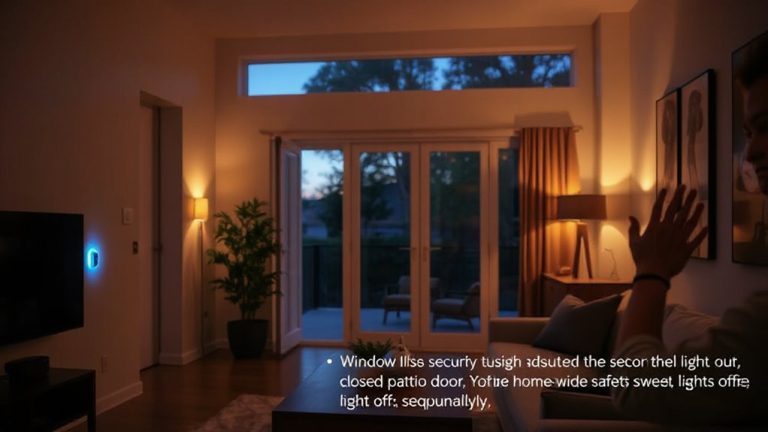
How to Use Smart Lighting Systems to Improve Home Security During Power Outages or When Away From Your Residence for Extended Periods of Time
Use smart lights to simulate presence by scheduling on-off times with randomized patterns and adjustable warmth, making your home appear occupied. Pair them with motion sensors and cameras to trigger lights and record activity, boosting deterrence. Choose systems with battery or solar backup to maintain function during outages. Control everything remotely via app, even when far away. Test your setup regularly to guarantee reliability-your next step reveals how to optimize each component seamlessly.
Notable Insights
- Schedule smart lights to turn on and off at random times to simulate occupancy during extended absences.
- Use battery-backed smart bulbs or hubs to maintain lighting during power outages.
- Remotely activate lights via app when away to deter potential intruders in real time.
- Integrate motion sensors and cameras to trigger lights and capture video of unexpected activity.
- Test system functionality regularly, including outage simulation, to ensure reliability when unoccupied.
Boost Security With Smart Lighting When Away
A majority of home break-ins occur when houses appear unoccupied, and smart lighting can substantially reduce that risk by making your home look lived-in while you’re away. You can schedule lights to turn on and off at different times, mimicking your usual routine. With light color customization, you adjust warmth or brightness to match typical evening lighting, enhancing the illusion of occupancy. Many systems support voice assistant integration, so you can control lights remotely using simple voice commands through devices like Alexa or Google Assistant. This feature adds convenience and responsiveness, especially if you’re adjusting plans last minute. Most setups are easy to install and work with existing bulbs or switches. Initial costs range from $30 to $150 per bulb, but the investment may lower long-term security risks without requiring professional monitoring.
Pick a Smart Lighting System That Works During Outages
Even if the power goes out, your smart lighting can still act as a deterrent-provided you choose a system with backup options. Look for models offering grid independence and uninterruptible operation so lights stay functional during outages. Battery-powered hubs or bulbs with onboard backup guarantee your system keeps running without relying solely on the main electrical supply.
| Feature | Benefit | Consideration |
|---|---|---|
| Battery Backup | Enables uninterruptible operation | Limited runtime, needs recharging |
| Solar Integration | Supports grid independence | Higher initial setup cost |
| Local Control | Works without internet | Fewer remote management options |
These systems let your lights respond to triggers or schedules even during blackouts. Prioritize devices with reliable fail-safes and test them periodically. Planning for outage resilience improves overall home security effectiveness-especially when you’re away.
Schedule Smart Lights to Mimic Activity
When you’re away from home, scheduling smart lights to turn on and off at specific times can make it look like someone’s inside, which may reduce the chance of a break-in. You can set consistent light patterns, like turning on the living room light at 7 p.m. and the bedroom light at 10 p.m. For better results, use random timing so lights don’t follow a predictable schedule-this mimics real human behavior more realistically. Most smart lighting apps let you adjust when and how long lights stay on, giving you control from anywhere. Systems with battery backup or generator support work even during outages. Setup is simple and usually doesn’t require a hub. While upfront costs vary, most systems pay for themselves in peace of mind. Choose models with customizable automation options for the best balance of security and convenience.
Automate Lights With Motion and Cameras
You’ve already seen how scheduling lights can create the impression of occupancy, but tying lighting to motion and camera systems takes your security setup a step further. By using motion detection, smart lights turn on instantly when movement is sensed, startling intruders and alerting nearby residents. Pair this with camera integration, and you’ll get real-time video clips sent to your system whenever lights activate. This combination provides verifiable evidence of activity, not just assumed presence. Most systems allow you to adjust motion sensitivity and detection range, reducing false triggers from pets or passing traffic. Look for models with infrared detection and weather resistance for outdoor use. While initial setup costs range from $100–$300, the added deterrence and monitoring capabilities offer measurable security improvements. Camera integration enhances trust in alerts, letting you verify threats without being home. For reliable outdoor coverage, consider installing one of the best wireless security cameras for home use that support smart lighting integration.
Control Smart Lights Remotely From Anywhere
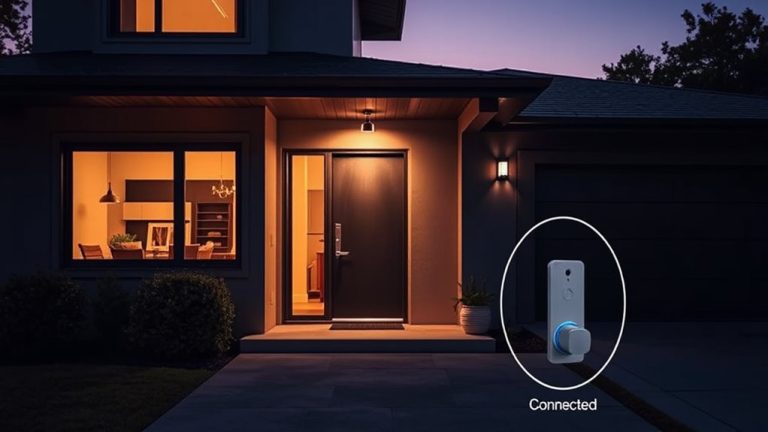
What if you could turn on your living room light while stuck in traffic, making it look like someone’s home? With remote access, you can control smart lights from your phone no matter where you are. Using a secure app, you get real time monitoring of your home’s lighting status and can adjust settings instantly. This feature helps deter intruders by creating the appearance of occupancy, even during extended trips. Most systems use Wi-Fi or cellular networks, so make certain your router supports remote connections. Some apps log usage patterns and send alerts if lights turn off unexpectedly. While remote access enhances security, performance relies on internet stability and proper setup. Choose models with strong encryption to protect your data. Initial costs range from $30–$60 per bulb, but the flexibility and peace of mind are worth it.
Pair Smart Lights With Battery and Solar Backup
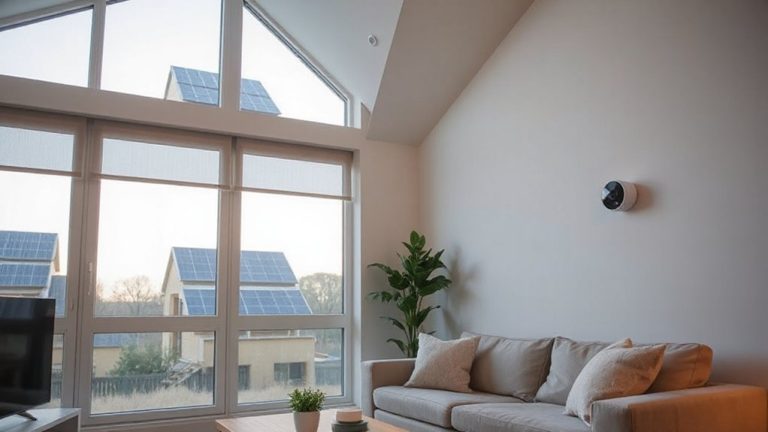
A reliable smart lighting setup doesn’t stop working when the power goes out, and that’s where battery and solar backup comes in. You can maintain off grid reliability by pairing your system with a solar-charged battery, ensuring lights stay on during outages. This setup supports energy independence, reducing reliance on the grid. Most smart lights use low power, so even a small solar panel and battery pack can run them for days. Look for systems with built-in solar compatibility or USB power options. Battery backups typically cost $50–$150, while solar kits range from $100–$300, depending on capacity. Though initial costs exist, the security benefits are proven. Lights that turn on at sunset or respond to motion deter intruders, even without grid power. For best results, place solar panels where they get full sun and test battery life monthly. This combination delivers consistent, automated lighting when you need it most. Consider integrating solar security cameras to enhance surveillance without relying on WiFi or grid power.
Test Your Smart Lighting Security Before You Go
How confident are you that your smart lights will work exactly as planned while you’re away? Before leaving, conduct thorough light testing to confirm your system responds as programmed. Use outage simulation by cutting power to see if battery or solar backups activate and keep lights functioning. Check that motion sensors trigger the right zones and that app controls still allow remote adjustments. Test each light individually and in groups to verify schedules and brightness levels. Guarantee Wi-Fi extenders or mesh networks maintain signal strength across all devices. Some systems log performance data-review it to spot delays or failures. Light testing isn’t one-time; repeat it quarterly. Outage simulation should mimic real conditions, including low-light timing and duration. Confirm that alerts notify you of issues. Factor in setup time and minor costs for backup equipment, but the investment improves reliability. Plan tests during low-traffic evenings to avoid disturbing household routines.
On a final note
You can boost home security by using smart lighting when away or during outages. Pick systems with battery or solar backup to stay on during power failures. Schedule lights to mimic your routine, and pair them with motion sensors or cameras for real alerts. Control everything remotely via app. Test setups before leaving. These steps, backed by security data, deter burglars effectively and give reliable, low-cost protection over time.