Optimizing Battery Life for Wireless Surveillance Equipment While Ensuring Reliability
Use lithium iron phosphate (LiFePO4) batteries for longer life and better temperature performance. Cut power use by adjusting motion sensitivity and setting detection zones-this can extend battery life by up to 50%. Lower resolution to 1080p or 720p, reduce frame rates, and enable H.265 compression to save energy. Add a 5W solar panel to reduce charging needs by 70%. Monitor battery health monthly and balance settings to maintain reliability without wasted drain-smart tweaks now pay off in lasting performance.
Notable Insights
- Use lithium iron phosphate batteries for longer cycle life and better performance in extreme temperatures.
- Optimize motion detection with zones and sensitivity settings to reduce false alerts and conserve power.
- Lower video resolution to 720p and frame rate to 15 fps to significantly extend battery life.
- Integrate a 5W solar panel to reduce recharging needs by up to 70% in sunny installations.
- Monitor battery health monthly and adjust settings to balance power use and detection reliability.
Choose the Right Battery for Your Surveillance System
What kind of battery you pick really does make a difference-so how do you know which one’s best for your wireless surveillance system? Consider battery chemistry first: Lithium-based options last longer and handle extreme temperatures better than alkaline ones. For most outdoor cameras, lithium iron phosphate (LiFePO4) offers a reliable balance of safety and cycle life. Capacity selection is just as critical-measured in milliamp-hours (mAh), higher capacity means longer runtime between charges. A 5,000 mAh battery typically powers a standard camera for up to six months under normal use. Check your system’s power draw and adjust capacity accordingly. Though high-capacity batteries cost more upfront, they reduce long-term maintenance. Avoid overspending on excessive capacity if your camera transmits infrequently. Pair the right chemistry with appropriate capacity selection, and your system stays reliable without constant battery swaps. For Blink camera users, selecting the best batteries for Blink cameras can significantly enhance performance and longevity.
Use Smart Motion Detection to Save Battery
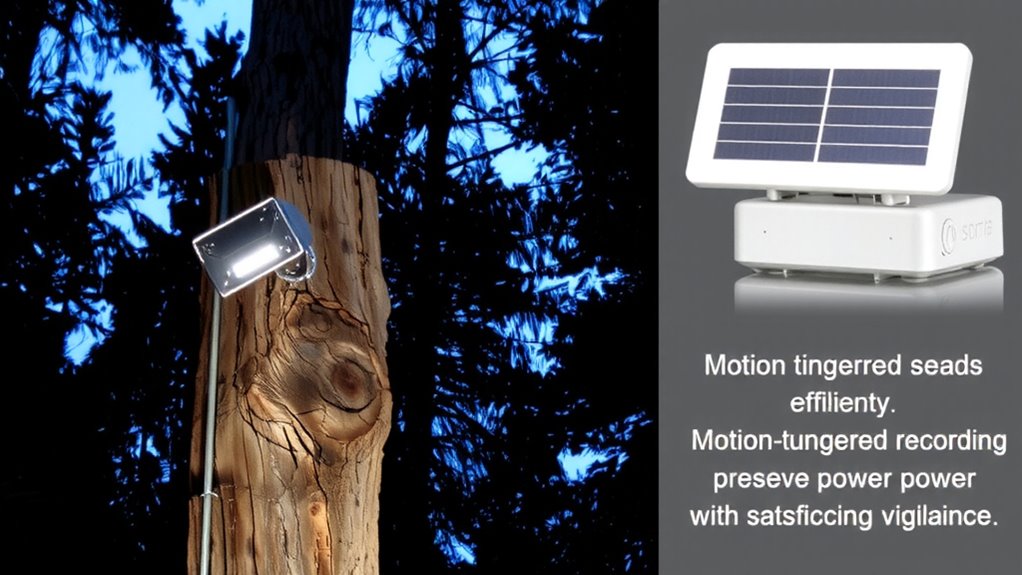
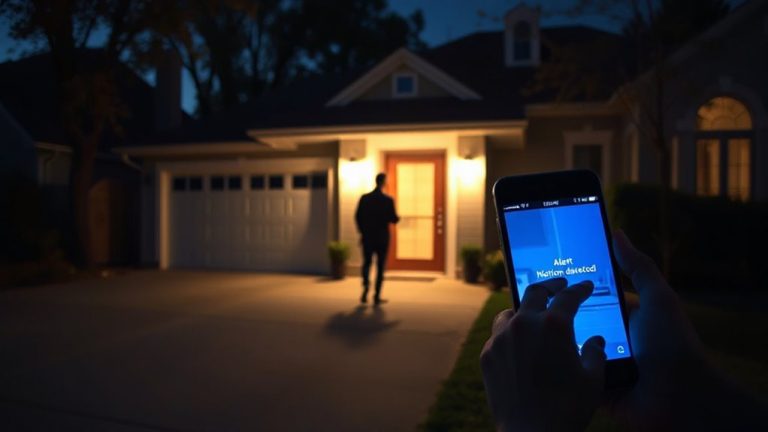
How often your camera records footage directly impacts how long the battery lasts-so why waste power capturing every passing leaf or gust of wind? You can save significant energy by using smart motion detection. Adjusting motion sensitivity helps your camera ignore small movements while still catching people or vehicles. Set detection zones to focus only on key areas, like a driveway or front door, so the camera won’t trigger from activity in the street or trees. This targeted approach reduces false alerts and cuts down on unnecessary recordings. Cameras with advanced processors analyze movement patterns, improving accuracy over time. Higher-end models offer customizable settings and better algorithms, though they may cost more upfront. Proper setup takes a few minutes but extends battery life by up to 50% in tests. You’ll get reliable alerts without draining power-a practical balance between performance and efficiency. For comprehensive guidance on selecting reliable sensors, check out the best motion detectors for every home.
Adjust Video Quality and Frame Rate for Longer Battery Life
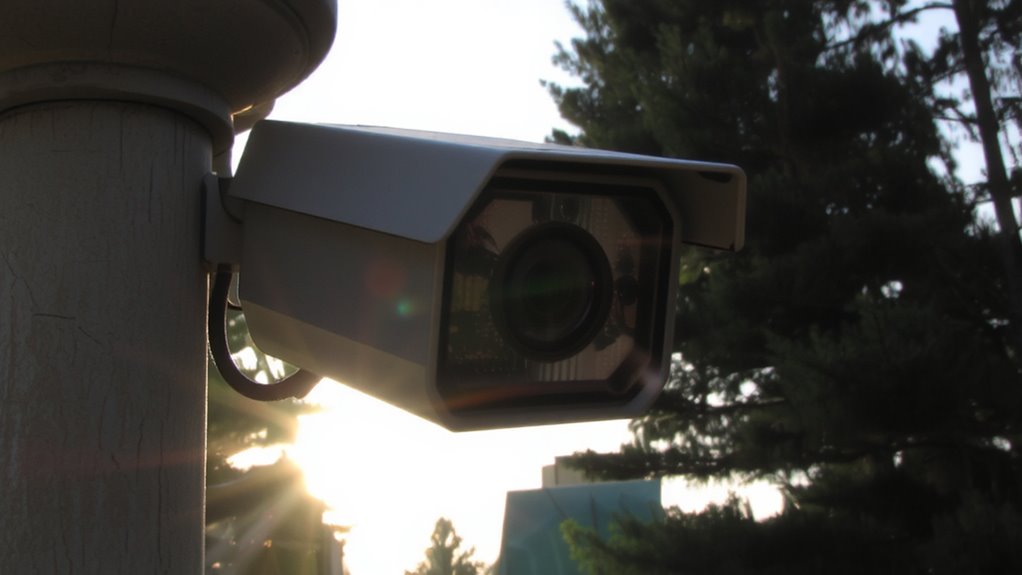
You’ve already optimized motion detection to reduce unnecessary recordings, but another key factor in extending battery life is adjusting your camera’s video quality and frame rate. Lowering the resolution through resolution scaling reduces data load and power use considerably. For most home surveillance needs, 1080p offers a reliable balance between clarity and efficiency. Dropping to 720p can further extend battery life with minimal impact on identification ability. Reducing the frame rate from 30 to 15 frames per second also cuts energy usage, especially in low-motion scenes. Pair these changes with efficient video compression, like H.265, which maintains quality while shrinking file sizes. This means less processing and shorter transmission times, both of which save power. While lower settings improve battery performance, make sure they still meet your security needs. Test different configurations to find the best balance between battery savings and usable footage quality for your setup. Models with best battery life are designed to maximize operational time without sacrificing essential features.
Upgrade to Low-Power Components and Solar Charging
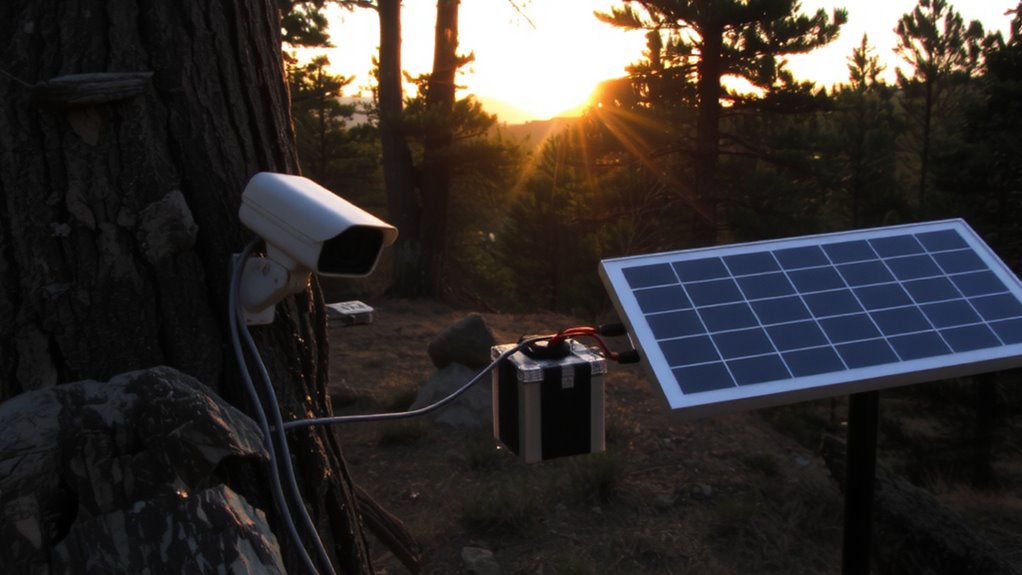
Many modern wireless cameras now come with energy-efficient components that can nearly double battery life compared to older models, making upgrades a practical choice for long-term savings. You’ll benefit from improved energy efficiency and better component longevity, especially when pairing low-power hardware with solar charging. Solar panels provide consistent trickle charging, reducing battery wear and extending service life.
| Feature | Benefit | Consideration |
|---|---|---|
| Low-power sensor | Reduces drain by up to 40% | May limit night vision range |
| Solar panel (5W) | Cuts recharging needs by 70% | Requires direct sunlight |
| Energy-efficient processor | Enhances video processing | Slightly higher upfront cost |
| Lithium-ion battery | Lasts 2–3 years with solar | Needs protection from heat |
| Smart sleep mode | Cuts idle power use | Adds 1–2 sec wake delay |
Monitor Battery Performance Over Time
Keeping your wireless surveillance system running depends on more than just upgrading to efficient parts and adding solar charging-it also requires regular tracking of how well your batteries perform over months and years. You should monitor battery degradation, since all batteries lose capacity over time, especially after repeated charge cycles. Most lithium-based batteries last 500–1000 charge cycles before showing significant decline. By checking performance metrics monthly-like voltage levels, charge retention, and runtime-you can spot trends early. Many modern systems include built-in diagnostics that log this data automatically, helping you plan replacements before failures occur. Ignoring signs of wear increases the risk of unplanned downtime. Consider keeping a simple log or spreadsheet if your system lacks reporting tools. Proactive monitoring extends overall reliability and guarantees you get the full value from your investment.
Optimize Settings to Balance Battery Life and Reliability
While high-quality batteries and regular monitoring set the foundation for lasting performance, fine-tuning your system’s settings is key to balancing battery life and reliable security. You can extend battery life by adjusting motion sensitivity, video resolution, and update frequency. However, overly aggressive power cycling may reduce responsiveness, so find a middle ground. Avoid constant signal boosting unless necessary, as it drains power quickly. Below are common settings and their trade-offs:
| Setting | Power Impact | Reliability Impact |
|---|---|---|
| High resolution | High drain | Better image quality |
| Frequent updates | High drain | Real-time alerts |
| Signal boosting | Very high drain | Stronger connection |
| Power cycling | Lowers usage | Delayed response |
| Low motion sensitivity | Minimal drain | Missed detections |
Adjust thoughtfully based on your needs.
On a final note
You can extend your wireless surveillance system’s battery life considerably by choosing the right battery type, like lithium-ion for stability and longevity. Use smart motion detection to reduce false alerts and unnecessary recordings. Lowering video resolution and frame rate saves power, but balance this with your security needs. Solar charging and low-power components help maintain reliability. Regularly monitor battery performance and adjust settings as needed, ensuring consistent operation without overcharging or deep discharge. Planning around these factors cuts long-term costs and improves system durability.