Securing Zigbee and Z-Wave Devices Against Signal Jamming Attacks
You can secure your Zigbee and Z-Wave devices by switching to less crowded channels-like 11 or 25 for Zigbee-and using hubs with dual protocols, which cost $50–$100 more but add resilience. Add backup systems like Wi-Fi or Ethernet, enable intrusion alerts for signal drops, and patch firmware quarterly to fix vulnerabilities. Use monitored systems with anomaly detection to spot jamming early. Simple setup steps now markedly improve your network’s reliability and security over time. You’ll soon see how deeper safeguards build on these basics.
Notable Insights
- Use frequency agility to switch Zigbee channels and avoid congested bands prone to jamming.
- Deploy dual-protocol hubs that support both Zigbee and Z-Wave for improved network resilience.
- Enable real-time signal monitoring to detect and alert on abnormal device disconnections or traffic drops.
- Apply regular firmware updates to patch known vulnerabilities in wireless communication protocols.
- Add redundant communication paths using Wi-Fi or Ethernet to maintain control during jamming events.
What Is Signal Jamming in Smart Homes?
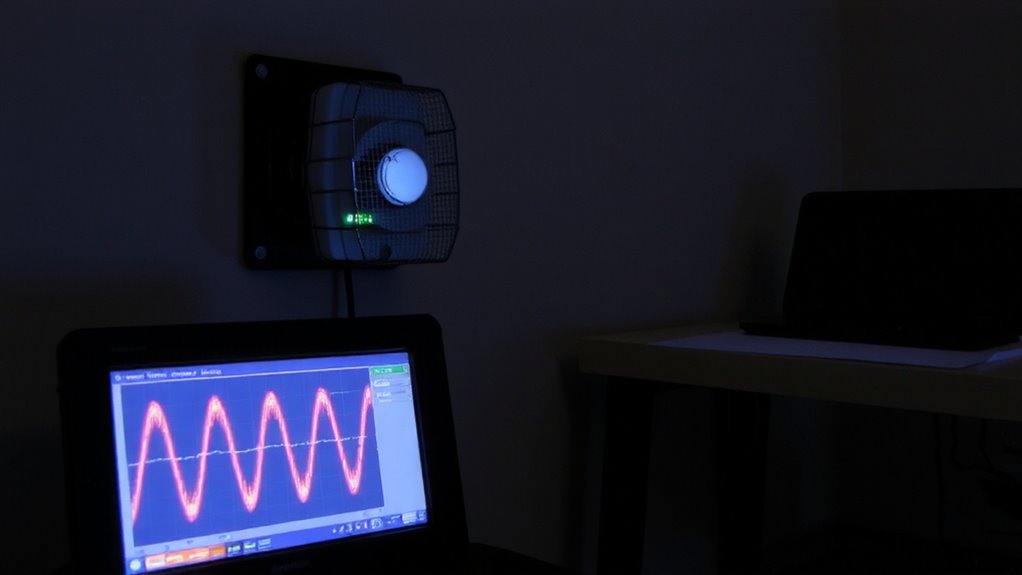
Have you ever wondered why your smart locks or sensors suddenly stop responding? Signal jamming could be the cause. It’s when someone blocks the wireless signals between your smart devices, preventing them from communicating. Unlike physical tampering, jamming attacks disrupt communication without touching your system. Signal reflection can worsen this by bouncing signals off walls or metal, creating dead zones. Worse, attackers might use device spoofing to mimic your devices and take control. These threats exploit weaknesses in wireless protocols like Zigbee and Z-Wave. To protect your home, use monitored systems with intrusion alerts. Invest in hubs that detect signal loss or flooding. Placing devices strategically reduces signal reflection issues. Encryption and firmware updates help guard against spoofing. Consider professional installation for ideal layout. While extra equipment raises costs, it improves reliability. Prevention beats repair when securing your smart home.
Why Zigbee and Z-Wave Are Easy Targets for Jamming

While Zigbee and Z-Wave are widely used for smart home automation, they’re especially vulnerable to jamming because they operate on unlicensed radio frequencies like 2.4 GHz and 908 MHz, which are easier for attackers to overwhelm with noise. You can’t block this interference easily since these bands are shared with Wi-Fi, microwaves, and other devices, increasing the risk of both accidental and intentional wireless interference. These protocols also have inherent protocol vulnerabilities, like limited built-in encryption and simple retransmission rules, which attackers exploit to disrupt communication. Unlike licensed bands, anyone can transmit on these frequencies without oversight, making jamming tools cheap and accessible. You’re left with a network that’s functional under normal conditions but weak under attack. While mesh networking helps maintain connectivity, it doesn’t stop jamming. Securing your system means understanding these limits and planning for physical and technical safeguards.
Signs Your Network Is Being Jammed
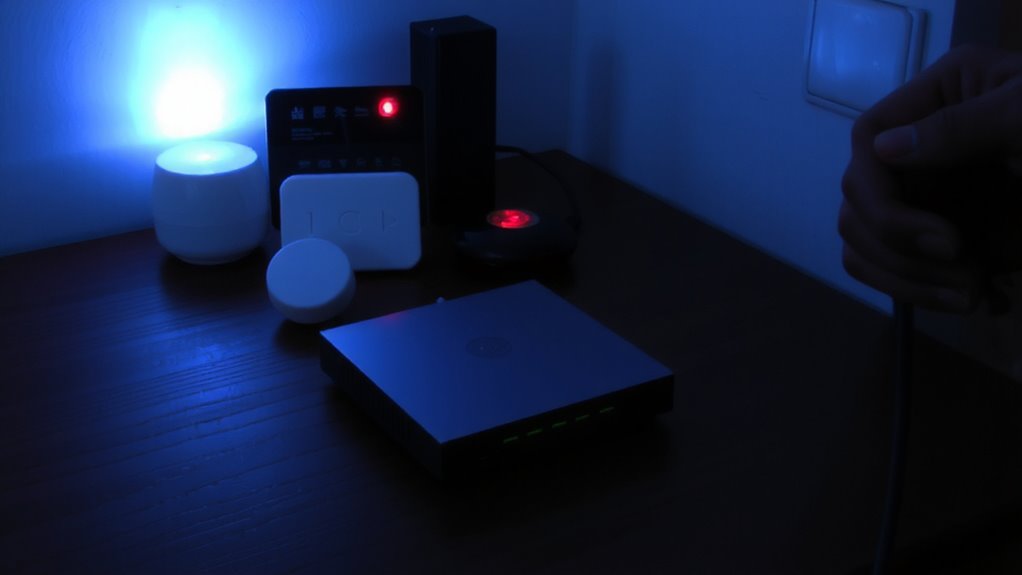
Several signs may suggest your Zigbee or Z-Wave network is under jamming, and recognizing them early can prevent prolonged outages. You might notice unusual device unresponsiveness, such as lights not turning on or locks failing to engage, even when power and connections seem fine. This isn’t just an occasional lag-it’s consistent and widespread across multiple devices. You may also detect strange interference patterns, like signals dropping at the same time each day or in specific areas where interference wasn’t an issue before. These patterns can point to deliberate jamming rather than random signal disruption. Since both Zigbee and Z-Wave operate on low-power radio frequencies, they’re vulnerable to noise from jammers. Monitoring your network’s behavior closely helps confirm if something’s off. Frequent, unexplained outages with no clear cause are strong indicators. Consider logging events to identify timing or location trends.
Set Up Alerts for Suspicious Signal Drops
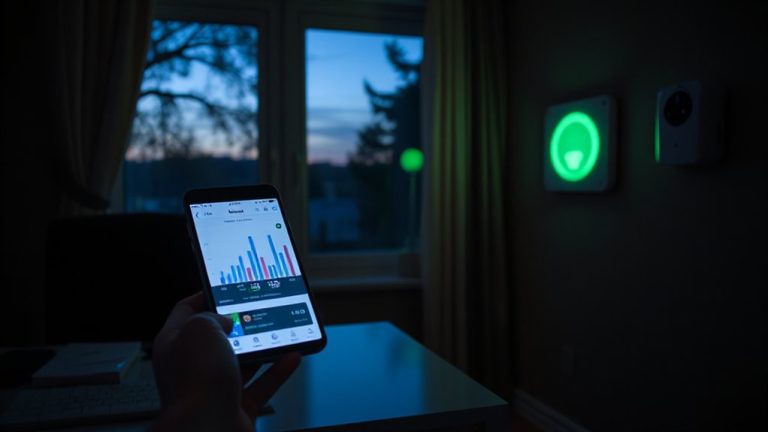
What would you do if your smart home devices suddenly went dark for no apparent reason? It could signal a jamming attack. That’s why setting up alerts for unusual signal drops is essential. With signal monitoring, your system tracks normal device behavior and traffic patterns. When something’s off-like multiple devices disconnecting at once-alert systems can notify you. This relies on anomaly detection, which spots irregularities compared to baseline performance. Many smart hubs now offer built-in tools that monitor connectivity in real time. You’ll get a message if signal strength dips unexpectedly or devices go offline without cause. While false alarms can happen, consistent alerts during specific times may point to interference. Proactive notification helps you respond quickly. Enable these features through your hub’s security settings. Most are free and easy to configure.
Switch Zigbee Channels to Avoid Jammers
One in five Zigbee networks experiences interference each year, and switching channels can help you stay one step ahead of jammers. You can reduce disruption by manually changing your Zigbee channel to one with less congestion. For best results, use frequency agility-your network’s ability to adapt to cleaner channels. Some systems even support channel hopping, which automatically shifts channels when interference is detected. This proactive move keeps your smart devices communicating reliably.
| Channel | Typical Use |
|---|---|
| 11 | Low congestion |
| 15 | Moderate interference |
| 20 | High Wi-Fi overlap |
| 25 | Best for isolation |
Check your hub’s settings regularly and pick channel 11 or 25 if possible-they’re often clearest. Frequency agility helps, but manual checks guarantee you’re on the safest channel long-term.
Add Backup Protocols to Resist Jamming
Many smart home systems now support redundant communication protocols to maintain operation during jamming attempts, and adding backup protocols can markedly improve your network’s resilience. You should consider using redundant networks that combine Zigbee or Z-Wave with Wi-Fi or Ethernet where possible. These setups guarantee your devices stay connected even if one signal is blocked. Failover systems automatically switch to a backup protocol when the primary signal drops, minimizing downtime. While implementing this may require hubs that support multiple radios, the investment pays off during an attack. A dual-protocol hub might cost $50–$100 more, but it provides peace of mind. Setup is straightforward, especially with modern plug-and-play devices. Just make sure your devices are compatible. Though not all sensors support multiple protocols, choosing ones that do strengthens your overall defense. Redundant networks won’t stop jamming, but they keep your system running when it matters most.
Patch Firmware to Close Jamming Loopholes
You can’t afford to ignore firmware updates if you want your Zigbee or Z-Wave devices to stay secure. Attackers exploit outdated firmware to enable jamming attacks, but timely patches close those loopholes. Enable firmware encryption to protect update integrity and prevent tampering during installation. Use automatic update scheduling so patches deploy promptly, even if you forget. Many smart hubs support this feature-set it and stay protected.
| Feature | Benefit |
|---|---|
| Firmware encryption | Secures updates from tampering |
| Update scheduling | Guarantees timely, consistent patching |
| Automatic reboots | Restores device function post-update |
| Version tracking | Lets you verify current firmware status |
Plan quarterly checks to confirm all devices run the latest versions. Some brands charge for advanced update management, so review pricing early. Patching isn’t optional-it’s essential.
On a final note
You can protect your Zigbee and Z-Wave devices by switching to less crowded channels and using firmware updates that fix known flaws. Adding backup protocols like Wi-Fi or cellular helps maintain access during attacks. While jamming is hard to prevent completely, monitoring for sudden signal drops and setting up alerts improves response time. These steps, though small, strengthen your network’s reliability and security without high costs.