Blocking Unauthorized Remote Access to Your Surveillance Footage
You can block unauthorized remote access by changing default passwords and using strong, unique ones with a mix of letters, numbers, and symbols. Enable two-factor authentication through an authenticator app for better protection. Keep your camera’s firmware updated to patch security flaws. Segment your network to isolate camera traffic and use firewalls to block intrusions. Only allow trusted devices to access your feed and monitor for unfamiliar login activity-further steps can strengthen your setup even more.
Notable Insights
- Change default credentials immediately and use strong, unique passwords for camera accounts.
- Enable two-factor authentication using authenticator apps for stronger account protection.
- Keep camera firmware updated to patch vulnerabilities that could enable remote exploitation.
- Isolate cameras on a separate network using VLANs or guest networks to limit access.
- Enable router firewalls and whitelist only trusted devices to access surveillance footage remotely.
See How Hackers Break Into Cameras
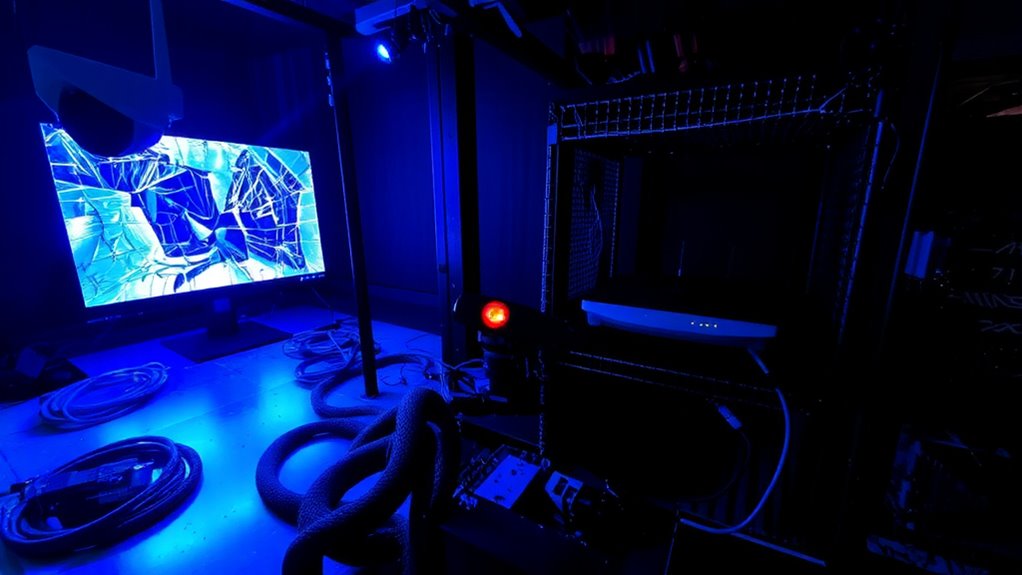
While you might think your home security camera is safe once it’s installed, hackers often exploit weak passwords and unpatched software to gain access. They don’t just work remotely-physical tampering is a real risk if your device is within reach of outsiders. Someone could reprogram or disable the camera using direct access tools. Signal interception is another method, where hackers capture unencrypted video streams between your camera and router. To prevent this, use cameras with encrypted transmission protocols like WPA3 and TLS. Wired systems reduce signal interception risks but require more installation effort and cost. Placement matters too: install cameras out of reach to deter physical tampering. Regular firmware updates patch known vulnerabilities. Choosing models with tamper alerts adds another layer of protection. Always verify encryption and authentication features before purchasing. For optimal protection, consider pairing your cameras with best security camera software that offers advanced threat detection and centralized monitoring.
Change Default Logins and Use Strong Passwords
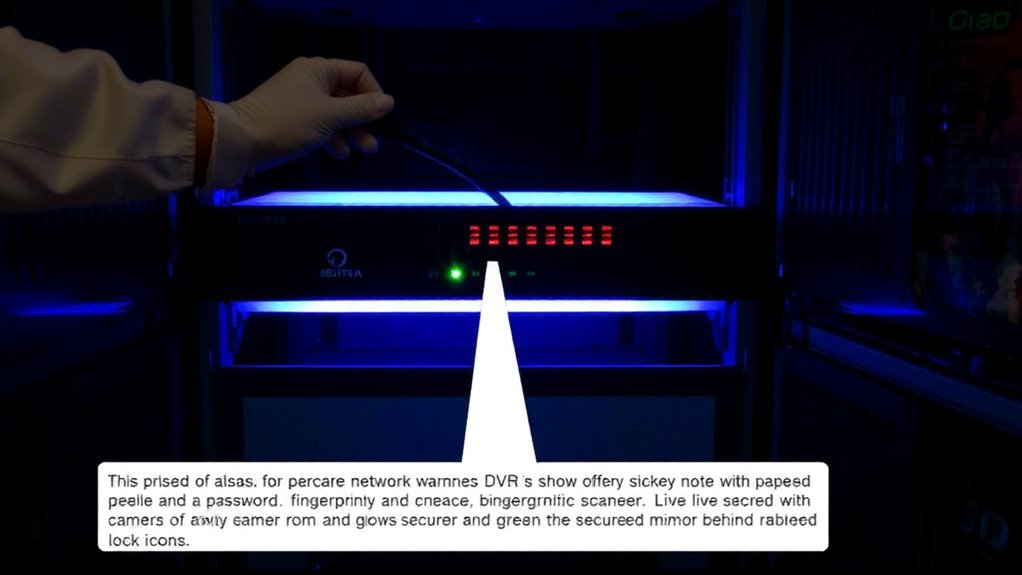
A strong password is your first line of defense against unauthorized access to your home security camera. You must change default credentials immediately after setup-hackers often exploit factory login information. Default credentials are easily found online and make your system a simple target. For better password strength, use at least 12 characters with a mix of letters, numbers, and symbols. Avoid common words or personal info like birthdays. Instead of weak or repeated passwords, consider a reputable password manager to generate and store complex ones. Strong passwords markedly reduce the risk of intrusion. While creating unique logins takes a little effort, it’s a critical step in securing your footage. Don’t overlook this simple, effective measure-your privacy depends on it. Weak access controls are a leading cause of breaches, so take password strength seriously.
Turn On Two-Factor Authentication
If you want to considerably reduce the chance of someone breaking into your security camera system, turning on two-factor authentication (2FA) is one of the most effective steps you can take. It adds a second layer of protection by requiring a code in addition to your password. You’ll usually get this code from authenticator apps like Google Authenticator or Authy, which generate time-sensitive pins.
| Method | Reliability |
|---|---|
| SMS codes | Moderate |
| Authenticator apps | High |
| Email links | Low |
| Backup codes | Essential |
| Biometrics | High |
Use authenticator apps when possible-they’re more secure than text messages. Always store your backup codes in a safe place in case you lose access to your phone. Without them, you could get locked out permanently. Turning on 2FA takes minutes and greatly strengthens your account security.
Update Your Camera’s Software Regularly
Regularly updating your camera’s software is often the simplest yet most overlooked way to keep your system secure. You should check for firmware updates every few months, as they often include critical security patches that fix known vulnerabilities. Hackers frequently target outdated devices, so staying current helps block unauthorized access. Most modern cameras notify you when updates are available, but you can also check the manufacturer’s website manually. These firmware updates not only improve performance but also close loopholes that could be exploited remotely. Some brands release patches quarterly, while others do so only after major threats are discovered. Ignoring updates, even for a few months, increases your risk. Enable automatic updates if your device supports them, and keep a log of when updates are applied. It’s a small step that markedly strengthens your defenses.
Lock Down Your Home Network
Your camera’s security doesn’t depend only on updated firmware-its connection to your home network plays an equal role in keeping hackers out. You should set up proper firewall configuration to block unauthorized access attempts while allowing legitimate traffic. Most home routers include built-in firewalls; make sure yours is enabled and configured to restrict incoming connections. Network segmentation is another effective step-place your cameras on a separate network from your computers and phones. This limits exposure if one device gets compromised. Use your router’s guest network feature or a VLAN if available. Though it takes a little setup time, the payoff is stronger protection. It’s a practical move that doesn’t require expensive gear. You’ll reduce risk without sacrificing convenience, giving you more control over who-and what-can reach your surveillance system. For enhanced protection, consider deploying a dedicated best home firewall to strengthen your network’s defenses.
Only Allow Trusted Devices to View Feeds
Even though your cameras are secure on a protected network, letting any device view the footage weakens that protection. You should only allow trusted devices to access your feeds through device verification and access whitelisting. Device verification guarantees only authorized hardware can connect, often using digital certificates or app-based authentication. Access whitelisting goes further by permitting only pre-approved devices to log in, blocking all others automatically. This reduces exposure to hackers, even if they steal login credentials. Most modern security systems support these features in their apps or web portals. Enable them in the settings, and register each phone, tablet, or computer you plan to use. While setting this up takes extra time, it considerably strengthens security. Some systems limit the number of whitelisted devices, so plan accordingly. Overall, combining device verification with access whitelisting gives you precise control and stronger protection for your surveillance feeds. Top systems offer best home security cameras with apps that include built-in device management for added security.
Watch for Strange Login Activity
Checking login logs is a smart way to catch suspicious behavior, especially after locking down access to trusted devices. You should review these logs regularly to spot unusual login times, like attempts at 3 a.m. when no one’s home. These could signal someone trying to access your system. Also, watch for unrecognized device access-any phone, tablet, or computer not owned by you or your household. Most security apps show device type, location, and IP address, so you can verify each session. If you see something off, act fast: log out remote sessions, change your password, and enable two-factor authentication if you haven’t already. Some systems alert you automatically, which helps. While premium plans often include detailed activity reports, basic monitoring is usually free. Staying alert keeps your footage secure.
On a final note
You can keep your surveillance footage safe by changing default passwords, using strong, unique login credentials, and enabling two-factor authentication. Regularly update your camera’s software and secure your home network with a strong firewall. Limit access to trusted devices, monitor for unusual login attempts, and act quickly if you spot red flags. These steps, backed by cybersecurity best practices, reduce risk without high costs, giving you reliable, long-term protection for your privacy.