Child-Proofing Smart Locks: Preventing Unauthorized Access by Young Children
Your smart lock might be vulnerable to kids using copied fingerprints or voice tricks, especially without anti-spoofing features like heat detection. Choose models with keypad shielding and tamper alerts to block small hands and spot tampering. Set unique, time-limited guest codes for adults only, and enable auto-lock between 30 seconds to 5 minutes for consistent security. Use Wi-Fi alerts and entry logs to monitor access in real time. Test your setup by simulating a child’s reach and behavior-you’ll likely uncover ways to strengthen protection quickly.
Notable Insights
- Use smart locks with anti-spoofing technology to prevent fingerprint copying using glue or tape.
- Enable auto-lock timers to automatically secure doors within 30 seconds to 5 minutes after closing.
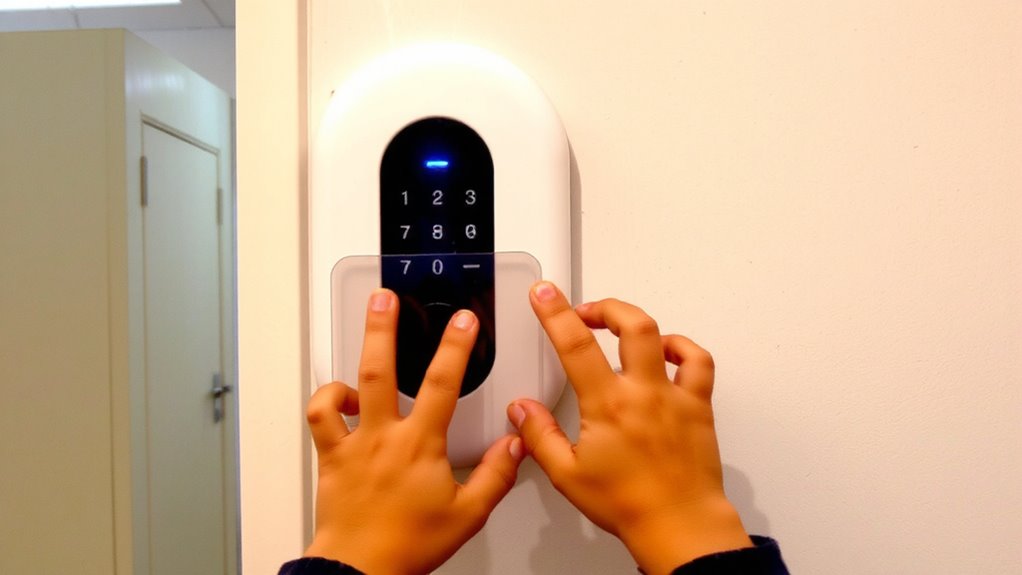
- Install keypad shields to block small hands from accessing buttons and entering codes.
- Set unique guest codes with expiration for adults only, preventing children from granting access.
- Monitor activity with door sensors and logs to detect tampering and track entry by users.
How Kids Can Bypass Common Smart Locks
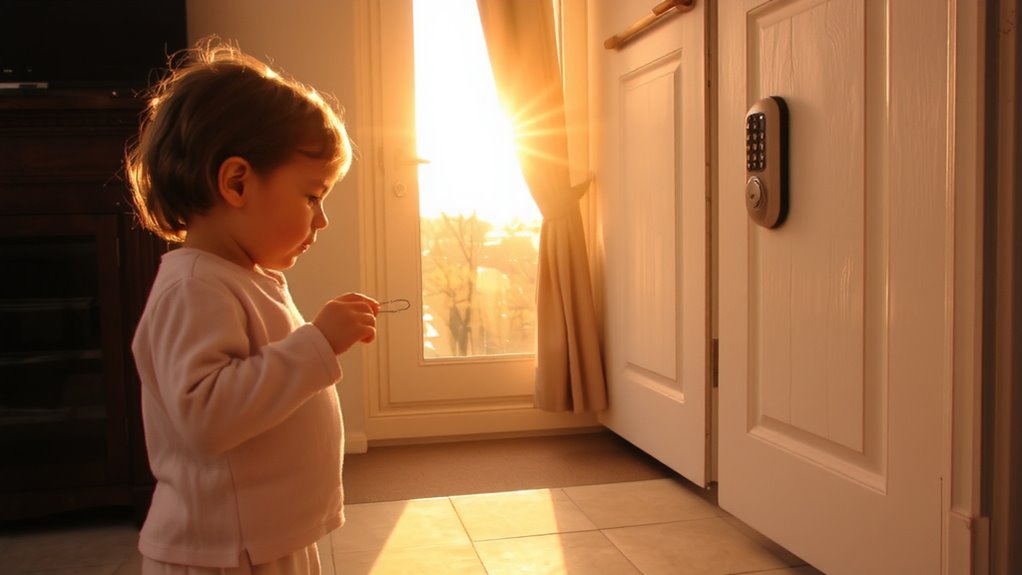
Have you ever wondered whether your smart lock can really keep your kids out? Some children learn to bypass them surprisingly easily. With fingerprint spoofing, a clever kid might use glue or tape to copy your print, tricking biometric sensors. Others may exploit voice mimicry, imitating your commands to activate voice-controlled locks, especially if the system lacks liveness detection. These methods aren’t just theoretical-testing shows even low-cost materials can fool basic models. While convenient, voice and fingerprint locks often trade security for ease of use. Consider models with anti-spoofing tech, such as heat or pulse detection, to counter fingerprint spoofing. For voice systems, enable multi-factor authentication. These features cost more but reduce risks. Always weigh security needs against usability, especially in homes with curious, tech-savvy kids. Plan for updates and test systems regularly to guarantee they stay effective. Among the top-rated options, the best smart locks combine advanced anti-spoofing features with child-safe design.
Pick a Lock Designed to Block Child Access
| Feature | Why It Matters |
|---|---|
| Keypad shielding | Blocks little hands from seeing or pressing buttons |
| Tamper alerts | Sends phone alerts when suspicious activity occurs |
| Auto-lock timers | Guarantees the door locks even if kids forget |
| Durable build | Resists pulling, twisting, or chewing by toddlers |
Choose a lock that balances security, ease of use, and child-specific protections. For homes with weak Wi-Fi coverage, ensuring reliable connectivity through a WiFi extender for Ring can enhance overall security system performance.
Set Guest Codes That Prevent Kid Access
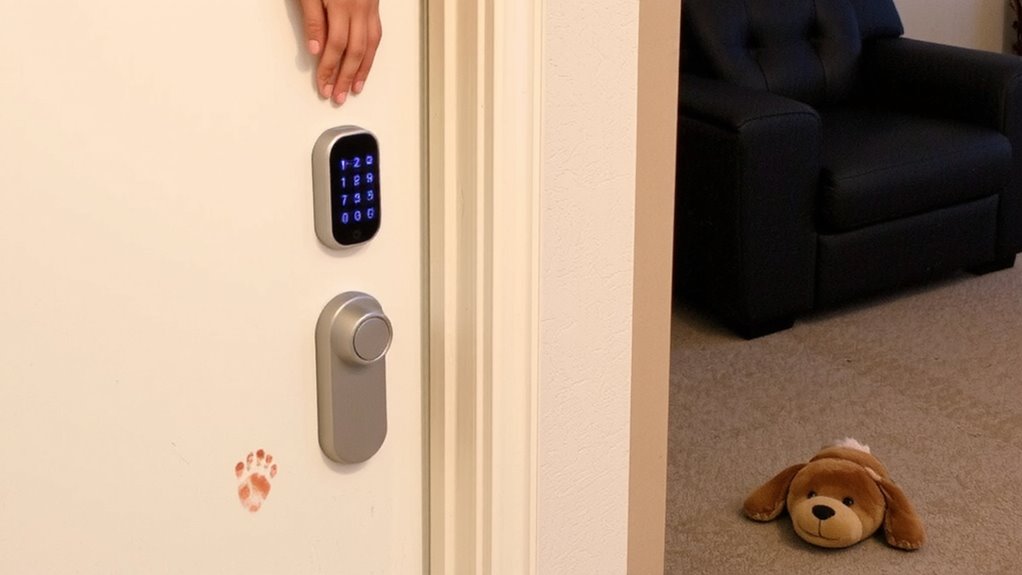
How do you let trusted visitors in without giving kids the keys to the kingdom? You create guest codes that grant access only to adults. These temporary codes keep your home secure while controlling guest behavior. Set unique codes for babysitters, relatives, or service workers, so you know who’s entering and when. Most smart locks let you schedule code expiration, so access ends automatically after a set time. That means no forgotten deactivations or unused codes lingering in the system. Code expiration is key for security, especially with rotating visitors. It reduces the risk of misuse, whether accidental or intentional. Plus, you can monitor entry logs to verify use. While convenient, guest codes aren’t foolproof-ensure you trust the person using one. Some models charge extra for advanced code features, so check pricing before buying. Use them wisely, and they’re a smart layer of child-proofing. A reliable option for this level of control is choosing one of the best smart locks based on expert testing and user feedback.
Turn On Auto-Lock to Stay Secure
With busy households, forgetting to lock the door can happen more often than you’d like. Turning on auto-lock helps guarantee your home stays secure without relying on memory. This feature automatically locks the door after a set period, offering peace of mind and consistent protection. The auto lock benefits include reduced risk of unauthorized entry, especially when kids are home alone or guests come and go. You can adjust the security timing based on your routine-typically 30 seconds to 5 minutes after closing. Most smart locks let you customize this setting in the app. While convenient, make sure family members know the timing so they aren’t locked out accidentally. Auto-lock works best when paired with other safeguards. It’s a small step that strengthens your overall home security with minimal effort and no extra cost.
Monitor Who Opens the Door (And When)
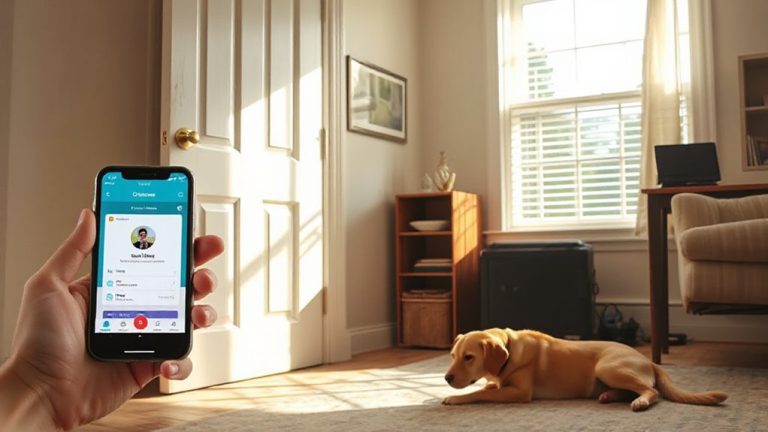
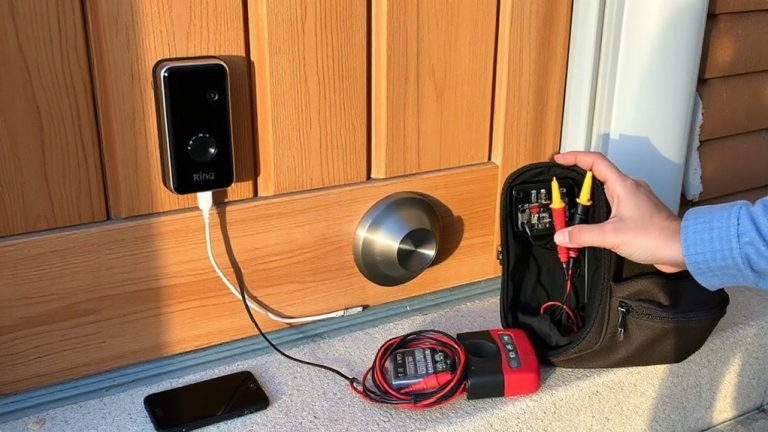
You’ve already set up auto-lock to make sure the door secures itself, but knowing who actually uses that door matters just as much. Door sensors track every time the door opens or closes, sending real-time entry alerts directly to your phone. This way, you’ll know if your toddler opened the door while you were distracted. Most smart lock systems include log histories, so you can review access times later. Some models even identify which user opened the door, especially if paired with a code or app profile. Entry alerts can be customized-turn them on for all events or only during nighttime hours. Wi-Fi-connected systems offer remote monitoring, but check for monthly fees with premium features. Door sensors work best when paired with a full security setup, including cameras. Test alert delivery during setup to verify reliability.
Test Your Setup Like a Curious Toddler Would
What happens when a determined two-year-old discovers the joy of pressing buttons? You need to find out-by testing your smart lock setup like a curious toddler would. Get down on their level and try every button, swipe, or motion that might trigger a response. Use lock simulation features in your device’s app to mimic access attempts and see if unintended activations occur. Watch how your child interacts with the door and lock-behavior observation helps identify risky patterns, like repeated tapping or mimicking adult actions. Some systems log these events; review them daily. Install physical guards if the interface is too easy to manipulate. Choose models with adjustable sensitivity or auto-relock delays. Testing early prevents surprises.
On a final note
You can reduce risks by choosing smart locks with tamper-resistant features and auto-lock functions. Set unique guest codes for visitors, but avoid sharing them with children. Monitor access logs to track entries and detect irregularities. Test your setup by thinking like a child-simple curiosity can reveal flaws. Overall, combine technology, supervision, and planning to balance convenience and security without overspending.