The Importance of Regularly Updating Your Home Security Measures Against New Threats
Your old security system likely uses outdated wiring and lacks encryption, making it vulnerable to hacking and unable to support modern sensors or remote access. Without regular updates, smart devices can expose your network to breaches through weak passwords or unpatched firmware. Upgrade alarms, cameras, and sensors if you face false alerts or poor night vision. Reinforce doors and apply shatter-resistant film to windows, especially on the first floor. Prioritize monthly software updates for cameras, locks, and routers to block exploits. A $500 investment can substantially improve both physical and digital defenses. There’s more to evaluate when aligning your home with current threat protections.
Notable Insights
- Outdated security systems lack encryption and remote access, increasing vulnerability to modern digital threats and breaches.
- Aging alarms and sensors cause false alerts and delayed responses, reducing overall home protection effectiveness.
- Smart devices with unpatched firmware or weak passwords are easy targets for hackers via Wi-Fi networks.
- Regular software updates close security gaps in cameras, locks, and routers to prevent unauthorized access.
- Physical upgrades like reinforced doors and window film deter break-ins and complement digital security measures.
How Old Security Systems Fail Today
While older security systems may have seemed reliable when first installed, many fail today due to outdated technology and lack of integration with modern safety standards. You’re likely dealing with outdated wiring that can’t support faster data transmission or modern sensors, increasing the chance of signal loss or system failure. These systems often create compatibility issues when paired with smartphones, Wi-Fi networks, or cloud-based monitoring platforms. You can’t rely on them to deliver real-time alerts or remote access, features now considered essential. Many lack encryption, leaving your home vulnerable to digital breaches. Upgrading guarantees better reliability, faster response times, and integration across devices. While retrofitting may require some investment, it prevents costly gaps in protection. Consider systems with professional installation and scalable components. Plan for long-term savings through reduced risk and potential insurance discounts. A reliable upgrade path includes investing in a best wired security camera system to ensure durable, high-quality surveillance.
When to Update Your Alarms, Cameras, and Sensors
Your older security system might still beep when a door opens or flash a light at motion, but that doesn’t mean it’s working well. If you’re getting frequent false alarms or notice blind spots in camera views, it’s time to upgrade. Outdated sensors may miss key movements, and aging wiring can reduce reliability. Check your equipment every 3–5 years for performance drops. Upgrading to one of the best home alarm systems in the UK can significantly improve your home’s protection against evolving security threats.
| Component | Signs to Upgrade | Recommended Replacement |
|---|---|---|
| Alarms | Frequent false alarms | Smart alarms with app alerts |
| Cameras | Poor night vision, blind spots | Wide-angle, 1080p+ models |
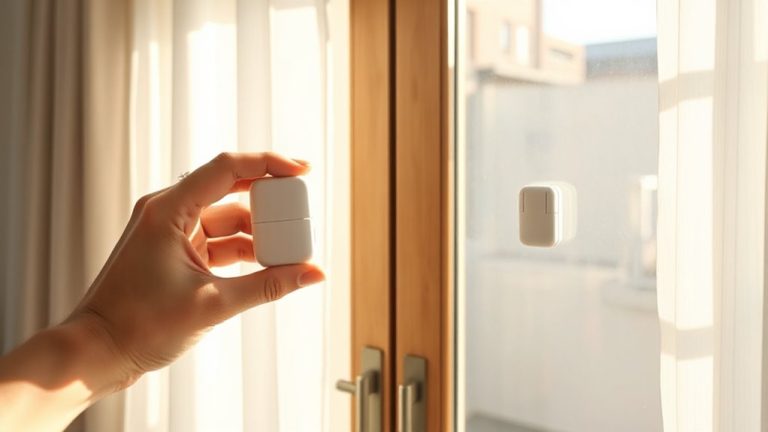
| Door Sensors | Delayed responses | Wireless, magnetic contact sensors |
| Motion Sensors | Inconsistent triggers | Dual-tech (PIR + microwave) |
| Control Panel | No remote access | Hub with mobile integration |
Why Smart Devices Become Security Risks
What happens when the devices meant to protect your home actually make it less secure? Many smart devices have built-in device vulnerabilities that hackers can exploit. If you don’t monitor these risks, your system could face serious network exposure. These devices often connect directly to your home Wi-Fi, giving attackers a pathway to your personal data. Outdated firmware and weak default passwords are common flaws. Some devices lack encryption, making it easier for unauthorized users to intercept signals. Even if the hardware is reliable, poor software design increases the risk. You should check manufacturer records for security certifications and update policies. Look for devices that allow you to change settings and disable unnecessary features. Choosing products with strong privacy controls reduces your overall exposure. Planning now saves cost and stress later. One way to maintain security is by selecting cameras that support regular firmware updates and local storage options, such as Best Home Assistant Security Cameras.
How Software Updates Stop Home Hacks
Regular software updates are one of the most effective ways to protect your smart home from cyber threats. They include critical vulnerability patching that closes security gaps hackers exploit. Without proper patch management, your devices remain exposed. Think of updates as lock replacements for weak entry points. Here’s how consistent updating strengthens your defenses:
| Device Type | Update Frequency | Benefit |
|---|---|---|
| Smart Cameras | Monthly | Blocks video hijacking |
| Wi-Fi Routers | As released | Secures network gateway |
| Smart Locks | Immediately | Prevents unauthorized access |
| Voice Assistants | Automatic | Protects voice command data |
You should enable auto-updates whenever possible. Manual checks work, but delayed patching increases risk. Manufacturers release updates to fix flaws discovered through testing and real-world use. Staying current means you’re not relying on outdated protections. This routine step markedly reduces your chance of a home hack.
Prioritize These Security Upgrades First
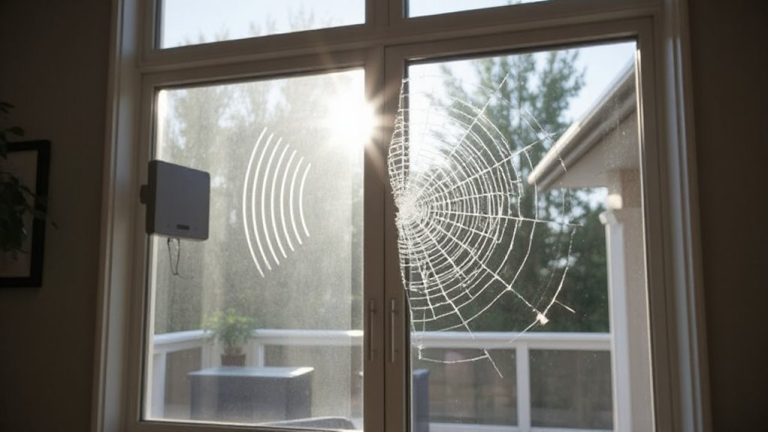
Security upgrades shouldn’t be random-focus on high-impact devices first, since not all smart home gadgets carry the same risk if compromised. Start with door reinforcement, a proven way to deter forced entry; reinforced frames and deadbolts cost $100–$250 but reduce break-in risk by up to 60%. Pair this with shatter-resistant window film, which holds glass together if struck, costing $15–$25 per square foot. It’s not bulletproof, but it slows intruders and blocks UV rays. Prioritize first-floor and rear windows, where break-ins often occur. Upgrade to smart locks and security cameras next, but only after securing physical entry points. These foundational upgrades provide measurable protection gains. Studies show homes with reinforced doors and window film are targeted less frequently. Budget about $500 for basic improvements, focusing on weak points first. Consistent, data-backed choices beat scattered tech spending.
On a final note
You need to update your home security regularly because older systems often lack protection against modern threats. Outdated alarms, cameras, and sensors can fail to detect intrusions or be hacked easily. Smart devices without updates become risks over time. Software patches fix known vulnerabilities, so enable automatic updates. Prioritize upgrading entry point sensors, then cameras, then smart locks. Budget for replacements every 3–5 years to stay secure.