Battery-Powered Security Cameras: Runtime Expectations and Charging Strategies
Your battery-powered security camera typically lasts 3 to 6 months on a charge, depending on usage and settings. Frequent motion triggers, night vision, and high video resolution drain power fastest. You can extend battery life by lowering resolution to 720p, reducing frame rate, and adjusting motion sensitivity. Solar chargers, costing $30–$80, help maintain power in sunny areas. Models like Blink Outdoor 4 offer up to 24 months of runtime. Choosing the right setup saves time and boosts efficiency over the long term.
Notable Insights
- Most battery-powered security cameras last 3 to 6 months on a charge, with higher-end models extending up to 24 months.
- Frequent motion detection and night vision use are the primary causes of accelerated battery drain.
- Adjusting motion sensitivity, zones, and video settings like resolution and frame rate can significantly prolong battery life.
- Solar chargers provide sustainable power, requiring 6+ hours of direct sunlight daily and compatible camera models.
- Top models like Arlo Pro 4 and Blink Outdoor 4 offer extended runtimes and efficient power management with customizable features.
How Long Do Battery-Powered Security Cameras Last?
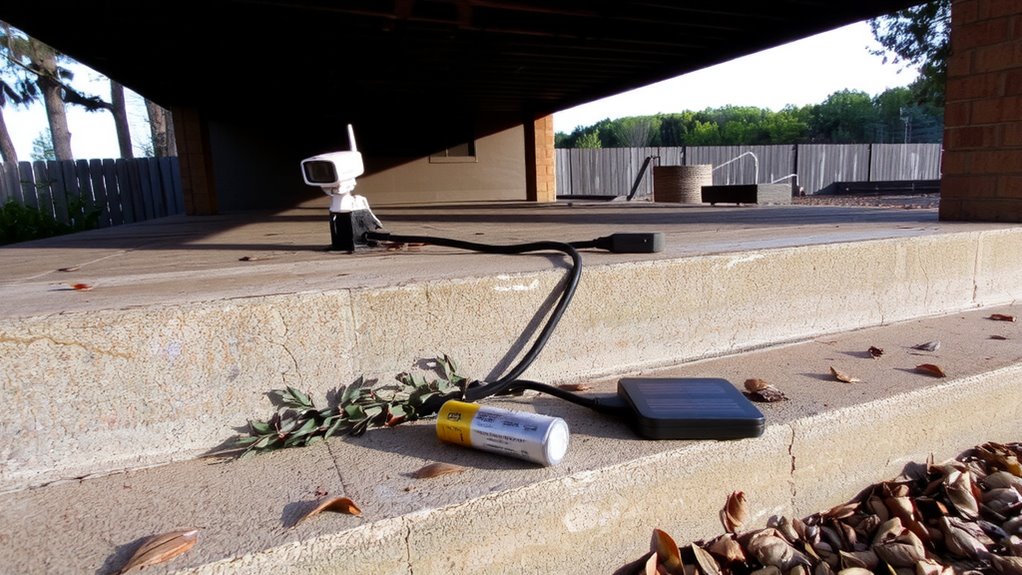
How long can you actually expect your battery-powered security camera to last between charges? Most models last between three and six months, depending on usage and settings. If you use night vision frequently or set high motion sensitivity, the battery drains faster, shortening that range. Average performance in moderate climates with daily activity typically lands around four months. Cameras with adjustable motion sensitivity let you reduce false alerts, preserving power. Night vision is essential for security but consumes more energy than daytime operation. For reliable performance, choose a model with smart scheduling, so night vision activates only when needed. Rechargeable lithium batteries tend to outlast disposables and handle temperature swings better. Consider how often you’re willing to maintain the camera when selecting one. Higher-end models cost more upfront but often offer longer runtimes and better power management, saving time and effort over the long term. Best cameras with longest battery life are designed with advanced power-saving features and high-capacity batteries for extended performance.
What Drains Your Camera’s Battery Fastest?
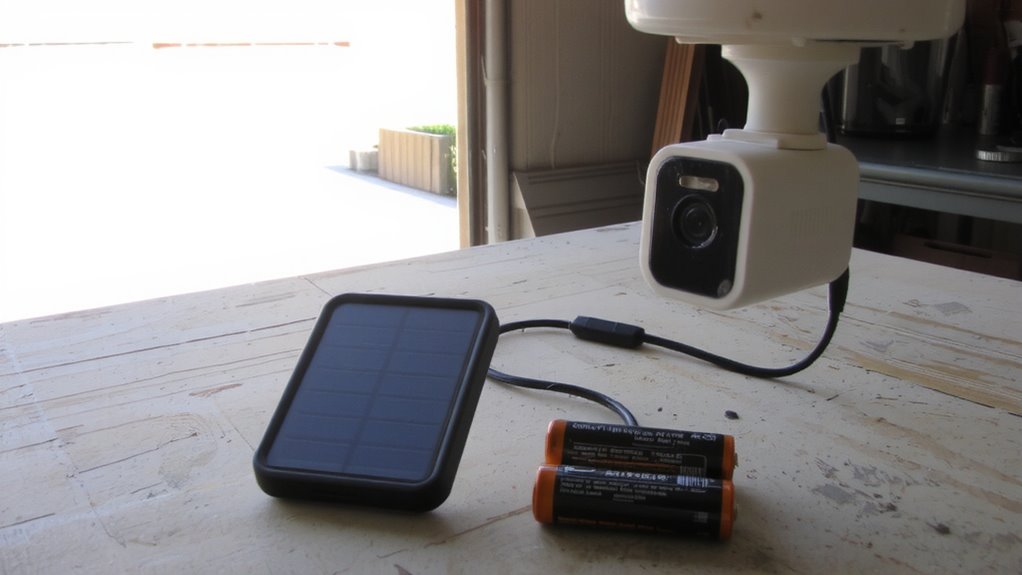
While you might expect constant recording to be the biggest drain on your battery, it’s actually frequent motion triggers and night vision use that shorten battery life the most. High motion detection frequency causes your camera to wake up and record repeatedly, burning through power quickly. If you’ve set sensitivity too high, even small movements like swaying trees trigger recordings, wasting energy. Infrared night usage also demands significant power, especially in complete darkness when the camera relies on infrared LEDs. Cameras in areas with long nighttime hours or frequent after-dark activity will deplete batteries faster due to constant infrared use. To conserve battery, adjust motion zones and lower detection sensitivity. Choose a location with moderate nighttime lighting to reduce reliance on infrared. These data-driven tweaks extend runtime markedly. Monitoring these factors helps you plan charging schedules and get the most from your system. Using high-quality lithium batteries can significantly improve performance and longevity in Blink cameras.
Lower Video Settings to Extend Battery Life
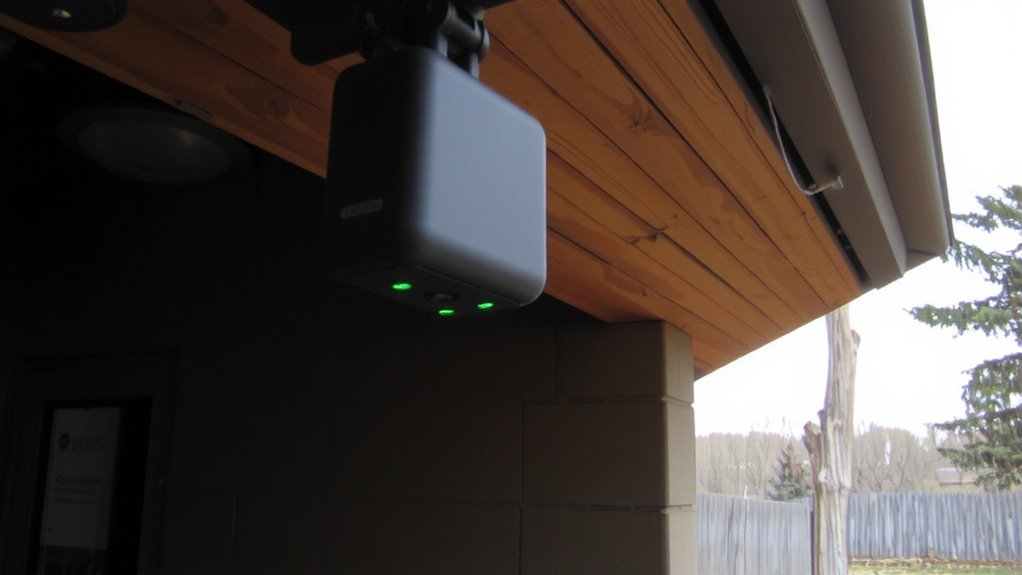
A substantial number of battery-powered security cameras allow you to adjust video resolution, frame rate, and clip length-all of which directly impact power use. Lowering the video resolution, such as switching from 1080p to 720p, reduces the amount of data processed and extends battery life. Similarly, decreasing the frame rate from 30 fps to 15 fps cuts power consumption since the camera captures fewer frames per second. While higher settings deliver sharper, smoother footage, they drain the battery faster. Most users find 720p at 15 fps sufficient for clear identification without sacrificing too much quality. You can typically adjust these settings through the camera’s app, allowing customization based on your needs. Test different combinations to balance video clarity with battery longevity. These adjustments are especially helpful in areas with less activity, where ultra-high detail isn’t essential. Making small changes can markedly improve runtime between charges. For more tips and top choices, explore the best wireless security cameras to find models with optimal power efficiency and performance.
Should You Use Solar Chargers for Security Cameras?
Could solar power eliminate the hassle of constantly recharging your security camera batteries? Yes, if you choose the right setup. Solar chargers work best in areas with consistent sunlight, where solar efficiency is high. Most models generate 5–10 watts, enough to keep battery-powered cameras running year-round in ideal conditions. But you must check panel compatibility-some cameras need proprietary solar panels to charge properly. Poor compatibility can lead to slow charging or no power at all. Position the panel where it receives direct sun for at least 6 hours daily. While solar reduces battery drain and maintenance, shaded or rainy climates may still require occasional recharging. Initial costs range from $30–$80, but they often pay off over time. Solar’s best for users wanting reliable, long-term power with minimal effort.
Top Battery-Powered Cameras by Runtime (2024)
You’ve seen how solar chargers can extend battery life and reduce maintenance, especially in sunny climates with proper setup. Now, let’s look at top battery-powered cameras for 2024 that balance runtime, night vision modes, and motion sensitivity.
| Model | Avg. Runtime (months) | Key Feature |
|---|---|---|
| Arlo Pro 4 | 6 | Adjustable motion sensitivity, 2K video |
| Blink Outdoor 4 | 24 | Excellent battery life, color night vision |
| Ring Stick Up Cam Plus | 12 | Customizable night vision modes, HD video |
| Eufy SoloCam S340 | 18 | Solar-ready, AI motion detection |
Higher motion sensitivity may reduce battery life due to frequent alerts. Cameras with adaptive night vision modes conserve power while maintaining clarity. Prioritize models with customizable settings so you control performance. Most top picks cost $100–$150, offering reliable runtime and smart features without overcharging your budget.
Place Cameras Strategically to Save Power
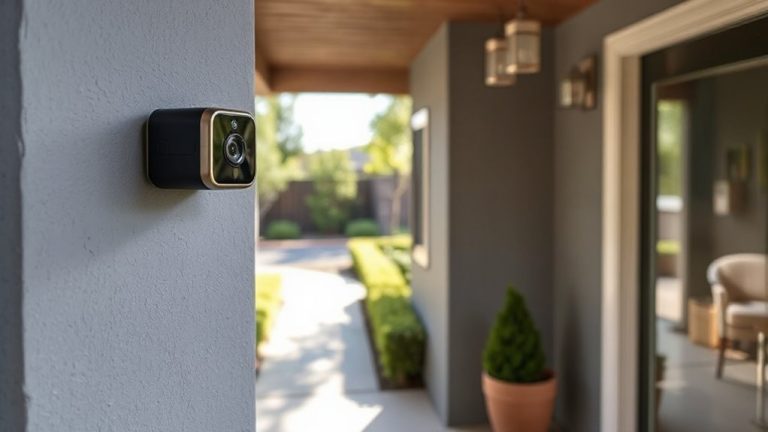
Most battery-powered cameras last considerably longer when placed with energy efficiency in mind, so positioning matters just as much as specs. Your camera positioning directly impacts how often it records and drains power. Avoid pointing it at busy streets or swaying trees, since constant motion triggers unnecessary recordings. Instead, aim it at entry points like doors or garages, where activity is more relevant. Use motion zones to fine-tune detection-you can disable areas where motion isn’t important, like a neighbor’s yard or a leafy bush. This reduces false alerts and conserves battery life. Mount the camera at the recommended height, usually 7 to 10 feet, to get a clear view without overexposure. Proper planning during setup means fewer charges, longer runtime, and more reliable security overall.
On a final note
You can expect most battery-powered cameras to last 3 to 6 months per charge, depending on use. Frequent motion alerts, cold weather, and high video settings drain power faster. To save energy, lower resolution, use motion zones, and install solar chargers-many models support them. Place cameras wisely to reduce false triggers. Check specs for battery type and weather resistance, and factor in long-term charging costs when choosing a system.