Integrating Facial Recognition Technology Into Advanced Home Surveillance Solutions
You can integrate facial recognition into your home security by choosing a camera with infrared, HDR, and edge processing for accurate face detection in various lighting. Place it at eye level, 6–10 feet from entryways, and use even front lighting to reduce shadows. Systems linked to smart locks allow keyless access for approved users while cutting false alerts. Expect monthly fees of $3–$10 for cloud services. Opt for encrypted, locally stored data to enhance privacy. Upgrading firmware keeps your system reliable and secure-there’s more to explore for best setup.
Notable Insights
- Use facial recognition to enable smart alerts that distinguish between known individuals and strangers for improved threat detection.
- Integrate facial recognition with smart locks and access control systems to allow keyless entry for authorized users.
- Select cameras with infrared, HDR, or edge processing to ensure accurate facial detection in varied lighting and enhance privacy.
- Position cameras at eye level within 6–10 feet of entry points and use even front lighting for optimal facial capture.
- Prioritize systems with encryption, local storage, and clear privacy policies to protect biometric data and ensure user consent.
How Facial Recognition Makes Home Security Smarter
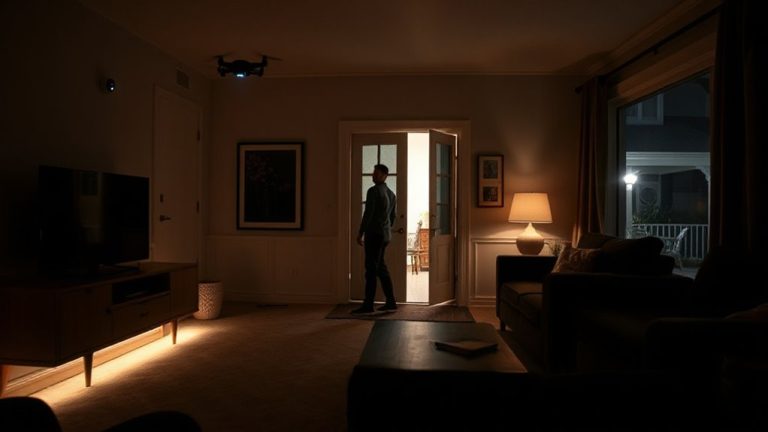
You’ve probably thought about upgrading your home security, and facial recognition could be a smart move. It enhances smart alerts by distinguishing familiar faces from strangers, reducing false notifications. Instead of alerts for every passing delivery person, you’ll only get notified when an unrecognized person approaches. That means fewer disruptions and more accurate threat detection. Facial recognition also improves access control by allowing authorized individuals to enter without keys or codes. Systems can sync with smart locks, granting entry only to recognized users. Most models require initial setup with clear photos, and performance varies in low light or with fast movement. Expect monthly fees for cloud storage, typically $3–$10, for facial data processing. While highly effective, it’s not foolproof-consider privacy policies and guarantee compliance with local laws. Overall, it adds precision to monitoring and entry management.
Choose A Facial Recognition Camera That Fits Your Home
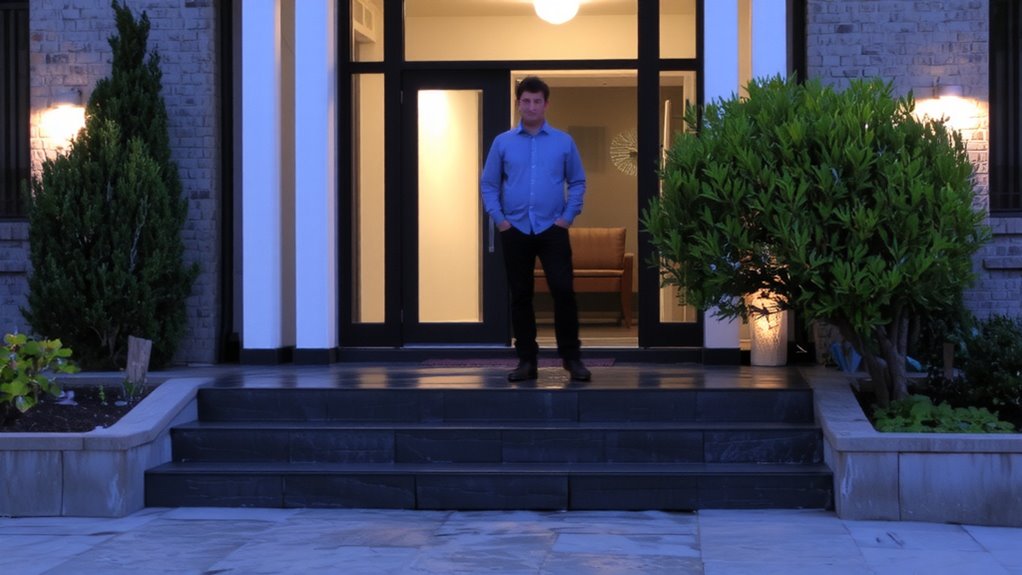
When selecting a facial recognition camera for your home, it’s important to match the device’s capabilities with your specific security needs and living environment. Consider camera placement carefully-entry points like front doors or garages are ideal for capturing faces clearly. Avoid mounting too high or too far from walkways. Lighting conditions greatly affect accuracy; cameras struggle in backlight or low light. Choose models with infrared, HDR, or wide dynamic range to handle varying light. Look for cameras with edge processing-they analyze faces locally, improving speed and privacy. Evaluate field of view: too wide reduces facial detail. Wired options offer steady power and data, while wireless provides flexible placement. Budget models may lack precision, while higher-end units support multiple user profiles and smartphone alerts. Always check compatibility with existing security systems. For reliable performance, consider models featured in the best home security cameras roundup.
Set Up Facial Recognition In 5 Simple Steps
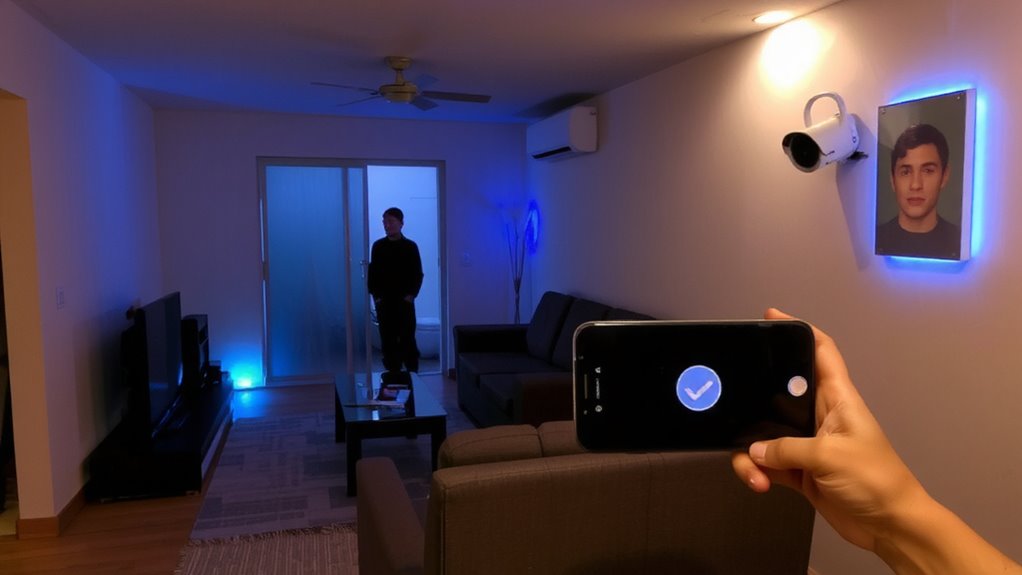
After choosing a facial recognition camera that fits your home’s layout and security needs, setting it up properly guarantees reliable performance. Start by selecting ideal camera placement-position it at eye level, facing entry points where faces are fully visible. Guarantee lighting conditions are consistent; avoid backlighting or shadows that impair detection. Mount the camera indoors near a window or doorway, where faces pass within 6–10 feet. Follow the app-guided setup to enable facial recognition, then register household members under good lighting. Update firmware to guarantee accuracy.
| Step | Action | Key Consideration |
|---|---|---|
| 1 | Install camera | Ideal camera placement |
| 2 | Adjust angle | Minimize glare |
| 3 | Test lighting conditions | Even, front-facing light |
| 4 | Enroll faces | Use daytime lighting |
| 5 | Verify detection | Recalibrate if needed |
Reduce False Alerts With Better Face Detection
Because facial recognition systems can sometimes misidentify people or trigger alerts for non-human movement, fine-tuning detection settings helps reduce false alarms. You can improve accuracy by adjusting for lighting conditions, since bright backlighting or low light often confuses the system. Position cameras where natural light is even, or use models with built-in infrared and dynamic range adjustments. Angle optimization also plays a key role-mount cameras at eye level and point them toward entry paths where faces are fully visible. Avoid high or tilted placements that capture only partial faces. Modern systems let you set detection zones, so you’re only monitoring areas where people actually walk. These tweaks increase correct identifications and cut down on unnecessary notifications. With the right setup, you’ll get reliable alerts only when needed, making your system more efficient and trustworthy over time. For optimal performance, consider choosing one of the best indoor security cameras that support advanced facial recognition and smart detection features.
Keep Your Data Safe: Privacy Tips For Facial Recognition
Though facial recognition can make home surveillance more convenient, you’ll want to guarantee your data stays protected. Always choose systems that use strong data encryption to secure images and personal information from hackers. Without encryption, your facial data could be exposed during transmission or storage. Make sure the manufacturer requires clear user consent before collecting or sharing any biometric data. You should be able to opt in or out easily and know exactly how your information is used. Regularly update firmware to patch security flaws. Limit cloud storage when possible, and store data locally if the system supports it. Review privacy policies carefully-some companies may sell anonymized data without explicit permission. By prioritizing user consent and data encryption, you maintain control and improve trust in your home security setup. Top security camera software picks offer built-in encryption and transparent data handling to enhance user privacy.
On a final note
You now know how facial recognition can make your home security more accurate and convenient. Choose a camera with strong detection, easy setup, and local data storage to protect privacy. Follow step-by-step installation, train the system with clear images, and adjust sensitivity to reduce false alerts. While helpful, the tech isn’t perfect-expect occasional misses. Balance benefits like automated alerts with concerns about data use and cost, which typically ranges from $150–$300 per camera. Plan thoughtfully.