Setting up Dual-Tech Motion Sensors to Reduce False Triggers From Heat Sources
Use dual-tech sensors that require both PIR and microwave detection to cut false alarms by 70%. Place them away from radiators, vents, and sunlight, ideally on interior walls. Pick a model with adjustable sensitivity and a 90° to 180° field of view based on room size. Set pulse count to 2–3 and add a 1–2 second delay. You’ll get reliable alerts only when both sensors detect motion-learn how to fine-tune placement and calibration next.
Notable Insights
- Position sensors away from radiators, vents, and sunlight to minimize false triggers from heat sources.
- Use sensor shielding and environmental masking to block unintended infrared interference from high-heat zones.
- Ensure full overlap between PIR and microwave detection fields to confirm valid motion and reduce false alarms.
- Mount sensors on interior walls at least 10 feet from ovens, heaters, or lamps to limit thermal interference.
- Calibrate sensitivity and pulse count settings to ignore small heat sources like pets while maintaining accurate detection.
Stop Heat From Triggering Your Motion Sensor
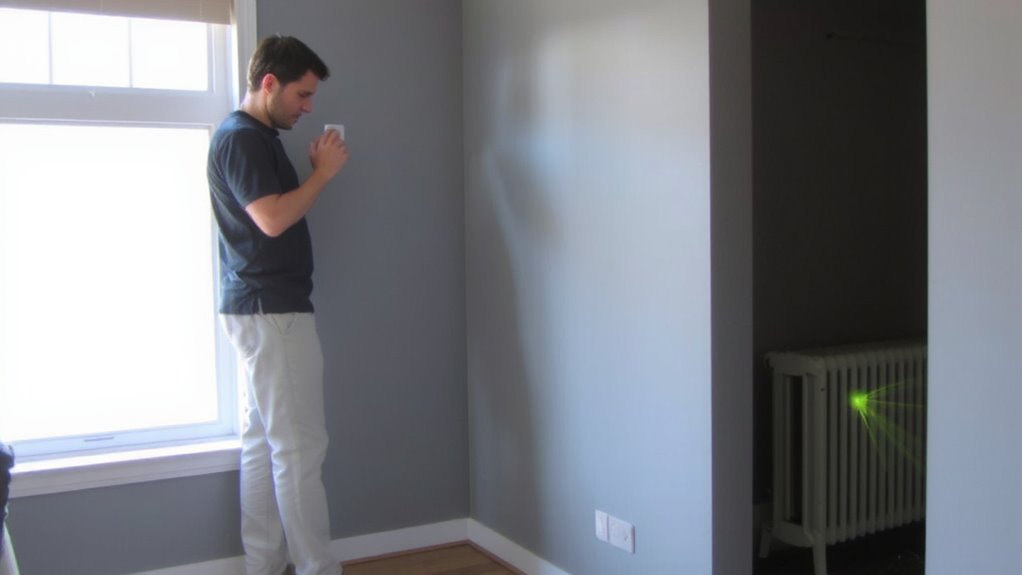
While heat can sometimes set off your motion sensor by mistake, you can reduce false alarms by choosing a dual-tech sensor that requires both infrared and microwave detection to trigger. You’ll benefit from sensor shielding, which blocks unintended heat sources like radiators or sunlight from reaching the infrared element. This physical barrier improves accuracy without reducing coverage. Environmental masking is another key feature-some models allow you to program out zones where heat fluctuations commonly occur, like near vents or windows. These sensors cost more upfront, typically $25–$50, but prevent costly false alerts. Installation should avoid direct sunlight and HVAC outputs. Though dual-tech sensors have slightly higher power use, their reliability outweighs the trade-off. With proper setup, shielding, and masking, you maintain strong detection where it matters, while ignoring thermal noise. That’s smarter, data-backed security. For more reliable home protection, consider the best motion detectors for every home, which include top dual-tech models known for minimizing false triggers.
Use Both PIR and Microwave Detection
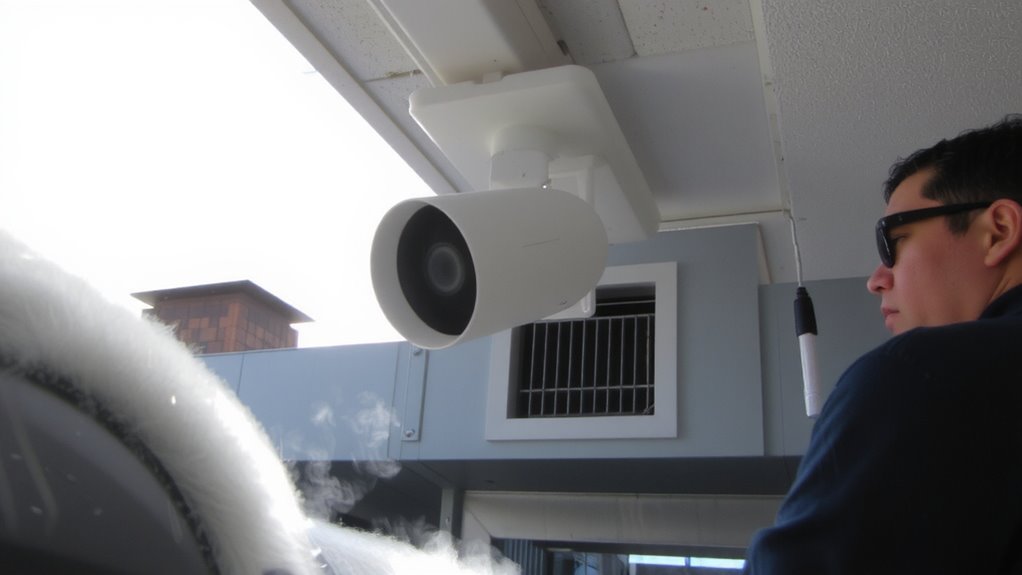
Since dual-tech sensors rely on both PIR (passive infrared) and microwave detection to trigger an alarm, you’ll only get alerts when both technologies confirm motion-cutting false alarms dramatically. This detection overlap guarantees reliability, especially when heat sources confuse PIR alone. Microwave detection sees movement through objects, while PIR senses body heat, so combining them balances strengths. However, poor placement can cause signal interference or mismatched coverage, reducing effectiveness. You must align both sensors’ fields to match your high-traffic zones.
| Scenario | Peace of Mind |
|---|---|
| One tech triggers | Worry: Was it real? |
| Both detect motion | Confidence: Alert is valid |
Aim for full detection overlap so both systems cover the same area. This minimizes false alerts while maintaining strong security-just avoid placing sensors near metal or sources of signal interference. For optimal integration, choose models that support Home Assistant compatibility.
Pick the Right Dual-Tech Sensor for Your Room
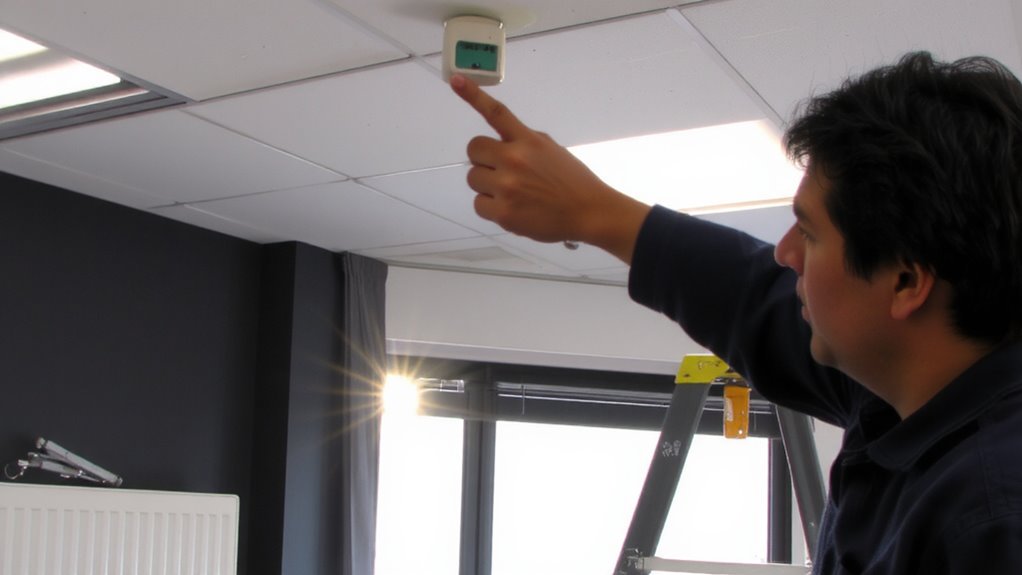
You’ve set up your dual-tech sensor to require both PIR and microwave detection, but now it’s time to make sure that sensor matches your room’s layout and purpose. For small rooms, a sensor with a narrow detection angle (around 90 degrees) works best, while large spaces need a 180-degree range. Check the sensor’s maximum coverage area-most handle 40×40 feet, but some go further. Consider ceiling or wall mounting, since sensor placement affects detection patterns and reduces blind spots. Avoid models prone to environmental interference, like those impacted by moving air currents or large metal objects. Some sensors offer adjustable sensitivity for microwave and PIR, giving you finer control. Higher-end models cost more but often include better shielding and filtering. Always match the sensor’s specs to your room size, use, and mounting options for reliable performance. For trusted performance, look into the best motion sensor alarms based on expert testing and real-world use.
Place Sensors Away From Heat Sources
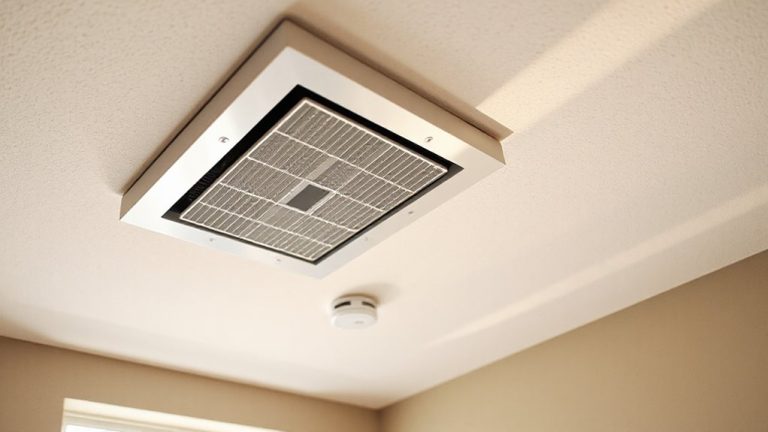
Because heat fluctuations can trigger false alarms, it’s important to install your dual-tech sensor away from radiators, heating vents, direct sunlight, and appliances that emit warmth. Proper sensor placement is key to minimizing heat interference and ensuring reliable detection. Avoid corners near HVAC units or windows that get afternoon sun, since sudden temperature shifts can confuse the passive infrared (PIR) component. Mount the sensor on an interior wall, if possible, where airflow and external heat sources won’t affect it. Keep it at least 10 feet from ovens, space heaters, or lamps. This reduces false triggers caused by rapid thermal changes. Good sensor placement not only improves accuracy but extends system efficiency. You’ll save time on troubleshooting and gain more consistent performance. Always test the area’s temperature patterns before finalizing installation.
Fine-Tune Your Dual-Tech Sensor’s Sensitivity
Proper placement keeps your dual-tech sensor from reacting to stray heat, but getting the sensitivity right guarantees it responds only to real threats. You’ll need to adjust gain to control how strongly the sensor reacts to infrared signals. Lower gain reduces responses to small heat sources, like pets or sunlight shifts. Set it too high, and false alarms increase. You can also modify pulse count, which determines how many detection signals must occur before triggering. A higher pulse count improves accuracy but may delay response. Most systems work best with a pulse count of 2 or 3. Check your sensor’s manual for recommended ranges based on room size and layout. Balancing these settings helps maintain reliability without over-sensitivity. Use manufacturer guidelines as a baseline, then refine based on your space’s conditions for peak performance.
Test and Calibrate for Accurate Detection
How well does your dual-tech sensor actually detect motion after setup? Test it by walking through its field of view at various speeds and distances. Proper sensor alignment guarantees both the passive infrared (PIR) and microwave sensors cover the same area, reducing missed detections. If alignment is off, adjust the sensor’s angle slightly until both technologies trigger consistently. Introduce a detection delay of 1–2 seconds to prevent rapid, repeated activations, especially in high-traffic zones. This short delay improves accuracy without sacrificing responsiveness. Use a stopwatch to measure the delay and confirm it matches your system’s settings. Test under different temperatures to verify reliability near heat sources. Consistent results mean your sensor is calibrated correctly. Poor performance means revisiting alignment or sensitivity settings. Regular testing guarantees long-term accuracy and dependable operation.
Avoid These Dual-Tech Sensor Mistakes
A dual-tech motion sensor can considerably boost your home security system’s reliability, but only if installed and configured correctly. Avoid poor sensor alignment and uneven placement symmetry, as these lead to blind spots or false alarms. Mount sensors at recommended heights and avoid pointing them toward heat sources or windows. Below are common mistakes and their consequences:
| Mistake | Consequence | Fix |
|---|---|---|
| Misaligned sensors | Reduced detection accuracy | Adjust angle for overlapping coverage |
| Asymmetric placement | Gaps in monitoring | Ensure equal spacing on both sides |
| Near HVAC vents | False triggers from heat bursts | Relocate away from airflow sources |
| High mounting without tilt | Narrow field of view | Use adjustable brackets |
| Ignoring environment | Unreliable performance | Survey room layout before installing |
Guarantee proper sensor alignment and placement symmetry for consistent, accurate detection.
On a final note
You’ve cut false alarms by combining PIR and microwave detection. Keep sensors away from vents, windows, and stoves to avoid heat interference. Choose ceiling mounts when possible for wider, more stable coverage. Adjust sensitivity so motion triggers alerts, but heat shifts don’t. Test regularly with real-world movement. Dual-tech sensors cost more upfront but save time and energy by reducing false responses, making them a reliable, data-backed choice for smarter, consistent home security.