Tamper Alert From a Sensor Cover? How to Fix & Reset It
A tamper alert often means your sensor’s cover is loose or improperly seated, exposing internal switches to movement. Check the casing first-press the edges to confirm it’s secure. A poorly mounted or vibrating sensor can trigger false alarms, especially near doors or appliances. Reset the system using your app or keypad after fixing the issue. Regular inspections help avoid these alerts, and using durable, weather-resistant models improves reliability over time-you’ll see how small adjustments make a big difference.
Notable Insights
- Check for loose or improperly seated sensor covers, as gaps can trigger tamper alerts even without actual tampering.
- Gently press on cover edges to detect movement and secure the housing to prevent false alarms.
- Inspect for physical disturbances like vibrations or impacts that may have activated the internal tamper switch.
- Reset the system manually via PIN, app, or keypad after ensuring the cover is fully secured and undamaged.
- Perform regular maintenance by cleaning debris, tightening screws, and replacing worn seals to maintain tamper resistance.
What Triggers a Tamper Alert on Security Sensors
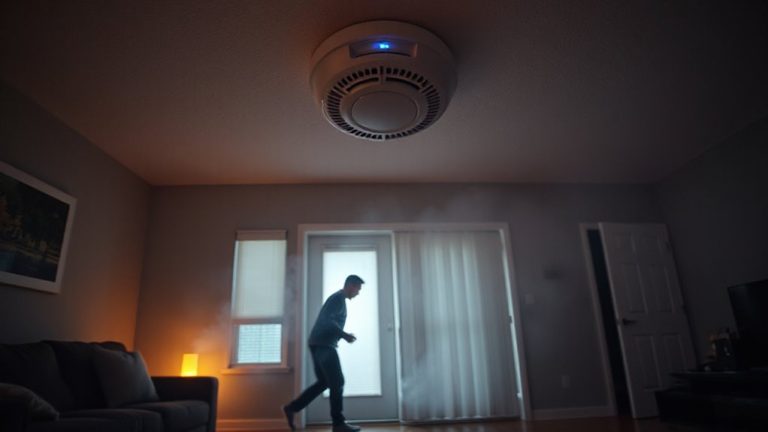
A sudden “tamper alert” on your security system can raise questions, but understanding the common triggers helps you respond appropriately. These alerts typically occur when a sensor’s housing is opened or moved, as part of its tamper-resistant sensor design. Most sensors include a small switch that activates when the cover is removed, signaling potential interference. Physical disturbances like vibrations or impacts can also trigger it, especially in poorly mounted units. Internal damage, such as worn contacts or corroded circuitry, may cause false alarms over time. Environmental factors including extreme temperatures or moisture may worsen these issues. While tamper alerts enhance security, frequent false alarms may indicate aging hardware or poor installation. Check your sensor’s age and environment, and consider upgrading units older than five years. Reliable sensors cost $15–$35 each and often include diagnostic features.
Check for Loose Sensor Covers Immediately
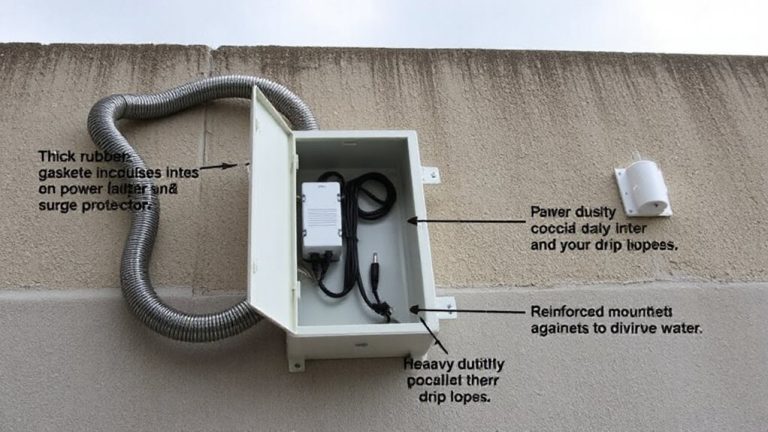
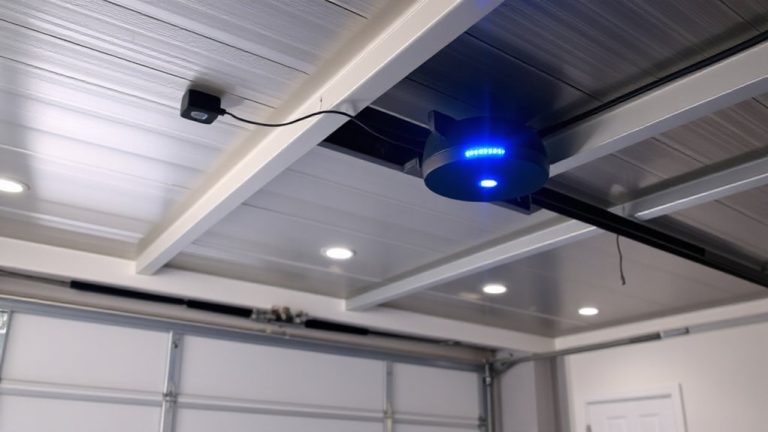
Your sensor’s cover being loose is one of the most common reasons a tamper alert appears, and checking it should be your first step. A loose cover can disrupt sensor alignment and reduce cover insulation, leading the system to register potential tampering. Proper fit guarantees accurate operation and environmental protection. To verify, gently press around the edges-if it shifts, secure it immediately. Choosing from the Top Garage Door Sensors can help ensure durable construction and reliable tamper resistance.
| Issue | Impact | Solution |
|---|---|---|
| Loose cover | Triggers tamper alert | Tighten mounting screws |
| Misaligned sensor | Poor detection | Adjust alignment |
| Damaged insulation | Moisture entry | Replace cover |
| Dust buildup | False signals | Clean gently |
| Weather exposure | Degraded seal | Check cover insulation |
Addressing these keeps your system reliable and avoids unnecessary alerts.
Mistakes That Trigger False Tamper Alerts
Fixing a loose sensor cover stops most tamper alerts, but some warnings pop up even when hardware looks fine-often because of user errors instead of physical issues. Improper sensor placement is a common mistake; mounting sensors near heat sources or vibrating appliances can cause false triggers. You might not realize that environmental factors like rapid temperature shifts or high humidity interfere with sensor operation, especially in garages or near windows. Dust or insects inside the casing can also mimic tampering. Avoid placing sensors where doors or cabinets could brush against them, as repeated contact may activate the alert. Always follow the manufacturer’s guidelines for installation height and surface type. Double-check alignment if you have wireless units, since signal interference from other devices may register as tamper events. Proper planning reduces false alarms and guarantees reliable performance.
How to Reset After a Tamper Alert
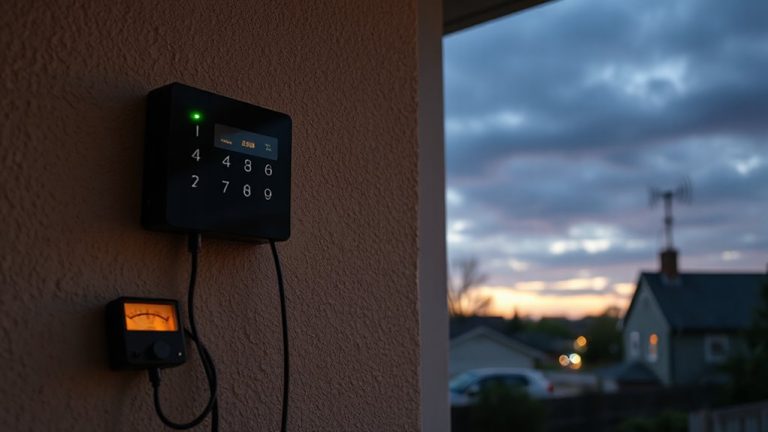
Ever wonder why the tamper alert lingers even after you’ve addressed the issue? That’s because the system still registers the last fault until you manually reset it. Simply closing a sensor cover isn’t always enough-your alarm panel needs a clear directive to update its status. To reset, first make certain all sensors are properly secured. Then, disarm your system using your PIN or app. Some panels require a temporary alarm bypass to clear the tamper flag, especially if the sensor remains unresponsive. Check your user manual for model-specific steps-some systems use a signal override through the app or keypad to acknowledge the fix. Don’t skip testing the sensor afterward; a failed test could mean lingering connectivity issues. Most modern systems reset in under a minute. Keep records of frequent alerts-recurring issues may require professional inspection or hardware upgrades.
Is It a Real Break-In? Signs to Watch
Could that tamper alert actually mean someone’s trying to break in? Not all alerts signal genuine breaches-many stem from false alarms due to weather, pets, or system glitches. Yet, certain signs point to real threats. Check for forced entry, unfamiliar footprints, or unusual noises. Review security camera footage if available. A reliable way to verify tampering is by checking footage from your indoor security cameras.
| Sign | False Alarms Likely | Genuine Breaches Indicated |
|---|---|---|
| Window damage | Rare | Common |
| Triggered motion sensors indoors | No | Yes |
| Recent system errors | Yes | No |
| Opened doors/windows | Possible | Very likely |
| Neighbor reports | Unlikely | Strong indicator |
Stay calm, verify with visuals, and contact authorities when signs support genuine breaches. Ignoring warnings risks safety; overreacting wastes time. Knowing the difference helps you respond wisely.
Why Sensor Covers Trip Tamper Alerts
When a sensor cover is removed or shifted, it often triggers a tamper alert because most security sensors are designed with internal switches that detect physical interference. You’ll find that these switches activate when the casing isn’t properly seated, which can happen due to accidental bumps or improper installation. Sensor materials, like plastic housings, can degrade over time, especially with prolonged environmental exposure to heat, moisture, or UV rays, making them more prone to warping or cracking. This damage may cause the cover to fit loosely, increasing false alerts. Some sensors use magnetic or mechanical toggles that respond instantly to movement, so even minor shifts matter. While durable materials reduce risk, no system is immune to wear. Understanding how sensor materials react to environmental exposure helps you diagnose why alerts happen. It also highlights the need to routinely inspect housings for signs of damage or misalignment.
Prevent Tamper Alerts With Simple Maintenance
A quick inspection routine can stop most tamper alerts before they start. You should check your sensors monthly to guarantee proper sensor alignment and tight cover sealing. Misaligned sensors may trigger false alarms, especially after doors or windows shift slightly over time. Gently press the cover to confirm it’s fully sealed-any gap can register as a tamper event. Dust or debris can interfere, so clean the casing with a dry cloth. Make sure screws are snug but not over-tightened, which could warp the housing. For older units, aging seals may need replacement every few years. Using weather-resistant models in exposed areas helps maintain cover sealing long-term. These small steps save time and reduce false alerts. Consistent maintenance improves reliability without extra cost. Set calendar reminders to keep on track. Good alignment and sealing mean fewer interruptions and stronger security.
On a final note
Check sensor covers regularly to prevent false tamper alerts, as loose or damaged casings often trigger them. If an alert sounds, inspect the device first before assuming a break-in. Most issues come from poor maintenance, not intruders. Reset the system only after confirming everything is secure. Simple fixes, like tightening screws or replacing worn covers, save time and boost reliability. Regular upkeep keeps your security system accurate and trustworthy.