The Role of Public Wi-Fi Networks in Supporting Remote Monitoring From Anywhere
You can use public Wi-Fi to check your security cameras from anywhere, but success depends on signal strength and network stability. Weak connections cause delays or dropped video, while high latency means you won’t see events as they happen. Libraries and transit hubs offer access, but crowded networks may slow performance. Data risks are higher on unsecured networks, so always use a VPN and two-factor authentication. Reliable monitoring requires smart device choices and security habits-smartphones with low-bandwidth modes help. Stronger, safer networks are coming with 5G and better encryption.
Notable Insights
- Public Wi-Fi enables remote monitoring access but often lacks the stability required for uninterrupted live footage.
- Strong signal strength and low latency are critical for real-time viewing on public networks.
- Libraries and transit hubs offer some of the most reliable public Wi-Fi for checking security cameras remotely.
- Bandwidth limitations and network congestion can degrade monitoring performance on public connections.
- Using a VPN and two-factor authentication helps secure remote monitoring activities over untrusted public Wi-Fi networks.
Public Wi-Fi and Real-Time Remote Monitoring
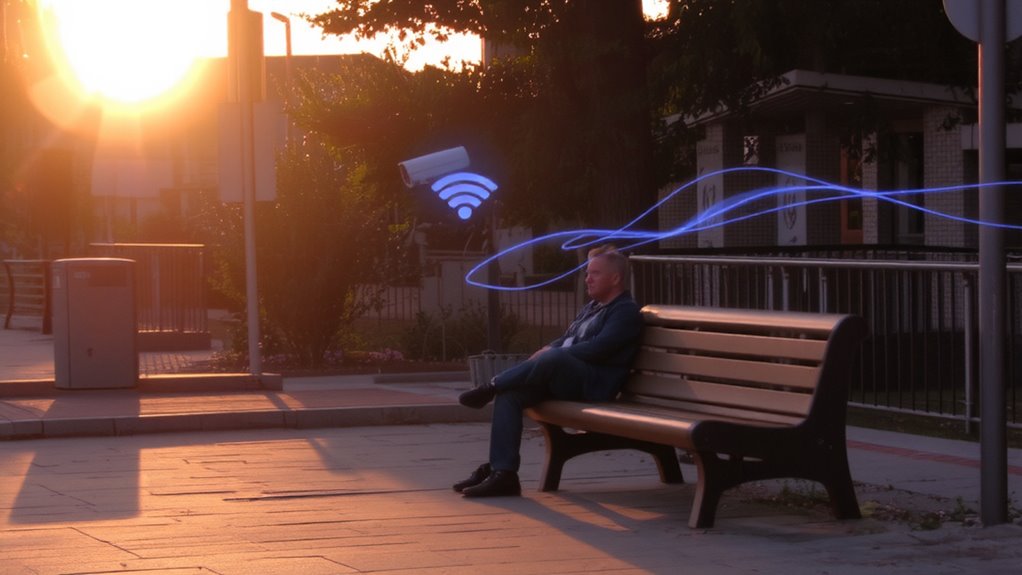
How often do you connect to public Wi-Fi while checking your home security app on the go? Signal strength and data latency play key roles in how well your remote monitoring works. Weak signal strength can drop your connection, leaving you blind to live footage. High data latency causes delays, so what you see may not reflect real-time events. This lag could mean missing critical moments. For reliable performance, choose networks with strong, stable signals and low latency. Public Wi-Fi often lacks these, increasing risk. While convenient, it may compromise responsiveness. Use apps that show connection quality indicators so you can act fast if performance drops. Avoid adjusting security settings over public networks due to exposure risks. Instead, monitor passively and switch to cellular data when possible. Plan for coverage gaps and test connections regularly to guarantee your system performs when it matters most.
Top Public Wi-Fi Hotspots for Remote Monitoring
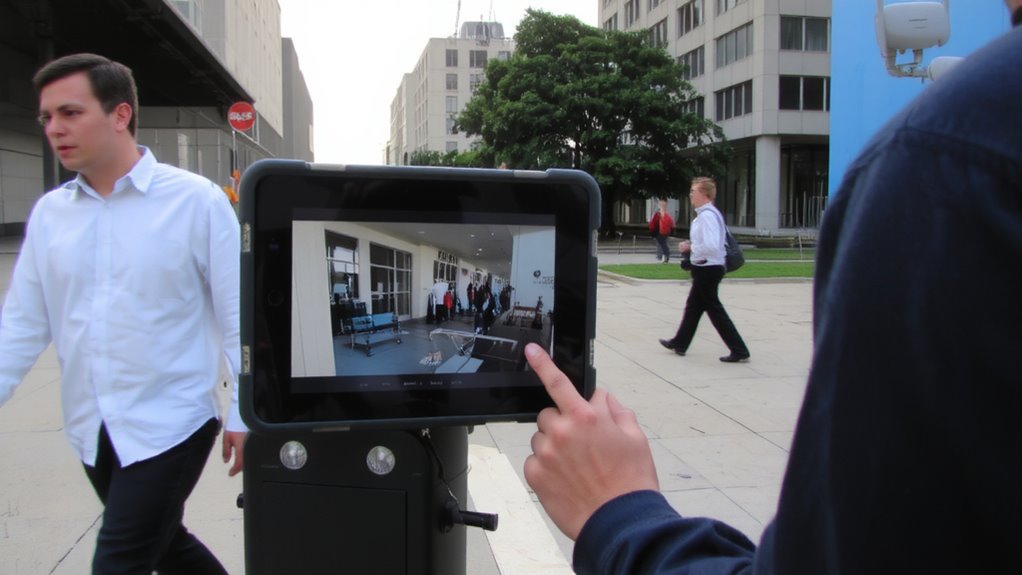
While some public Wi-Fi networks can support remote monitoring, not all offer the speed, stability, or security needed for reliable home surveillance. You’ll want hotspots with strong urban connectivity and consistent signal stability. Major city libraries often provide free, high-speed Wi-Fi with minimal lag, making them ideal for checking cameras. Public transit hubs like airports and train stations offer broad coverage, though congestion can weaken signal stability. Municipal Wi-Fi zones in downtown areas support basic monitoring, but speeds vary by location and time of day. Cafés with premium internet plans may give more dependable connections, though you’ll need to stay alert to security risks. Always choose networks with encrypted login pages to protect your data. When planning, consider proximity to your monitored property and avoid areas with frequent outages. These factors guarantee smoother access when you’re on the move.
Devices That Enable Remote Monitoring Over Public Wi-Fi
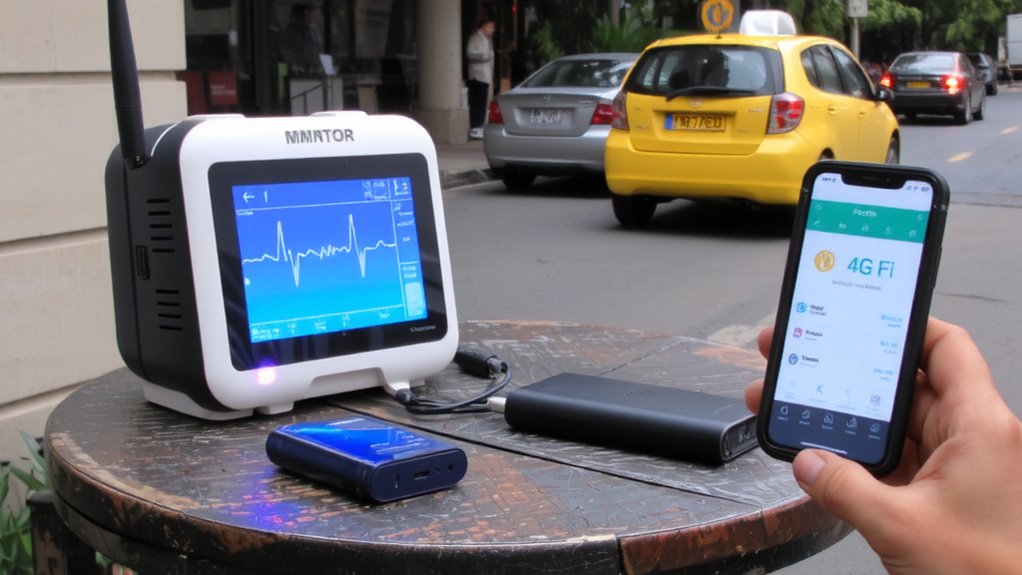
You’ve likely found that location and network quality make a real difference when checking your home cameras from places like libraries or transit hubs. Bandwidth limitations on public Wi-Fi can slow video streams, so choose devices that support adaptive compression and low-bandwidth modes. You’ll need reliable device compatibility-most modern smartphones and tablets work well with major security platforms like Ring or Nest. Look for apps optimized for public networks, which maintain stable connections even with fluctuating signal strength. Some systems offer offline recording, ensuring no footage is lost during dropouts. While tablets provide larger screens for easier viewing, phones offer greater portability. Avoid older devices lacking updated security protocols. Confirm your monitoring app supports two-factor authentication and secure login. With the right device and realistic expectations about performance, remote monitoring over public Wi-Fi remains both practical and accessible for everyday home security.
Why Public Wi-Fi Is Risky for Sensitive Monitoring?
Because public Wi-Fi networks are often unencrypted and shared among many users, your remote monitoring activity could be exposed to cyber threats without you realizing it. Hackers on the same network can perform a man in the middle attack, intercepting the data you send and receive. This makes sensitive information-like security camera feeds or login credentials-vulnerable to data theft. You might not even know it’s happening until it’s too late. Public hotspots in cafes, airports, or malls lack strong security, increasing your risk. While these networks offer convenience, they don’t protect your monitoring traffic. That means anyone nearby with basic tools could access your feeds or personal details. Using public Wi-Fi for sensitive monitoring without safeguards puts your home security at real risk. Always consider how exposed your connection is before sending private data over shared networks.
How to Secure Remote Monitoring on Public Wi-Fi
If you must access your home monitoring system over public Wi-Fi, taking specific protective steps can greatly reduce your exposure to cyber threats. Always use a virtual private network (VPN), which applies strong encryption protocols to secure your data in transit. This stops hackers from intercepting video feeds or login details. Enable two-factor authentication methods so that even if credentials are stolen, access is still blocked. Avoid logging in on public devices-use your own smartphone or laptop with updated security software. Make sure your monitoring app uses end-to-end encryption and doesn’t store passwords locally. While public Wi-Fi is convenient, it’s inherently risky, so limit usage and never stay connected longer than needed. These steps won’t eliminate all risk, but they substantially improve protection with minimal effort.
How Industries Use Public Wi-Fi for Monitoring
Why do so many industries rely on public Wi-Fi for remote monitoring when it carries known risks? You use it because it’s accessible and cost-effective for IoT integration across scattered locations. Public networks let you connect sensors and cameras almost anywhere, feeding real-time data into your systems. With strong data aggregation tools, you collect and analyze inputs from multiple sources, spotting trends and responding faster. Retailers monitor foot traffic, while logistics companies track fleet conditions on the go. The trade-off? Public Wi-Fi can expose your data, so you need encryption and secure tunnels to protect transmissions. Even with risks, the ability to maintain oversight without private infrastructure saves time and money. For best results, pair public connections with edge computing to reduce latency and limit exposure. Plan carefully-check network reliability and coverage first, and budget for security add-ons to keep monitoring effective and safe.
The Future of Smarter, Safer Public Wi-Fi
What will public Wi-Fi look like in five or ten years, especially as more of your home and business devices rely on constant connectivity? You’ll see smarter, safer networks built for smart cities, where real-time monitoring and automation improve daily life. Future public Wi-Fi will prioritize network resilience, using AI to detect threats and self-heal during outages. Encryption and identity verification will be standard, protecting your data as you access security cameras or remote systems. Best 5G security cameras will increasingly integrate with these advanced networks, enabling seamless, high-speed remote monitoring even in crowded urban environments.
| Feature | Benefit |
|---|---|
| AI-Powered Security | Reduces hacking risks in real time |
| Mesh Network Design | Enhances network resilience and coverage |
| 5G Integration | Supports smart cities with faster device sync |
These upgrades mean more reliable remote access, especially in urban areas. While infrastructure costs are high, long-term savings and security gains make it a smart investment for communities and users like you.
On a final note
You can use public Wi-Fi for remote monitoring, but stay cautious. It offers convenience, especially in busy areas like airports or cafes, yet lacks strong security. Always enable encryption, use a trusted VPN, and avoid sharing sensitive data. Devices like smart cameras and sensors work well when connected properly. Over time, better networks and stronger protections will help. For now, balance accessibility with safety, plan your setup carefully, and consider costs versus risks to keep your system reliable and secure.