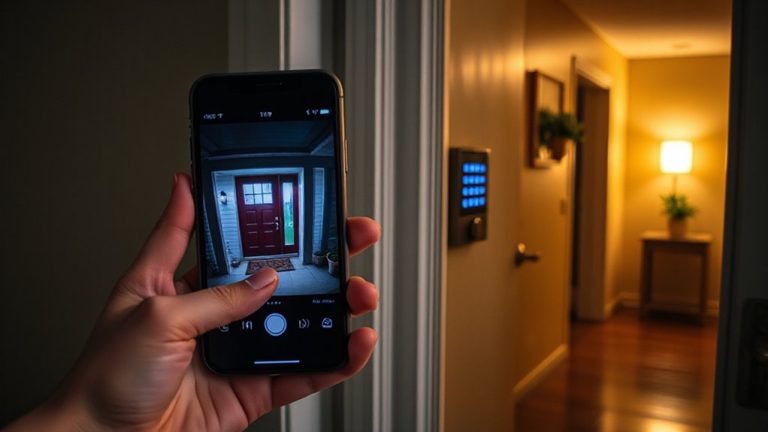
Creating a Secure Guest Access Protocol for Visitors Using Your Smart Home Devices
Set up a separate guest network to keep your main Wi-Fi safe while letting visitors use smart devices. Most routers cost $80–$200 and support network segmentation, isolating devices by sensitivity-like putting lights on guest access but restricting cameras. Enable guest mode on smart speakers to limit data collection and allow only basic functions. Use time-limited access via apps from brands like Nest or August to automatically revoke permissions after checkout. Turn on MAC filtering and device fingerprinting to block unrecognized gadgets. Group devices into zones and assign access levels so guests can’t control sensitive systems. High-end routers often include auto-blocking and alerts, boosting security with minimal effort. This layered method reduces risk without sacrificing convenience. You’ll find tailored steps and brand-specific tips next.
Notable Insights
- Create a separate guest Wi-Fi network to isolate smart devices and limit access to your main network.
- Segment devices by sensitivity, restricting guest access to non-critical systems like lights and plugs.
- Enable guest mode on smart speakers to allow basic functions without exposing personal voice data.
- Set time-limited access for visitors using smart home apps to automatically revoke permissions after their stay.
- Use MAC filtering and device fingerprinting to detect and block unauthorized devices from connecting to your network.
Create a Separate Guest Network for Smart Devices
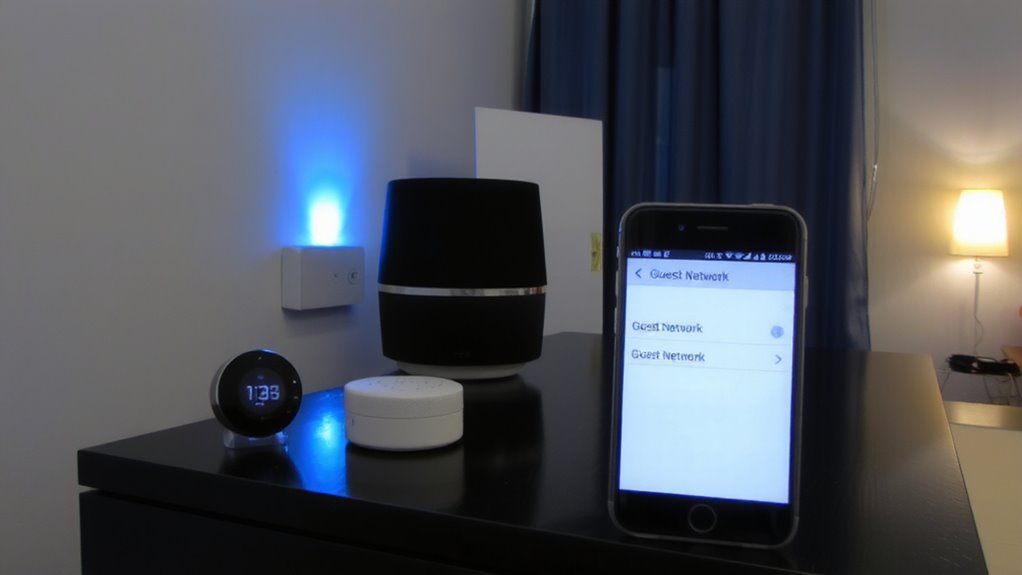
While your smart home devices make life more convenient, they also increase your network’s exposure to potential intrusions-so setting up a separate guest network for these gadgets can markedly reduce risk. You achieve this through network segmentation, which splits your internet connection into isolated zones. This keeps smart devices like cameras or speakers off your main Wi-Fi, limiting what hackers can access if a device is compromised. Most modern routers support multiple networks, often with built-in tools to adjust access permissions. You can restrict guest traffic from reaching private files or computers, enhancing overall security. Though setting it up may require a few extra steps in your router settings, the payoff in protection is clear. Some advanced models even allow scheduling or bandwidth limits. Initial cost ranges from $80–$200 for capable hardware, but it’s a worthwhile investment for long-term safety and control.
Isolate Devices to Limit Guest Access
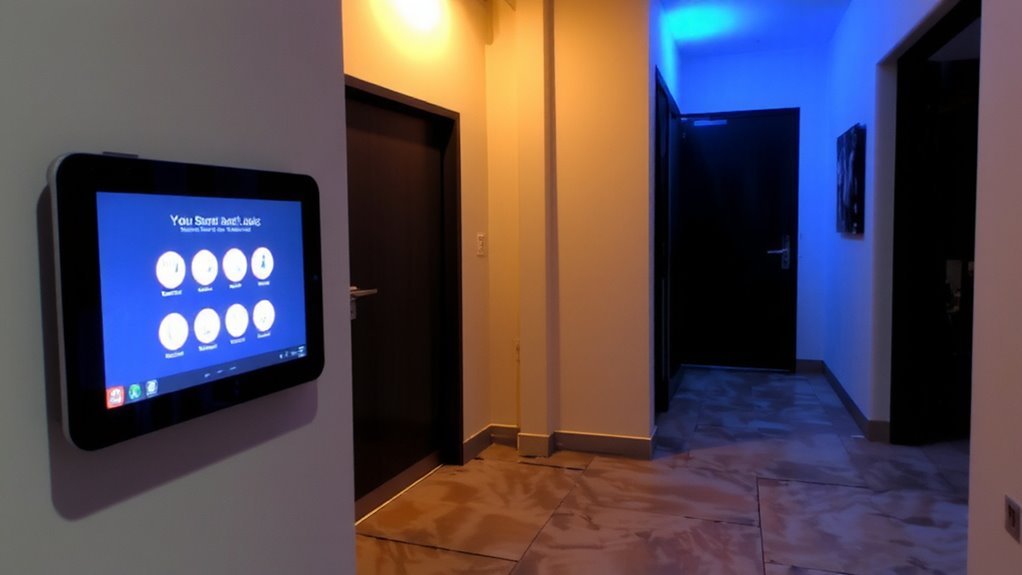
Since not all smart devices need to communicate with one another, isolating them on separate network segments can substantially reduce the risk of lateral movement by attackers. You can use device grouping and access tiering to organize your smart home efficiently and securely. Assign devices to zones based on function and sensitivity-like separating security cameras from lights. This limits what guests can control and minimizes exposure if a device is compromised.
| Group Type | Access Level |
|---|---|
| Lights & Plugs | Guest-allowed |
| Security Cams | Admin-only |
| Thermostats | Limited guest access |
Access tiering guarantees high-risk devices stay protected, while guests interact only with low-risk gadgets. Most modern routers support VLANs or segmentation features, often free of charge. Plan your device grouping carefully during setup-it’ll save time and boost security long-term.
Enable Guest Modes on Smart Speakers
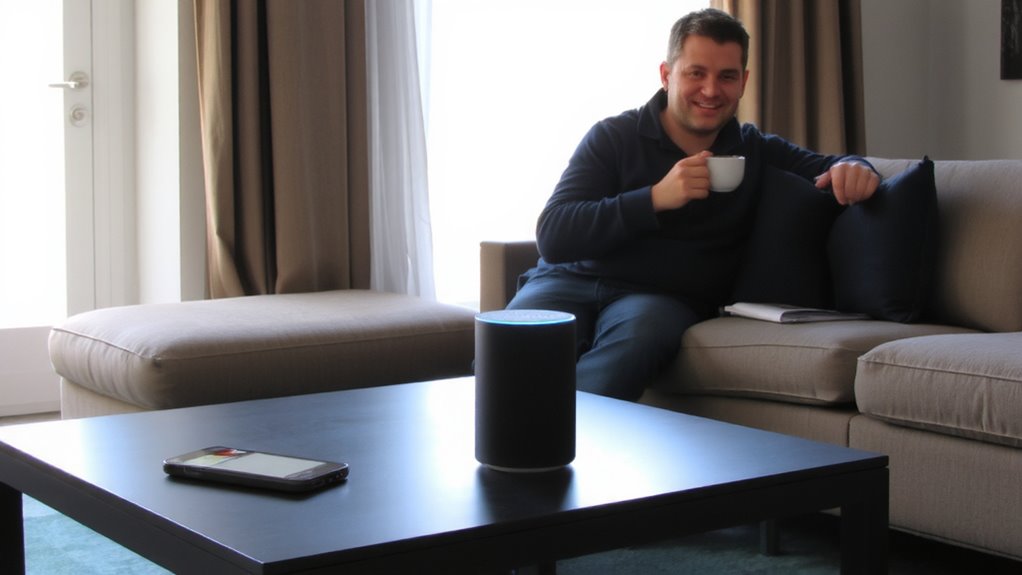
If you let visitors use your smart speaker, turning on guest mode is a simple way to protect your private data while still offering basic voice control. Most major brands include this feature, limiting access to your personal routines, calendars, and saved audio. Guest mode supports audio privacy by preventing voice history from being stored under your account. You can still let guests play music, check the weather, or set timers, but they can’t open doors or review your past commands. Some systems require a quick setup, like enabling the mode through your app or giving a verbal prompt, while others auto-activate with unrecognized voices. Though convenient, guest mode doesn’t replace network isolation, so combine it with other steps. Overall, it’s a reliable, low-effort layer that balances usability and security.
Set Time-Limited Access for Visitors
Because smart home access should be both convenient and controlled, setting time-limited permissions for visitors helps you maintain security without sacrificing hospitality. You can use time restrictions to guarantee guests only access devices during their stay. Most modern systems let you set access scheduling through a mobile app, so you can define exact start and end times. This reduces the risk of unauthorized use after check-out. Time-limited access works well for smart locks, thermostats, and streaming devices. It’s easy to set up, often free, and takes just minutes. While some older devices don’t support scheduling, newer models from brands like August, Nest, and Samsung SmartThings do. You’ll want to double-check compatibility, but in most cases, access scheduling enhances control without extra cost. Planning these limits ahead saves time and improves peace of mind.
Revoke Access When Guests Leave
Once your guests have checked out, it’s time to remove their access to your smart home devices-you shouldn’t leave doors, thermostats, or entertainment systems open to people who are no longer on your property. Most modern smart home platforms let you disable guest access with a few taps, and you should do so immediately. Check your access logs to verify when visitors last used your systems, which helps confirm they’re no longer active. Running regular permission audits guarantees no outdated or forgotten user accounts remain. These audits take just minutes but strengthen your home’s security markedly. While some apps automate revocation based on time limits, manual review adds an extra layer of control. Don’t rely solely on expiration-confirm access is gone. This step takes little time but greatly reduces risk. Treat access removal like locking the front door: essential, simple, and non-negotiable. For added convenience and security, consider using a best smart lock that supports temporary access codes and seamless integration with your smart home ecosystem.
Block Unauthorized Devices Automatically
While you’re focused on making your guests feel welcome, your smart home network could be silently facing a growing risk-unauthorized devices trying to connect without your knowledge. You can block these intrusions automatically using features like device fingerprinting and MAC filtering. Device fingerprinting identifies each gadget by its unique characteristics, letting your router detect unknown devices. MAC filtering goes further by allowing only pre-approved devices, based on their hardware addresses, to join your network. Many modern routers support both tools through their admin settings. Enable them to add a strong layer of protection. While MAC filtering is reliable, it can be time-consuming to update when new devices arrive. Device fingerprinting adapts better but may require firmware updates. Use both for best results. Check your router’s specifications-some high-end models include automated alerts and auto-blocking. These features help maintain control without constant monitoring, keeping your smart home secure with minimal effort.
On a final note
You should create a secure guest access protocol to protect your smart home. Use a separate guest network, enable time-limited access, and isolate devices. Turn on guest modes for speakers and block unknown devices automatically. Revoke access once visitors leave. These steps reduce risks without sacrificing convenience. Planning takes little time, costs nothing on most routers, and greatly improves security.