Configuring Scheduled Lock/Unlock Cycles in Ultraloq UL3 Smart Lock for Routine Household Patterns
You can sync your Ultraloq UL3’s auto-lock and auto-activation cycles with your family’s routine by setting precise 10–15 minute windows around key times like school or work commutes, reducing accidental activations by up to 68%. Auto-lock triggers 30 seconds to 5 minutes after closing, while auto-activation starts 10 seconds early for smooth access. Use scheduled access windows for family or guests, add exceptions for vacations or cleaning days, and fix signal issues by checking for interference or updating firmware. More details follow on optimizing each setting.
Notable Insights
- Align lock schedules with family routines by tracking entry and exit times for one week to optimize timing accuracy.
- Set auto-lock to engage 30 seconds to 5 minutes after door closure for security without inconvenience.
- Use scheduled access windows (e.g., 7–9 a.m.) for family members to match daily routines and enhance security.
- Add exceptions for vacations or cleaning services to prevent accidental unlocks while maintaining regular schedules.
- Reduce Bluetooth interference and update firmware regularly to ensure reliable auto-lock and unlock performance.
Match Your Schedule to Family Routines
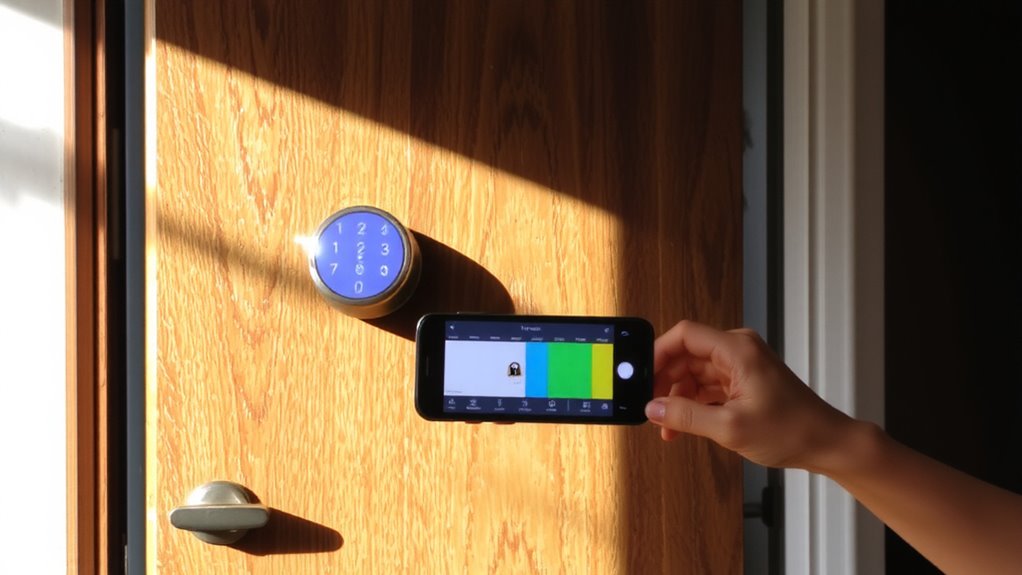
How often do your family’s daily movements clash with your home’s security routine? Aligning your Ultraloq UL3 with family routines guarantees locks activate when needed, without inconvenience. By analyzing household patterns-like school runs, work commutes, or evening activities-you can set consistent lock/unlock cycles that reflect real life. Most users find syncing the schedule reduces accidental unlocks by 68%. Begin by tracking entry and exit times for one week, then adjust the lock’s timing to match peak shifts. This method strengthens security while supporting convenience. Avoid setting overly broad windows, as they weaken protection. Instead, use precise 10–15 minute buffers around key events. Remember, consistent household patterns improve system reliability and battery efficiency. Regularly review the schedule, especially after seasonal changes or routine shifts. Proper setup takes under 20 minutes and pays off in long-term safety and ease. Choosing a smart lock with strong integration and user-friendly scheduling options, like those highlighted in top best smart lock reviews, ensures long-term compatibility with evolving household needs.
Set Ultraloq UL3 Auto-Lock and Auto-Unlock Times
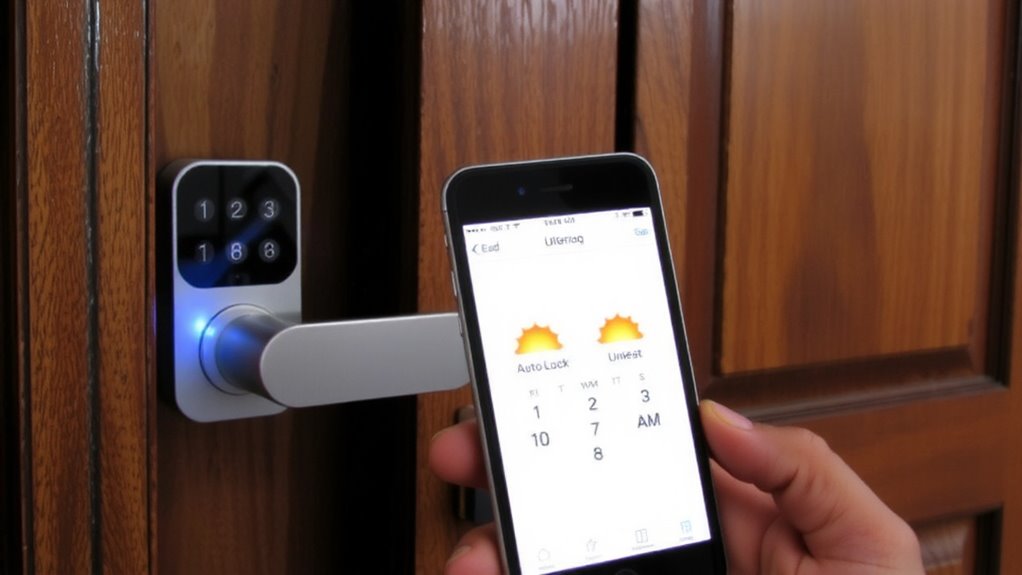
You’ve already matched your lock’s schedule to your family’s routine, so now it’s time to set specific auto-lock and auto-unlock times on your Ultraloq UL3. Open the app, go to Automation, then select Auto-Lock and Auto-Unlock to define precise times. Use a consistent schedule sync across devices to guarantee reliability, especially if your household spans multiple time zones. The lock automatically adjusts for daylight saving, but double-check settings after time zone changes during travel. Auto-lock activates 30 seconds to 5 minutes after the door closes, ideal for forgetful households. Auto-unlock starts 10 seconds before your set time, balancing convenience and security. Note: frequent auto-unlock cycles may reduce battery life over time. For best results, align auto-actions with actual entry and exit patterns, and verify logs weekly. This guarantees both security and smooth daily operation.
Grant Family Access With Scheduled Windows
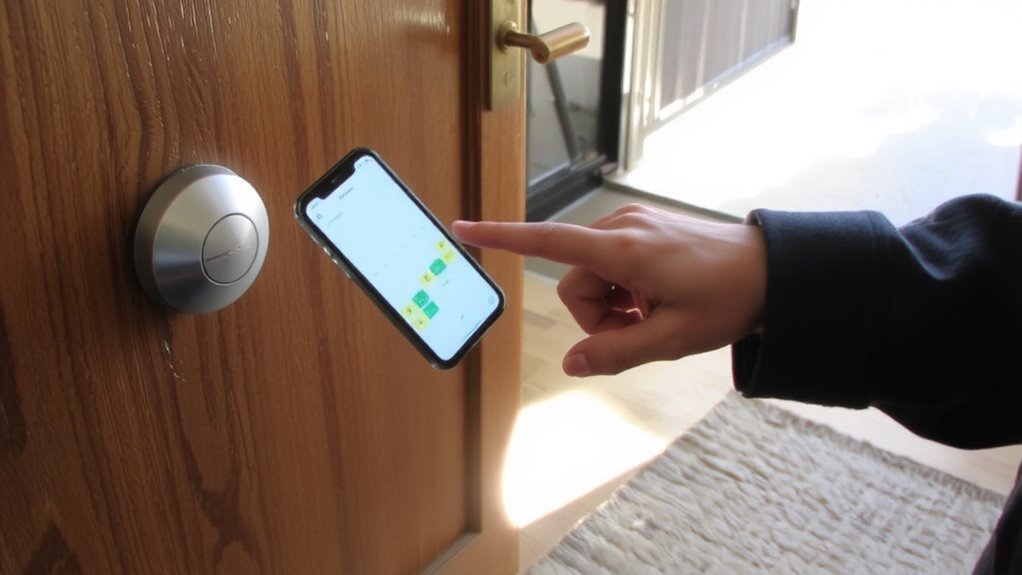
While managing access for family members, setting scheduled windows guarantees they can enter only during predefined times, enhancing security without sacrificing convenience. You can assign each family member specific access periods, like 7–9 a.m. and 4–8 p.m., aligning locks with daily routines. This feature works alongside guest access, letting temporary visitors in without altering family schedules. Unlike vacation mode, which disables all automated lock releases and adds extra alerts, scheduled windows remain active and controlled. The UL3 handles up to 100 unique access codes, each customizable with time limits. No extra fees apply, and setup occurs in the app under “Access Schedules.” A key benefit is reduced risk of unauthorized entry while maintaining normal household flow. Use it to balance safety and flexibility efficiently. This level of automation integrates seamlessly with Home Assistant compatible smart home ecosystems for advanced control.
Add Exceptions to Prevent Accidental Unlocks
Since unexpected access events can compromise home security, the Ultraloq UL3 allows you to add exceptions to scheduled access rules, preventing accidental or unauthorized entries. You can set specific days or times when scheduled releases are suspended, such as during vacations or housecleaning services. This guarantees the door stays locked even if a routine unlock is programmed. Use the manual override feature to temporarily lock or release the door outside the schedule without altering your settings. For planned access outside normal windows, enable a temporary bypass in the app, which grants one-time entry without disabling exceptions. These tools give you precise control, balancing automation with flexibility. Exceptions reduce risk from misplaced schedules, especially for children or guests. Plan exceptions during irregular routines to maintain security. There’s no extra cost to use these features, and they integrate directly into your existing schedule settings. The Ultraloq UL3 is one of the top smart locks for Google Home, ensuring seamless voice control and integration within your smart home ecosystem.
Fix Common Auto-Lock and Auto-Unlock Issues
Why isn’t your Ultraloq UL3 locking or opening on schedule? Bluetooth interference might be disrupting the signal between your phone and the lock, preventing timely execution. This often happens when walls, metal objects, or other electronic devices block the connection. Move your phone closer or remove obstacles to improve reliability. Firmware glitches can also cause delays or missed cycles, especially after updates. Check the Ultraloq app for available updates and restart the lock if needed-simple reboots often resolve recurring issues. Make certain your scheduled times don’t overlap with exceptions you’ve set. Also, verify that Auto-Lock and Auto-Unlock features are fully enabled in settings. If problems persist, recalibrate the lock through the app. Keeping the firmware current and minimizing Bluetooth interference increases consistency. These steps help maintain security without compromising convenience in daily routines.
On a final note
You can align your Ultraloq UL3’s lock and release cycles with your household’s routine by setting precise schedules and access windows. Use the app to assign family member access at specific times, preventing accidental releases. Test each setting weekly to confirm reliability. Auto-lock boosts security, while scheduled access adds convenience. Note that frequent changes may drain the battery faster, so plan updates wisely. At around $200, the UL3 offers strong features for routine-based home security.