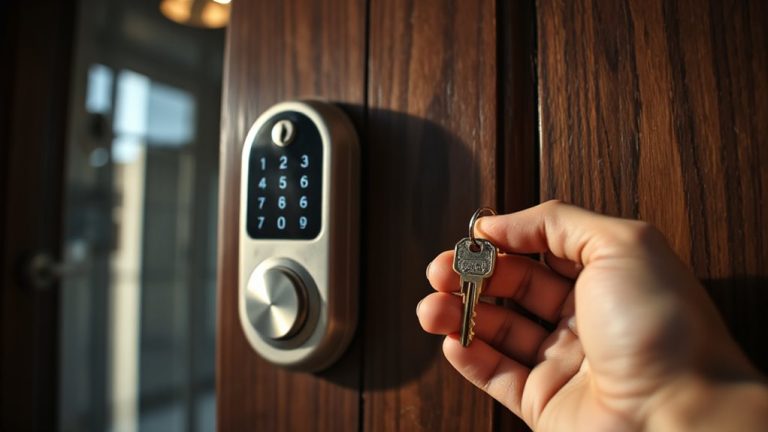
Integrating Video Doorbells With Smart Locks for Enhanced Entry Security
You can link your video doorbell and smart lock to see visitors and open the door remotely using one app, usually in under an hour. Systems cost $150–$400 and offer real-time alerts, encrypted video, and access logs. Integration boosts security by verifying identities before granting entry. Top platforms include Alexa, Google Home, and Apple HomeKit, each with voice control and automation. For safety, use two-factor authentication and check the live feed before opening-knowing more helps you choose the best setup.
Notable Insights
- Syncing video doorbells with smart locks enables real-time monitoring and remote access control for improved home security.
- Choose systems with end-to-end encryption and two-factor authentication to protect against unauthorized remote access.
- Seamless integration through a single app simplifies operation and ensures reliable communication between doorbell and lock.
- Use motion detection and live video feed to verify identity before remotely unlocking the door.
- Top platforms like Alexa, Google Home, and HomeKit support voice commands and automation for enhanced convenience and security.
How Video Doorbells and Smart Locks Work Together
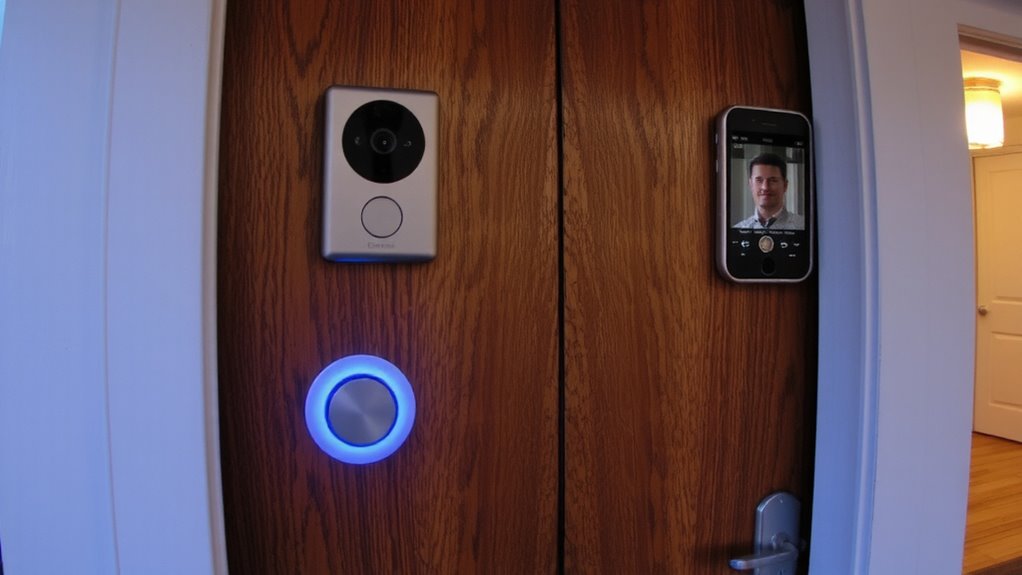
Some homes now come with video doorbells and smart locks already connected, while others require a bit of setup. When linked, these devices let you see who’s at the door and open it from your phone using remote access. You’ll get real time notifications the moment someone rings the doorbell or tries the lock. That means you can check the camera feed, speak through the built-in microphone, and decide whether to open the door-even if you’re not home. Most systems work through a single app, so control stays simple. Setup usually takes under an hour, and costs range from $150 to $400 depending on brand and features. Look for models with end-to-end encryption to keep data secure. While convenient, always test connectivity and battery life regularly. For seamless automation, consider pairing your setup with one of the best smart locks for Home Assistant.
Why Integration Improves Security
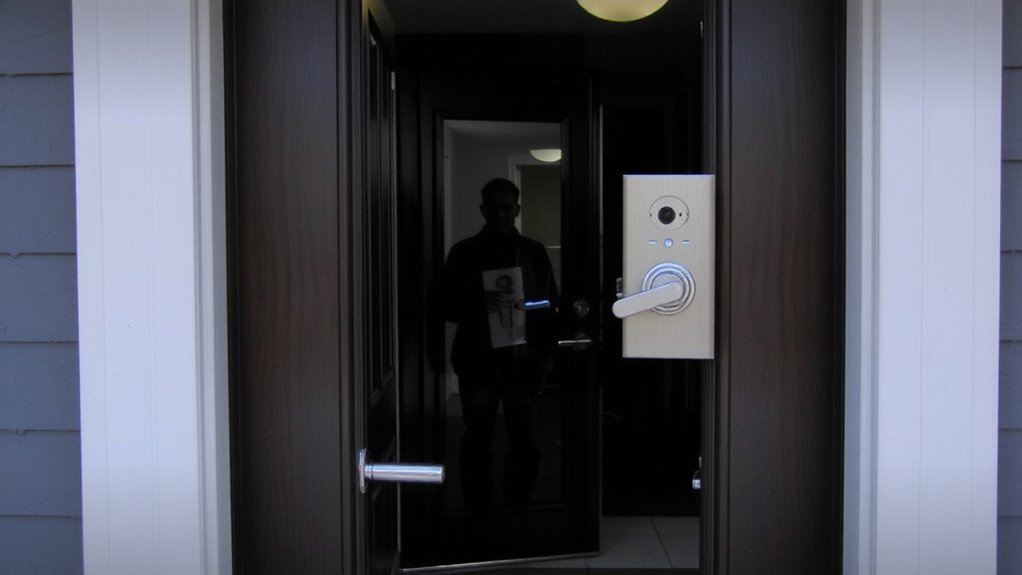
While most standalone security devices offer basic protection, integrating video doorbells with smart locks markedly boosts your home’s defense by combining real-time monitoring with controlled access. You can see who’s at the door and decide whether to grant instant access-all from your phone. This联动 setup reduces unauthorized entry risks and improves response time during suspicious activity. Top models from the best smart locks list seamlessly support integration with leading video doorbell systems for unified control.
| Feature | Benefit | Consideration |
|---|---|---|
| Real time monitoring | View live footage instantly | Requires stable internet |
| Instant access | Remotely open for guests | Use strong passwords to prevent misuse |
| Synced alerts | Get notifications when someone rings or tries the door | Turn off when not needed to reduce noise |
This pairing gives you greater control, verified visibility, and layered security that standalone systems simply can’t match.
Must-Have Features for Doorbell-Lock Sync
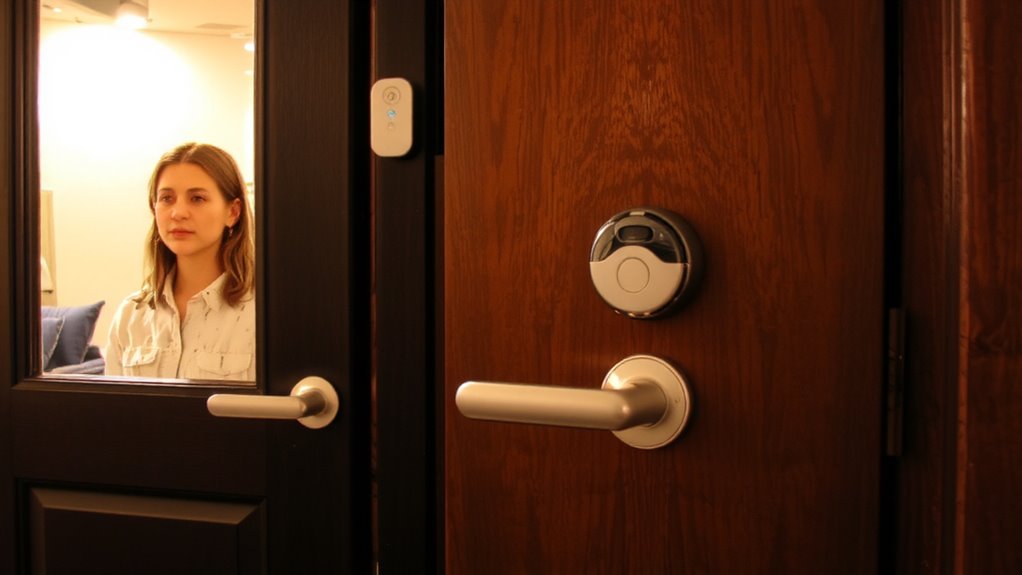
If you’re setting up a video doorbell and smart lock to work together, look for systems that support seamless two-way communication, so you can both see and open the door remotely with confidence. Make sure motion detection is precise and customizable, so alerts only trigger when needed, reducing false alarms. Real-time video streaming should sync with release commands to verify who’s at the door. You’ll want automatic access logs that record every lock and release event, including time, date, and method-key for tracking comings and goings. Choose systems that encrypt data transmissions to keep your information secure. Compatibility matters, so confirm both devices support the same communication standard. While higher-end models offer advanced features, even mid-tier systems can deliver strong performance if they include these core functions. Budget for both hardware and potential subscription fees for cloud storage, if logs and footage retention are important to you. For optimal voice control, ensure your smart lock is among the best smart locks for Google Home.
Best Smart Home Platforms for Control
Which smart home platform gives you the most reliable control over your video doorbell and smart lock integration? You need strong platform compatibility to guarantee your devices work together seamlessly. Google Home and Amazon Alexa lead with broad support for brands, letting you link most doorbells and locks without issues. Apple’s HomeKit offers tighter security but fewer compatible devices, limiting your choices. All three support voice control, so you can open doors or check your doorbell using simple voice commands. Alexa stands out with routines that trigger lock actions when your doorbell detects motion. Google Home excels with simple setup and seamless Android integration. HomeKit is ideal if you use Apple devices and value privacy. Choose based on your existing tech, desired voice control options, and compatibility with your security gear.
Connect Your Doorbell and Lock
When setting up your video doorbell and smart lock to work together, start by confirming both devices are on the same smart home platform, since cross-platform integrations often lack reliability. Device compatibility is essential-check manufacturer specs before buying. Follow installation tips in the app guides to avoid wiring issues or misalignment. Once installed, link both devices in your smart home app to enable coordinated actions.
| Device | Platform Required | Sync Time (sec) |
|---|---|---|
| Doorbell A | Platform X | 8 |
| Lock B | Platform X | 5 |
| Doorbell C | Platform Y | 12 |
Verify each device appears in the app and test communication. Proper setup guarantees seamless interaction, improves monitoring, and strengthens entry security using verified connections.
Stay Safe When Unlocking Remotely
How confident are you that your front door is truly secure when unblocking it from your phone? Remote access risks mean anyone with your login could open your door, especially if your account is hacked or your phone is lost. That’s why strong verification protocols are essential. Always use two-factor authentication and unique passwords for your smart lock app. Check your doorbell’s live feed before opening-never rely on a notification alone. Confirm it’s someone you know, not a masked stranger or a child. Some systems offer geofencing, so locks open only when your phone is nearby, reducing risks. Though convenient, remote opening isn’t foolproof. Weigh the pros-like letting in guests while away-against potential breaches. Plan for security first, and pick systems with solid encryption and regular updates. These steps lower risks and keep your home safer.
On a final note
You can strengthen home security by pairing video doorbells with smart locks. This setup lets you see, speak to, and open the door for guests remotely. Look for models with encryption, two-factor authentication, and local storage. Platforms like Google, Apple, and Amazon offer reliable integration. Always verify device compatibility, set strong passwords, and avoid unlocking without confirming identity. These steps reduce risks and enhance control.